The Best Cross-Platform Photo Sharing Apps for Events: iPhone, Android, and Web


Picture this: the wedding reception is winding down, the couple asks everyone to share their photos, and within seconds the chaos begins. Half the table tries AirDrop (iPhone only). Someone creates a Google Photos album (three guests don't have Google accounts). The maid of honor starts a WhatsApp group that immediately gets buried under 47 blurry duplicates and a voice memo nobody asked for.
The cross-platform problem is the single biggest reason event photos end up stuck on the phones that took them. And it's a solvable problem, if you pick the right tool.
A 2024 study from PhotoAid found that weddings are the second most-photographed type of event, with 44% of guests snapping pictures. But according to a Mixbook survey, half of Americans do nothing with the photos on their phone afterward. The gap between "photos taken" and "photos actually shared" is enormous. Cross-platform friction makes it worse.
Why Cross-Platform Matters More Than You Think
At any event with more than 20 people, you're guaranteed a mix of iPhones, Samsung Galaxys, Pixels, and the occasional older phone running Android 11. Expecting everyone to use the same ecosystem is a fantasy. And yet, most photo sharing methods assume exactly that.
AirDrop only works between Apple devices. Google Photos requires a Google account. iCloud Shared Albums are invisible to Android users. Even WhatsApp, which technically works on both platforms, turns into a mess the moment more than 10 people start sharing simultaneously. Photos get compressed, videos get butchered, and good luck finding a specific shot from three weeks ago in that endless scroll.
The real question isn't "which platform is best" but rather: which approach works regardless of what phone your guests own?
The Approaches That Don't Work (and Why)
Let's be honest about the common solutions, because each one has a specific failure point at events.
AirDrop and Nearby Share
Fast for two people standing next to each other. Completely useless at scale. Imagine asking 150 wedding guests to AirDrop photos one by one to the bride's phone. It requires physical proximity, both devices awake with Bluetooth on, and patience. At a birthday party with 15 friends, maybe. At a wedding? Forget it.
iCloud Shared Albums
Solid within the Apple ecosystem. The problem: you're locking out every Android user at the event. According to Statista, Android holds roughly 72% of the global smartphone market. In Germany, it's even higher. If you're using iCloud, you're potentially excluding the majority of your guests. We wrote a detailed guide on making shared albums work across platforms if you want to explore that route further.
Google Photos Shared Albums
Better cross-platform support than iCloud, but still requires every participant to have a Google account and the Google Photos app installed. That's a bigger ask than it sounds. Some guests won't have Google accounts (especially older relatives). Others will refuse to install yet another app. And anyone who's privacy-conscious may not want Google indexing their event photos.
WhatsApp Groups
The default solution for most European events. It works in the sense that everyone already has WhatsApp. But it fails in every other way: heavy image compression (your carefully composed shots become blurry thumbnails), no organization, no way to browse by person or moment, and the group becomes unusable after 50+ photos. Plus, once the event is over, those photos live in a chat thread that everyone eventually mutes.
The core issue: Every platform-specific solution excludes someone. The only truly cross-platform approach is one that runs in a web browser, because every smartphone has one.
Browser-Based QR Code Sharing: The Cross-Platform Fix
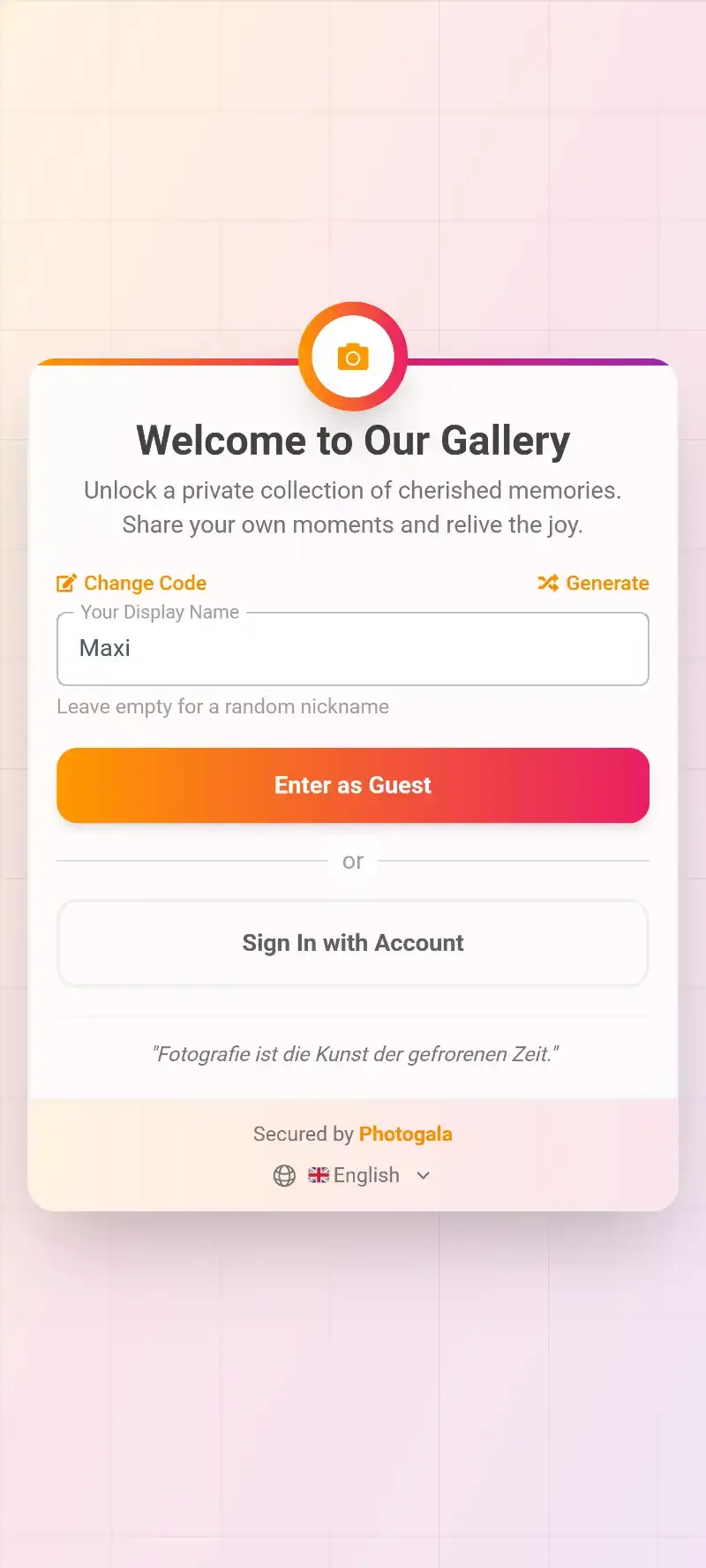
The simplest way to sidestep the iPhone-vs-Android problem: don't make guests install anything. QR code photo sharing apps work by generating a unique code for your event. Guests scan it with their phone camera, a browser page opens, and they upload directly. No app store. No account creation. No ecosystem lock-in.
This approach has grown fast. As EventSnap's research points out, the core reason QR code sharing works is that guests simply won't download dedicated apps, create accounts, or confirm emails. A QR code removes all three barriers at once.
Say you're hosting a 120-person corporate summer party. You print QR codes on table tents, tape one to the bar, and maybe project one on the welcome screen. A guest picks up their phone, points the camera, taps the link, types a name, and starts uploading. Total time: about 15 seconds. Works identically on a three-year-old Samsung and the latest iPhone.

1.Scan the QR code, gallery opens instantly in the browser
See it in action
Every guest photo in one album – no app.
Comparing the Best Cross-Platform Event Photo Sharing Apps
Not all QR-based platforms are created equal. Some still compress your photos. Others cap how many you can upload. A few add gamification or AI features that genuinely change how guests interact with the gallery. Here's how the main options compare as of March 2026.
Cross-Platform Event Photo Sharing: Feature Comparison
| Feature | Photogala | GuestPix | Everlense | shared.click | FridaySnap |
|---|---|---|---|---|---|
| Works in Browser (No App) | |||||
| iPhone + Android + Web | |||||
| Unlimited Photos | |||||
| Unlimited Video Uploads | |||||
| Original Quality (No Compression) | depends on plan | ||||
| Photo Challenges / Games | with preview photos | basic | basic | ||
| Leaderboard & Points | |||||
| AI Face Recognition | |||||
| Content Moderation | with AI NSFW filter | ||||
| Live Photo Wall | basic | ||||
| Gallery Layouts | 4 layouts | 1 layout | 1 layout | 1 layout | 1 layout |
| Comments & Social Features | |||||
| One-Time Payment | |||||
| Starting Price | €39 | EUR 33 | Free tier | Subscription | EUR 70 |
The table tells a clear story. Every platform on this list solves the basic cross-platform problem: guests scan a QR code, photos go to a shared gallery, done. Where they diverge is everything that happens after the upload.
What Separates a Good App from a Great One
Getting photos into one place is the easy part. The hard part, the part most apps ignore, is getting guests to actually participate. Imagine a corporate team-building day with 80 people. You set up a shared gallery. Maybe 15 enthusiastic people upload a few shots. The other 65 forget about it after the first hour.
That's where gamification changes the equation. Research from AmplifAI shows gamified environments increase engagement by 48% in workplace settings. The same psychology works at events. Photo challenges give guests a reason to keep their phones out. A leaderboard adds friendly competition. Achievements reward the most active participants.
Photogala's challenge system goes beyond simple text prompts. You can attach example preview photos to each challenge, so guests see exactly what you're going for. That opens up creative formats: photo roulette (mimic the example photo), meme recreation, movie scene reenactments. At a wedding, imagine a challenge card showing a famous movie kiss scene with the caption "recreate this." Guests compete, laugh, and the gallery fills with genuinely entertaining content instead of 200 identical shots of the cake.
Not every event needs gamification, though. For a quiet family reunion or a small dinner party, a simple shared gallery with QR upload is plenty. The Plus plan at €39 covers that without the bells and whistles.
The Honest Trade-Offs
No solution is perfect, and pretending otherwise would be dishonest.
Browser-based sharing has one real drawback: it depends on a decent internet connection. At a rural barn wedding with spotty cell service, uploads will be slow or fail. Some apps (Photogala included) queue uploads and retry automatically, but if there's genuinely no signal, nothing browser-based will help. In that scenario, an offline-first approach like AirDrop between nearby phones might actually work better for the moment, with a gallery upload happening later when everyone has WiFi.
Photogala specifically is browser-only. There's no native app. For most events, that's actually an advantage (zero friction for guests), but it means you don't get push notifications on guests' phones reminding them to upload. The notification system works within the browser session. Once someone closes the tab, they won't get pinged.
Pricing is also worth acknowledging. Everlense has a free tier, which none of the other dedicated platforms offer. If you're on a tight budget and your event is small (under 50 photos), Everlense's free option is a legitimate choice. Photogala's Plus plan at €39 is competitive but not free.
How to Choose the Right App for Your Event
Skip the feature-by-feature analysis for a moment. Think about your event instead.
- Small birthday, dinner party, casual gathering (under 30 people): Any QR-based app works. Everlense's free tier or Photogala Starter. Keep it simple.
- Wedding (80-250 guests, full day): You want unlimited uploads (guests will surprise you with volume), a live photo wall for the reception, and ideally some way to keep energy high throughout the day. Photo challenges earn their keep here. Photogala Premium or Deluxe.
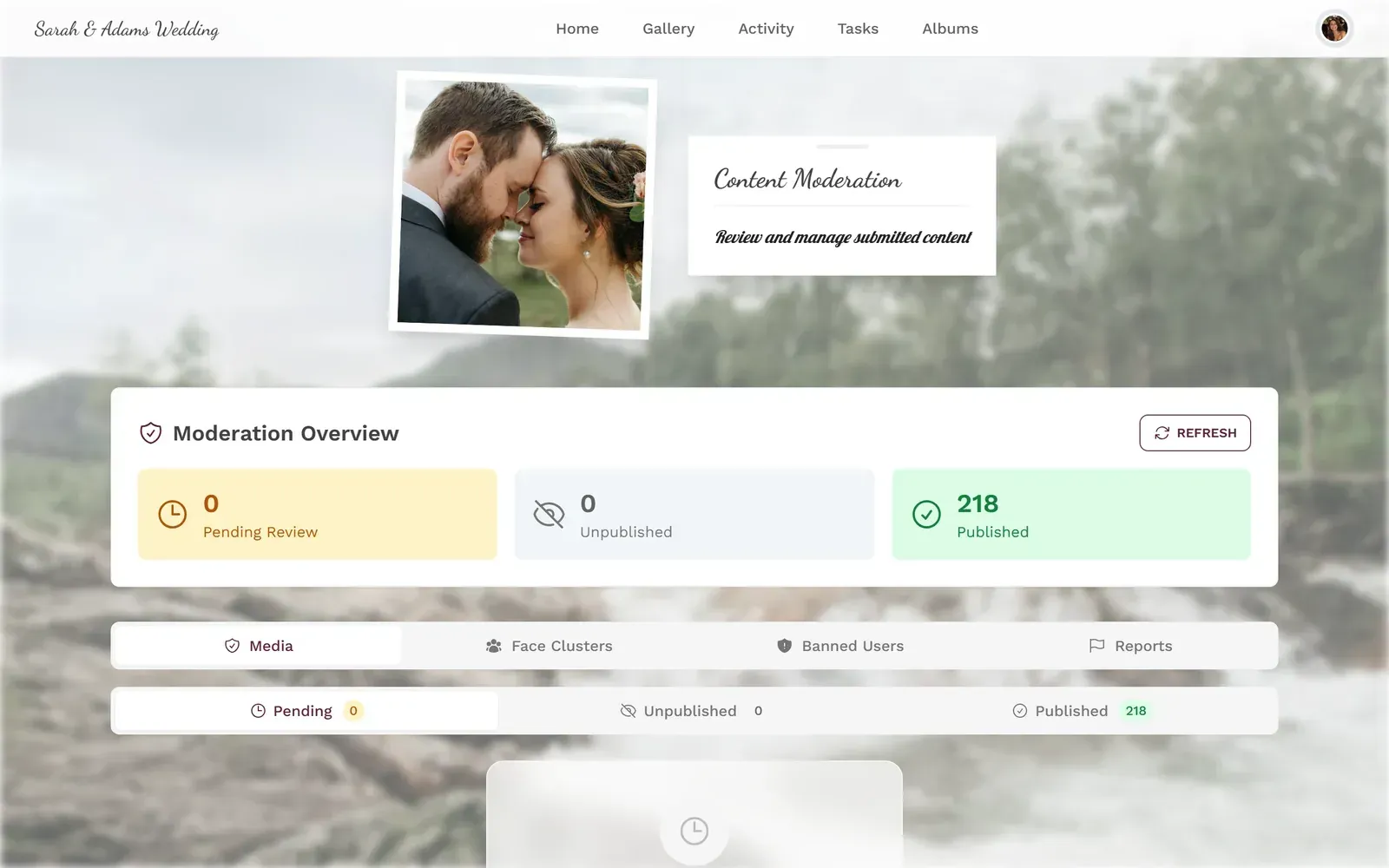
- Corporate event or team building (20-100 people): Content moderation matters. You don't want inappropriate photos hitting the big screen during the CEO's speech. Photogala's moderation dashboard and AI NSFW filter exist for exactly this scenario.
- Multi-day festival or conference: Volume will be massive. You need unlimited storage, face recognition to help people find their own photos, and a gallery that doesn't become unusable after 500 uploads. Photogala Deluxe with AI features.
1.Photos appear on the big screen in real time
Setting It Up: Faster Than You'd Expect
From zero to live gallery in under 5 minutes
Create your event gallery
Pick a name, choose a theme, upload a cover image. Takes about 2 minutes.
Customize your QR code
Adjust colors to match your event branding. Download it for printing on table cards, invitations, or posters.
Share with guests
Print the QR code, project it on screen, or send the link. Guests scan and start uploading instantly. No app, no account.
The setup genuinely takes less than five minutes. The part that takes longer is deciding where to place the QR codes for maximum visibility (near the bar works well, near the exit does not).
Pro tip: Print QR codes on multiple surfaces. Table tents, the bar menu, bathroom mirrors, and a large display near the entrance. The more places guests see the code, the more uploads you'll get. One QR code tucked in a corner means 20 uploads. Five QR codes spread around the venue means 200+.
The Cross-Platform Problem, Solved
The smartphone ecosystem divide isn't going away. Apple and Google will keep building walled gardens. But for event photo sharing, you don't need to pick a side. A browser-based QR code gallery works on every phone, every tablet, and every laptop. No downloads, no accounts, no "sorry, I can't open that link."
The best part? The photos all end up in one place. Not scattered across three WhatsApp groups, two iCloud albums, and someone's Google Drive folder that they'll "share the link to later" (they won't). One gallery. One QR code. Every guest's photos, in original quality, browsable by everyone.
That couple at the wedding reception? Imagine instead of the AirDrop chaos, there's a QR code on every table. Grandma scans it on her four-year-old Android. The best man scans it on his iPhone 16. The flower girl's mom scans it on a budget Xiaomi. Same gallery. Same experience. Three hundred photos by the end of the night, and nobody had to install anything.
All of this comes with your own event.
Setting it up takes five minutes. You can build and view everything before you decide.
Starting from €39 one-timeOne-time payment — No subscription
- No App Required
- Setup in 5 Minutes
- 30-Day Money Back
“We used the software at my mum's birthday party. It went down really well 😊”
Written by

I believe event photos should be more than static galleries. They should be live, playful, and unforgettable.
Categories
Related Posts
How to Set Upload Reminders and Deadlines for Event Guests
Most event photos die on guests' camera rolls. Here's how upload windows, gentle nudges, and smart deadlines rescue them.

How to Make a Photo Book From Your Event Photo Gallery
Your event gallery has hundreds of photos. Here's how to turn them into a photo book people actually flip through.

Game-Day Watch Party Photo Sharing: How to Capture 4 Hours of Chaos in One Gallery
Game-day watch parties generate wild, unforgettable moments. Here's how to make sure every photo actually ends up in one place instead of 14 different camera rolls.