You Don't Need a $500 Photo Booth. These Alternatives Start at $0.

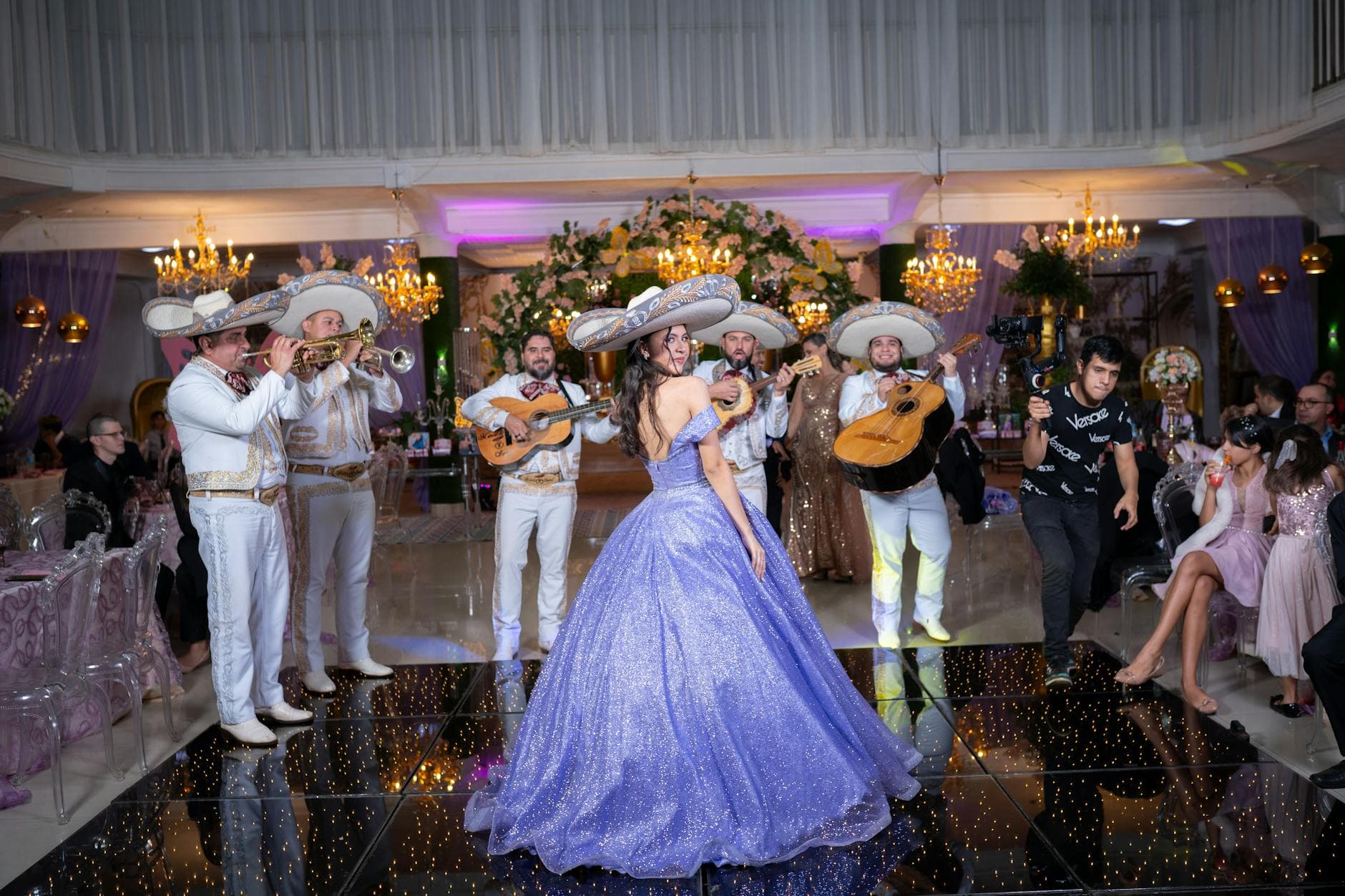
A friend rented a photo booth for her wedding last year. Cost: $475 for four hours. Output: 87 strip photos, mostly of the same six people who kept going back. The other 140 guests? They took hundreds of photos on their phones and never shared them with anyone.
That $475 bought a fun novelty. It did not solve the actual problem, which is collecting all the photos from all the guests. And that gap between "fun photo station" and "actually getting everyone's pictures" is where most event hosts get stuck.
The good news: you don't need an expensive rental to get great event photos. Some of the best alternatives cost almost nothing. A few cost a little. One category in particular has quietly become the default for weddings and corporate events, and it costs less than a decent dinner out.
What a Photo Booth Actually Gives You
Before writing off photo booths entirely, let's be fair about what they do well. A physical photo booth creates a destination at your event. People walk up, put on silly hats, and pose. That's genuine fun. The printed strip is a tangible keepsake. The Budget Savvy Bride points out that DIY booths capture moments your photographer might miss during the reception.
The problem isn't the concept. It's the economics. Traditional rental booths run $300 to $1,000+ for a few hours. Open-air booths with backdrops, props, and an attendant can push past $1,500 for a wedding. And here's the uncomfortable math: a booth serves one group at a time. At a 150-guest event running for four hours, maybe 40 to 60 people actually use it. The rest just don't bother waiting in line.
So you're paying premium prices for a fraction of your guests. That's the real issue.
The DIY Route: Cheap but Labor-Intensive
The most obvious budget alternative is building your own. Zola's DIY guide breaks it down into five steps: backdrop, props, camera or tablet, signage, and a way to share photos. Total cost can be under $50 if you already own a tablet.
Here's what that actually looks like in practice. You buy a backdrop from Amazon (around $15 to $30). You grab props from a party store or print free templates. You set up a phone or tablet on a tripod with a timer app. Guests take photos of themselves.
It works. Kind of. The photos live on whatever device you set up, and you still need to get them off that device and shared with guests afterward. If the tablet dies or someone bumps the tripod, you're out of luck. And just like a rental booth, only one group can use it at a time.
The hidden cost of DIY: Your time. Someone has to set it up, troubleshoot it during the event, and deal with sharing photos afterward. At your own wedding or party, that someone is probably you. Budget the stress, not just the dollars.
Mike Staff Productions suggests Polaroid camera stations as another low-cost option. Buy a few Instax cameras, set them out with a sign, and let guests snap photos they can take home or pin to a display board. The cameras run about $70 each, film packs around $15 for 20 shots. For a small party, two cameras and a few film packs costs under $200 total. The downside: no digital copies unless guests photograph their Polaroids with their phones (which defeats the purpose a bit).
The Category Most People Don't Know About
While DIY booths and Polaroid stations are decent budget options, there's a third category that's been quietly taking over: QR code photo sharing. The concept is simple. You generate a QR code for your event. Guests scan it with their phone camera. A browser-based gallery opens, no app install needed, and they upload photos directly from their camera roll.
Think about what this actually changes. Instead of one station serving one group at a time, every guest's phone becomes the camera. Instead of 87 strip photos from the six people who kept going back, you get photos from everyone who showed up. And because people are using their own phones, they're taking candid shots all night, not just posed ones at a designated station.
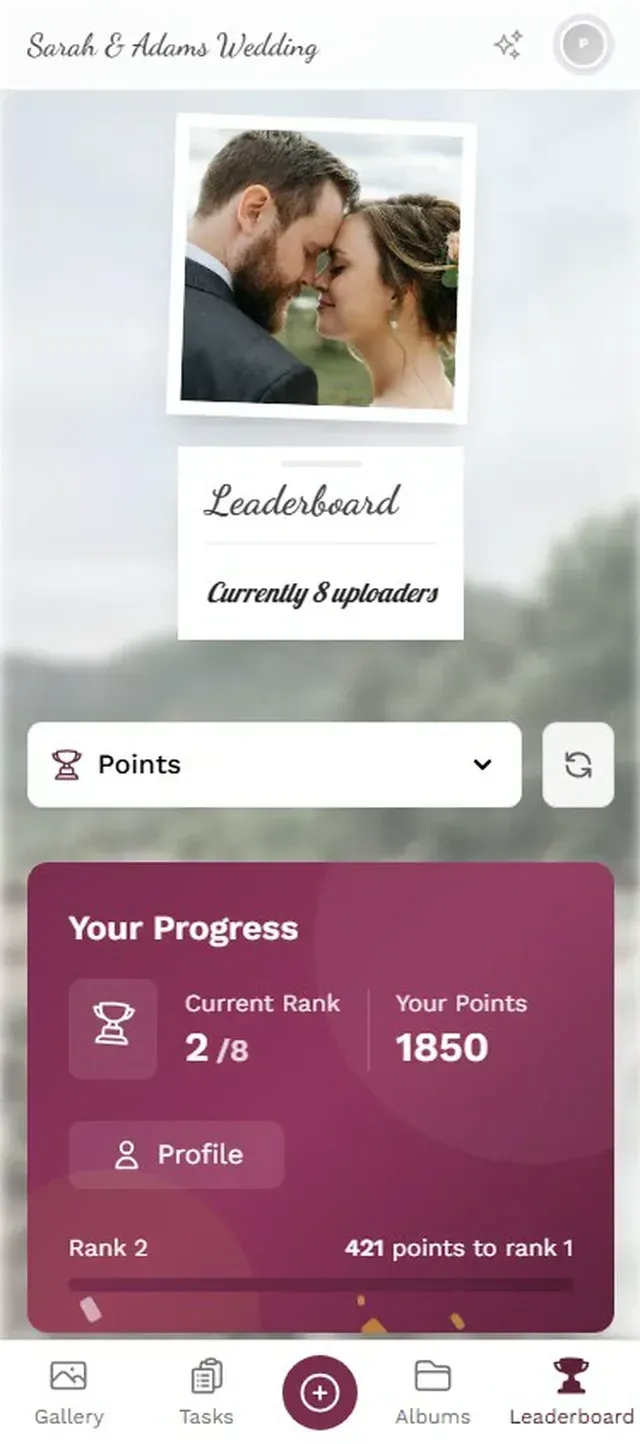
Platforms like Photogala take this concept and add layers on top: photo challenges that give guests specific prompts ("snap a photo of the dance floor", "capture the best outfit"), leaderboards that turn uploading into a game, and a live photo wall that displays uploads on a TV screen in real time. The base cost starts at €39 for unlimited photos and up to 25 videos. No per-hour pricing. No attendant needed.
Every guest's photos in one place

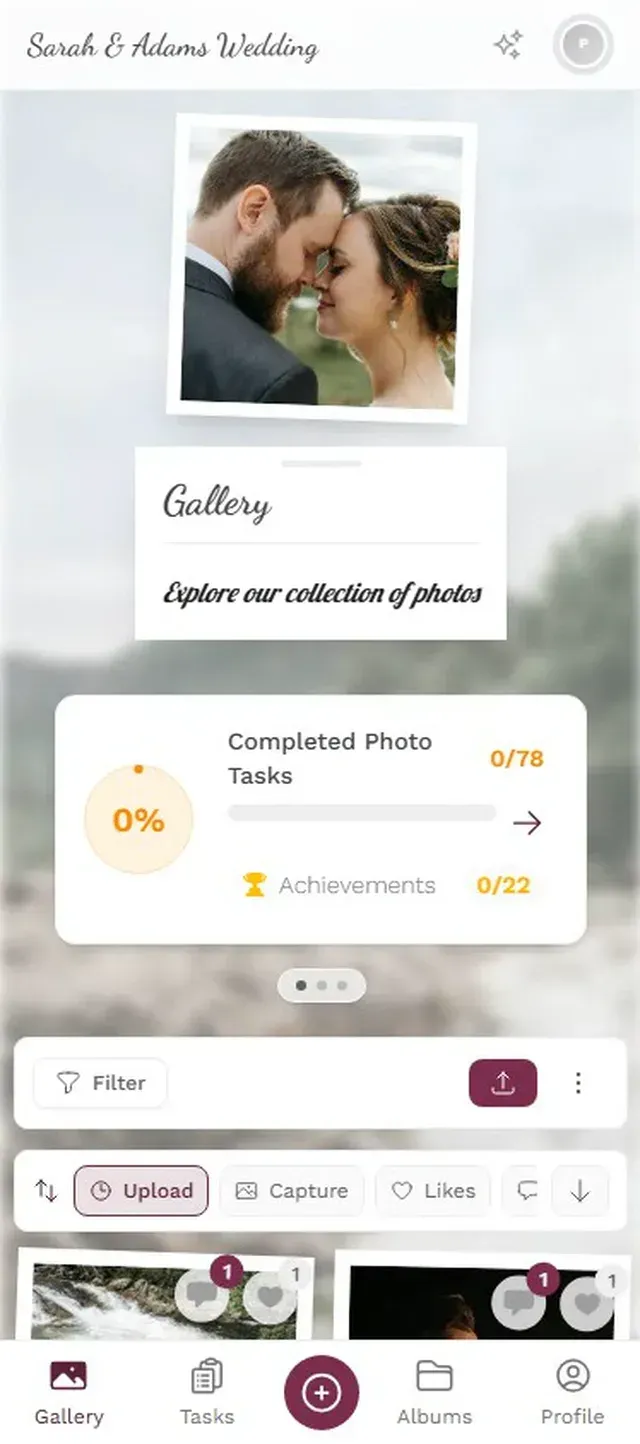

The photo wall feature is worth calling out specifically. Picture a TV near the bar or dance floor, cycling through guest photos as they come in. People notice their photo on screen, laugh, and upload more. It creates the same "destination" energy as a physical booth, except it doesn't require anyone to wait in line.
Ready to create your gallery?
Comparing the Options Side by Side
Let's put real numbers on this. What does each alternative actually cost, and what do you get for it?
Photo Booth Alternatives Compared
| Feature | Rental Photo Booth | DIY Booth | Polaroid Station | QR Code Gallery |
|---|---|---|---|---|
| Typical Cost | $300–$1,000+ | $30–$100 | $100–$250 | $35–$139 (one-time) |
| Photos Per Event | 50–150 strips | 50–100 | 40–80 prints | 200–800+ |
| Guests Served Simultaneously | 1 group | 1 group | 2–3 (per camera) | All guests at once |
| Digital Copies | Sometimes (USB) | (on device) | (prints only) | (instant) |
| Guest Phone Photos Included | ||||
| Setup Time | 30–60 min (vendor) | 1–2 hours (you) | 10 min | 5 min |
| Needs Attendant | Usually | Sometimes | ||
| Live Display / Photo Wall | ||||
| Photo Challenges / Games |
The numbers tell a clear story. A QR code gallery captures more photos, from more guests, with less setup, at a lower price. It's not even close on volume. A 150-guest wedding using QR sharing will typically generate 300 to 600 photos across dozens of contributors. A rental booth at the same event might produce 100 strips if it's busy.
That said, photo booths and QR galleries aren't mutually exclusive. Some couples want the novelty of a booth AND the coverage of a shared gallery. If your budget allows both, go for it. But if you're choosing one, the shared gallery wins on every practical metric.
What About Free Options?
Google Photos shared albums and Apple iCloud shared albums are free. They work fine for small groups where everyone's on the same platform. The problem shows up fast at bigger events. Half your guests have Android, half have iPhones. Some don't have Google accounts. Your uncle refuses to install anything. A Mixbook survey found that 50% of Americans do nothing with photos on their phone. The friction of "download this app" or "sign into this service" is enough to lose most casual guests.
A browser-based QR gallery sidesteps all of that. No account creation, no app download, no platform requirements. The guest scans a code and uploads. That difference in friction translates directly into participation rates.
Making a Cheap Alternative Feel Premium
Budget doesn't have to mean basic. A few small touches can make any alternative feel intentional rather than improvised.
Printed QR codes on table cards. Instead of a generic "scan here" sign taped to a wall, print QR codes on branded table cards that match your event design. Photogala lets you customize the QR code design and export printable templates. Cost of printing: a few dollars at most. Impact: huge. It looks planned, not afterthought.
Photo challenges with example photos. Generic "take a photo" prompts get generic results. Specific challenges with reference images get creative ones. "Recreate this movie poster pose" or "capture the most elaborate dessert plate" gives guests something to aim for. Photogala's challenge system lets you attach example photos that guests try to recreate or riff on. It turns passive photo-taking into an activity.
Guests pick challenges and start snapping
A screen near the action. If you're using a QR gallery with a live wall feature, put the display screen somewhere guests can't miss it. Near the bar. Behind the DJ. Next to the dessert table. Not in a side hallway. Placement makes or breaks whether people engage with it.
One honest caveat about QR sharing: it's browser-based, which means it needs a decent internet connection. Most venues have WiFi, but if you're getting married in a barn in rural Montana, check the signal strength before committing. Photogala works on mobile data too, but upload speeds depend on reception.
The Real Question Is What Happens After
Here's something nobody talks about in photo booth alternative guides: what happens to the photos the next day? Booth strips get stuck in a drawer. Polaroids fade. USB drives get lost. And those 300 photos on guests' phones? According to Deseret News, 80% of people have photos on their phone they've never looked at since taking them.
The value of a shared digital gallery isn't just collecting photos during the event. It's having them all in one place afterward. Everyone can browse, download favorites, and actually revisit those moments. A link that works six months later is worth more than a strip that's behind the couch by Tuesday.
That's the shift. Photo booths are entertainment. QR galleries are infrastructure. One gives you a fun five minutes at the event. The other gives you all the photos from all the guests, accessible forever. For most event hosts, that tradeoff is an easy call.
Find the right plan for your event
Flexible pricing for weddings, parties and corporate events.
View PricingWritten by

I believe event photos should be more than static galleries. They should be live, playful, and unforgettable.
Categories
Related Posts
Multicultural Wedding Photo Sharing: Honoring Every Tradition in One Gallery
When your wedding blends two (or more) cultures, collecting guest photos gets complicated fast. Here's how to make it work without losing a single moment.
Free Event Planning Tools Every Organizer Should Bookmark
The best free tools for budgets, guest lists, timelines, photo sharing, and more. No subscriptions, no bloated software suites.

Milestone Birthday Photo Sharing: 30th, 40th, 50th and Beyond
At milestone birthdays, decades of relationships converge in one room. Here's how to collect every guest's photos before they vanish into 40 separate camera rolls.