How to Collect Photos from 200+ Wedding Guests Without the Hassle

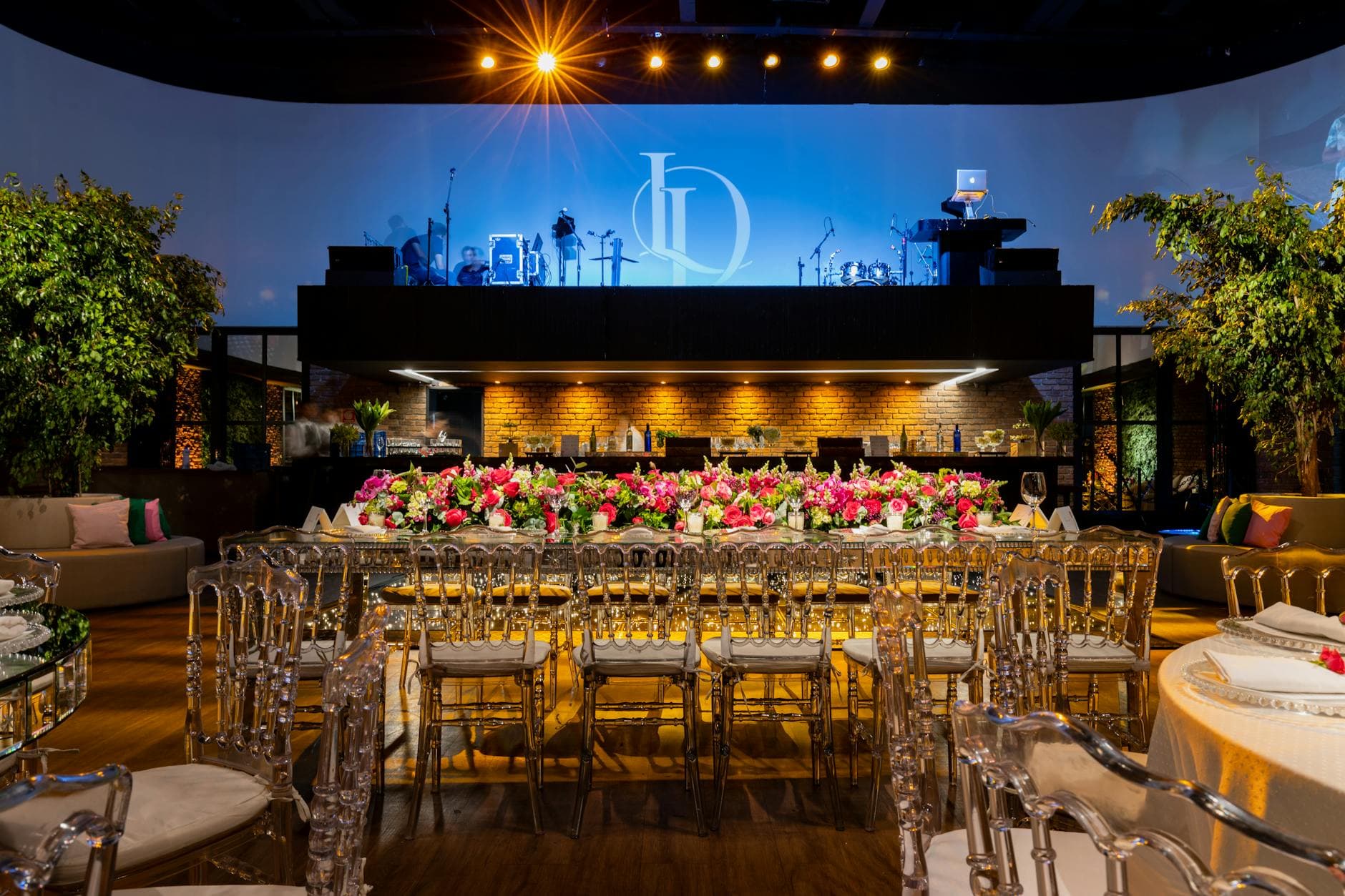
The photographer delivers 280 polished shots. Gorgeous lighting, perfect framing, magazine-worthy portraits. But the photo your cousin took of grandma doing the macarena at 11 PM? The blurry shot of your best friend crying during the vows? Those live on 200 different phones, scattered across camera rolls that nobody will ever look at again.
That's the real problem with large weddings. The photos exist. They're just trapped.
A Brides article on wrangling guest photos puts it simply: start early and give clear instructions. But instructions alone don't solve the logistics of 200+ people with different phones, different apps, and very different levels of tech comfort. This guide covers what actually works when the guest count gets into triple digits.
Why Large Weddings Are a Different Problem
A 40-person wedding is manageable. You can text people. Create a WhatsApp group. Maybe use a shared iCloud album. Someone will forget, but you'll get most of the photos eventually.
At 200+ guests, none of that scales.
WhatsApp groups cap at 1,024 members, but that's not even the issue. The real issue is that nobody wants to join another group chat for a wedding they attended once. Half the guests won't have iCloud. A quarter won't have Google Photos accounts. And the uncle who took 40 photos on his Canon? He'll promise to "send them over" and you'll never hear from him again.
Guest photos matter, though. Photo Storehouse points out that juggling multiple platforms or chasing photos through texts and social media is the core problem most couples face. And Easy Wedding Album's research highlights something important: guest photos capture the authentic, candid moments that even the best photographer misses. The laughter during speeches, the dance floor antics, the quiet conversations in corners.
Those moments deserve better than dying on a camera roll.
The Three Approaches (and Which One Works)
Approach 1: The Group Chat Method
Create a WhatsApp group, add everyone, ask them to share photos after the wedding. You already know how this ends. Twenty people share photos the next day. Fifty promise to "do it later." The rest never open the group again. You end up with maybe 15% of the photos that were actually taken.
For a small dinner party, this is fine. For 200 guests, it's a dead end.
Approach 2: Shared Cloud Albums
Google Photos shared albums or iCloud shared libraries are better. The photos stay organized, the quality is decent, and there's no size limit to worry about. But they require every single guest to have the right account, the right app, and the patience to figure out sharing permissions on someone else's platform.
If you've ever tried to explain iCloud sharing to someone's 70-year-old father at a wedding reception, you know this isn't a real solution at scale. Our comparison of Google Photos shared albums for events goes deeper into where cloud albums fall short.
Approach 3: QR Code Photo Sharing
This is where things get interesting. A QR code on every table, on the bar, maybe on the invitation itself. Guests scan it with their phone camera, a browser gallery opens, they upload. No app. No account. No explanation needed.
It sounds almost too simple, but that's exactly why it works. The friction is close to zero. GuestCam's overview of photo sharing options confirms the pattern: no apps, no complicated setups, real-time uploads. The fewer steps between "I took a cool photo" and "it's in the shared gallery," the more photos you actually get.
Place QR codes where guests already pause: on table cards, at the bar, next to the dessert buffet, near the photo booth. Bathroom mirrors work surprisingly well too. The goal is to catch people when they're holding their phone anyway.
Ready to create your gallery?
Setting It Up for 200+ Guests
Picture a 200-guest wedding at a vineyard. Tables spread across an outdoor terrace and an indoor hall. The couple wants every photo from every guest, but they also don't want inappropriate uploads showing on the big screen behind the DJ.
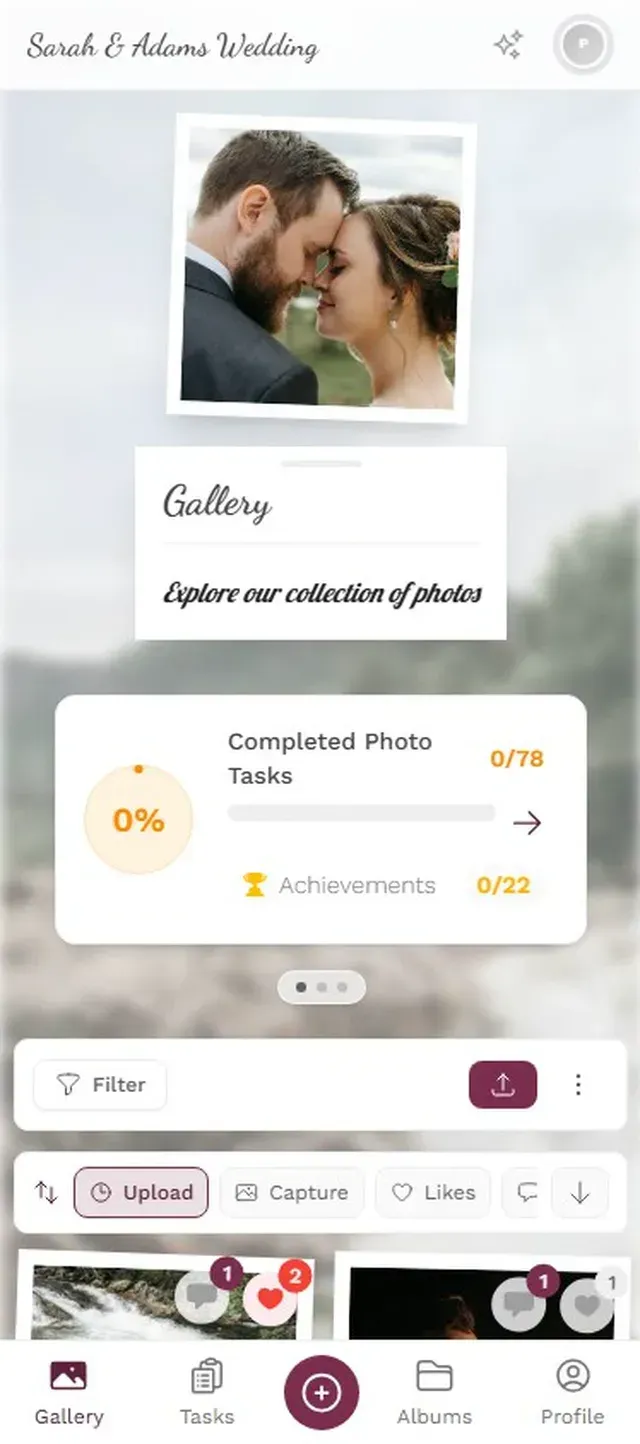
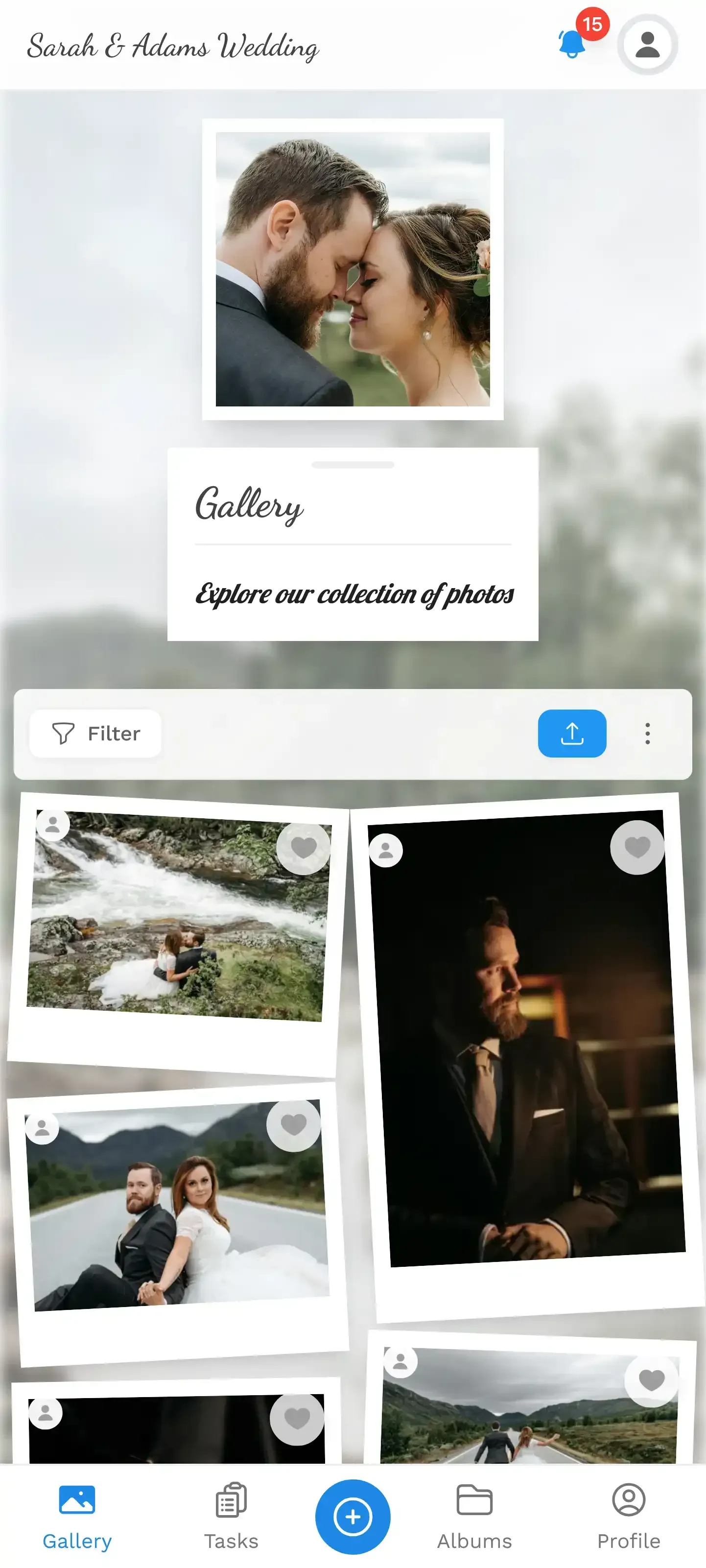
Here's what the setup looks like with a QR code gallery like Photogala.
Setup in Four Steps
Create the gallery
Pick an event name, upload a cover photo, choose a color scheme that matches your wedding theme. Takes about 3 minutes.
Print QR codes
Download the QR code and add it to table cards, menus, or invitation inserts. Some couples print it on napkins or coasters.
Turn on moderation
Assign a bridesmaid or groomsman as moderator. Every photo gets reviewed before it appears on the photo wall. One tap to approve, one tap to reject.
Set up the photo wall
Connect a TV or projector, open the photo wall URL, and approved photos cycle on screen in real time. Place it where guests can see it, near the dance floor or behind the bar.
Select photos and upload directly from the browser.


The Moderation Problem Nobody Talks About
At a 30-person wedding, you probably don't need moderation. Everyone there is close family or friends.
At 200+ guests? Different story.
There's always someone who thinks it's funny to upload something inappropriate. Or someone takes a genuinely unflattering photo that the bride would rather not see projected on a 55-inch screen behind the head table. Pre-approval moderation solves this without creating awkwardness.
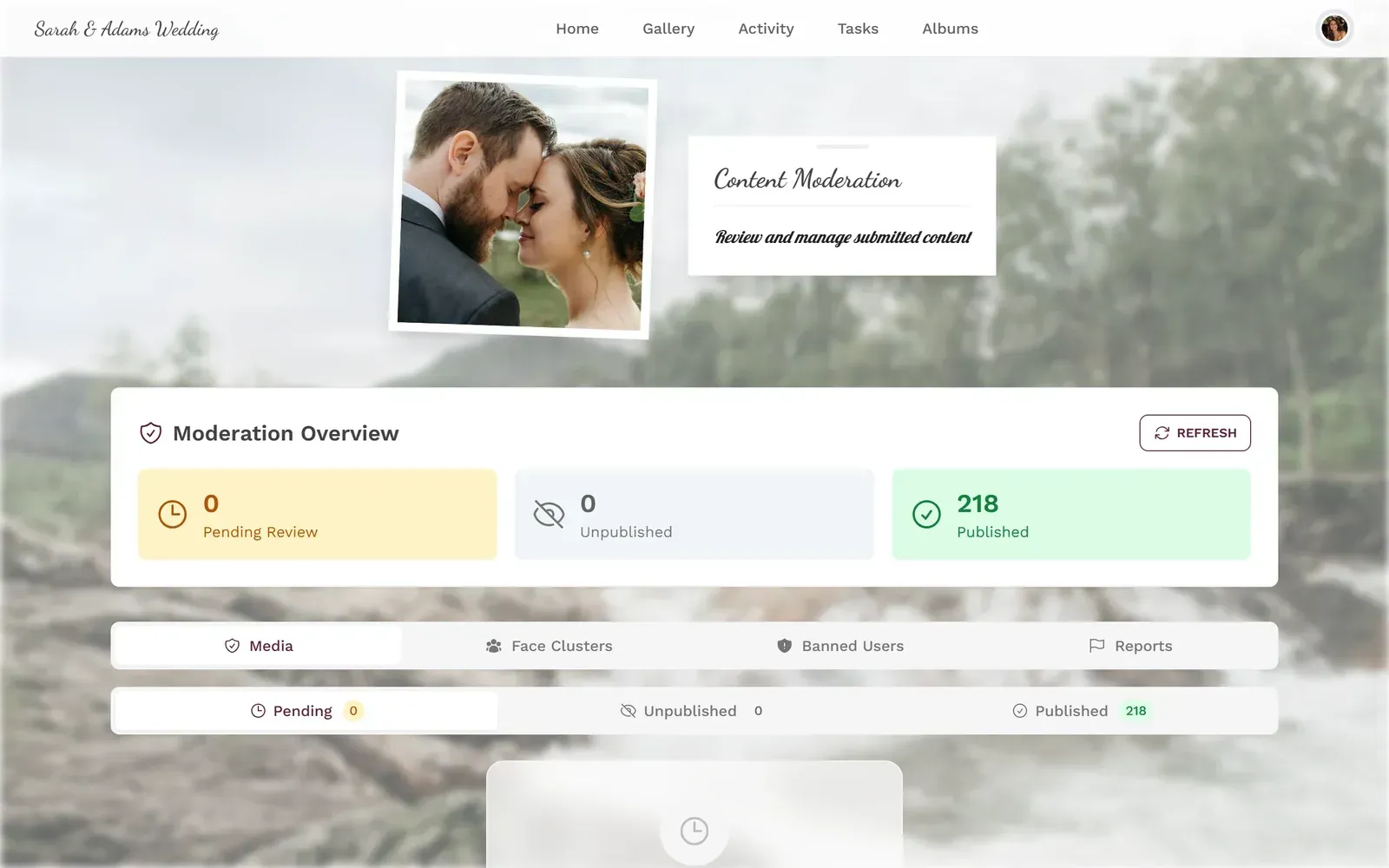
Photogala's moderation queue lets your designated moderator review every upload before it hits the photo wall. The gallery itself can still show everything (or not, your choice), but the big screen only displays what gets approved. A bridesmaid at the head table can handle it between courses. Most approvals take less than a second.
One thing to know: moderation requires the Premium plan. The Plus plan includes photo challenges and the gallery, but the approval queue is a Premium feature. Worth it for large weddings where you can't control who uploads what.
The moderation queue: approve or reject with one click.
Getting Guests to Actually Upload
The hardest part isn't the technology. It's human behavior.
Even with a QR code on every table, some guests won't bother. They took the photos for themselves. Uploading feels like a chore. Or they simply forget.
This is where gamification changes the math. Photogala lets you create photo challenges: specific prompts that turn uploading from a favor into a game. "Take a selfie with the bride." "Photograph something blue." "Capture the best dance move of the night."
The 2026 wedding trend report from Susanna Antichi Photography notes that interactive missions and guest engagement games are a defining trend this year. Couples are building entire experiences around guest participation, not just hoping people will snap a few photos on their own.
Add a leaderboard and it gets competitive. Picture a table of college friends racing to complete challenges, uploading 8 or 10 photos each instead of the usual 2. Or imagine the bride's uncle, who normally takes one group photo and calls it a night, suddenly uploading 15 pictures because he wants to beat his score from the cocktail hour.
Challenges can even include example preview photos, so guests know exactly what to aim for. A "recreate this movie poster" challenge or a "mimic this funny meme pose" prompt gives guests creative direction and produces genuinely hilarious results.
What About Privacy?
Privacy at weddings is more important than most couples realize. Green Wedding Shoes' 2026 trend report highlights that privacy is a top concern, with photographer Cana Rose noting that phone-free ceremonies and smaller trusted circles are becoming the norm.
A QR code gallery actually supports this better than WhatsApp or social media. Photos stay in the gallery, not on public feeds. There's no social media tagging. Guests control what they upload, and moderators control what gets displayed. It's a closed system by design.
Photogala's Deluxe plan adds an AI-powered NSFW filter that automatically flags questionable content before a human moderator even sees it. For large weddings where you can't personally vet every upload, that extra layer matters.
Making It Work on the Day
A few things that trip people up at large weddings:
Announce it. The MC or DJ should mention the QR code at least twice during the reception. "Scan the code on your table to share photos. Best photo wins bragging rights." A quick mention goes further than any printed card.
Place the screen wisely. A photo wall in a side room is invisible. Put it near the bar or behind the DJ booth. When guests see their own photos cycling on screen, it triggers a chain reaction of uploads. Someone sees their friend's photo, pulls out their phone, and uploads their own.
Assign moderation. Don't try to moderate yourself on your wedding day. Pick someone reliable (the maid of honor is usually a safe bet) and brief them for 30 seconds: "Approve anything appropriate, reject anything weird, tap here."
Set up challenges early. Have 5-8 photo challenges ready before the reception starts. Mix easy ones ("selfie with the couple") with creative ones ("find something old, something new, something borrowed, something blue"). Release harder challenges later in the evening when guests need fresh motivation.
The couple who does this well ends up with 400-700 guest photos from a 200-person wedding. That's on top of the photographer's work. Two complete records of the same day, from completely different perspectives.
And unlike the WhatsApp group that dies three days later, every photo is already organized, downloadable, and in one place.
Ready to create your gallery?
Start sharing your event photos with guests in minutes.
Create GalleryWritten by

I believe event photos should be more than static galleries. They should be live, playful, and unforgettable.
Categories
Related Posts
How to Moderate Guest Photos at a Public Event (Without Losing Your Mind)
Public events with open photo uploads need a plan. Here's how to keep your gallery clean, your guests happy, and your legal team calm.
How to Print Photos From a Shared Event Gallery
You collected hundreds of guest photos. Now what? Here's how to turn your shared event gallery into prints, books, and keepsakes worth keeping.

How to Archive and Back Up Your Event Photos for the Long Term
Most event photos disappear within two years. Here's how to preserve them properly, from the 3-2-1 backup rule to choosing the right file format.