Wedding Photo Sharing Etiquette: The Unspoken Rules Every Guest Breaks

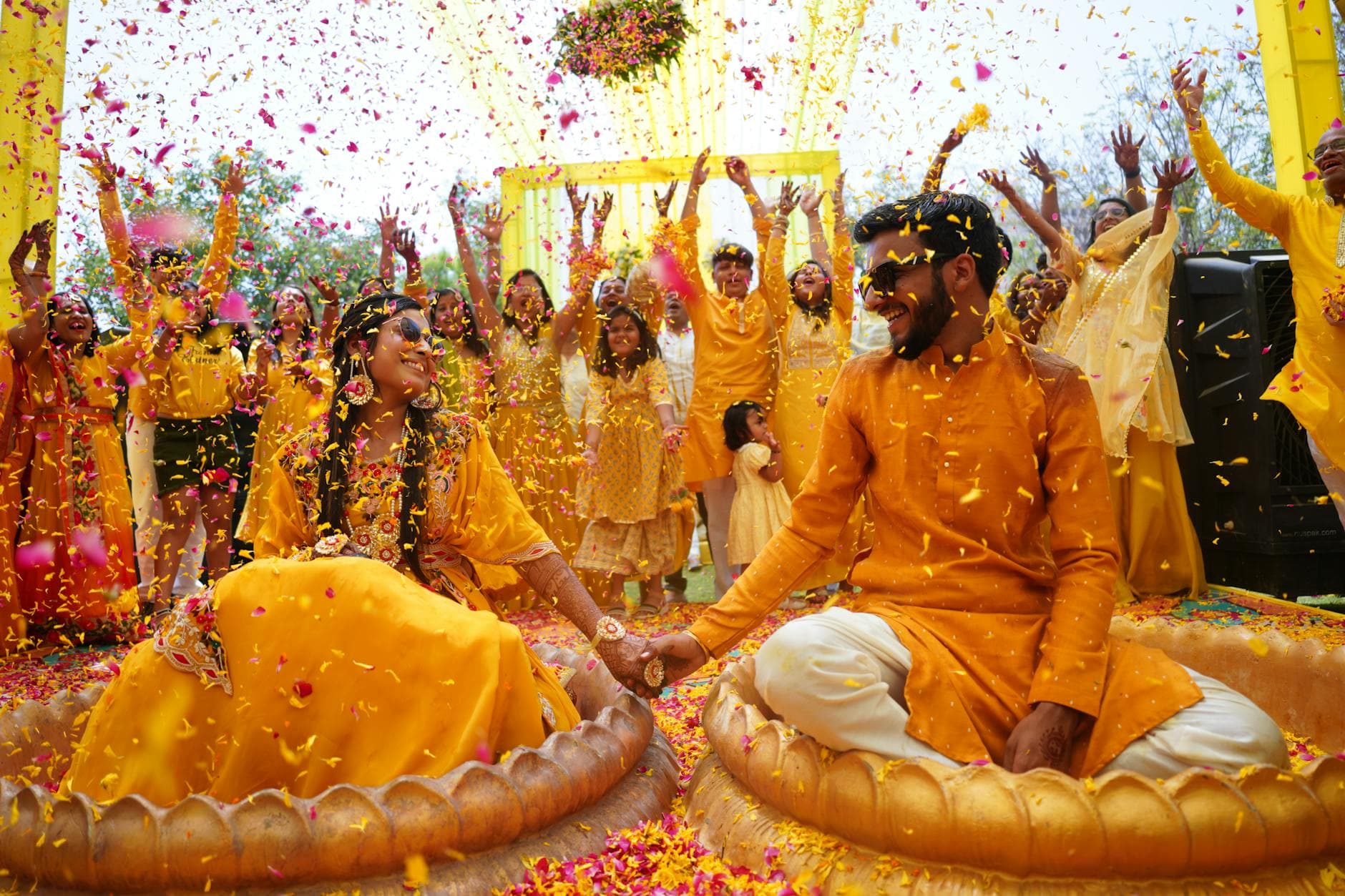
Picture this: the bride is walking down the aisle. The string quartet is playing. The groom's eyes are welling up. And between him and his first glimpse of his bride, there's a wall of iPhones. Twelve arms stretched overhead, three iPads (why do people still bring iPads to weddings?), and one uncle who turned on his flash.
The professional photographer, positioned carefully since 6 AM, just lost the shot.
This happens at almost every wedding. Not because guests are rude. Because nobody ever explains the rules. Wedding photo etiquette is one of those things everyone assumes is obvious, and yet professional photographers consistently report that guest behavior during key moments is their single biggest challenge on the job.
Here are the unspoken rules. Some will surprise you.
Rule 1: The Ceremony Belongs to the Photographer
This is the big one. During the ceremony itself, from processional to first kiss, your phone should be in your pocket or bag. Period.
There are two reasons for this. First, the couple paid thousands (the average US wedding costs around $36,000, and photography is typically one of the top three line items) for a professional to capture this exact moment. When you stand up with your phone, you risk appearing in the background of their once-in-a-lifetime shots. Second, and this is the part people forget: the couple can see you. They're looking at the people they love, and what they see is the backs of phones.
More couples are adding "unplugged ceremony" signs now, but many feel awkward about it. They don't want to seem demanding. So they say nothing, and guests default to recording everything.
If you see an unplugged ceremony sign, respect it fully. If there isn't one, still put your phone away during the ceremony. The professional has it covered. Your shaky vertical video of the vows won't be the one anyone rewatches.
Rule 2: The Reception Is Where You Shine
Here's where the etiquette flips. Once the ceremony is over and the reception begins, your photos become genuinely valuable.
Professional photographers typically cover the reception for a set number of hours, often four to six. They focus on key moments: first dance, cake cutting, toasts. But they can't be at every table during dinner, catch every group of college friends reuniting at the bar, or snap the moment someone's toddler falls asleep face-first in a slice of cake.
Those candid, messy, unfiltered moments? That's your territory. As GuestLense's wedding guide puts it, friends and family become "walking, talking photojournalists" who capture what the professional simply can't. The trick is doing it without being obnoxious about it.
Rule 3: Don't Compete with the Photographer
Even during the reception, there's a hierarchy. If the photographer is setting up a shot (positioning the couple, directing a group photo, adjusting lighting), step back. Don't hover behind them trying to get the same angle. Don't call the couple's name while the photographer is directing them.
B&H Photo's survey of wedding photographers found that the number one request from professionals is simple: be aware of where the photographer is, and don't get in their way. You don't need to avoid taking photos entirely. Just wait until the professional finishes their shot before you grab your version.
A practical rule of thumb: if the photographer is actively directing people, you're a spectator. Once they lower their camera, it's open season.
Rule 4: Flash Is Never the Answer
Your phone's flash does exactly one thing at a wedding reception: it ruins the ambiance and produces a washed-out photo with raccoon-eye shadows. The professional photographer has equipment specifically designed for low-light venues. Your LED flash does not compete.
Turn it off. If the venue is too dark for your phone to get a decent shot, that's fine. Enjoy the moment with your eyes. Or trust that the professional is handling it with proper lighting gear.
Rule 5: Social Media Has a Waiting Period
This one catches people off guard. You got a great candid of the bride laughing mid-speech. Your first instinct: Instagram Story, immediately.
Don't.
Many couples want to share their wedding photos on their own terms, on their own timeline. Some have specific plans for announcements. Others just want to be the first to post their own wedding. Posting before the couple does is a breach of etiquette that's becoming more recognized, with modern wedding etiquette guides explicitly addressing it.
The safe move: wait until the couple posts first, then share yours. If you're unsure, ask. A quick "Hey, is it cool if I post this?" takes five seconds and prevents awkwardness.
Ready to create your gallery?
Rule 6: The "I'll Send You the Photos" Problem
This is the biggest etiquette failure at weddings, and it's not malicious at all. It's just human nature.
You take 40 great photos at a wedding. The next morning, someone at brunch says "I'll send you those photos!" and then... doesn't. Not because they don't care. Because life gets in the way. Monday morning arrives, the wedding high fades, and those 40 photos sit in a camera roll alongside 2,000 others.
One private album comparison found that a cousin posted 147 wedding photos on Facebook and got three likes. Nobody saw them. Nobody saved them. The photos existed in a void. Private sharing channels solve the visibility problem, but they create a different one: someone has to set it up, share the link, and actively follow up with every guest who said they'd contribute.
This is honestly where the couple can make life easier for everyone. Instead of relying on a WhatsApp group that dies after day two or a shared Google Photos album that half the guests can't access (no Google account, storage full, "what's my password again?"), a dedicated photo sharing tool with a QR code removes the friction entirely.
What Smart Couples Set Up in Advance
The best wedding photo etiquette isn't about rules for guests. It's about removing the situations where guests accidentally break the rules.
A QR code on each table, at the bar, or on the welcome sign gives guests a single place to upload their photos throughout the evening. No app download, no account creation, no "I'll send them later." Scan, upload, done. The photos land in one shared gallery in real time.
Guests scan the QR code and upload directly from their phone browser

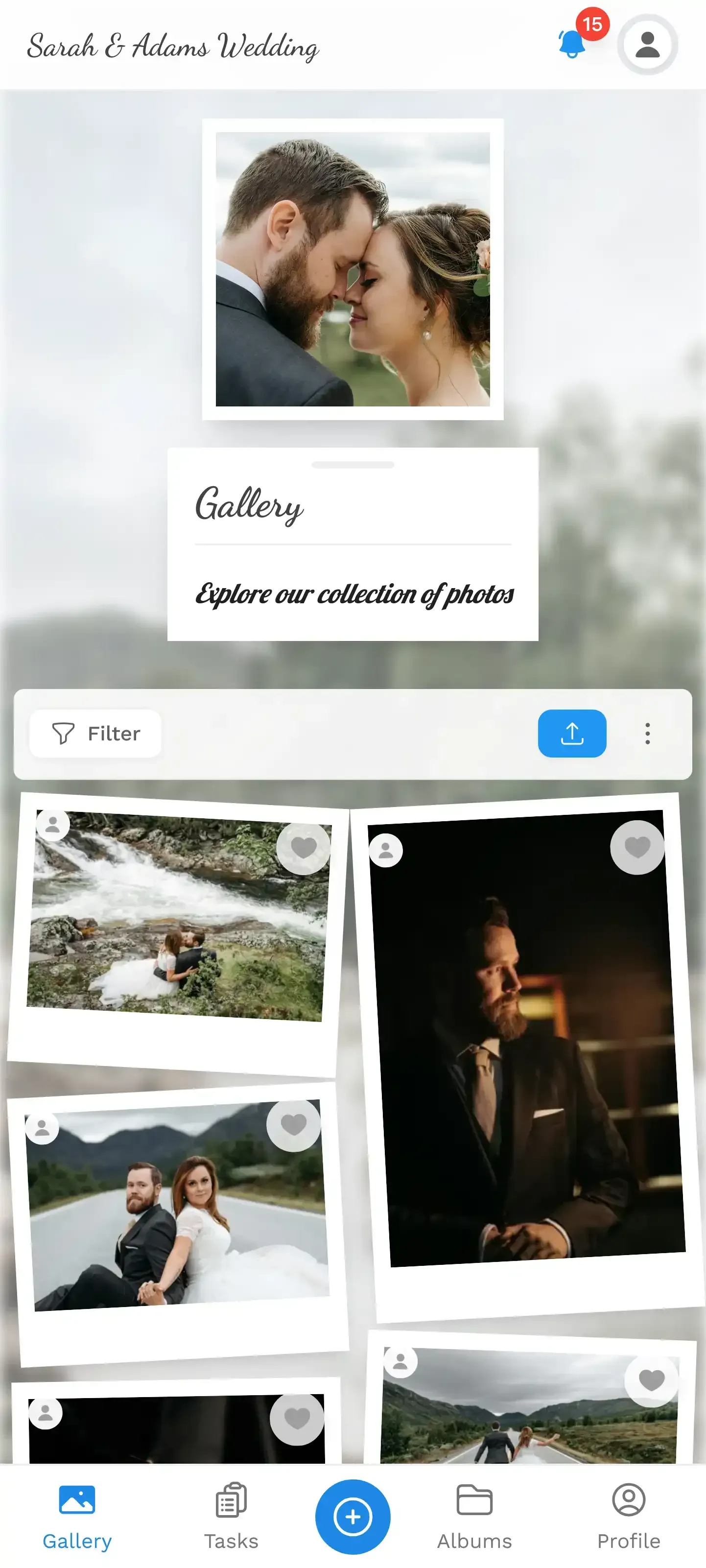
This setup solves multiple etiquette problems at once. Guests don't need to ask where to send photos. They don't need to remember to do it "tomorrow." And the couple doesn't spend the weeks after their wedding chasing down photos from 150 people.
If you add a live photo wall (a TV or projector that shows the gallery in real time), something interesting happens: guests actually want to take more photos because they see them appear on screen. It turns photo-taking from a passive habit into an active part of the celebration.
The Rules That Actually Matter
Most wedding photo etiquette comes down to awareness and timing. Here's the short version:
- Ceremony: Phone away. The photographer has it. Be present.
- Formal portraits: Step back. Wait until the photographer finishes.
- Reception candids: Go wild. These are the photos the couple will actually cherish years from now.
- Flash: Off. Always.
- Social media: Wait for the couple to post first.
- Sharing: Upload same-day if there's a gallery or QR code. If not, send your favorites within 48 hours while you still remember to.
That last point is the one most people fail on. Not out of rudeness, but out of procrastination. A shared gallery or QR upload tool closes the gap between good intentions and actual follow-through.
One honest trade-off: Browser-based photo galleries like Photogala don't offer the same offline album experience as a physical photo book. They're designed for collection and sharing in the moment. For the heirloom version, you'll still want to curate your favorites into a printed album later.
A Note for Couples: Make It Easy, Not Awkward
If you're the one getting married, here's the uncomfortable truth: your guests want to share their photos with you. They just don't want it to be a hassle. Every extra step you add (download this app, create an account, join this group) cuts your photo collection in half.
The couples who end up with 400+ guest photos aren't the ones who sent a follow-up email on Monday. They're the ones who put a QR code on the tables and let guests upload from their browser in 30 seconds. Some even add photo challenges ("snap a photo of someone on the dance floor who's lost a shoe") to make it fun.
If you're curious how that works in practice, we wrote a detailed guide on collecting photos from 200+ wedding guests that covers the logistics step by step.
The best wedding photos aren't always the ones taken by professionals. They're the blurry dance floor shots, the candid laugh at the dessert table, the group selfie that took eleven tries. The etiquette isn't about taking fewer photos. It's about taking them at the right moments, staying out of the photographer's way, and actually getting them to the couple before the memory fades.
Ready to create your gallery?
Start sharing your event photos with guests in minutes.
Create GalleryWritten by

I believe event photos should be more than static galleries. They should be live, playful, and unforgettable.
Categories
Related Posts

How to Archive and Back Up Your Event Photos for the Long Term
Most event photos disappear within two years. Here's how to preserve them properly, from the 3-2-1 backup rule to choosing the right file format.

Event Photography on a Phone: A Beginner's Guide for Hosts
You don't need a DSLR to get great event photos. Here's how to take better shots on your phone and make sure your guests do the same.

How to Send 1,000+ Event Photos Without Zip Files or Limits
Email caps at 25 MB. WhatsApp crushes quality. ZIP files confuse half your guests. Here's how to share massive photo collections from any event without the usual headaches.