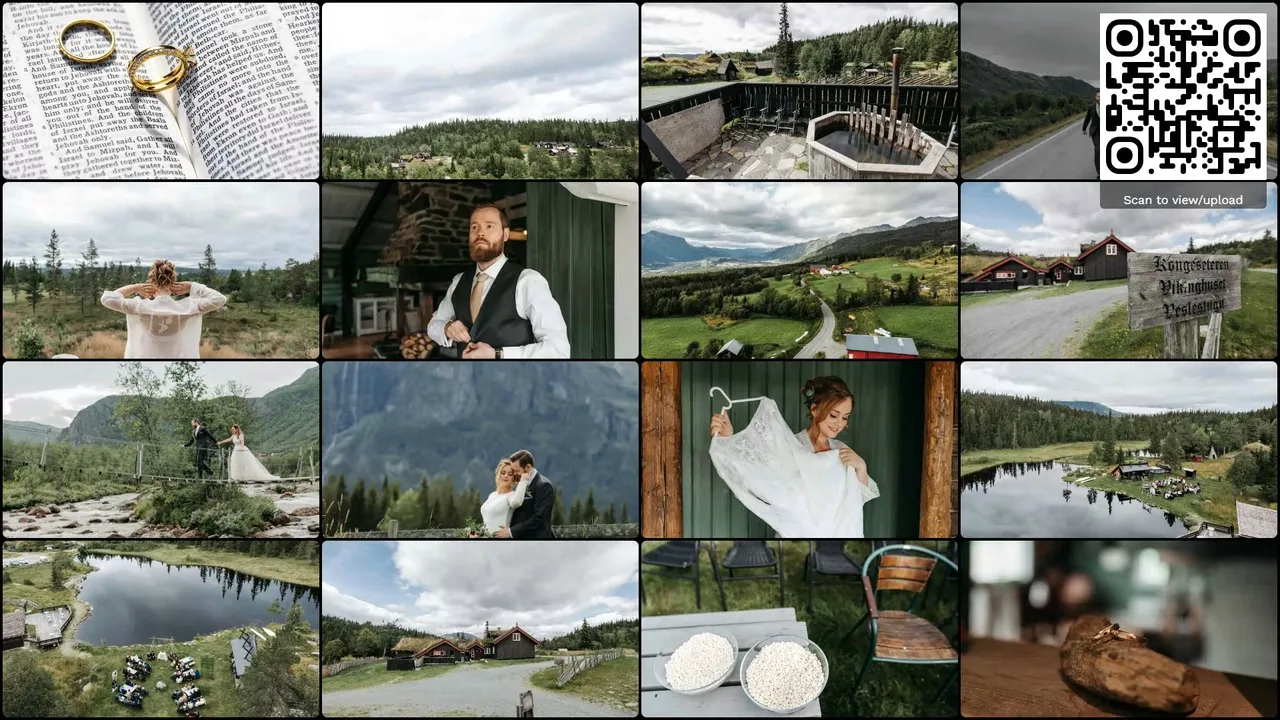
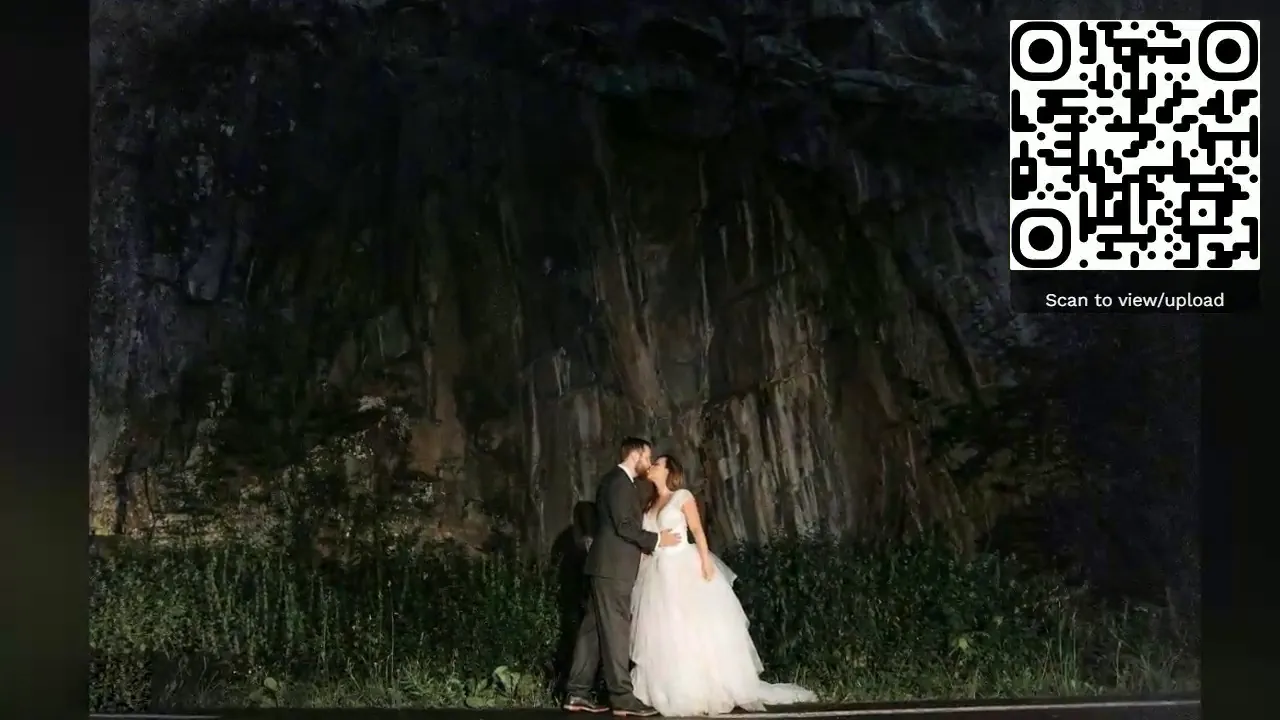
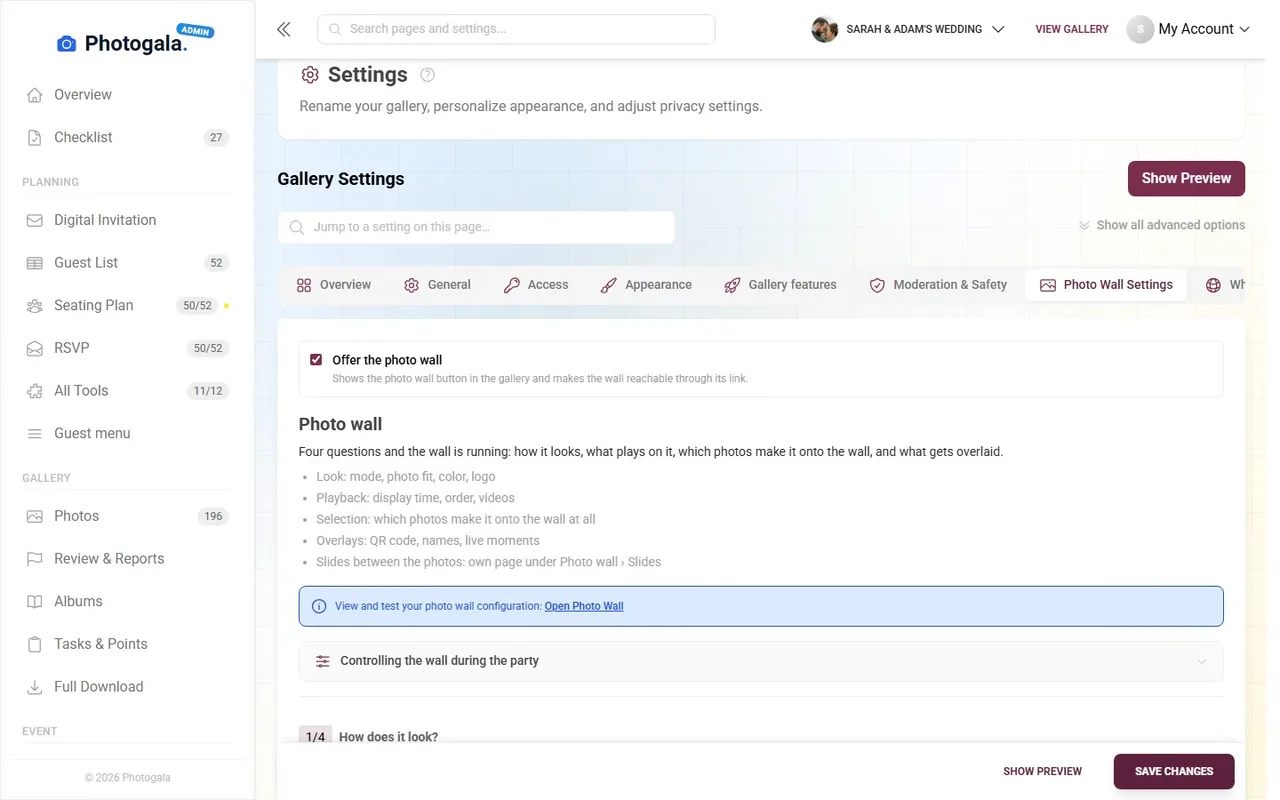
A live photo wall is a real-time display of guest photos shown on screens at your event. When guests upload photos to your Photogala event gallery — via QR code scan, direct link, or the web app — those photos appear on the connected display within seconds. The photo wall transforms passive screens into a dynamic, crowd-sourced visual experience that evolves throughout your event.
Photogala's photo wall runs entirely in the browser. You open a special photo wall URL on any device with a screen and a web browser — a Smart TV, a laptop connected to a projector, a tablet on a stand, or even a second monitor at a reception desk. There is no dedicated hardware to buy, no app to install on the display device, and no HDMI streaming stick required. The photo wall connects to your event via WebSocket, which means updates are pushed to the screen in real-time without any polling or manual refresh.
The photo wall is designed for events of any size: an intimate birthday dinner with a tablet on the table, a 200-guest wedding with a projector in the reception hall, a corporate conference with multiple screens in the lobby, or a trade fair booth with a large-format display drawing in visitors. Because it runs in the browser and uses responsive layout, it adapts automatically to any screen size and orientation.
Open the photo wall URL on any device with a browser — Smart TV, laptop connected to a projector, tablet, or desktop monitor. No installation needed. The page loads instantly and connects to your event.
Each event has a unique photo wall link available in your admin dashboard. Open it on the display device's browser. The photo wall establishes a WebSocket connection for real-time updates — photos push to the screen the moment they're approved.
As guests upload photos via QR code or direct link, the images appear on the photo wall within seconds. If moderation is enabled, photos appear after admin approval. The display cycles through new and existing photos, keeping the visual experience fresh and dynamic.
Under the hood, the photo wall uses WebSocket connections for sub-second latency. When a guest uploads a photo, the server processes and creates display-optimized variants, then pushes a real-time notification to all connected photo wall instances. This architecture means you can run unlimited photo wall displays simultaneously, all staying perfectly in sync.


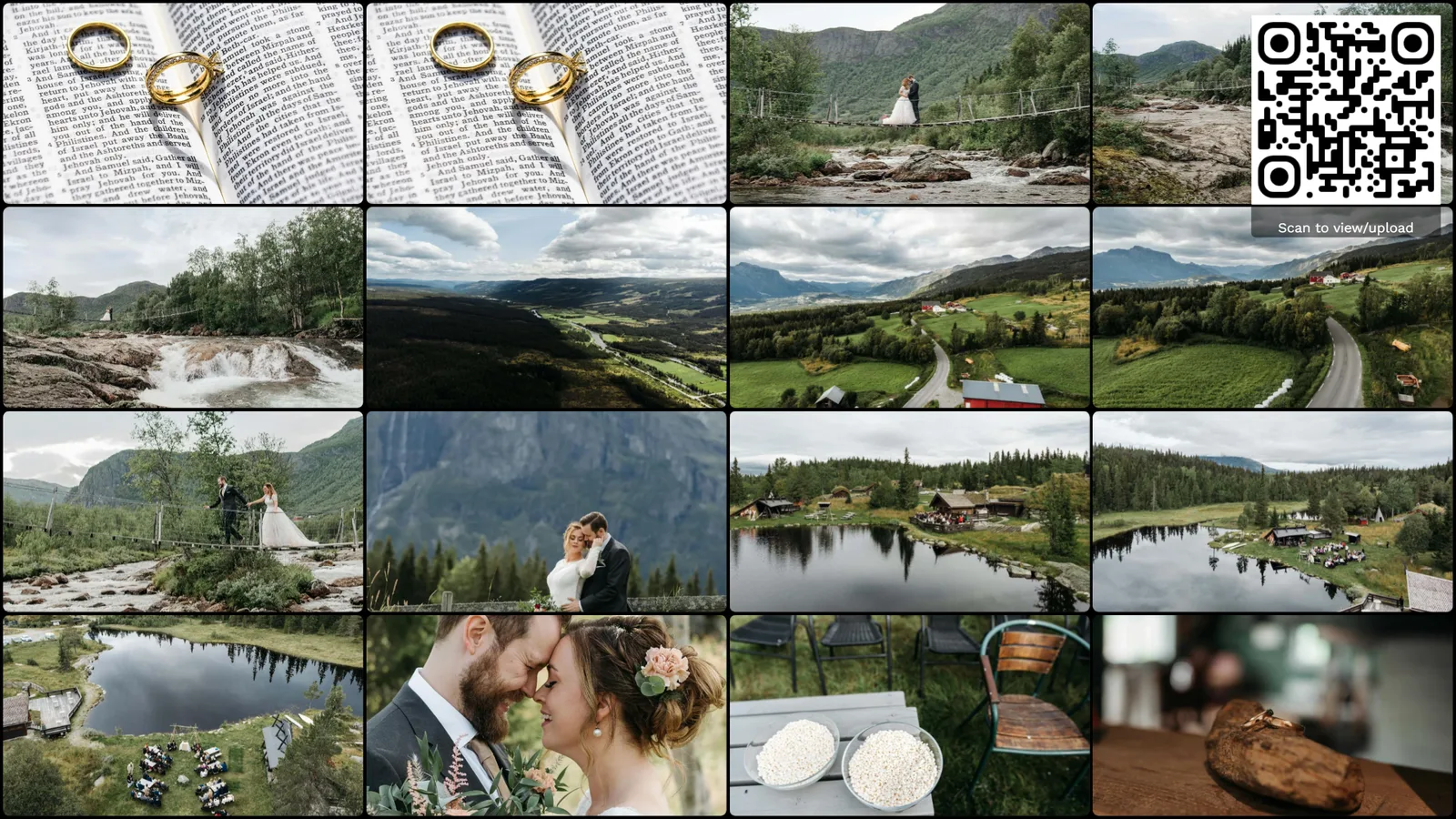
The grid view displays multiple photos simultaneously in a tiled layout. As new photos arrive, they smoothly animate into the grid, pushing older photos along. This mode works especially well on large displays where you want to show the breadth of guest contributions at a glance. The grid automatically adjusts its column count based on screen resolution — from a 2-column layout on tablets to a 6-column mosaic on ultra-wide displays.
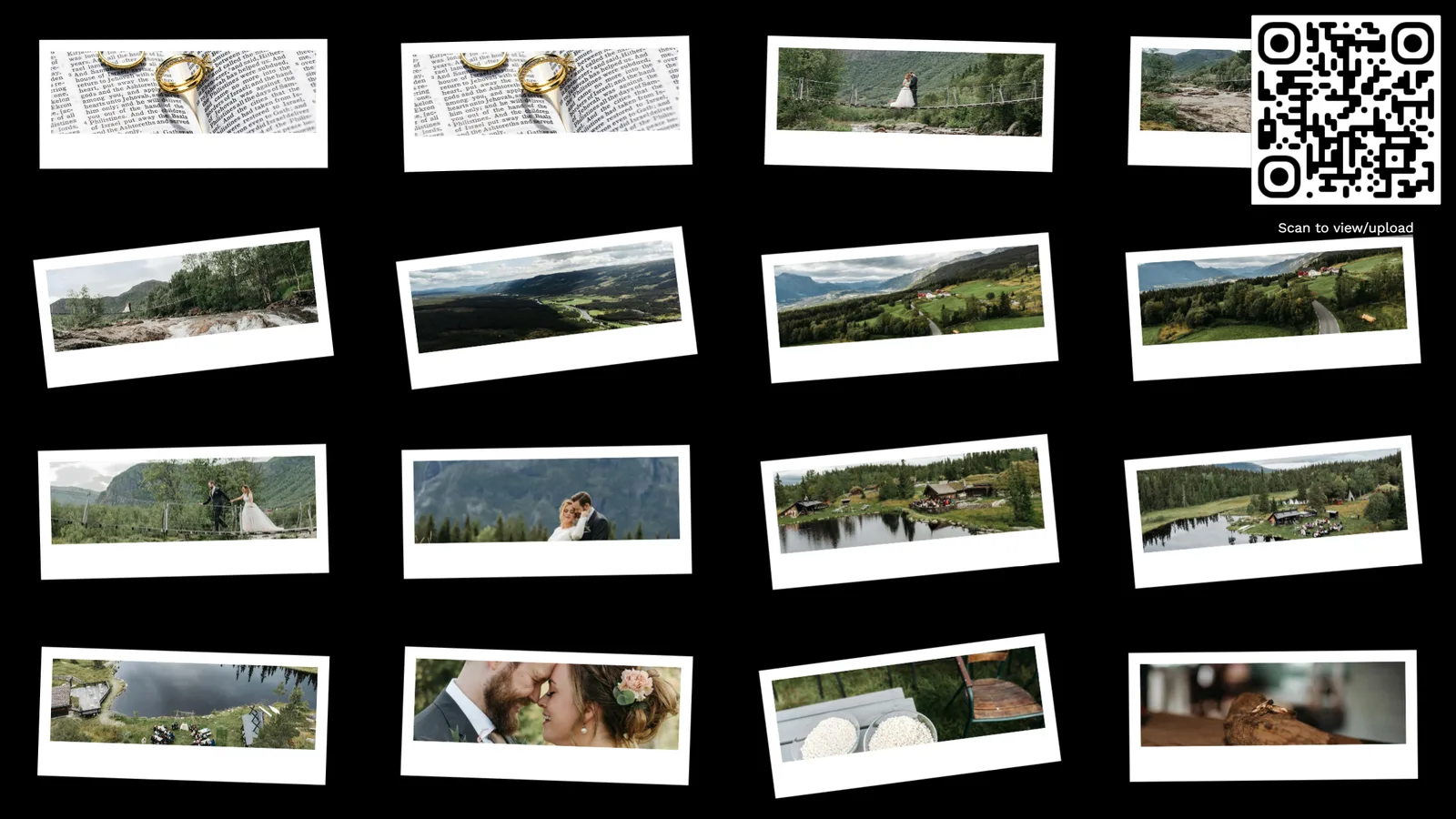
The slideshow mode presents one photo at a time with smooth transitions between images. Each photo gets the full screen, making it ideal for projectors in dimly lit venues like wedding receptions or party halls. You can configure the display duration per photo and choose from several transition effects. New uploads are automatically queued into the slideshow rotation.
Highlight mode features one large hero photo with smaller thumbnails around it. This creates a magazine-style layout where the newest or most-liked photo takes center stage while recent uploads fill the surrounding grid. It combines the impact of slideshow mode with the activity visualization of grid view.
When moderation is enabled, uploaded photos enter a review queue before appearing on the photo wall. As an event admin, you can approve or reject photos from your phone or laptop. Only approved photos make it to the display. This is essential for corporate events, public gatherings, or any situation where you need to ensure appropriate content reaches the big screen. Photogala's AI-powered NSFW filter can also automatically quarantine suspicious uploads before they even reach the moderation queue.
Customize the photo wall with your event's visual identity. Add a logo overlay, set custom background colors or gradients, display the event name or a custom message, and choose accent colors that match your event theme. For corporate events, this means the photo wall seamlessly integrates with your company branding. For weddings, it can match your color scheme and display the couple's names.
Configure the photo wall to automatically cycle between display modes. For example, show the grid view for 2 minutes, then switch to slideshow mode for 3 minutes, then back to grid. This keeps the visual experience varied and interesting over long events without any manual intervention. You can set the rotation schedule and which modes to include from the admin dashboard.
Most modern Smart TVs from Samsung, LG, Sony, Hisense, and other brands include a built-in web browser. Simply open the photo wall URL directly on your TV — no additional hardware needed. Samsung's Tizen browser handles the WebSocket connection smoothly, as do LG's webOS browser and Android TV's Chrome. For best results, use a TV with at least a 50-inch screen for visibility across a room.
Connect a laptop to your projector via HDMI and open the photo wall in Chrome or Firefox. This is the most common setup for wedding receptions, conference rooms, and event halls. Any laptop works — even an inexpensive Chromebook. Alternatively, use a Chromecast or Amazon Fire TV Stick to cast the browser tab to the projector. For best results, use a projector with at least 3000 lumens for rooms that are not completely dark.
For smaller events or secondary displays, simply open the photo wall on a laptop screen or external monitor. Place a laptop at the entrance, on the gift table, or at the bar. Desktop monitors work well as dedicated photo wall stations at corporate events, reception desks, or trade fair booths. Any modern browser — Chrome, Firefox, Safari, or Edge — fully supports the photo wall.
Tablets make excellent portable photo wall displays. Mount an iPad on a stand at the entrance, place it on a table, or pass it around during the event. The responsive layout automatically adapts to the tablet's screen size and orientation (portrait or landscape). Tablets are ideal for intimate events (birthdays, small gatherings) where a large TV or projector would be overkill.
Project the photo wall onto a screen in the reception hall. Guests see their uploaded photos appear in real-time, creating excitement and encouraging more uploads. The photo wall becomes a conversation starter and entertainment feature during dinner, cocktail hour, or the dance floor phase. Display the couple's custom branding — names, date, colors — for a personalized touch.
Place branded photo walls on screens in the conference lobby, breakout rooms, or networking areas. Attendees upload photos from sessions, networking moments, and team activities. The live display creates energy and engagement while generating authentic marketing content. Enable moderation to ensure all displayed content meets corporate standards.
Mount a display near the DJ booth or bar area. The photo wall adds a visual dimension to the party atmosphere — guests love seeing their photos appear on the big screen seconds after taking them. The grid mode works particularly well in high-energy environments, creating a mosaic of the night's best moments as they happen.
Use the photo wall as a booth attraction. Visitors scan the QR code, take a photo at your booth, and see it appear on the display. This creates foot traffic, dwell time, and shareable content. Corporate branding on the photo wall ensures your company identity is prominent. The moderation filter keeps everything professional and on-brand.
Many event photo services offer some form of slideshow, but Photogala's photo wall is built differently from the ground up:

Photos appear on the wall within seconds of upload, thanks to WebSocket push technology. There is no polling interval, no manual refresh, and no batch processing delay. The moment a photo is processed and approved (if moderation is on), it appears on every connected display simultaneously.
The photo wall runs in any modern web browser. You don't need to buy a dedicated HDMI streaming stick, install a display app, or configure special hardware. Open a URL, and you have a photo wall. This makes setup trivially easy and eliminates hardware failures or compatibility issues on the day of the event.
Enable photo moderation so that every upload passes through your approval before appearing on the wall. Approve photos from your phone while mingling at the event. Combined with the AI NSFW filter, you get two layers of protection — essential for corporate events and public displays where inappropriate content cannot appear.
Add your logo, event name, custom colors, and background to the photo wall. For corporate events, the display matches your brand guidelines perfectly. For weddings, it reflects the couple's chosen theme. No generic watermarks or third-party branding — it's your event, your look.
Run the photo wall on as many screens as you want, all synced in real-time via WebSocket. Display it in the lobby, the dining hall, the dance floor, and the entrance — all showing the same live feed. There is no per-display fee and no connection limit.
When guests complete photo challenges, those photos also appear on the photo wall. This creates a powerful loop: guests see challenge completions on the big screen, which motivates others to participate. Display the leaderboard alongside the photo wall to fuel friendly competition.
See how Photogala's browser-based photo wall compares to dedicated hardware solutions and other event photo apps:
| Feature | Photogala | Alternatives |
|---|---|---|
| Setup time | Under 2 minutes — open a URL | 15-60 min (hardware config, app install, pairing) |
| Hardware required | Any device with a browser | Dedicated HDMI stick, specific TV models, or proprietary box |
| Real-time delay | Under 5 seconds (WebSocket push) | 10-60 seconds (polling-based refresh) |
| Content moderation | AI NSFW filter + manual approval | Manual only or not available |
| Custom branding | Full branding (logo, colors, name) | Limited or third-party watermark |
| Cost | Included in all plans | €50-200 hardware + per-event fee |
| Multiple displays | Unlimited, all synced | Usually 1, or extra fee per display |
Under 2 minutes — open a URL
15-60 min (hardware config, app install, pairing)
Any device with a browser
Dedicated HDMI stick, specific TV models, or proprietary box
Under 5 seconds (WebSocket push)
10-60 seconds (polling-based refresh)
AI NSFW filter + manual approval
Manual only or not available
Full branding (logo, colors, name)
Limited or third-party watermark
Included in all plans
€50-200 hardware + per-event fee
Unlimited, all synced
Usually 1, or extra fee per display
For the photo wall to be visible across a room, use a screen that's at least 50 inches. At a wedding reception or conference, a 65-inch TV or a projector with a 100-inch projection surface is ideal. Smaller displays work well in intimate settings — a 10-inch tablet on a dinner table, for instance.
Place the photo wall where guests naturally congregate: near the bar, beside the dance floor, in the lobby during registration, or at the entrance. Avoid placing it in a corner where nobody looks. The more visible the photo wall, the more it motivates guests to upload photos.
The photo wall needs a stable internet connection to receive WebSocket updates. If venue WiFi is unreliable, consider a mobile hotspot for the display device. The data usage is minimal (thumbnails, not full-resolution images), so even a 4G connection works. Guests uploading photos can use a separate connection.
If the photo wall is visible to a broad audience — conference attendees, trade fair visitors, or a mixed crowd — always enable moderation. The AI NSFW filter catches obviously inappropriate content, but manual approval gives you full control over what appears on the big screen. Designate someone to approve photos from their phone during the event.
Upload your event logo, set the background color to match your theme, and add a custom welcome message. For weddings, use the couple's names and wedding date. For corporate events, use the company logo and event name. Branded photo walls look professional and become part of the event experience rather than an afterthought.
Higher tiers unlock more powerful features and greater flexibility
Buy now, use anytime. The event duration starts after the first 10 photos are uploaded, not from the purchase date.
AI organization, stronger controls, and premium event branding.
Videos, comments, points and a leaderboard for guest fun.
The simple event gallery for collecting photos fast.
Uploader Definition: All guests who upload at least one photo or video count as uploaders. Unlimited guests can still view the gallery.
Fair Use Storage: Storage is sized for normal event usage. Reach out if you need unusually large galleries.
Discover more powerful tools for your event.
Create your event in minutes. No credit card required.