Christmas Party

Your Christmas party in one gallery — not scattered across twenty chats

After every office party it is the same story: the photos sit on forty phones, a few end up in a group chat, the rest never surface. One QR code on the table collects everything in one place — no app, no swapping phone numbers, and live on the venue's screen.

Start for free — no credit card required · Paid plans from 39 €
No App Required
Setup in 5 Minutes
30-Day Money Back

Gallery or group chat — what is left after the party

A Christmas party with sixty colleagues plus a few partners. Two ways to collect the photos.

Who can join
Photogala: anyone with the QR code — partners, temps and outside guests too
Group chat: only people in the group
Privacy
Photogala: no account, no phone numbers passed around
Group chat: runs on private phone numbers or accounts
Image quality
Photogala: original files in full resolution
Group chat: compressed, depending on the messenger
On the big screen
Photogala: live photo wall on the venue's projector or TV
Group chat: everyone looks at their own phone
What gets shown
Photogala: automatic filter, plus optional approval before anything is published
Group chat: whatever is posted is instantly on everyone's phone
Cost
Photogala: one-time per party, no subscription
Group chat: free

What the group chat does better

It costs nothing and often already exists. If a team of twelve that messages each other anyway is celebrating, it is all you need — you do not need us for that. A dedicated gallery pays off once people join who are not in the same group, once the photos should run on a screen, or once photos of your staff should not end up in private chats.

How it runs on the night of the party

Real recordings from a live gallery — not mockups.

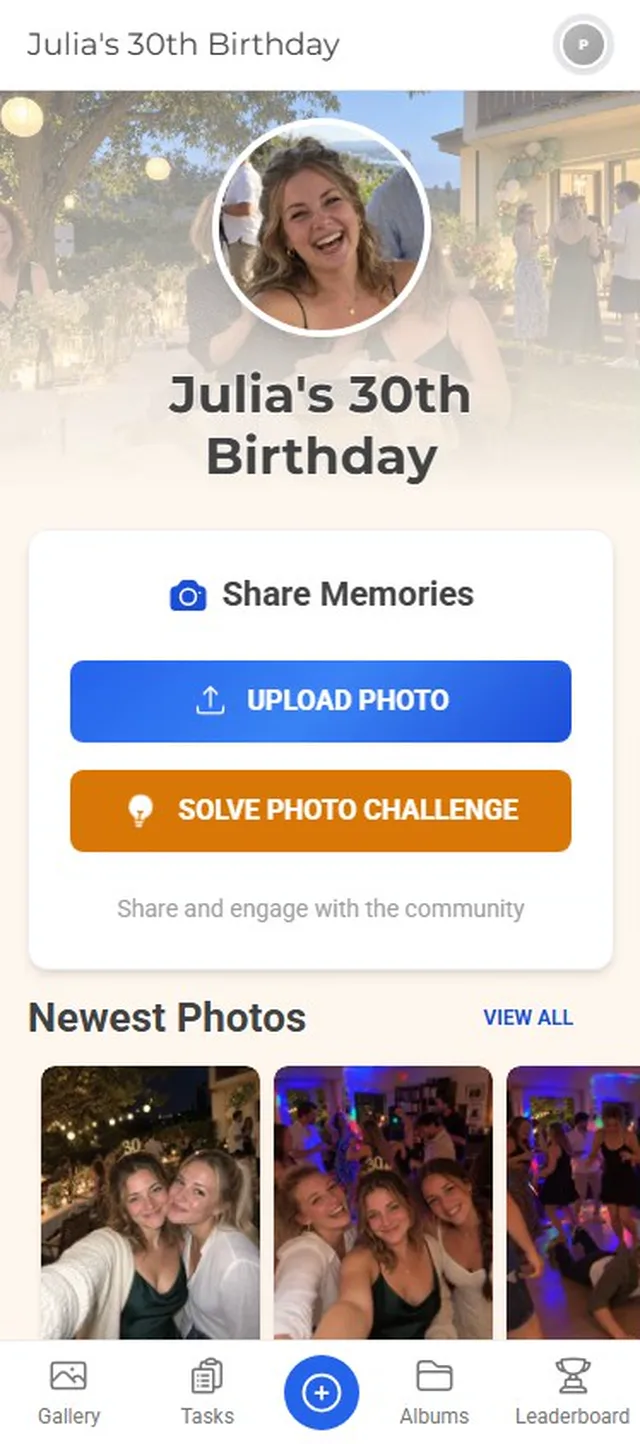
The photo wall on the venue's screen

Every new photo appears on the projector or TV within seconds. Once the first Secret Santa photo is up on the wall, everyone else starts uploading on their own — no reminder email required.

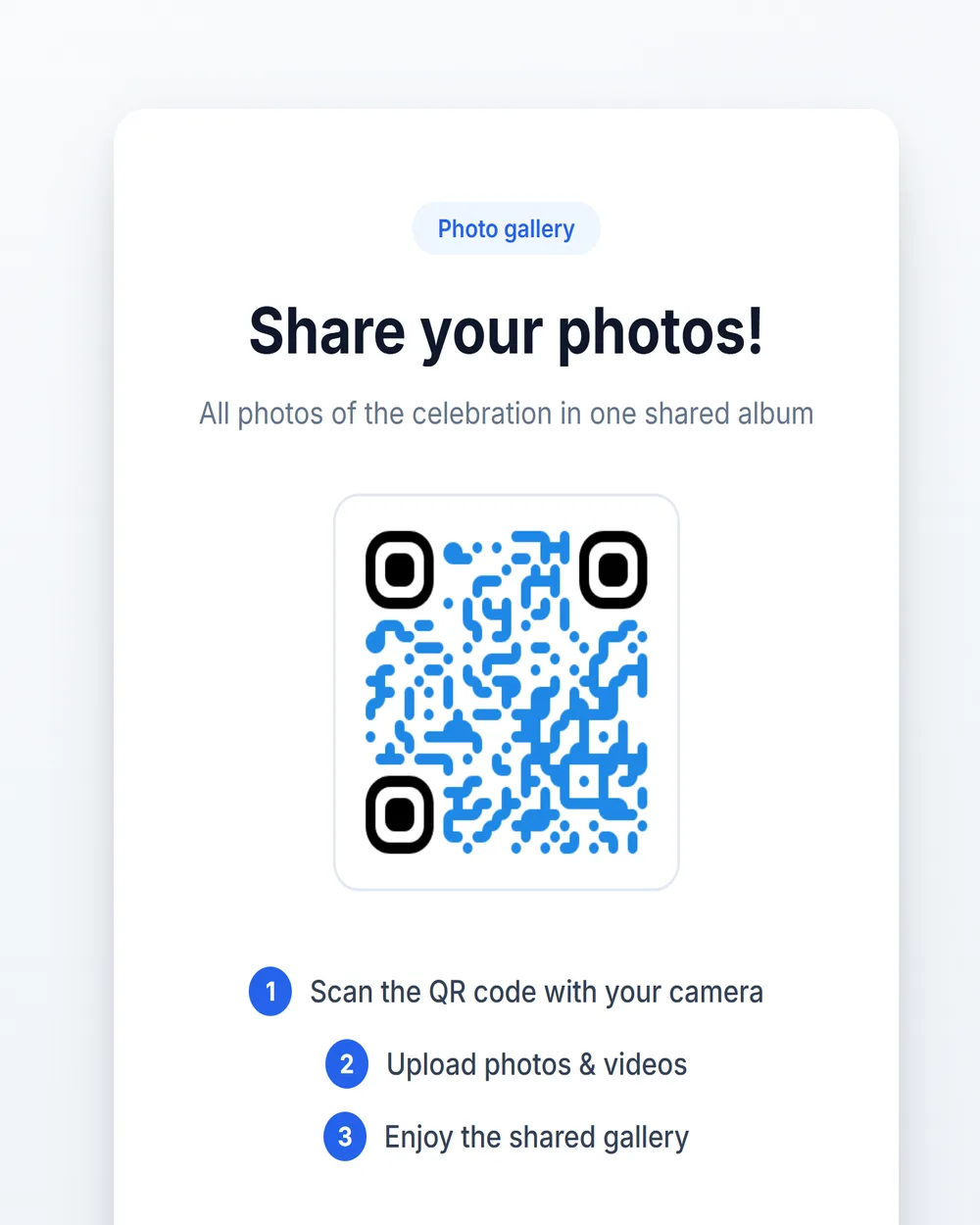
Scan the QR code, upload, keep celebrating

No app, no account, nothing IT has to approve. The QR code on the table or at the entrance opens the gallery in the browser — on work phones and personal ones, iPhone and Android alike.

Photo challenges that mix departments

“A photo with someone from another department”, “the worst Christmas sweater in the room”, “the team at the buffet” — small challenges bring together people who otherwise only talk by email. Points and a leaderboard keep it going until the end.

You decide what reaches the big screen

In front of the whole company, nobody wants a surprise. An automatic filter holds back anything inappropriate, and if you want to play it safe, you approve every photo before it is published — two taps from your phone, even mid-party.

After the party: everything as a ZIP

Download the complete gallery in full resolution — for the year-in-review or simply for everyone who was there. You can remove individual photos at any time.

All of this comes with your own event.

Setting it up takes five minutes. You can build and view everything before you decide.

View Live Demo

One-time payment — No subscription

Starting from 39 € / one-time

All memories from your event — one price, no hidden fees.

See Pricing

Key Features

Everything you need to make your event unforgettable.

Christmas party photos — common questions

Do employees need to install an app?
No. The QR code opens the gallery in the phone browser. No download, no account, no phone number — which is why even the people who wave off every new app join in, and IT has nothing to approve.
Who can see the photos?
Only people with the QR code or the link. You can also set a password. And you decide whether photos appear right away or only after your approval, and can remove any photo at any time.
What about privacy and consent?
Party photos show people, so the usual rules apply. Ideally, mention in the invitation that there will be a photo gallery and a photo wall, and use approval if not every photo should be visible right away. If someone does not want a photo of themselves in the gallery, you remove it in a few clicks — and everyone can delete their own uploads. Publishing anything outside the party, such as on your website, needs the consent of the people pictured anyway; no software changes that.
What equipment do we need at the venue?
For the photo wall: a projector, a TV or a laptop with an internet connection — nothing else. Without a screen everything else still works: the photos land in the gallery whether or not anyone is watching.
How does the QR code get onto the tables?
Download the QR code and use it anywhere: on table stands, in the invitation email or on the first slide of the welcome speech. It never changes, so you can print it weeks in advance.
How long do the photos stay available?
Between three months and several years, depending on the plan; the storage period is printed on every card. You can download at any time and as often as you like — once it is on your drive it no longer depends on us.

Ready to Get Started?

Create your event in minutes. No credit card required.

See Pricing
No App Required
Setup in 5 Minutes
30-Day Money Back