The invitation sets the tone. Everything else follows it.
Place cards, table numbers, menu cards and posters – you pick colors and fonts once, and a QR code on them leads to the photo gallery at night.
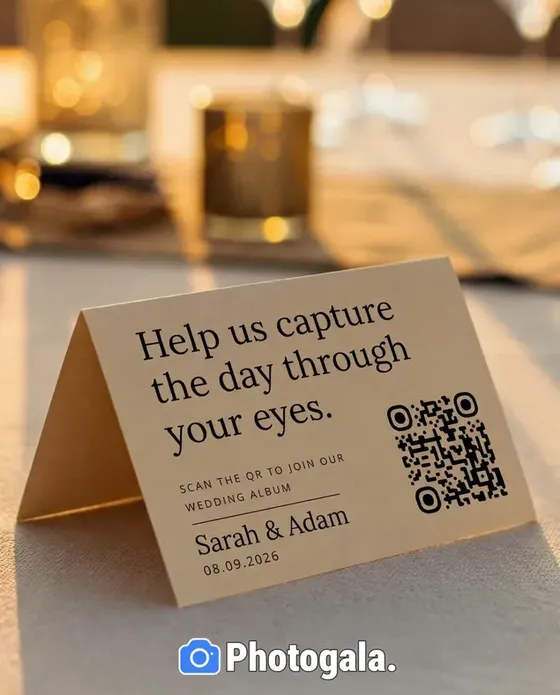
One look. On paper and on screen.
Design it once – every card and every screen follows.
Colors, fonts, images – in one editor.
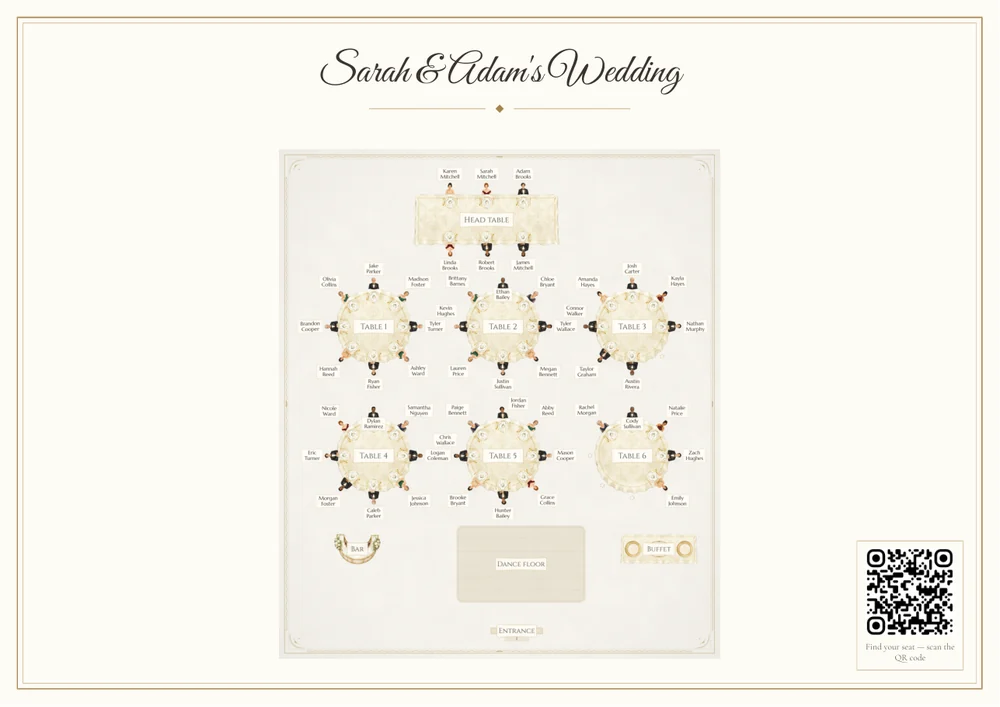
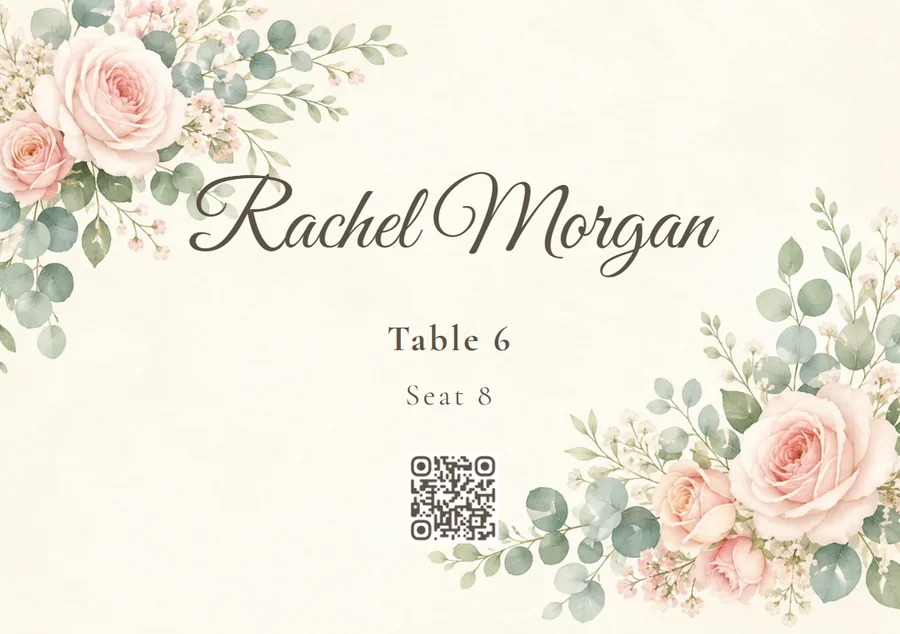
Seating plan, place cards, menu – print-ready.
Invitation, schedule and gallery in the same style.
Already have printed cards? Carry their colors into everything else.
One design, every card
Design the card once. Name, table and seat come from the seating plan for every guest.
- One PDF with all cards, ready to print
- Seating changed? Just export again
- Available in several languages
How your look comes together
Real recordings from a wedding event.
1 / 6
27 designs to choose from
Each with its own fonts and palette.


All of this comes with your own event.
One-time payment — No subscription
Starting from 39 € / one-time
Setting it up takes five minutes. You can build and view everything before you decide.
- No App Required
- Setup in 5 Minutes
- 30-Day Money Back
Key Features
Everything you need to make your event unforgettable.


Design Studio
Place cards, menu cards, table stands and posters, designed freely — with your own images, formatted text, guides and fold marks. What comes out is a print-ready PDF.
Learn more →

Print Templates
Place cards with name and table, table numbers, menu cards and QR posters — as a print-ready PDF, filled from the same guest list that feeds the seating plan.
Learn more →
Digital Invitation
Instead of printing cards and chasing replies over WhatsApp, you send a designed invitation page — countdown, directions, schedule and an RSVP button that writes straight into your guest list.
Learn more →
Digital Menu
Courses, dishes, photos and allergens on one page your guests open with a scan — and the same menu as a print-ready PDF for the table.
Learn more →Questions about the stationery
1Is there a switch that applies one color to every piece automatically?
2What does designing cost — and where does the free plan end?
3Are the files press-ready for a print shop?
4Does the look survive if we reseat someone two days before?
5Can we design half a year ahead without anything expiring?
6Do you send out the invitation or the cards for us?
Ready to Get Started?
Create your event in minutes. No credit card required.