Design cards without a design program.
Place cards, menu cards, table numbers and posters – from a template or designed freely, with names straight from your guest list, as a print-ready PDF.
From template to a stack of cards.
No design program to learn: start from a template, change what you like, and the guest list fills in the names.
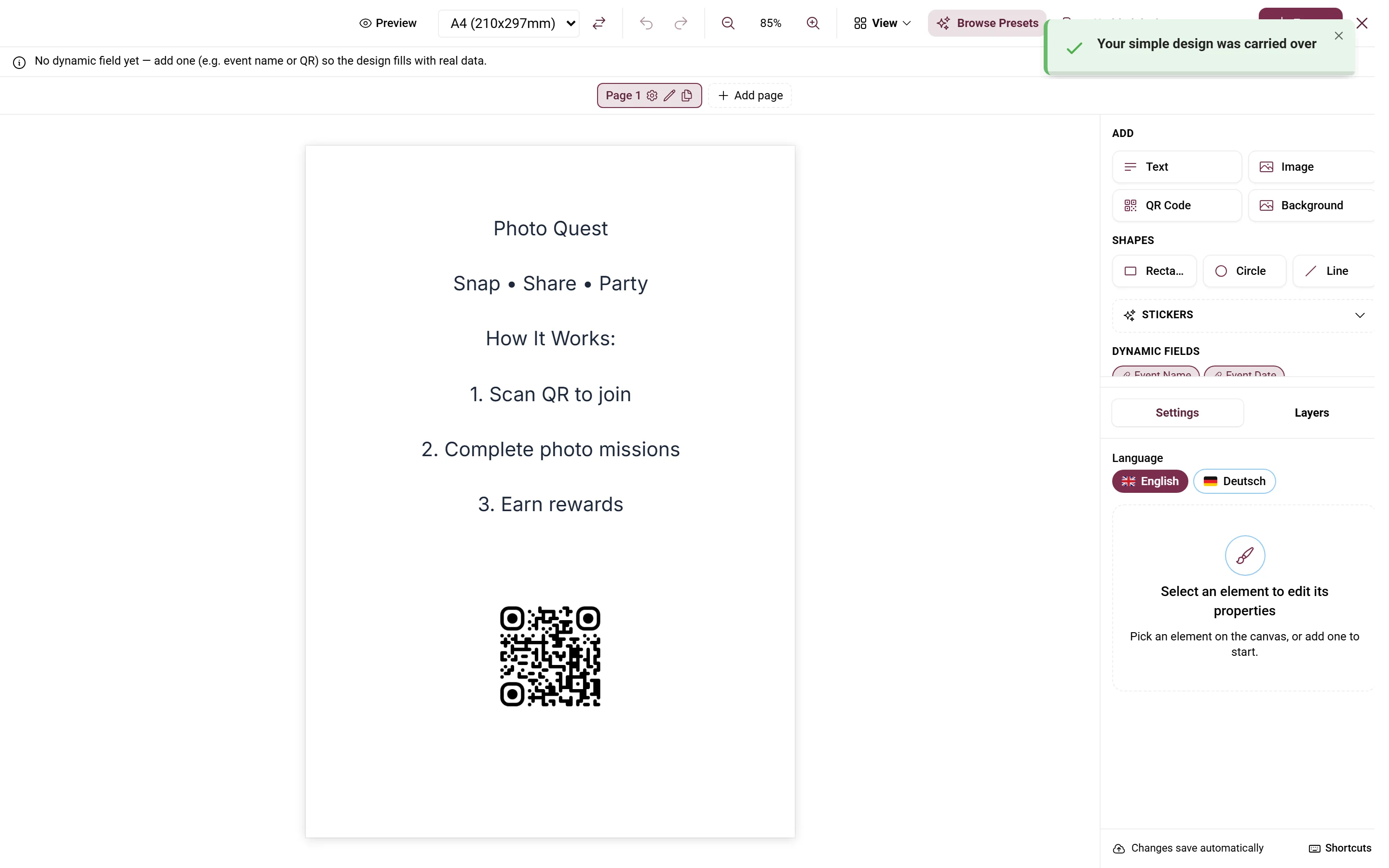
Move text and images, add your photos, a QR code or stickers.
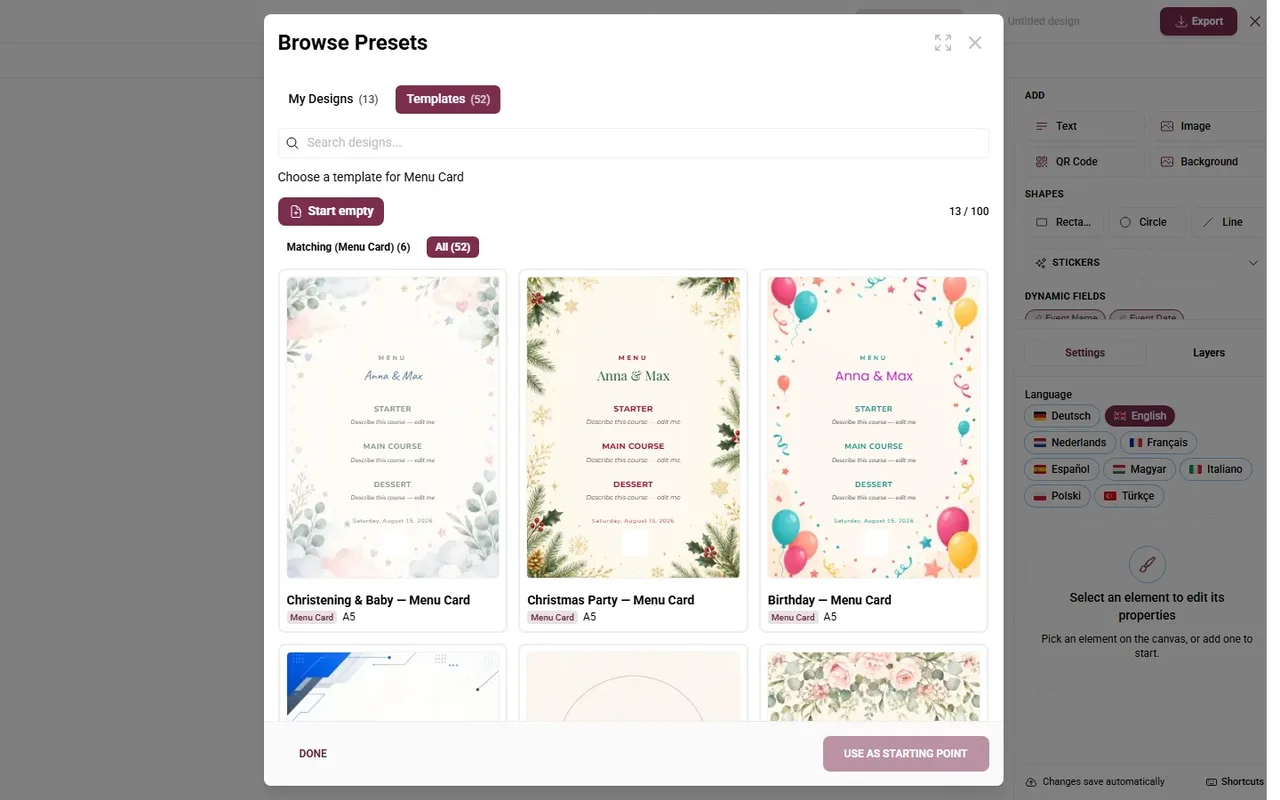
Place cards, menu cards, table numbers, posters – or a blank page in A3 to A7 or your own size.
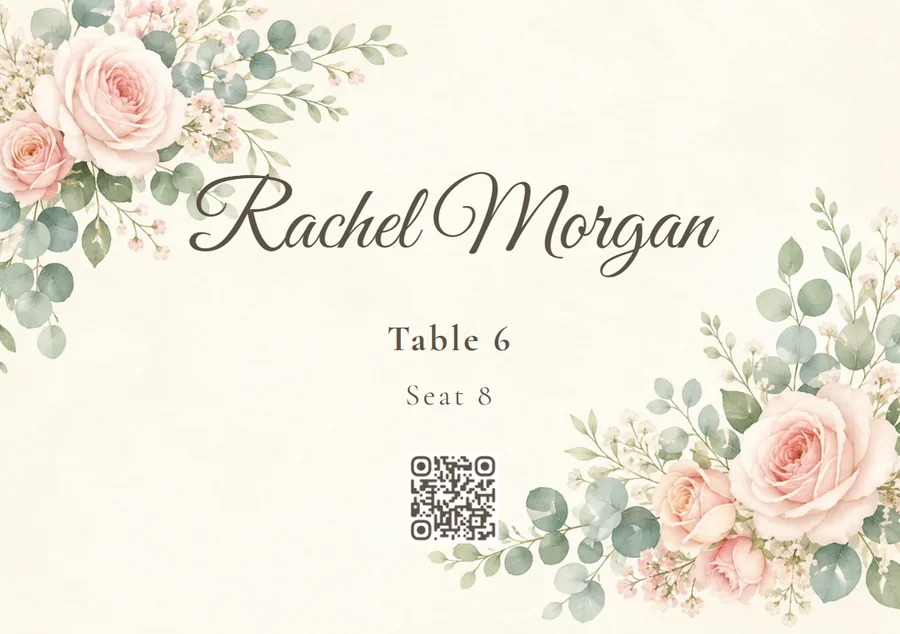
One PDF with a card for every guest – at home or at the print shop.
Someone cancels? Export again – their card is simply gone
One card, every guest.
Above you see the real Design Studio of the demo wedding. Here you set up a place card yourself: pick a guest, switch the language, add or hide the QR code.
- Guest name, table, seat number, group, meal choice and dietary notes as fields
- Text per element in several languages – switch with one click
- QR code, stickers, your own images – export as a print-ready PDF
Printed from your data. Scanned into the phone.
Paper on the table makes the digital tools visible – and the QR code on it takes guests straight to the right place.
Place cards, table numbers, seating poster, menu – each type has its own designs.
Names, tables, seats and the QR code come straight from your seating plan – nobody types anything twice.
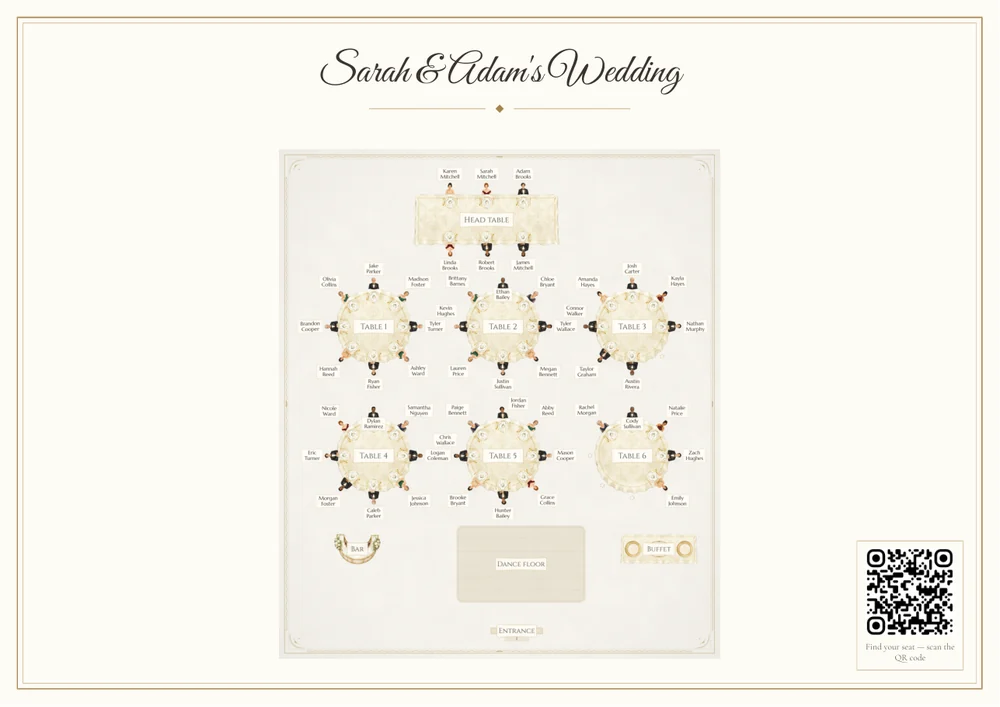
Print-ready PDF for home or the print shop. Plan changed? Export again – the cards follow.
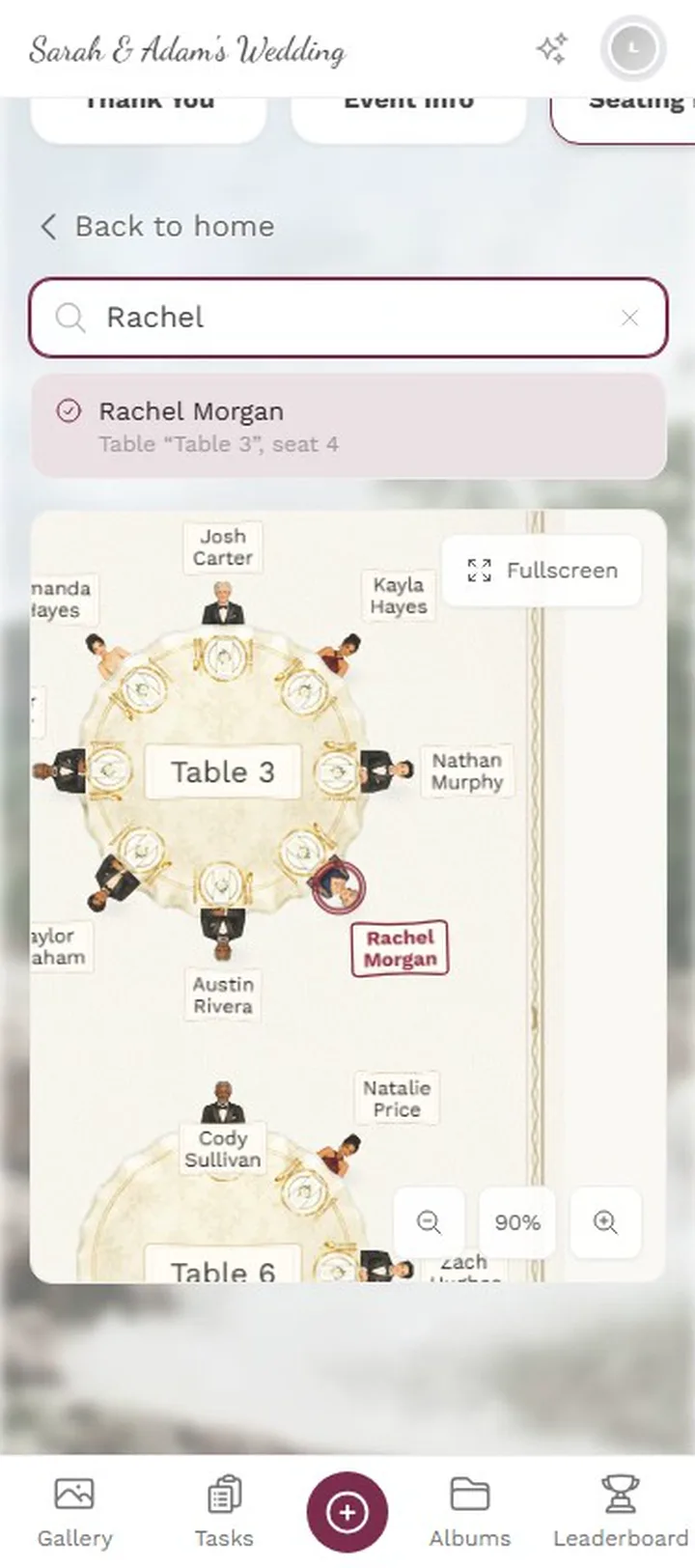
The QR on the poster opens “Find your seat”: search your name, see your table.
Everything you need for print
Real views from the demo wedding.
1 / 4
A free canvas
Text, images, shapes, QR code and stickers – move, rotate and layer them. Guides and snapping keep everything straight.







Two millimetres lower, no manual
One-time payment — No subscription
Starting from 39 € / one-time
Design Studio is available from the Plus plan up.
Create your event and open the Design Studio – names and tables come from the guest list.
- No App Required
- Setup in 5 Minutes
- 30-Day Money Back
Between a template and a graphics program
- 1Who it's forCouples and planners who design their own cards
- 2What happensPick a template – names and tables come from the guest list
- 3In the endA print-ready PDF for every guest
More details
Ready-made templates are fast, but sooner or later you want the name two millimetres lower, the image slightly larger and a second line underneath. A real graphics program can do all of that — you just have to learn it first, and you still end up typing the data in by hand.
The Design Studio sits in between. You move elements freely on the page, but the format, the margins and the fold marks are right from the start, because the document knows what it is for.
The decisive difference from any external program: the design knows your guest list. You design a place card once — it gets printed for every guest with the right name and the right table.
- Weddings
- Corporate events
- Birthdays
- Event planners
What the Design Studio does
Enough freedom for your own ideas, enough guidance that the result stays printable.
Free placement
Move, rotate, scale and layer elements — no fixed grid in the way.
Your own images
Place, crop and position photos, logos and graphics.
Formatted text
Typeface, size, alignment and color per text block, with frames that can be linked together.
Guides and fold marks
Guides and snapping while you design; fold and crop marks in the PDF for folded cards and tent cards.
Several pages
Front and back, or a whole menu folder in one document.
Print-ready PDF
Export in print quality at the size you set – single or double-sided, or several cards per sheet.
Everything built in
- PersonalizationNames and tables come from the guest list
- Folding and cuttingFold and crop marks in the PDF
- Getting startedIn the browser, nothing to install
- After a cancellationExport again, the card simply drops out
Design Studio questions
1Do I need design experience?
2Can I use my own fonts?
3Are names inserted automatically?
4What can I export to?
5Do folded cards work?
6Can I keep working on a draft?
7Does it work on a phone?
8Does the Design Studio cost extra?
Goes well with
Ready to Get Started?
Create your event in minutes. No credit card required.