A two-layer moderation system that combines automatic AI-powered NSFW detection with powerful manual controls. Protect your event gallery from inappropriate content — automatically and in real-time.

Smart Photo Moderation is Photogala's two-layer content protection system. The first layer is an AI-powered NSFW (Not Safe For Work) filter that automatically scans every uploaded photo in real-time and detects inappropriate content across multiple categories. The second layer is a set of manual moderation tools that give event organizers full control over what appears in their gallery.
These two layers work together seamlessly. The AI filter handles the heavy lifting — scanning hundreds or thousands of photos without any human effort — while the manual tools give organizers the final say on edge cases and the ability to manage their gallery proactively. The result is a gallery that stays clean and professional without requiring constant human monitoring.
For events where a live photo wall displays uploads in real-time, moderation isn't just nice to have — it's essential. Without it, a single inappropriate upload could appear on a large screen in front of all your guests, your boss, or your grandmother. Photogala's moderation system ensures that never happens by catching problematic content before it's ever displayed.
The AI filter runs automatically on every uploaded photo. It detects multiple categories of inappropriate content with high accuracy and processes images in real-time as they're uploaded.


Detects explicit nudity, partial nudity, and sexually suggestive content. Sensitivity levels from strict to relaxed allow you to control what gets flagged.
Identifies violent imagery, blood, injuries, and graphic content that could disturb guests or be inappropriate for family events.
Flags images depicting drug use, excessive alcohol consumption, or substance abuse. Particularly relevant for corporate events and youth events.
Detects hate symbols, offensive gestures, and discriminatory content. Critical for maintaining a respectful and inclusive event environment.
Identifies screenshots, memes, text-only images, and other non-photo content that clutters the gallery. Keeps the gallery focused on real event photos.
Flags images containing firearms, knives, and other weapons. Important for corporate events, school events, and any context where such imagery is inappropriate.
Each detection comes with a confidence score. The AI is tuned to minimize false positives — when in doubt, content is flagged for human review rather than automatically removed. You control the sensitivity threshold in your event settings.
A guest takes a photo and uploads it to the event gallery via the QR code or event link. The upload process is instant and seamless — the guest sees no delay from moderation processing.
Within seconds of upload, the AI NSFW filter analyzes the image across all detection categories. Each category receives a confidence score indicating the likelihood of inappropriate content.
If the AI detects content above your configured sensitivity threshold, the photo is automatically quarantined. It doesn't appear in the gallery, on the photo wall, or in any shared views. The guest sees a notification that their photo is under review.
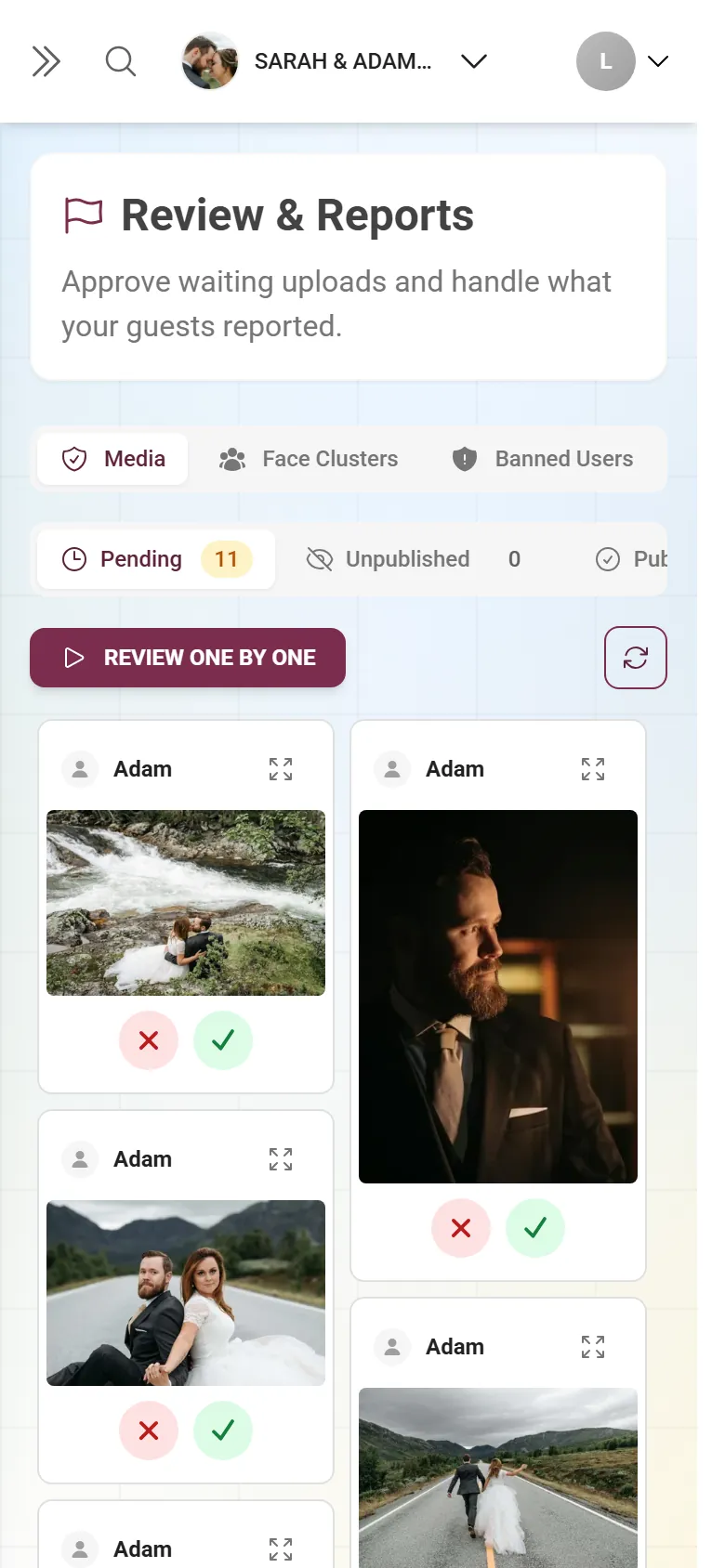
Quarantined photos appear in the organizer's moderation queue. From there, you can approve them (if the AI was wrong), permanently reject them, or keep them quarantined. You receive notifications when new items arrive in the queue.

Beyond the AI filter, organizers have a full suite of manual tools to manage gallery content proactively.
For maximum control, enable pre-approval mode where every uploaded photo must be manually approved before appearing in the gallery. This is ideal for corporate events, press events, and any situation where every visible photo must meet specific standards. The approval queue shows thumbnails for fast scanning and one-tap approve/reject.
Spot something in the gallery that shouldn't be there? Any photo can be instantly removed with a single tap from the organizer's admin view. The photo is moved to the rejected queue and disappears from all guest views immediately, including the live photo wall.
When dealing with large volumes of flagged content or reviewing uploads from a specific time period, the bulk moderation tool lets you select multiple photos at once and approve, reject, or quarantine them in a single action. Essential for events with thousands of uploads.
Receive instant push notifications or email alerts whenever the AI flags new content. You never have to constantly check the moderation queue — the system tells you when your attention is needed. Configure notification urgency and frequency to match your event.
Mark specific guests as trusted so their uploads bypass the moderation queue entirely. Ideal for the professional photographer, the wedding planner, or known guests whose content you trust completely. Trusted users' photos appear instantly in the gallery without any review delay.
Corporate events have strict content standards. A single inappropriate photo appearing on a company photo wall can create HR incidents, damage brand reputation, and even lead to legal issues. Moderation protects the company and ensures the gallery meets corporate communication standards.
When children are present or when the gallery is shared with families, content standards must be high. Moderation ensures that even if one guest uploads something inappropriate, it never reaches the screens or devices of children and families attending the event.
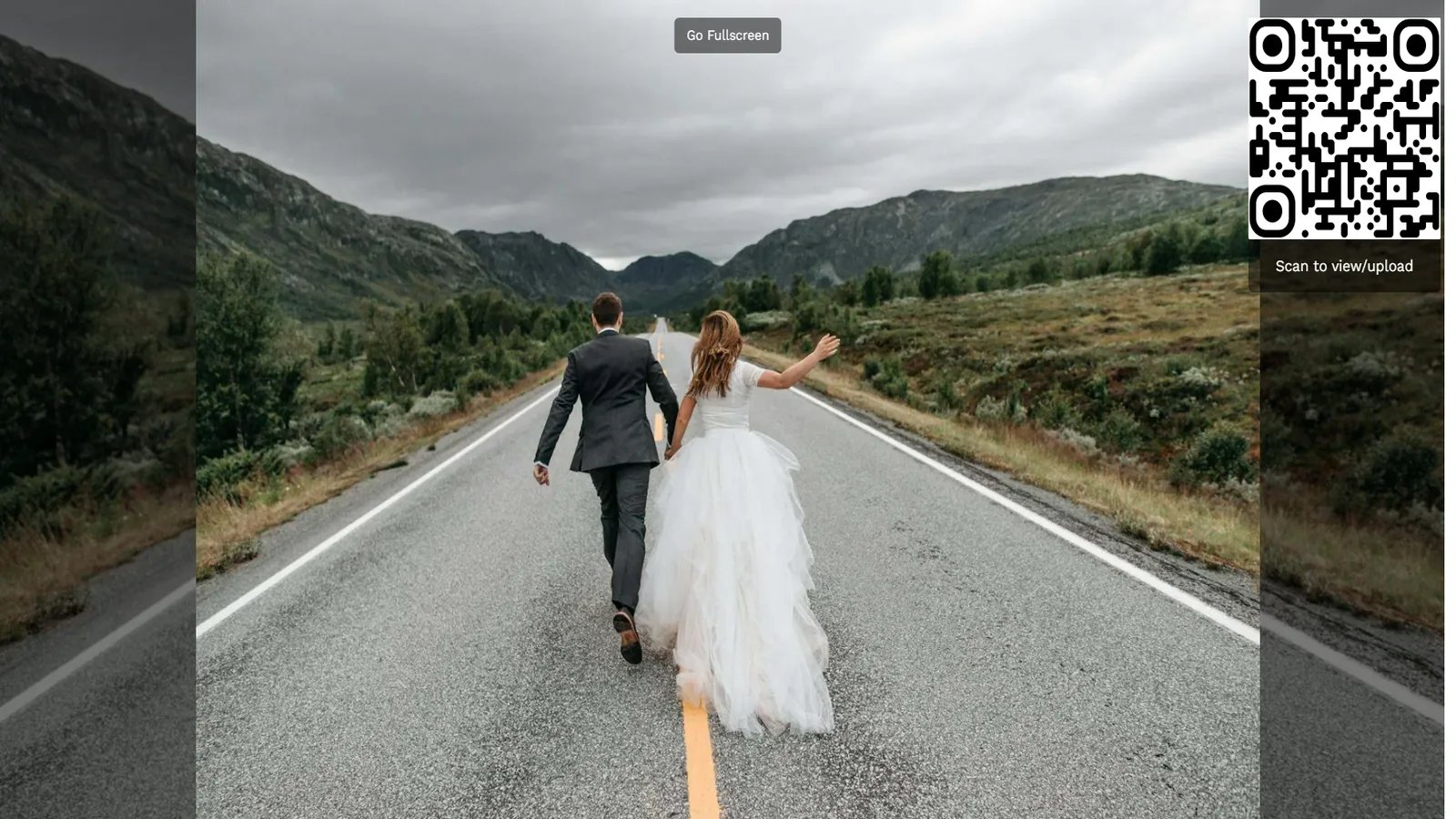
The live photo wall projects uploaded photos on a large screen for all guests to see. Without moderation, any upload appears instantly on this screen — including accidental screenshots, inappropriate selfies, or intentional trolling. The AI filter catches these before they ever reach the projection.
Let's be honest: events often involve alcohol, and alcohol lowers inhibitions. What seems like a funny photo at 11pm after a few drinks may not be appropriate for the shared gallery. Moderation provides a safety net that protects guests from their own questionable judgment without anyone having to play the role of content police.
For branded events, product launches, and PR occasions, every photo in the gallery potentially represents the brand. Moderation ensures that the visual record of your branded event is professional, on-message, and free from content that could damage the brand's reputation if shared on social media.
Compare Photogala's two-layer moderation system with what other event photo platforms offer.
| Feature | Photogala | Alternatives |
|---|---|---|
| Detection speed | Real-time AI scanning within seconds | Manual review only (minutes to hours) |
| AI automatic filtering | 6 detection categories with confidence scoring | Not available or basic single-category |
| Manual controls | Approval queue, quick reject, bulk moderation, whitelist | Basic delete only |
| Bulk moderation | Multi-select with batch approve/reject | Not available |
| Sensitivity settings | Configurable per category with threshold control | Not available or on/off only |
Real-time AI scanning within seconds
Manual review only (minutes to hours)
6 detection categories with confidence scoring
Not available or basic single-category
Approval queue, quick reject, bulk moderation, whitelist
Basic delete only
Multi-select with batch approve/reject
Not available
Configurable per category with threshold control
Not available or on/off only
Tailor the moderation system to match your event's specific needs and tolerance levels.
Choose from strict, moderate, or relaxed sensitivity for each detection category independently. A corporate event might use strict settings across all categories, while a college reunion might use relaxed settings for alcohol-related content but strict for nudity. The sensitivity level controls the confidence threshold at which content gets flagged.
In auto-hide mode, flagged content is immediately quarantined and invisible to guests. In flag-only mode, flagged content remains visible in the gallery but is marked for organizer review — useful when you want to be notified about borderline content without automatically removing it. Choose the mode that matches your comfort level.
Whitelist trusted users whose uploads bypass moderation entirely — perfect for professional photographers and event staff. Blacklist problematic users whose every upload requires manual approval. Both lists can be managed in real-time during the event, giving you dynamic control over who gets moderated and who doesn't.
Corporate events have unique moderation requirements driven by compliance, brand standards, and professional expectations.
Company events with shared photo galleries must comply with workplace conduct policies. The moderation system ensures that content standards are enforced automatically, reducing HR risk and protecting the company from liability. Every flagged and rejected item is logged for compliance records.
At branded events and product launches, every photo in the gallery reflects on the company. Moderation ensures that off-brand content, embarrassing moments, or inappropriate imagery never makes it into the official event record — protecting the brand even when the gallery is shared publicly or with media contacts.
In regulated industries, event documentation may be subject to legal review. Photogala's moderation system provides a defensible process: AI scanning with documented sensitivity settings, human review of flagged items, and a complete audit trail showing what was flagged, when, and what action was taken.
Every moderation action is logged with timestamps, the acting user, and the reason. This audit trail is exportable and provides a complete record of content management decisions. For events requiring post-event compliance review, this documentation is invaluable and demonstrates that appropriate content controls were in place.
Higher tiers unlock more powerful features and greater flexibility
Buy now, use anytime. The event duration starts after the first 10 photos are uploaded, not from the purchase date.
AI organization, stronger controls, and premium event branding.
Videos, comments, points and a leaderboard for guest fun.
The simple event gallery for collecting photos fast.
Uploader Definition: All guests who upload at least one photo or video count as uploaders. Unlimited guests can still view the gallery.
Fair Use Storage: Storage is sized for normal event usage. Reach out if you need unusually large galleries.
Discover more powerful tools for your event.
Create your event in minutes. No credit card required.