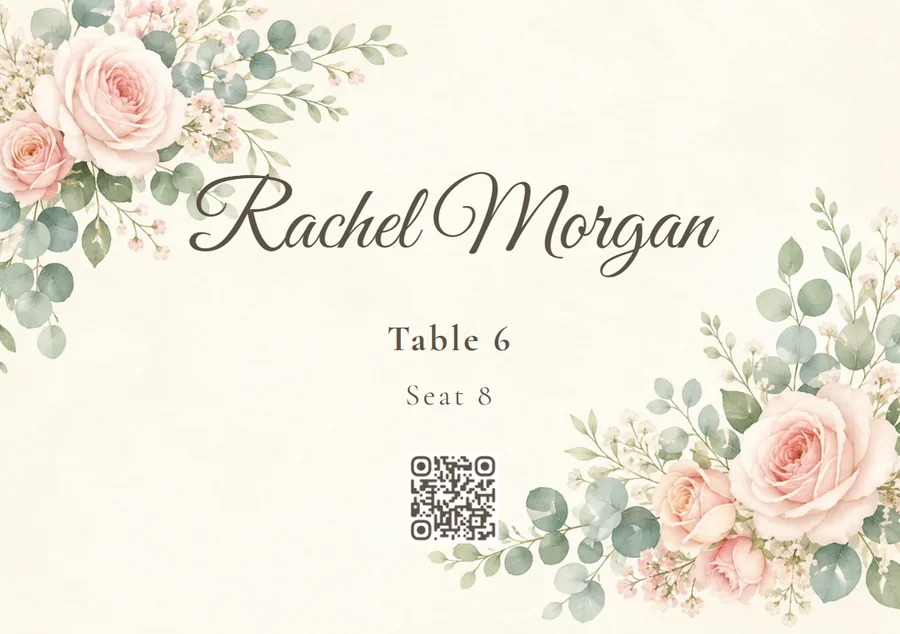
Invitation, running order, seat, menu and gallery all hang off the same address — your guest scans the code that is on the table anyway and reads everything in the browser, no app, no account. Handing the code out is your job, nothing gets sent. And what you still print is your call.
Start for free — no credit card required · Paid plans from 39 €
Same wedding, same guests — once spread across five printed pieces, once behind a single code.
A printed chart needs no network, no battery and no link. That is exactly where a QR code fails first: in a vaulted cellar with no reception, with the guest whose phone is dead by ten, and with everyone who did not bring a smartphone at all — for them a digital seating plan simply does not exist. So we recommend printing the seating chart as a fallback even when nothing else goes to print. And then the uncomfortable part on our side: from guest 21 the free plan does not only hide the guest seat search, it locks the very same plan for export and print — it is one single gate for both. With more than 20 guests the fallback is shut just as firmly as the code. At that point a paperless wedding needs a paid plan, or you draw that chart somewhere else.
Five views from a guest's phone, one from the host's laptop — each one replacing a printed piece, or pointedly not replacing it.
Instead of a card, an envelope and a stamp, it starts with a link. The clip opens on a closed pair of dark wooden doors with gilt ornaments and a chandelier behind the glass. One tap on "Open invitation", the doors swing apart, the couple's names and date stand behind them, and the view drifts further down to the running countdown. If something changes, you change a line — no second print run. Handing it out is still yours to do: Photogala sends nothing, you get the link and the QR code.
The guest starts on the event page, taps "Schedule" in the row of tiles and scrolls through the day: arrival, ceremony, photos, dinner. Every block carries its time, its duration and the person in charge of it. On the event day the view also marks where the day currently stands. No printed sheet per place setting and no second version when the ceremony slips by twenty minutes. If you want it on paper, print it from the browser — there is no PDF or calendar export for the schedule.
The home screen carries the "Find your seat" tile. One tap opens the seating plan, and in the clip "Michael" is typed into the search — the illustrated plan highlights Michael Hofer's seat and zooms to it. The search runs in the guest's browser, with nothing to install and nothing to sign into. It does not fully replace the printed board, and the reason is spelled out above without trimming.
From the same row of tiles the guest taps "Menu" and browses the courses. What on paper means one copy per place setting is here a single page everyone opens: dishes with a picture, the notes underneath — and in whichever languages you stored. No reprint when the main course changes two weeks out. Those notes are freely typed chips, not verified allergen labelling.
The clip shows the shared gallery as the guests' photo grid. It is the same code from the table — so the printed sign at the photo booth, the one that usually points at a second service, drops out as the sixth printed piece.
The laptop recording shows the other side. In the seating tool the host opens "Export & print": seven ways out, among them image, PDF, service plan, place cards, table numbers and the seating poster. A click on "Place cards" opens the editor already filled with a real guest — Sarah Berger, table 1, seat 1. Paperless does not mean paper-free here; it means you decide which five printed pieces shrink to one. Two things belong in the same breath: this whole dialog sits behind the same 20-guest gate as the seat search, and the printing happens at your print shop — Photogala hands over the file, not the finished card.
All of this comes with your own event.
Setting it up takes five minutes. You can build and view everything before you decide.
One-time payment — No subscription
Starting from 39 € / one-time
All memories from your event — one price, no hidden fees.
Everything you need to make your event unforgettable.

Gallery, seating plan, menu, invitation, music requests — every tool gets its own code. The one on the table leads where the guest needs to go, not to a landing page with eight tiles.
Learn more →Instead of printing cards and chasing replies over WhatsApp, you send a designed invitation page — countdown, directions, schedule and an RSVP button that writes straight into your guest list.

Learn more →Arrange tables, dance floor and stage by drag and drop, seat people straight from your guest list — and on the night everyone finds their place with a scan instead of a paper board in the lobby.

Learn more →Courses, dishes, photos and allergens on one page your guests open with a scan — and the same menu as a print-ready PDF for the table.

Learn more →A timeline your guests read on their phones — from the ceremony to the last dance. With an up-next line that moves along by itself.

Learn more →Create your event in minutes. No credit card required.