Seat everyone. In minutes.
Arrange your tables, let the guests be seated automatically – and every guest finds their seat on the phone.
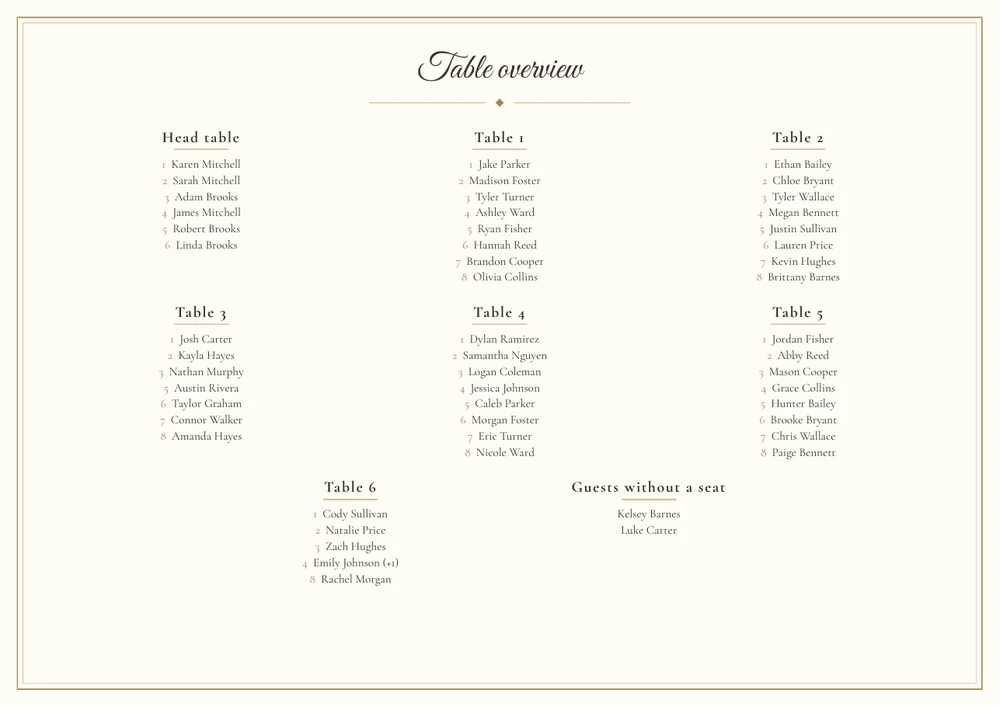
Plan the room, seat the guests, share it.
Arrange your room, seat the guests automatically or by hand – and every guest finds their seat on the phone.
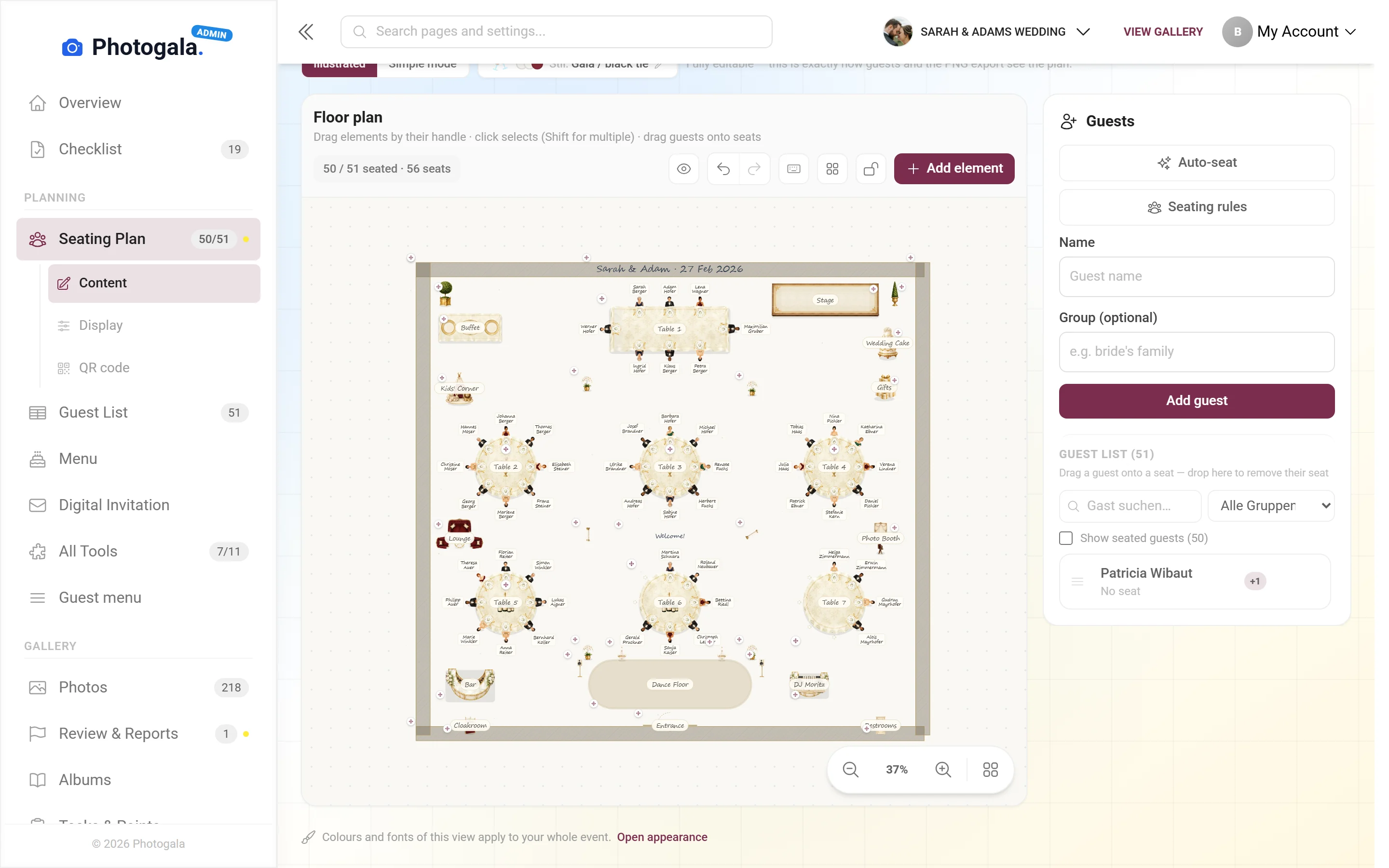
Automatically by group and wishes, then fine-tune by drag and drop.
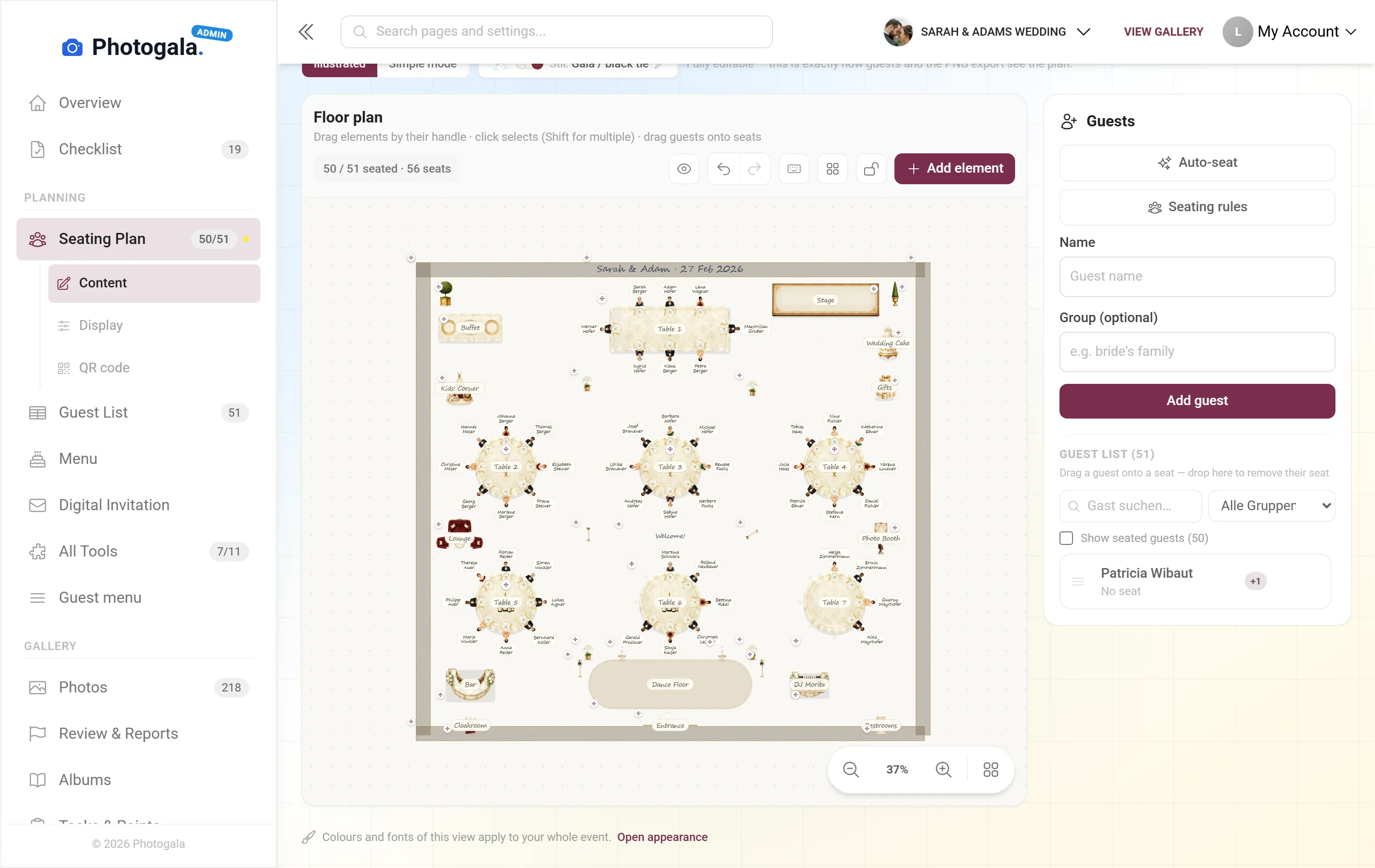
Round and long tables, placed the way they really stand.
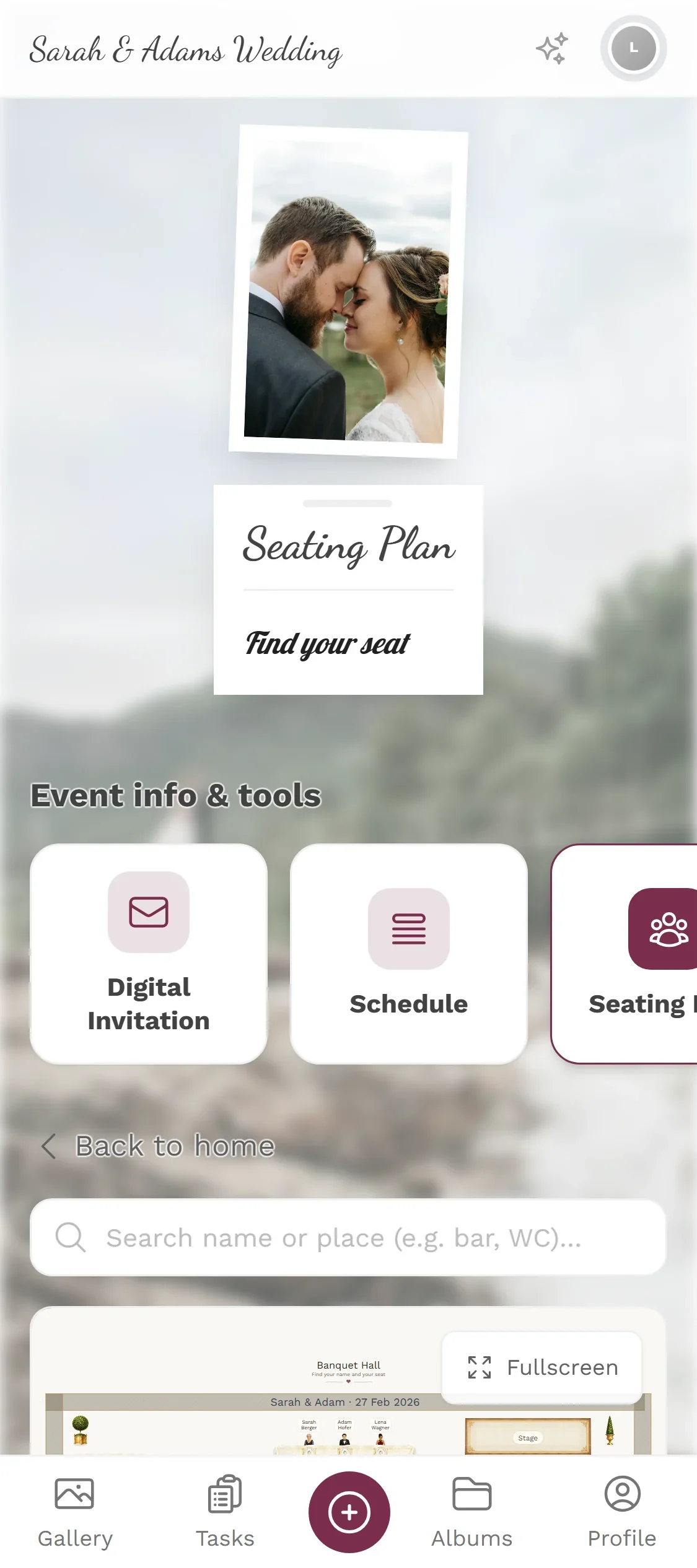
Type the name, see table and seat.
Uses your guest list · no app for your guests
Type a name. Find the seat.
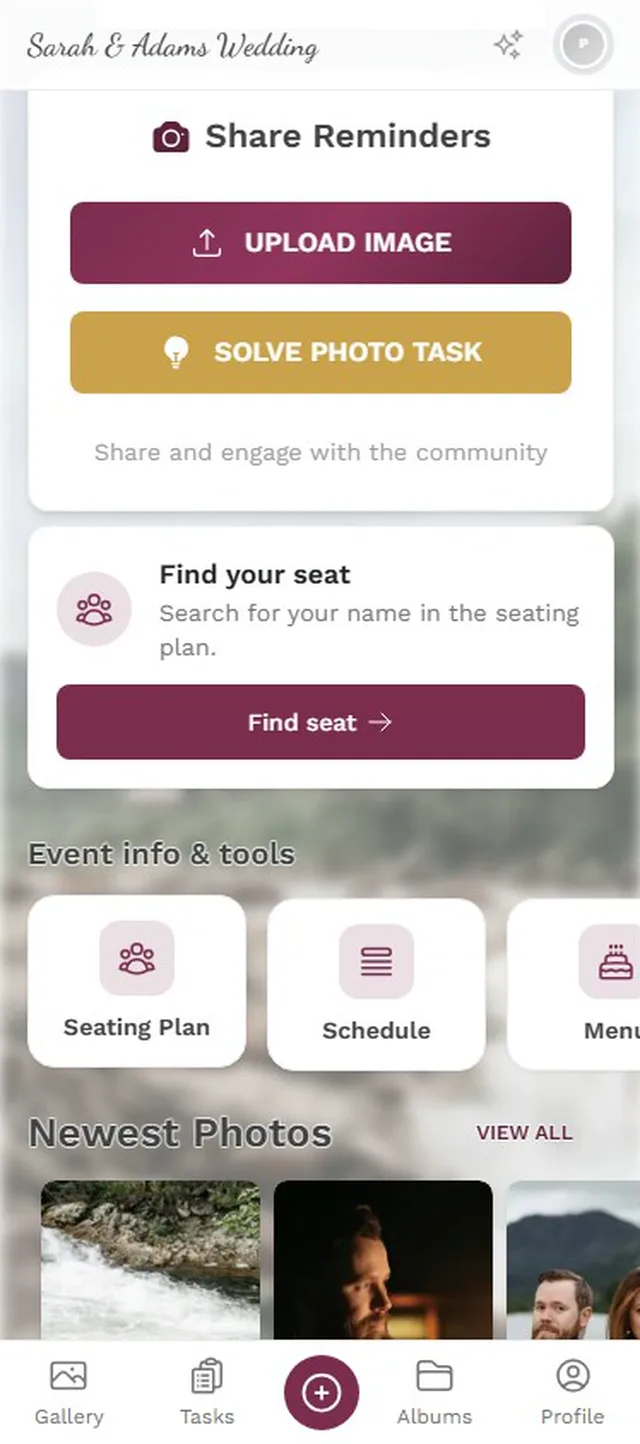
This is the real seating plan of the demo wedding: 50 guests at 7 tables. Guests search their name on their phone and see table, seat and who they are sitting with.
- Guests search by name – or for a place like the bar or the WC
- The table is highlighted in the plan, including the neighbours
- Change the plan and guests see their new seat right away
From the plan straight onto the table.
Place cards for every guest, table numbers for every table and the seating poster for the entrance – printed from your plan. You never type names, tables or seats twice.
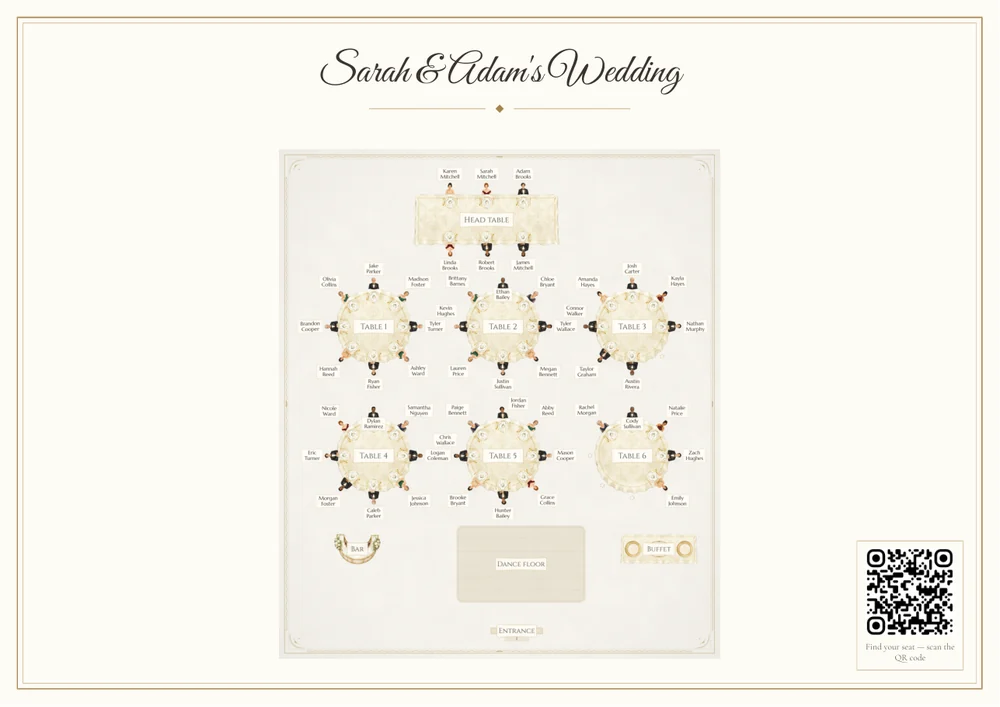
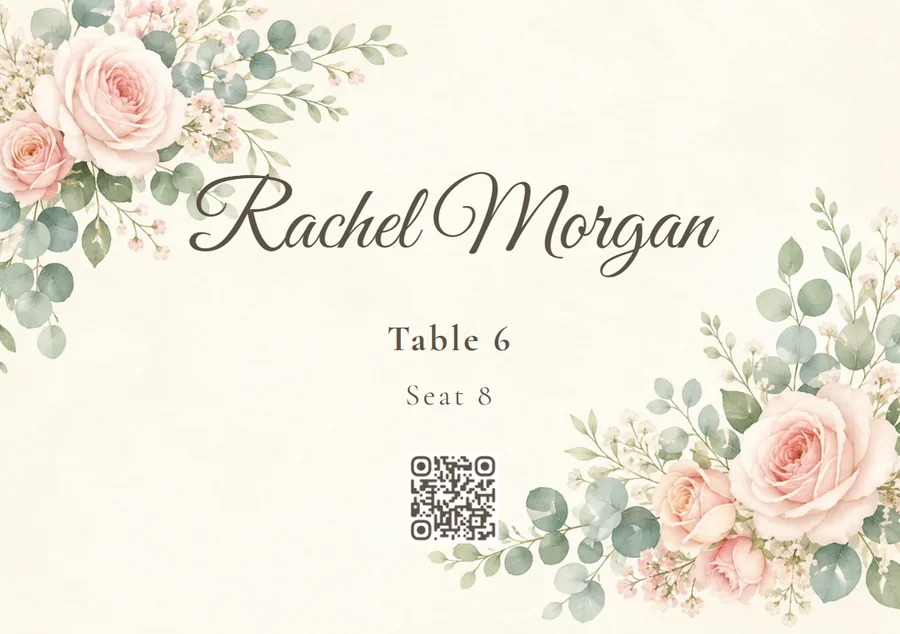
Scan
Every place card carries a personal code: whoever scans it is recognised in Photogala as that guest right away.
All print types and where their QR codes leadWhat the seating plan brings
From the first table arrangement to the printout for the service lead.
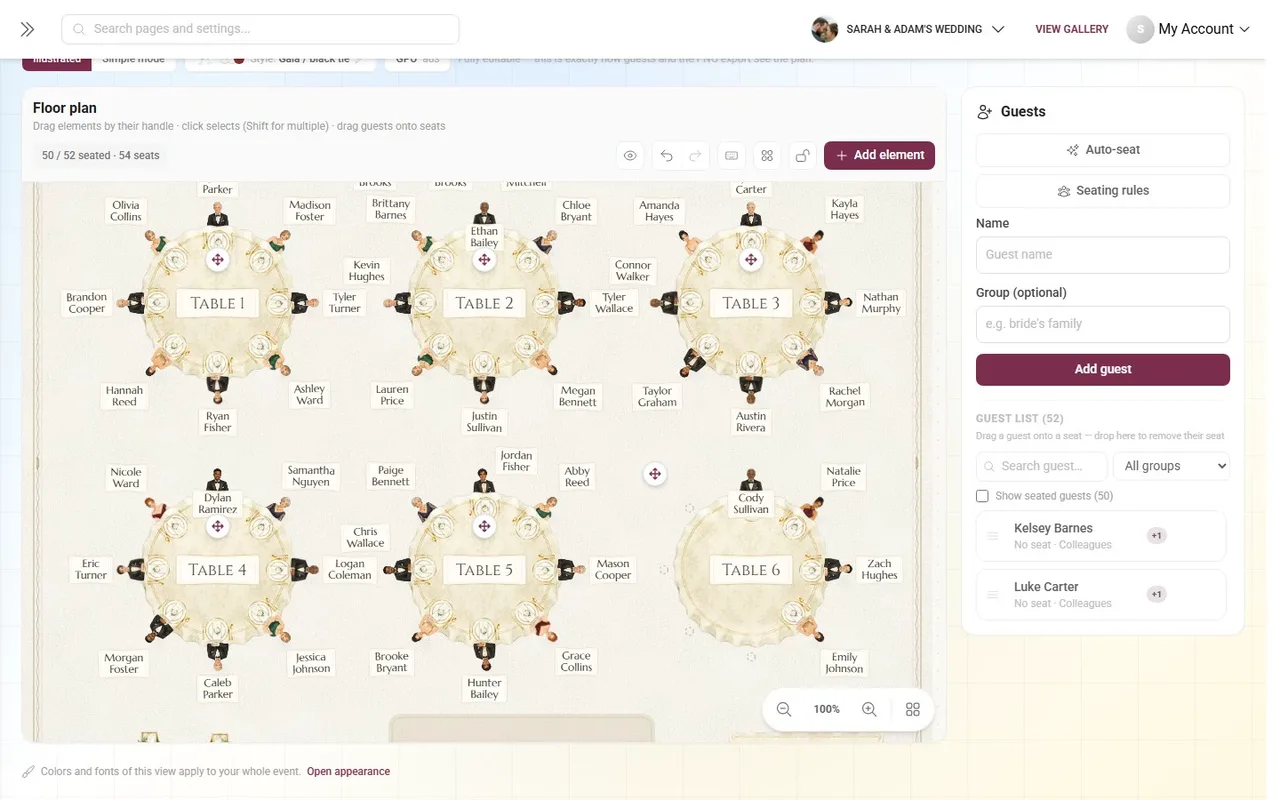
1 / 4
Drag and drop
Move, rotate and resize tables. Drag guests from one table to another. Directly, without dialogs and forms.







How often will you redraw it?
Free
Seating Plan is included in every plan — the free one too.
Arrange the room, seat the guests automatically and fine-tune by drag and drop.
- No App Required
- Setup in 5 Minutes
- 30-Day Money Back
A seating plan that knows the room
- 1Who it's forCouples and planners with tables and a guest list
- 2What happensArrange the tables, seat guests automatically or by hand
- 3In the endEvery guest finds their seat – on the phone or on paper
More details
Most seating plans are drawn in a graphics app: circles for tables, text boxes for names. It looks tidy on screen and becomes worthless the moment two guests cancel and three seats have to be reassigned.
On Photogala the seating plan is connected to the guest list. You drag people onto tables instead of typing names. If someone drops out, the seat frees up — in the plan, on the printout and in the view your guests see on their phones.
The room itself is part of it: dance floor, stage, bar, entrance and buffet can all be laid out. The result is not an abstract diagram but a picture of the evening the venue can actually work from.
- Weddings
- Corporate events
- Big birthdays
- Event planners
Everything built in
Seating plan questions
1How many tables and guests can it handle?
2Can guests see where everyone else sits?
3Do I have to seat everyone by hand?
4What happens when I move tables around?
5Can I print the plan?
6Does the guest view work without an app?
7Can I collect seating wishes from guests?
8Is the plan still available after the party?
Goes well with
Ready to Get Started?
Create your event in minutes. No credit card required.