Replies that count themselves.
Guests reply on the phone – yes or no, plus-ones, menu choice – and every answer lands in your guest list.
Ask once. Get answers you can count.
You decide what to ask, guests reply in a minute, and every answer sits next to the right name.
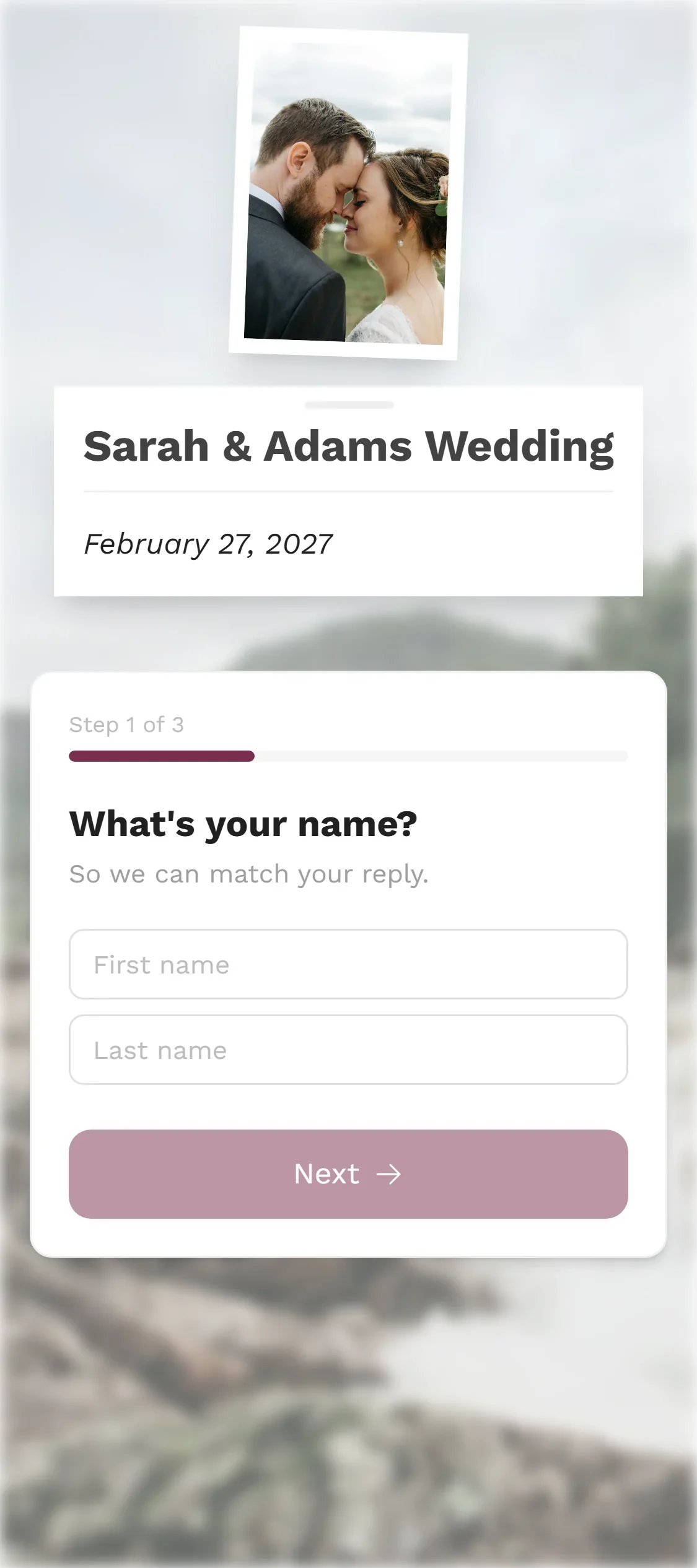
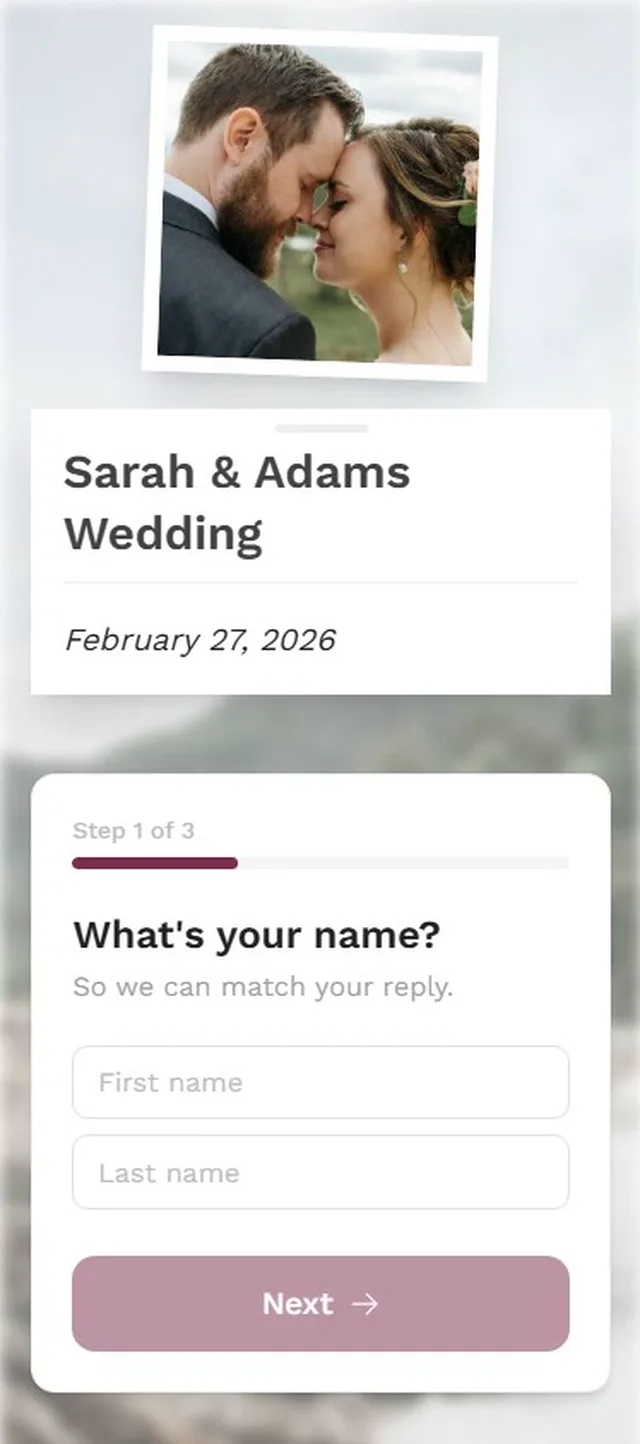
Via a personal link or the QR code, step by step.
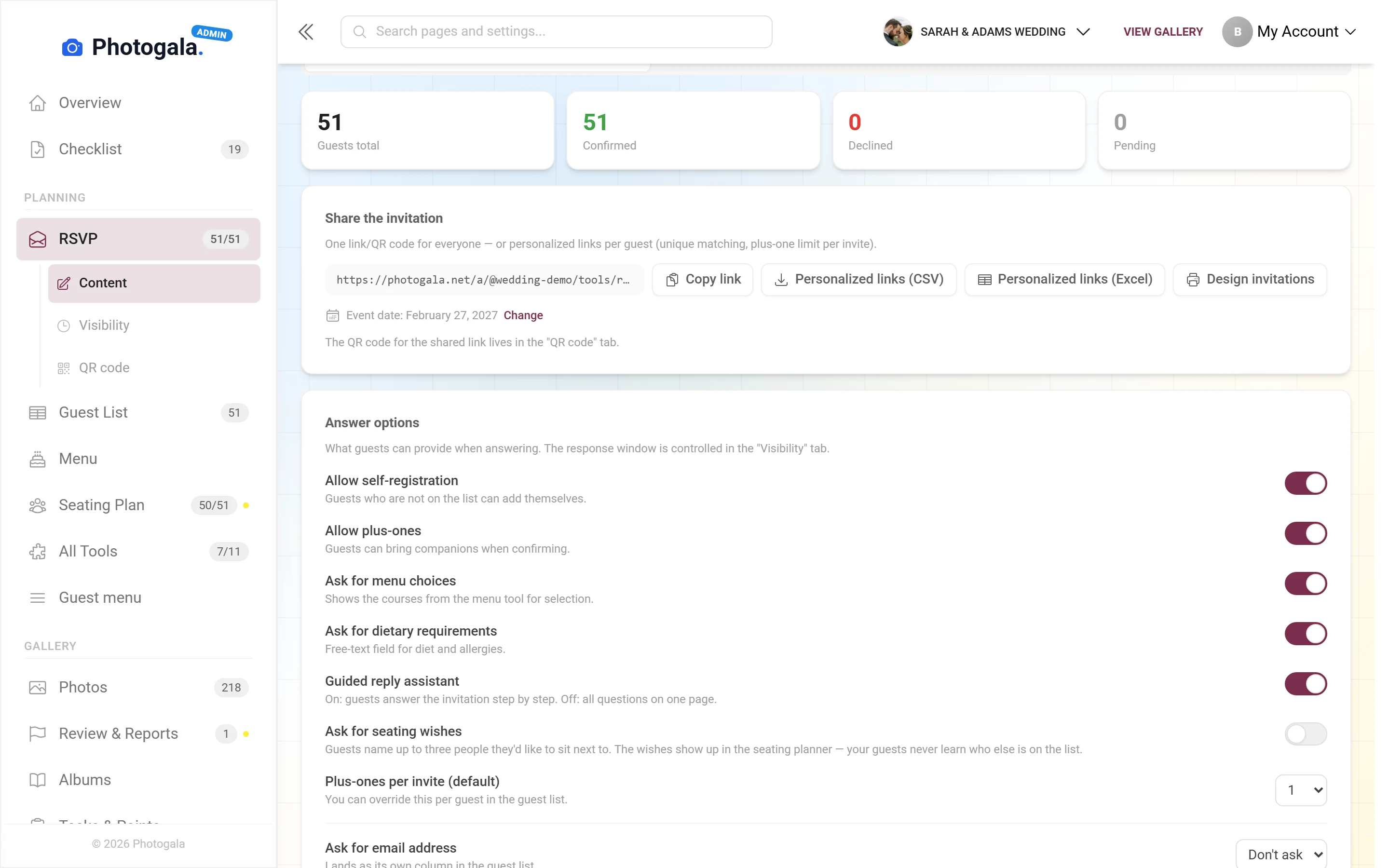
Plus-ones, menu choice, your own questions – switch on what you need.
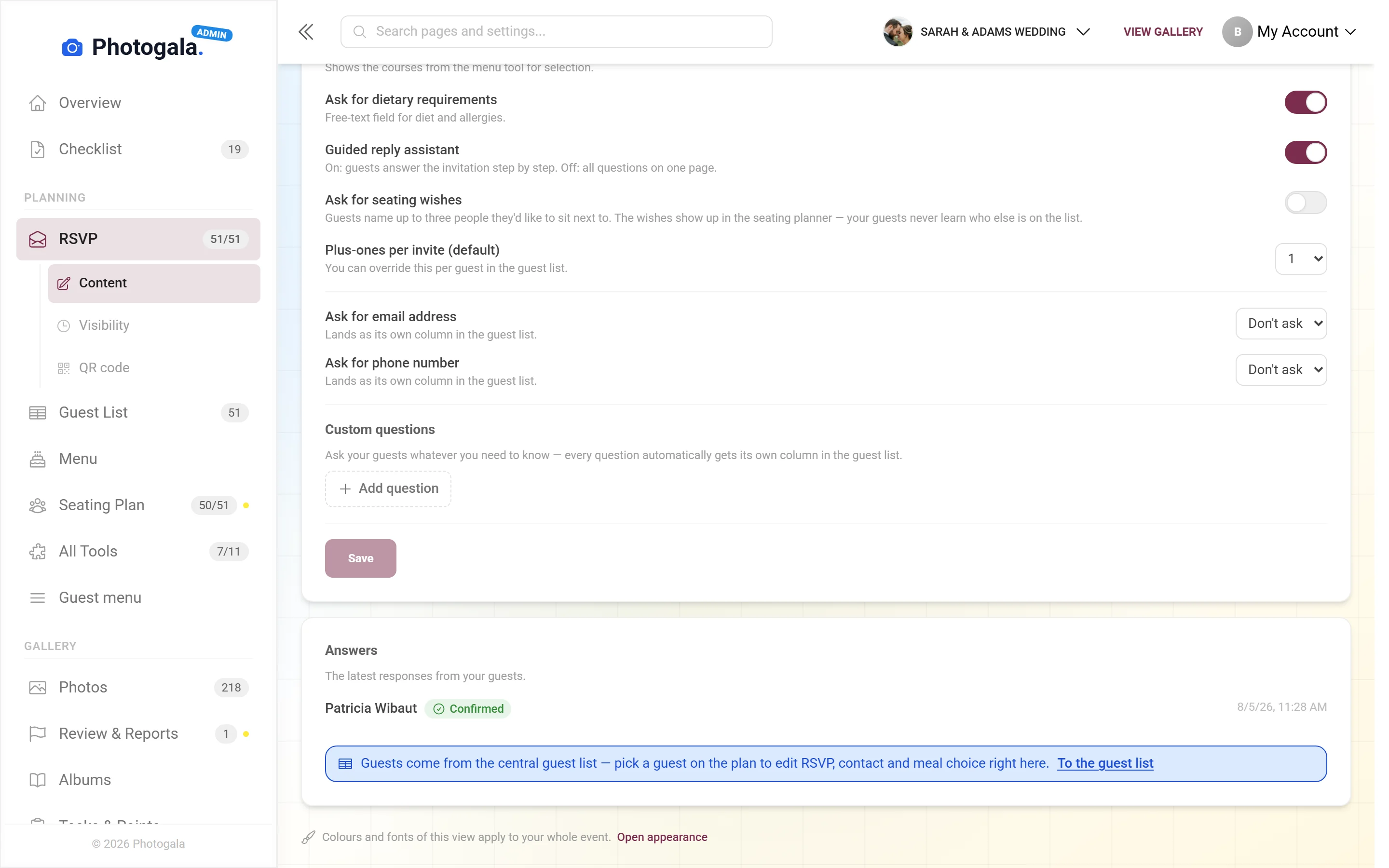
Yes, no, open – and every answer in the guest list.
No app, no account for your guests · personal link or QR code
One card per guest. With its own code.
Photogala prints personal invitations for your guests – with their name and their own QR code. Whoever scans their card replies without introducing themselves first.
Scan
Prefer messages? The personal links are also available as a list to download (CSV or Excel). The code on the front card opens the demo wedding’s reply page.
All print types and where their QR codes leadWhat replying can include
Enough structure that the answers are usable — little enough that guests actually finish.
1 / 4
Personal links
Every guest gets their own link. No searching a name list, no mixing up two people with the same surname.







Do you know who is still missing?
Free
RSVP is included in every plan — the free one too.
Switch on the questions you need and share the link. You see at a glance who is coming.
- No App Required
- Setup in 5 Minutes
- 30-Day Money Back
Why RSVP is more than a yes/no button
- 1Who it's forHosts who need to know who is coming
- 2What happensGuests reply yes or no on their phone – with menu choice and plus-ones
- 3In the endEvery reply lands in your guest list instantly
More details
The reply itself is the easy part. What gets hard is everything attached to it: is a plus-one coming? Who eats vegetarian? Does the couple traveling in need a room? And who has not answered at all?
Photogala ties the answer to the person. Every guest gets a personal link, so they never have to spell their name and you never have to work out who replied. The answer lands in the row that already belongs to them.
- Weddings
- Corporate events
- Birthdays
- Event planners
Everything built in
- Matching replies to peopleA personal link always hits the right row
- Menu numbersBuilt automatically from the answers
- PrivacyNobody sees anybody else's entries
- Reusing the resultAn acceptance acts directly on seating and print
RSVP questions
1Do guests need an account to reply?
2What if I don't have an email address?
3Can guests change their answer later?
4Can I ask my own questions?
5Can other guests see who accepted?
6How do I chase missing replies?
7Can I export the results?
8What happens when someone declines?
Goes well with
Ready to Get Started?
Create your event in minutes. No credit card required.