56 ready-made templates · free

50 place cards. Not one name written by hand.

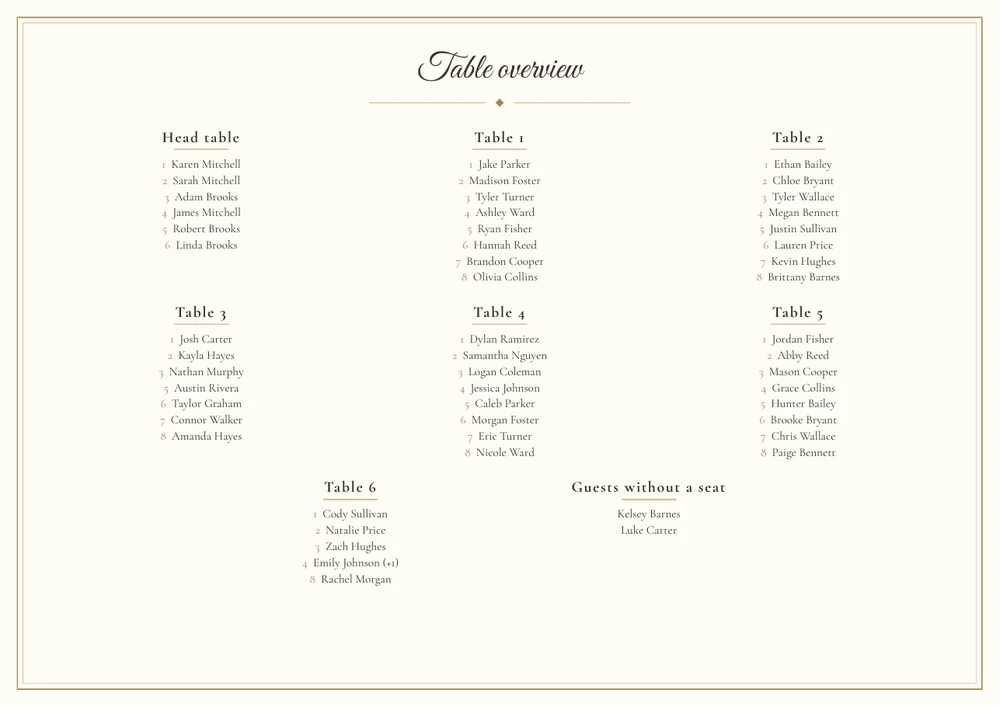
Who sits where is already in your seating plan. The design studio puts the name, table and seat on every card automatically — and hands you a print-ready PDF. For place cards, table numbers, menu cards and posters.

See a live seating plan

No credit card · PDF straight away

Those evenings spent copying out eighty names.

First you letter the cards, then it turns out Aunt Erika is sitting at a different table after all. Every reshuffle is a fresh stack and another evening. When the cards come out of the seating plan, you change the plan — and simply print again.

Three steps to a finished stack

No retyping, no layout software, no waiting.

1

Your guests are already seated

You built the seating plan and the guest list anyway — the name, table and seat come from there.

2

Pick a template

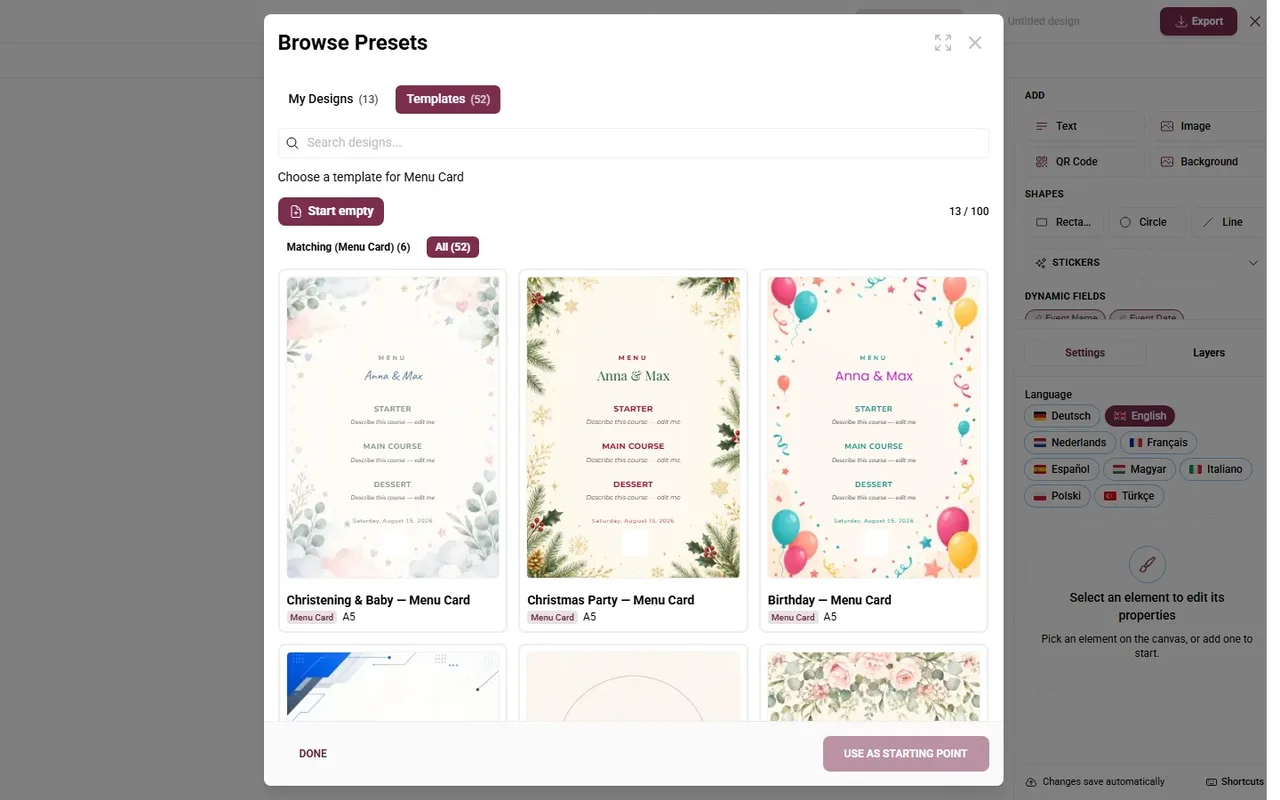
56 finished designs across five occasions. Or start blank and build your own.

3

Print the PDF

Several cards per sheet, double-sided, A4 down to A7 — ready for your printer or a print shop.

Why this isn't a template pack

Templates are everywhere. What's missing is the data inside them.

The names are already on them

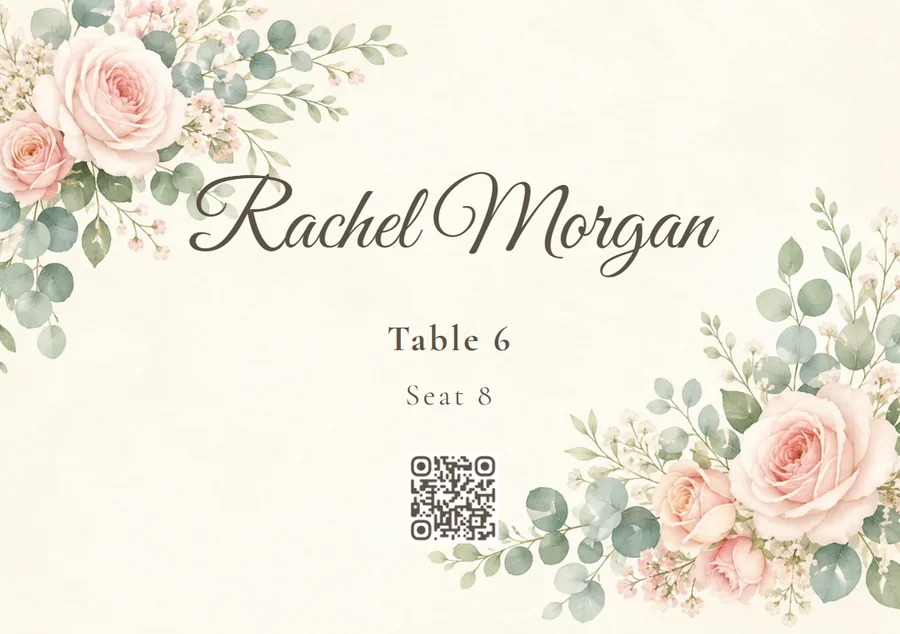
Open the place cards and the first guest is already on the card — with the table and seat number. Page through, and every card carries the next name. One design becomes as many cards as you have guests.

56 templates, five occasions

Weddings, company parties, birthdays, Christmas parties and christenings — a fully designed set each, across every card type. Filtered down to whatever you happen to be making.

And if you want something else

Text, images, QR codes, shapes and stickers, multiple pages, your own typefaces. The menu and the seating plan drop in as ready-made blocks — and if their content changes later, the card tells you.

What you can print

All from the same data, all in the same look.

Place cards

One per guest, with name, table and seat number — straight from the seating plan.

Table numbers

A stand per table — with names instead of numbers if your tables have names.
Menu cards

The menu from the menu tool, dropped in whole or course by course.

RSVP cards

An invitation to reply, with a personal link and QR code per guest.

Seating poster

The whole plan as a notice for the entrance — inserted as an image.

QR posters

For the gallery, the menu or any other tool — to stand up or pin up.

Plus invitation cards for the photo gallery, and cards for photo challenges and rewards.

Ready for the printer

The PDF isn't a screenshot — it is properly set, with the details an evening usually hangs on.

  • Several per sheet. Place cards laid out on one A4 sheet — saves paper and cutting.
  • Double-sided. Front and back mirrored to match, so duplex printing lines up.
  • A4 down to A7. Every card type starts in the size that suits it — and you can still change it.

Everything included

  • Design studio entirely free
  • 56 ready-made templates
  • Five occasions, not just weddings
  • Name, table and seat filled in for you
  • Print-ready PDF
  • Several cards per sheet
  • Double-sided printing
  • Sizes from A4 to A7
  • English and German side by side
  • Unlimited cards
Start for freeNo layout software neededGDPR-compliantServers in the EU

The design studio stays free — the photo gallery starts at

Starting from 39 €

One payment instead of a subscription: if you also want every guest photo from the day, the gallery costs a fair one-off price.

See Pricing

Templates and printing — frequently asked questions

What does the design studio cost?
Nothing. Templates, editor and PDF export are free, like every planning tool. You only pay for the photo gallery if you want to collect your guests' pictures.
Where do the names on the cards come from?
From your guest list and seating plan. A place card knows the guest, the table and the seat number; a table number knows the table's name; an RSVP card knows the personal link. Nothing is retyped.
Do we need layout software?
No. The editor runs in the browser: text, images, QR codes, shapes and stickers by click, multiple pages, your own typefaces. If you want to be done faster, take one of the 56 templates.
What if the seating changes again?
You change the seating plan and export again. The cards pick up the new arrangement — you only reprint the ones that changed.
Which sizes are available?
A4 down to A7, portrait and landscape. Every card type starts in the size that works for it — place cards landscape in A7, menu cards in A5, posters in A4.
Can we use our own images?
Yes. You upload your own backgrounds and pictures and choose colours and typefaces freely. Even a finished template can be changed in every detail.
Does this work for occasions other than weddings?
Yes. There are fully designed sets for weddings, company parties, birthdays, Christmas parties and christenings — each across every card type.
Can we have them printed by a print shop?
Yes. You download a PDF and hand it over. For home printing there are the extra options for several cards per sheet and double-sided printing.

The stack that letters itself.

Pick a template, download the PDF, print. Free, and no layout software.

See a live seating plan