Your gallery. Your look.
Header style, gallery layout, colours and fonts – set in minutes with a live preview, so the gallery matches your invitation or your brand.
Three settings, your own look.
Everything sits in the gallery settings – with a live preview right next to it, so you see every change before your guests do.
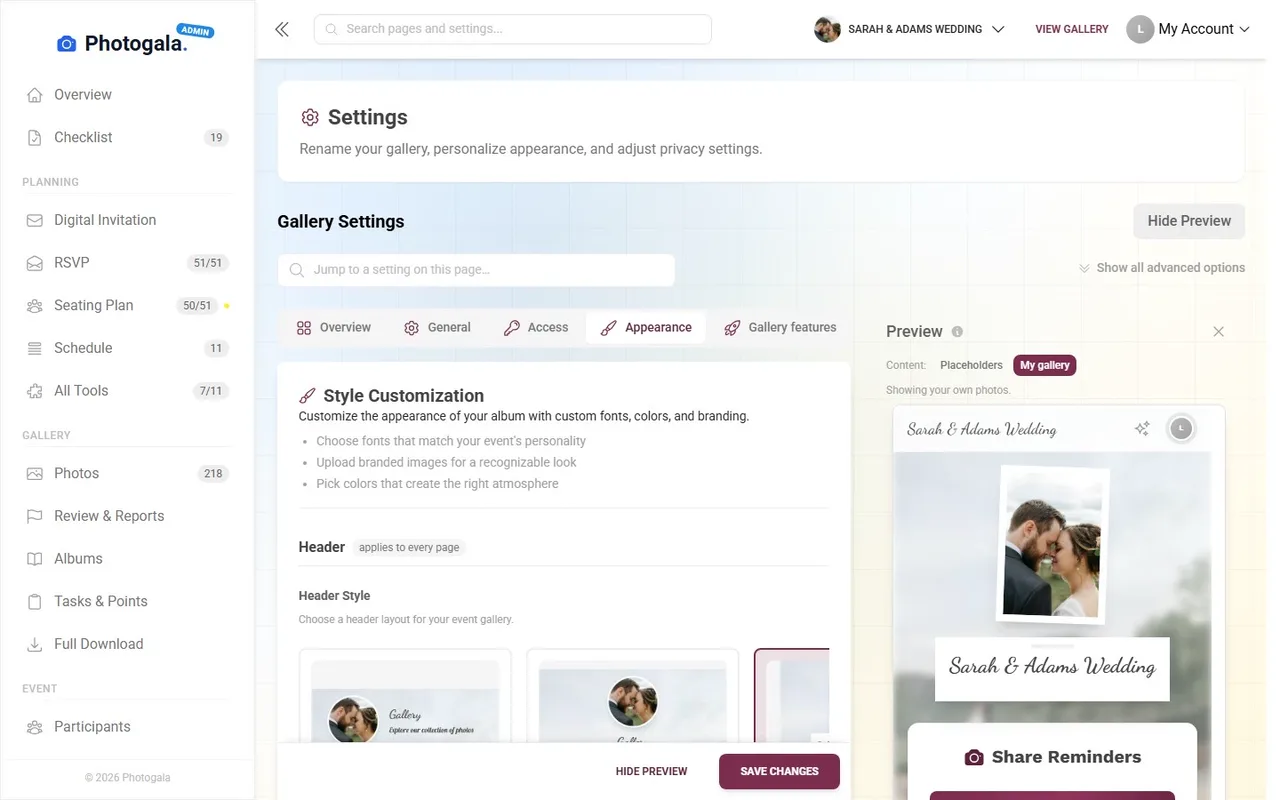
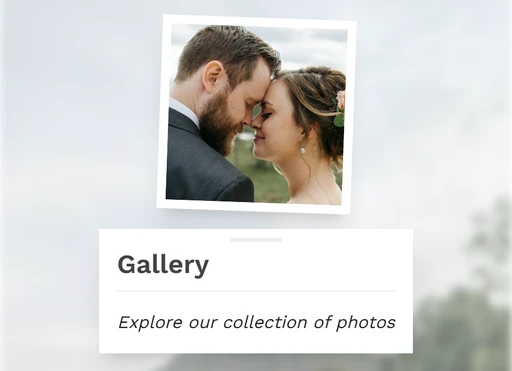
Six header styles, your cover image and logo – with focal point, so faces stay in frame.
Your colours and up to three fonts – matching the invitation or the brand.
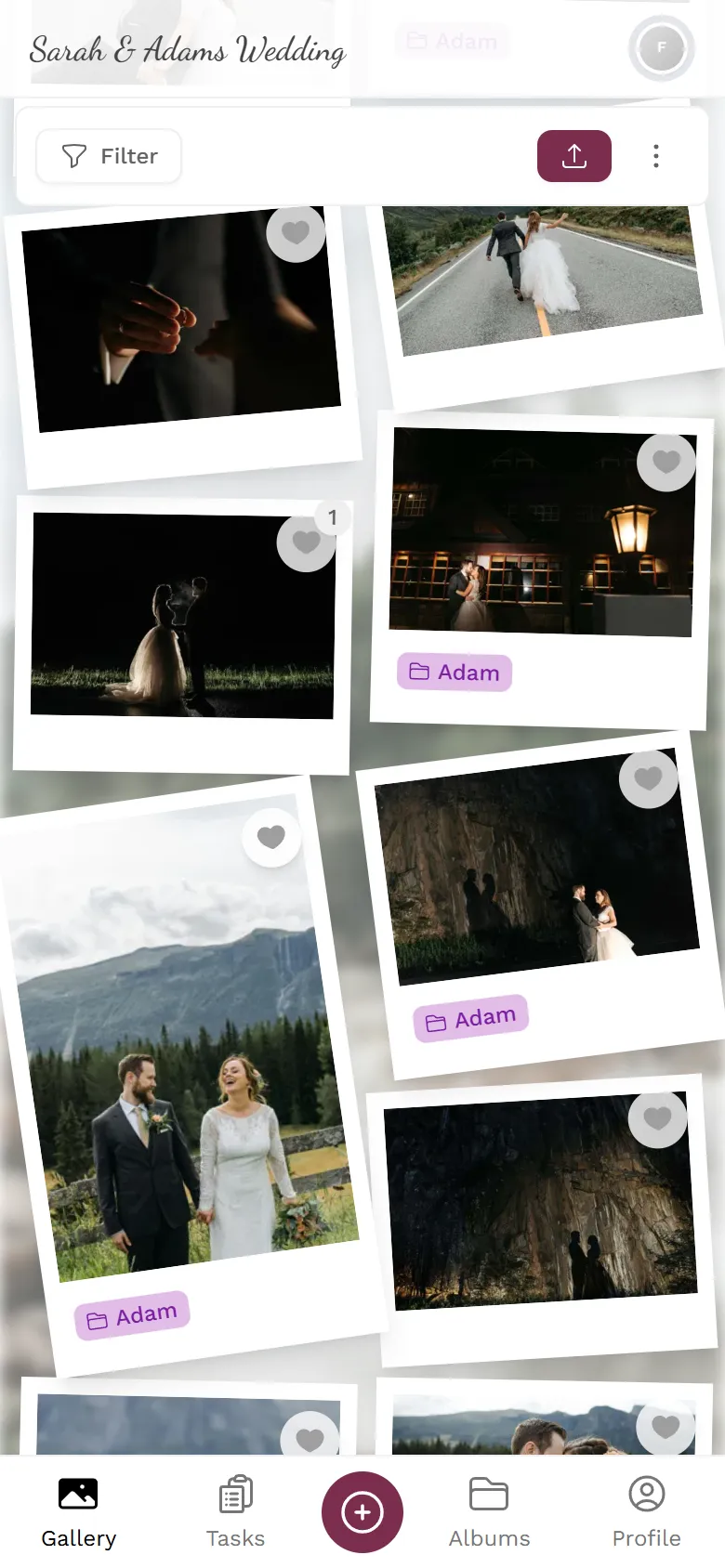
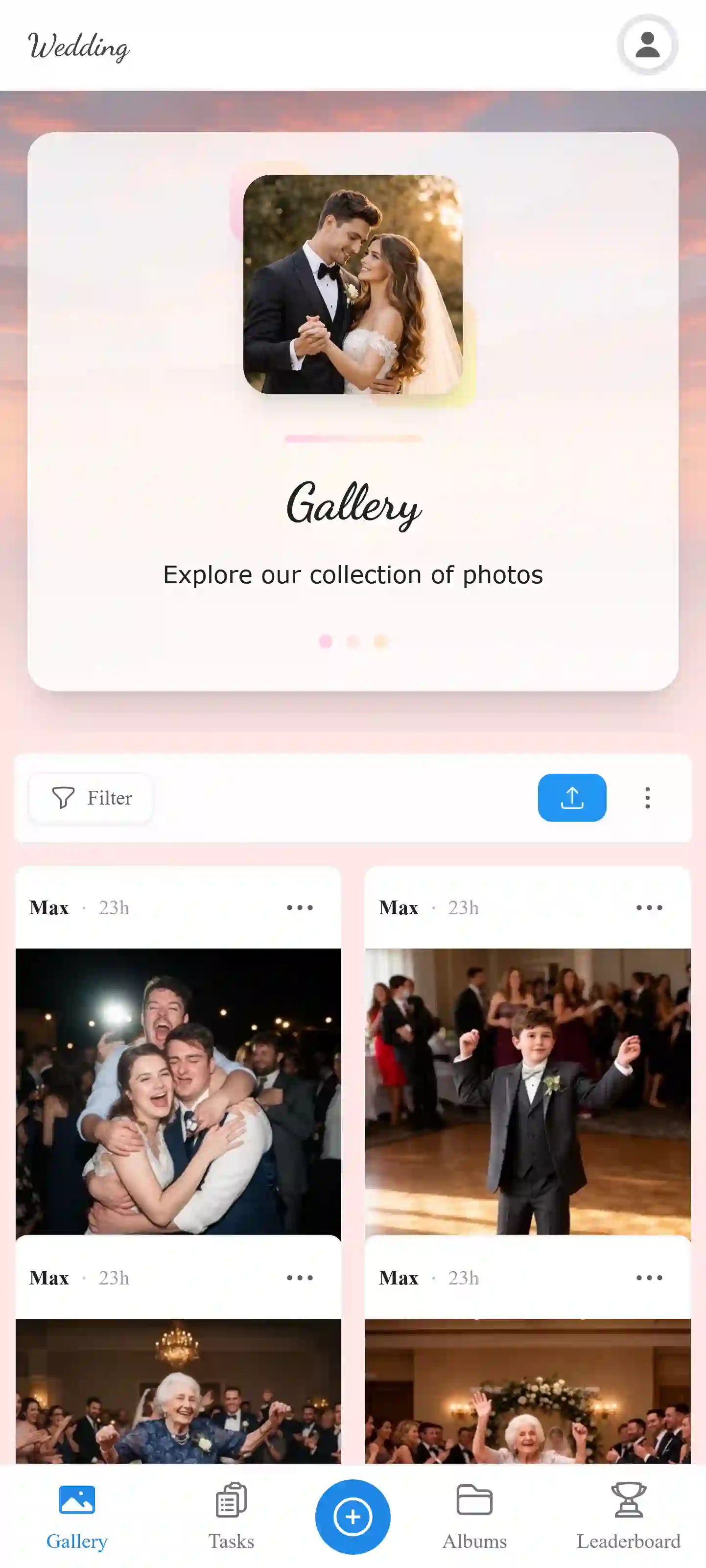
Eight layouts – from the Polaroid wall to justified rows.
Changes apply at once – even while guests are already uploading
Click a style. See it at once.
Above is the real style editor of the demo wedding. Tap a header style and the recording jumps right to it – then flip through the gallery layouts.
- Six header styles, eight gallery layouts
- Colours, three fonts, logo and cover image with focal point
- Changeable at any time – even while guests are uploading
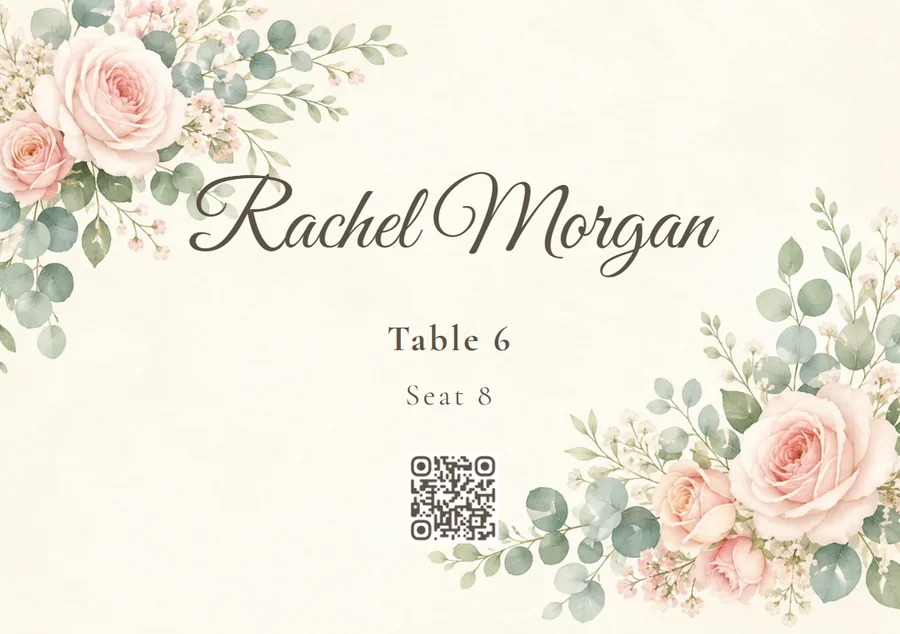
Your colours, ready for the place cards too
In the Design Studio, your event colours sit next to every colour field – one click and place cards, table numbers or the seating poster match your gallery.
See the print templatesSame platform, a different look every time
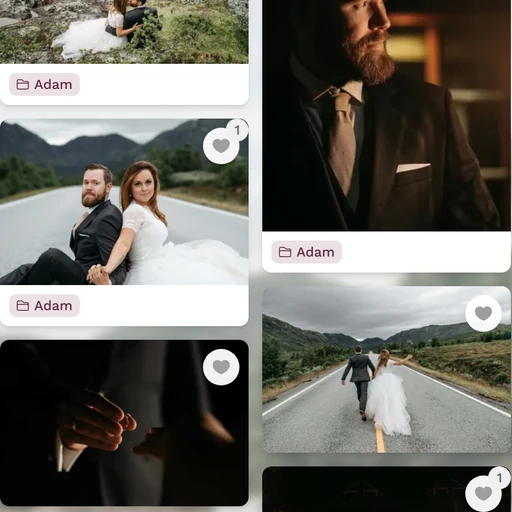
Screens from our demo events – each one styled in the settings shown above.
1 / 5
Your colours
Primary, accent and background colour – buttons, highlights and the upload button take them over across the whole gallery.







Does the gallery match your invitation?
One-time payment — No subscription
Starting from 69 € / one-time
Customization is available from the Premium plan up.
Style it once, change it any time – your guests see the new look straight away.
- No App Required
- Setup in 5 Minutes
- 30-Day Money Back
What Is Gallery Customization?
- 1Who it's forAnyone whose gallery should look like their event
- 2What happensYou pick the header, colours, font and layout
- 3In the endThe gallery carries your look instead of a default
More details
Gallery customization lets you control every visual aspect of your event gallery. From colors and fonts to gallery layouts and header styles, you can make the gallery look like a natural extension of your event brand.
Most event photo platforms give you a generic white gallery with zero branding options. With Photogala, your gallery can match your wedding color scheme, your company's brand guidelines, or your party's theme. Every guest who opens the gallery sees your brand, not a generic tool.
All customization changes are instant. You see a live preview as you adjust settings, so there's no guesswork. And you can change everything at any time, even during the event.
- Weddings
- Corporate Events
- Birthday Parties
- Vacation Groups
Everything built in
Customization FAQ
1Can I change the customization after the event starts?
2Which gallery layouts are available on each plan?
3Can I upload my own fonts?
4Is the dark mode available on all plans?
5Can I customize the QR code colors?
6Does the logo appear on the photo wall too?
7Can I preview changes before guests see them?
8Are header styles available on all plans?
Goes well with
Ready to Get Started?
Create your event in minutes. No credit card required.