Every photo in fullscreen – with one tap
Tap, swipe, double-tap: your guests flip through the gallery like their own photo app – in the browser, no app needed.
Tap. Fullscreen. Swipe.
The gallery is for browsing, the slideshow is for looking: one photo, the whole screen, gestures everyone already knows.
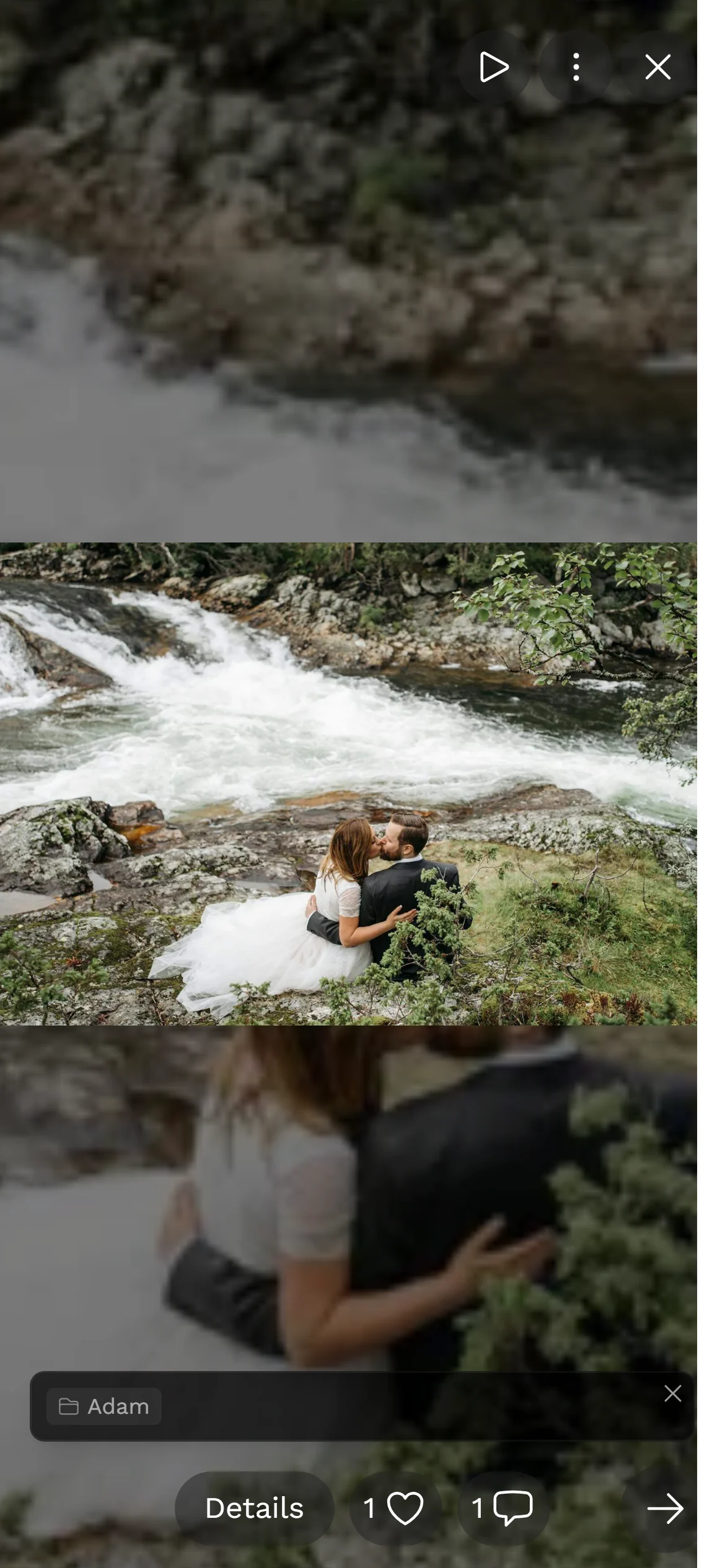
The photo fills the screen. Swipe to the next one, pinch to zoom, press play to let it run.
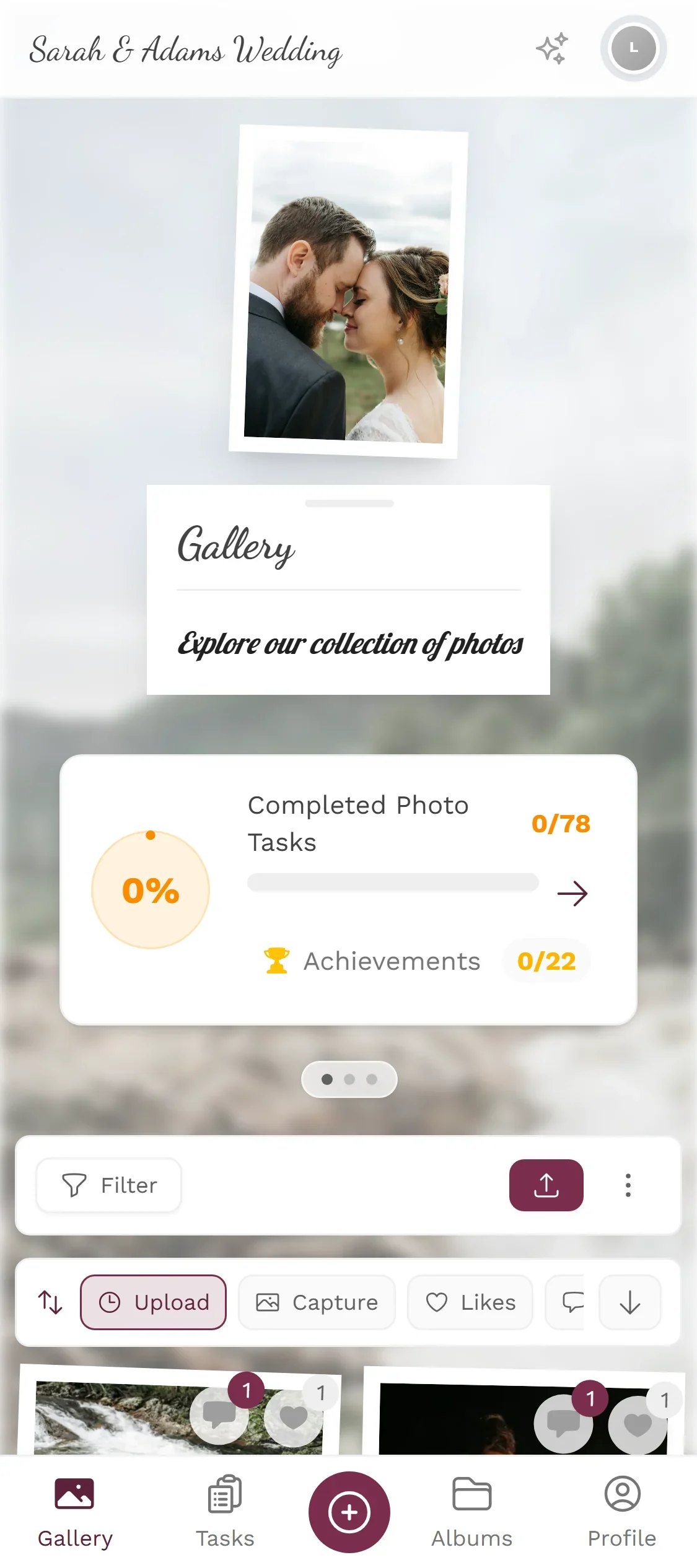
Right from the gallery, wherever you are – no separate app, no download.
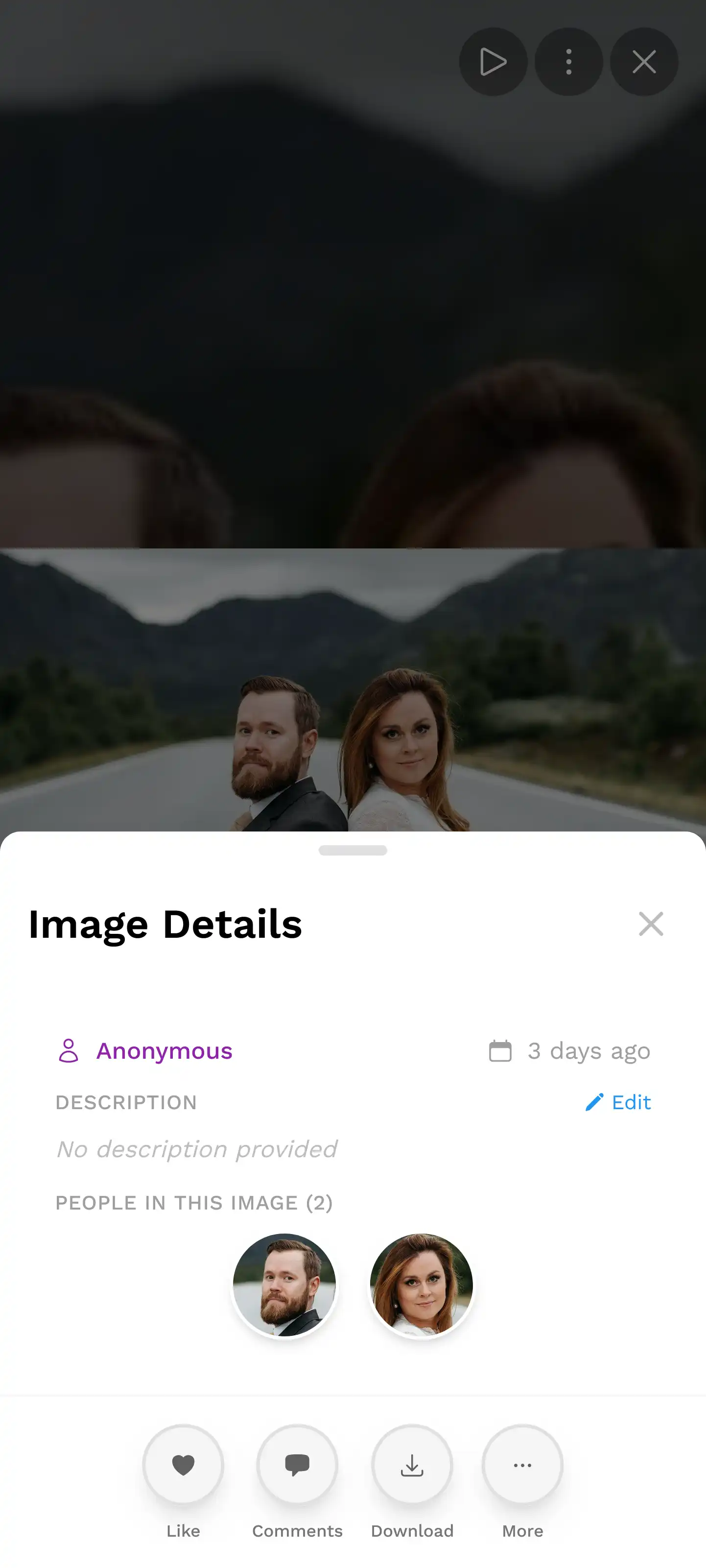
Swipe up for the details, double-tap to like, swipe down to get back to the gallery.
Included in every plan, including the free one · in the browser, no app
Swipe through it yourself.
On the left, a guest in the real demo wedding. On the right, your turn: the viewer reacts to the same gestures.
- Tap a photo: fullscreen
- Swipe left or right: next photo
- Swipe down: back to the gallery
- Double-tap: like
- Swipe up: photo details
- Play: advances on its own

0 of 6 gestures tried
What the slideshow does
A handful of gestures nobody has to be taught.
1 / 4
Full screen
The image gets the whole screen, with no borders and no menus in the way.
Should it run on its own, with new photos live?
That is the photo wall: an endless slideshow or collage for the big screen that shows new guest photos by itself, with a QR code for uploads. Included from the Plus plan.
See the photo wall






The slideshow is already built into every gallery
Free
Slideshow is included in every plan — the free one too.
Create your event, share the gallery – your guests tap a photo and they’re in fullscreen. Nothing to set up.
- No App Required
- Setup in 5 Minutes
- 30-Day Money Back
Why looking deserves its own view
- 1Who it's forAnyone viewing the gallery, on a phone or a TV
- 2What happensOne tap fills the screen with the photo, a swipe moves on
- 3In the endLooking at photos instead of scrolling through grids
More details
A gallery grid is good for sorting: many small pictures side by side so you keep the overview. It is poor for looking — for that you want one image large, without borders and without controls around it.
The slideshow is that second view. Tap a photo and it fills the screen. Swiping moves to the next one without going back to the grid.
- Weddings
- Corporate events
- Birthdays
- Travel
Everything built in
- ControlsSwipe gestures everyone knows
- All the sourcesEvery guest's pictures in one show
- VideosPlay in the same view
Slideshow questions
1Does it run on a TV?
2Do new pictures appear automatically?
3Can I set how long each picture stays?
4Are videos played too?
5Can I narrow down what is shown?
6Does it need an app?
7Do guests see the same show as me?
8Does it work on a weak connection?
Goes well with
Ready to Get Started?
Create your event in minutes. No credit card required.