Albums

Order that still makes sense the next day

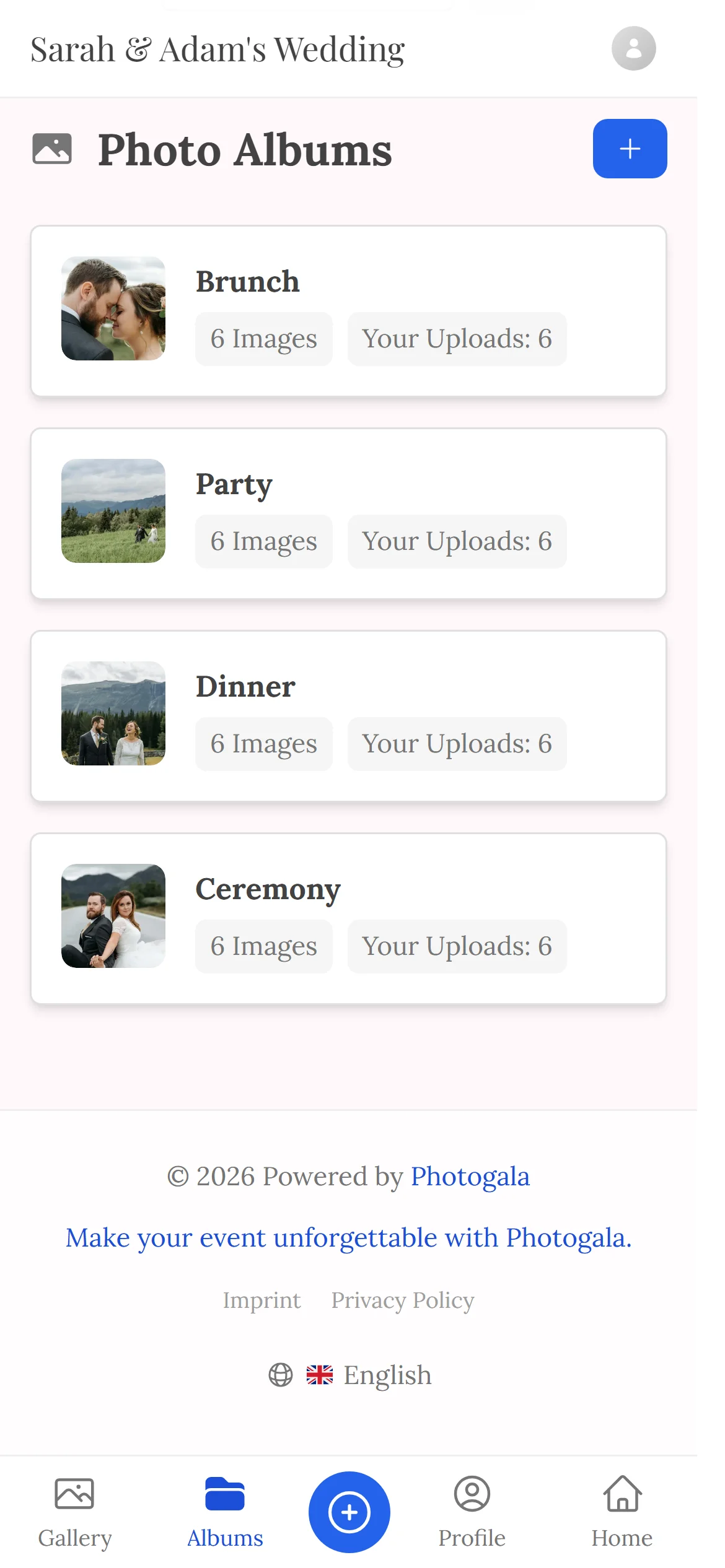
Ceremony, dinner, party, brunch — each album with its own cover, its own link and its own QR code. Instead of 800 pictures in one endless pile.

Free · no credit card · ready in 2 minutes

Albums — Guest view
Albums — Guest view
460+
Events created
2,600+
Guests & hosts
10,000+
Photos shared
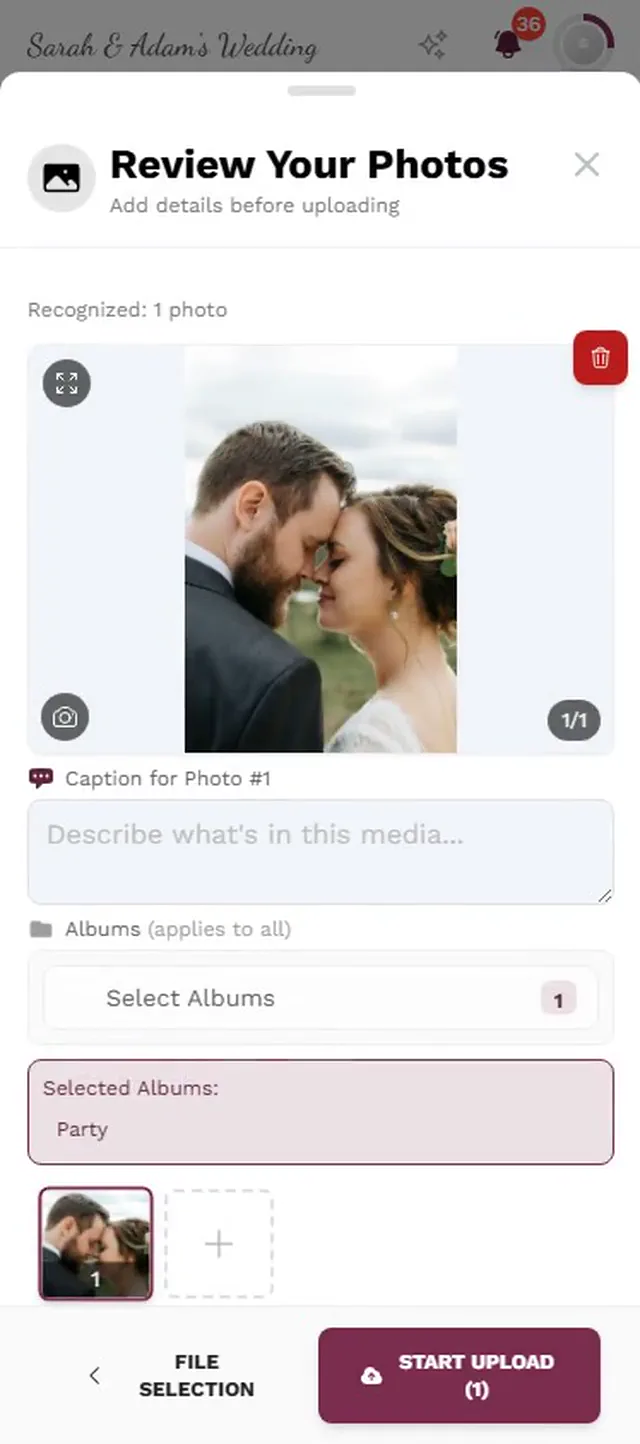
  • No app — guests scan the code and upload
  • Guests need no account
  • Photos in original quality, not compressed

Why one single pile isn't enough

After a party several hundred pictures pile up quickly. Sorting them by time is correct as far as it goes — but anyone looking for the ceremony still scrolls past three hundred party shots.

Albums give the whole thing a structure that matches the day. Each album stands for one part of it and carries its own cover image, so you can see at a glance what it holds.

Because every album has its own link and QR code, it also works the other way round: the code on the dinner table leads straight into the dinner album — and whatever guests upload there lands in the right place immediately.

What albums give you

Structure that starts at upload rather than at tidy-up time.

Split by part of the day

Ceremony, reception, dinner, party — as many albums as your running order needs.

Its own cover

Each album gets a cover image, either chosen by you or picked automatically from its contents.

Its own link

An album can be shared on its own without opening up the rest of the gallery.

Its own QR code

The code on the table leads straight into the album belonging to that part of the evening.

Guests upload straight in

Anyone uploading through an album code lands in the right album automatically — no re-sorting.

Visibility per album

Some parts aren't for everyone. Visibility is set per album.

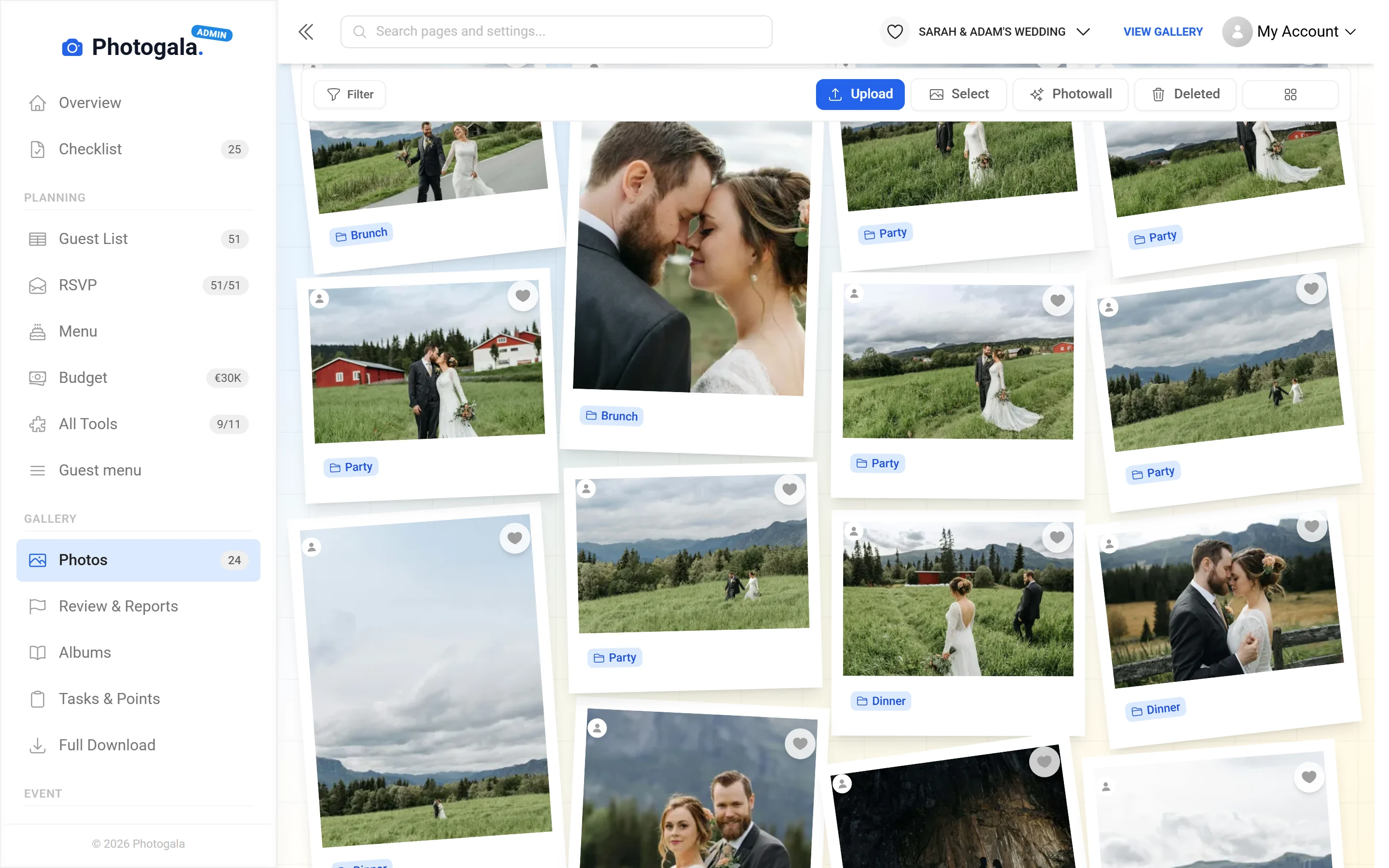
Albums — Admin view
Admin view

From structure to a sorted result

1

Create the albums

Following the running order of your day, ideally beforehand.

2

Assign the pictures

Anything uploaded through an album code is already right; the rest you move.

3

Pick a cover

One image that carries the section — or keep the automatic one.

4

Share

The whole gallery or a single album, depending on who should see what.

Albums — Admin view
Admin view

Who works with albums

Weddings

Getting ready, ceremony, reception, dinner, party — five parts, five albums.

Corporate events

Separate the conference from the evening so one can be shared internally and the other cannot.

Birthdays

Photo booth, the party itself, and the old pictures guests brought along.

Travel

One album per day or per place instead of one pile for the whole trip.

Albums, folders and one big pile

The difference shows the moment somebody looks for a particular picture.

Finding something

Photogala

Split by section, with cover images

Alternatives

Endless scrolling through the timeline

Uploading to the right place

Photogala

The album QR code sorts automatically

Alternatives

Everything lands in one pot and has to be moved

Sharing one part

Photogala

Its own link per album

Alternatives

All of it or none of it

Overview

Photogala

Covers show what is inside

Alternatives

A wall of thumbnails

Visibility

Photogala

Controlled per album

Alternatives

Applies to the whole collection

Three hundred party shots before the ceremony

Create your event and split it into sections: ceremony, dinner, party. The QR code on the dinner table files uploads into the dinner album — included in your event.

Split your gallery into albums — free

Start free, no credit card

Get started with Photogala

Collect every photo and video from your event — pick the package that fits.

Buy now, use it whenever. Your storage period only starts with the 10th uploaded photo — not on the purchase date — and then runs continuously, so guests can add photos during every part of your event.

Albums is included in every plan — the free one too.

Plus

Collect every guest photo in one beautiful gallery.

75
Uploader
Unlimited
Photos
25
Videos
6 months
Storage period
  • High Quality Uploads
  • Seating plan for 75 guests
  • Photo WallNEW
  • Event Planning Tools (RSVP & Guest Replies, Guest List Manager, Digital Invitation …)
  • Unlimited Albums
  • Downloads (Single & Bulk)NEW
  • Dark Mode
  • Photo Liking
  • Custom QR Codes
  • QR Template DownloadsNEW
  • +3 more features
Available in higher tiers
  • Live Upload (FTP / WebDAV)(from Premium)
  • Smart Albums(from Premium)
  • Sharing & Comments(from Premium)
  • Photo Challenges (Full Suite)(from Premium)
  • +10 more in higher tiers
39 €/one-time
Buy now
Best Value

Premium

The full experience — guests engage, you get the best photos.

250
Uploader
Unlimited
Photos
Unlimited
Videos
1 year
Storage period
  • High Quality Uploads
  • Live Upload (FTP / WebDAV)NEW
  • Seating plan for 250 guests
  • Photo Wall
  • Event Planning Tools (RSVP & Guest Replies, Guest List Manager, Digital Invitation …)
  • Social Features (Share, Comment, Like)NEW
  • Unlimited Albums & Smart AlbumsNEW
  • Photo Challenges (Full Suite)NEW
  • Points & LeaderboardNEW
  • Achievements & ImportNEW
  • +18 more features
Available in higher tiers
  • AI Tools (Filter & Face Recognition)(from Deluxe)
  • GPS Map View(from Deluxe)
  • Real Rewards(from Deluxe)
  • Photo Wall Logo(from Deluxe)
69 €/one-time
Buy now

Deluxe

AI-powered, fully branded, completely hands-free.

500
Uploader
Unlimited
Photos
Unlimited
Videos
2 years
Storage period
  • High Quality Uploads
  • Live Upload (FTP / WebDAV)
  • Seating plan for any number of guests
  • Photo Wall (with Logo)NEW
  • Event Planning Tools (RSVP & Guest Replies, Guest List Manager, Digital Invitation …)
  • Social Features (Share, Comment, Like)
  • Unlimited Albums & Smart Albums
  • Photo Challenges (Full Suite)
  • Points & Leaderboard
  • Achievements & Real RewardsNEW
  • +22 more features
119 €/one-time
Buy now

Starter (free of charge)

Your moments, your stage, create your first digital photo gallery completely free of charge.

15
Uploader
50
Photos
None
Videos
3 months
Storage period
  • High Quality Uploads
  • Seating plan for 20 guests
  • Event Planning Tools (RSVP & Guest Replies, Guest List Manager, Digital Invitation …)
  • Unlimited Albums
  • Dark Mode
  • Photo Liking
  • Custom QR Codes
Available in higher tiers
  • Photo Wall(from Plus)
  • Downloads (Single & Bulk)(from Plus)
  • QR Template Downloads(from Plus)
  • Invitation QR Downloads(from Plus)
  • +2 more in higher tiers
Free
Create gallery
30-day money-back guarantee
No app required

Uploader Definition: All guests who upload at least one photo or video count as uploaders. Unlimited guests can still view the gallery.

Fair Use Storage: Storage is sized for normal event usage. Reach out if you need unusually large galleries.

After expiry: After the storage period the gallery is closed to guests; as the organizer you keep 30 days of ZIP-download access, then it is deleted.

Album questions

How many albums can I create?
As many as your event needs. There is no fixed limit.
Can guests upload straight into an album?
Yes. Through the album's QR code their pictures land there automatically.
Can a picture be in several albums?
A picture belongs to one album, and you can move it to another at any time.
Can I share a single album?
Yes, every album has its own link and QR code.
Where does the cover come from?
Either you choose one, or it is picked automatically from the pictures inside.
Can I hide an album?
Yes, visibility is controlled per album.
Do I have to create albums in advance?
No, but it helps: creating them beforehand saves the sorting afterwards.
Are albums reflected in the download?
Yes, the archive keeps the album structure as folders.

Ready to Get Started?

Create your event in minutes. No credit card required.