Wedding Photo Slideshow Templates: Why the Best One Isn't a Template at All

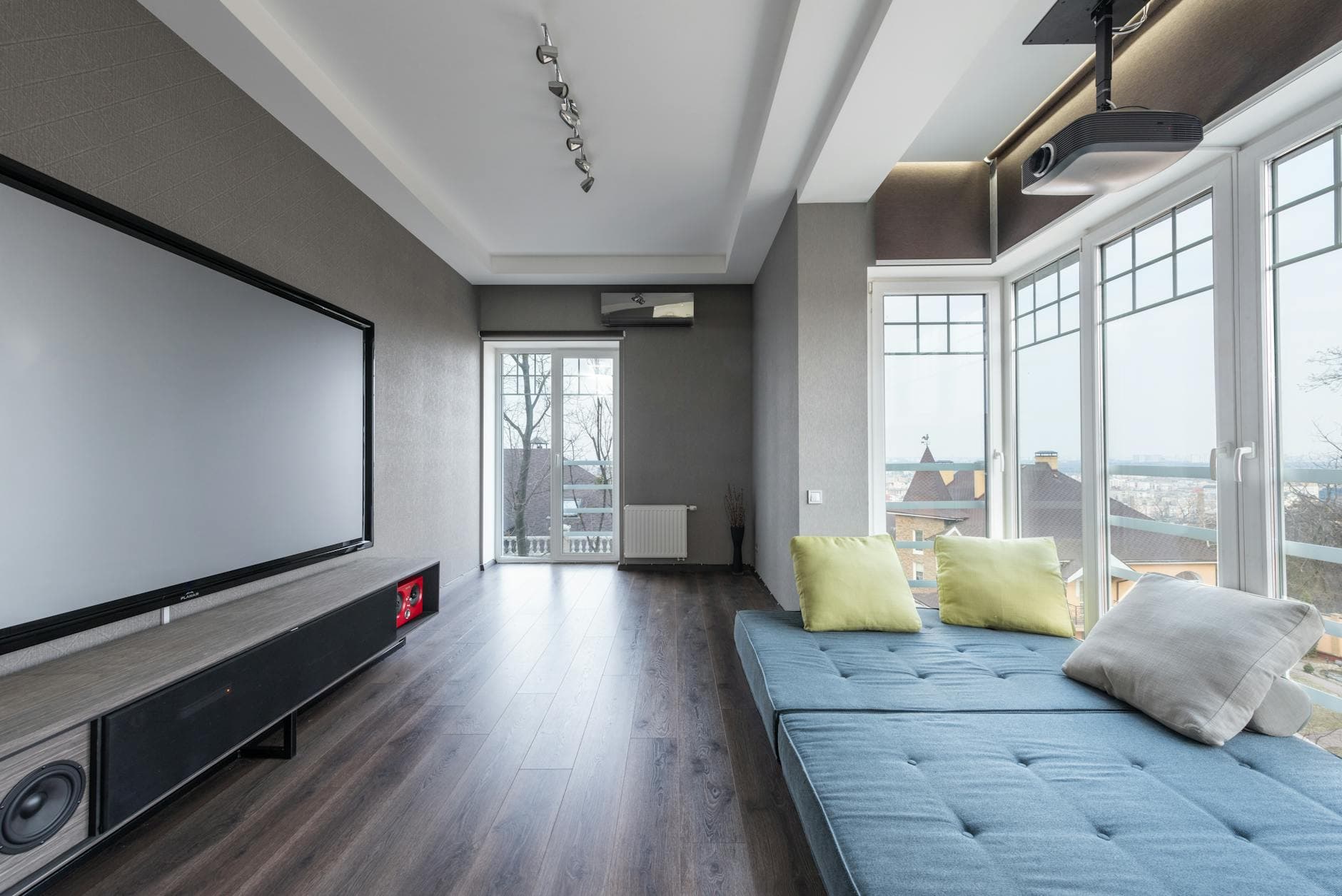
Picture this: it's two weeks before the wedding. You've spent three evenings dragging childhood photos into a slideshow template, syncing transitions to a song that felt perfect at 11 PM but sounds cheesy at breakfast. The result is fine. Maybe even good. Thirty carefully curated photos, a couple of video clips, a tasteful fade-to-black at the end.
Now picture the reception. Guests are laughing, dancing, snapping photos on their phones. By 10 PM, there are hundreds of candid shots scattered across 80 different camera rolls. The uncle who never takes photos somehow got the best picture of the evening. The flower girl's mom caught a moment the photographer missed entirely.
Those photos will never make it into your slideshow. Most of them won't make it anywhere. According to a 2024 study by PhotoAid, weddings are the second most-photographed type of event, with 44% of guests actively taking photos. But the vast majority of those images just sit in camera rolls, unseen and unshared.
That's the gap this article is about. Not which Premiere Pro template has the nicest font. The real question: how do you turn a room full of phones into a slideshow that actually captures what your wedding felt like?
The Template Landscape (Quick Overview)
Let's be fair to templates. They serve a real purpose. If you want a polished "our story" video to play during cocktail hour, a good template saves you from starting with a blank timeline.
The free options are surprisingly decent. FlexClip offers customizable templates with drag-and-drop editing, overlays, and even an AI style converter that can turn your photos into different artistic looks. Kapwing has professionally designed templates for ceremony moments, engagement photos, and reception highlights. Both are browser-based, no software install needed.
For something more powerful, desktop tools like SmartSHOW 3D let you work with pre-designed styles from elegant to vintage, support RAW files, and promise a complete slideshow in five minutes. Animaker claims 30 million users and 1,000+ templates if you want the online route with more animation options.
These all work. But they all share the same limitation.
The Problem With Pre-Made Slideshows
A template-based slideshow is a finished product before the wedding even starts. You pick 20-40 photos, arrange them, export a video file, and play it on a screen. It tells one version of your story, chosen by you, days or weeks in advance.
The moments that actually define a wedding happen in real time. The best man's terrible dance moves. A grandmother laughing so hard she's crying. Two friends who haven't seen each other in years hugging at the bar. No template captures those, because they haven't happened yet when you build the slideshow.
A good approach: use a pre-made slideshow for cocktail hour (the curated "our story" version), then switch to a live photo feed during the reception. You get the polished narrative AND the spontaneous chaos.
This is where 2026 wedding trends are heading. The industry is shifting from cookie-cutter presentations to what planners call "The Narrative Wedding," where every detail tells a chapter of the couple's story. A static slideshow is one chapter. A live guest photo wall is the chapter that writes itself.
What a Live Photo Slideshow Actually Looks Like
Imagine a 55-inch screen near the dance floor. Instead of looping the same 30 photos all night, it cycles through whatever guests are uploading right now. Someone snaps a selfie with the bride, uploads it, and 10 seconds later it appears on the big screen. People point, laugh, take more photos. The screen becomes part of the entertainment.
No one has to download an app. No one needs to join a group chat. Guests scan a QR code on a table card, open a browser page, and upload. That's it.
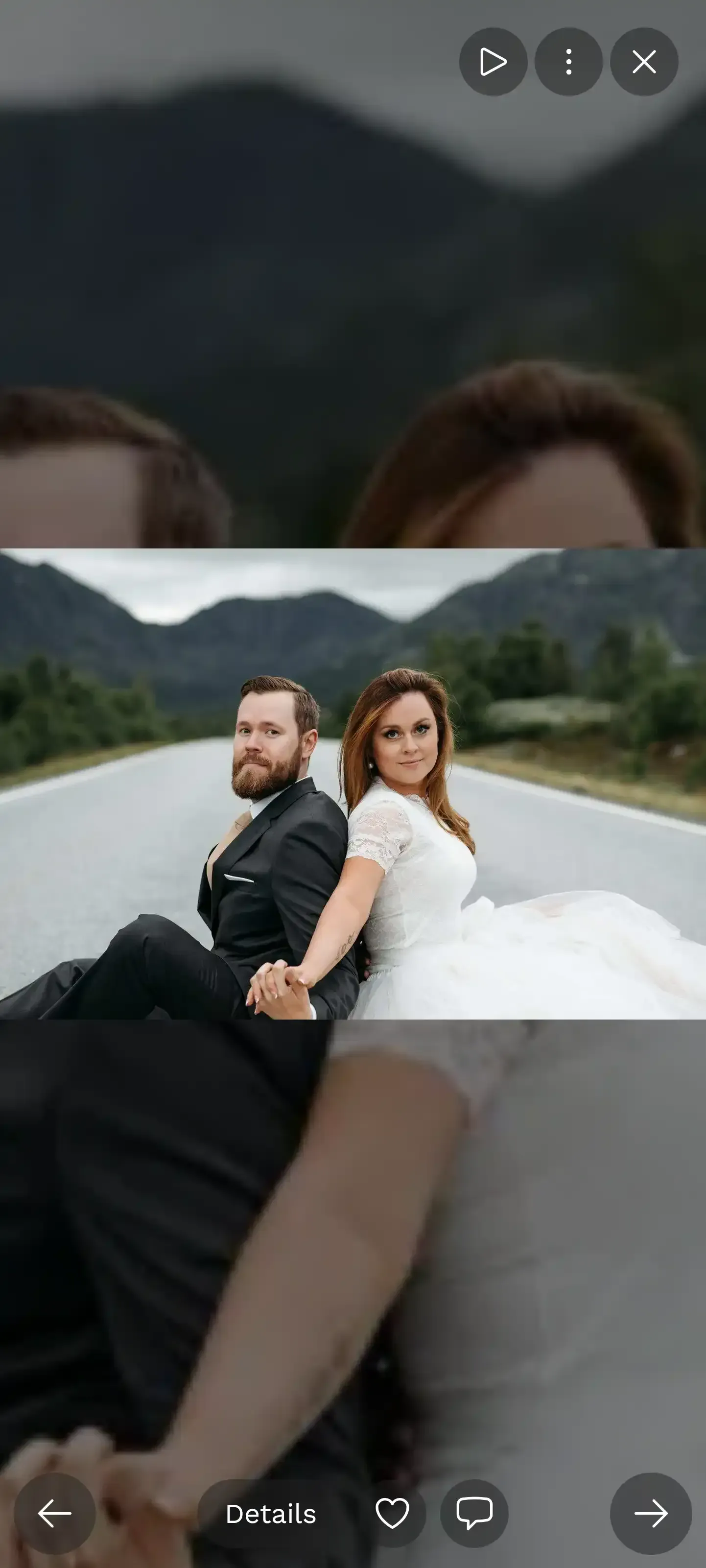
1.Guest photos appear on the big screen in real time
Say you have 150 guests. Even if only half of them upload a few photos, that's 200-400 candid shots cycling on screen throughout the evening. Compare that to your carefully curated 30-photo template slideshow. The volume alone changes the experience.
And here's what surprised people at real events: the screen doesn't just display photos. It creates a feedback loop. Guests see their photo appear on the big screen and immediately want to take another one. The leaderboard (yes, you can gamify it) pushes engagement even further.
See it in action
Photos land live on the big screen.
Setting Up Both: Template + Live Feed
You don't have to choose. The best setup combines a pre-made slideshow for the structured parts of the evening with a live gallery for the rest. Here's a practical timeline:
Your Wedding Slideshow Game Plan
Build your "our story" slideshow
Use any free template tool (FlexClip, Kapwing, Animaker) to create a 3-5 minute curated slideshow with childhood photos, engagement shots, and milestones. Export as MP4.
Set up a live photo gallery
Create a QR-code gallery for your guests. Place QR codes on table cards, at the bar, near the photo wall screen. Takes about 10 minutes.
Play the curated video during cocktail hour
Loop your pre-made slideshow while guests arrive and mingle. This is the polished, personal narrative.
Switch to live mode for the reception
Once dinner starts, switch the screen to the live photo feed. Now guests drive the content. The slideshow builds itself all night.
The transition from curated to live is the moment the slideshow stops being about you and starts being about everyone. That's when it gets interesting.
The Honest Trade-Offs
A live photo feed isn't perfect. Pre-made templates give you control: every photo is chosen, every transition is timed, the music matches. A live feed is messy by nature. Someone will upload a blurry shot of their shoes. Someone else will post three nearly identical selfies.
That's why moderation matters. With Photogala, you can assign a bridesmaid or a trusted friend as a moderator. They get a simple approve/reject queue on their phone. One tap to approve, one tap to reject. The blurry shoe photo never hits the big screen.
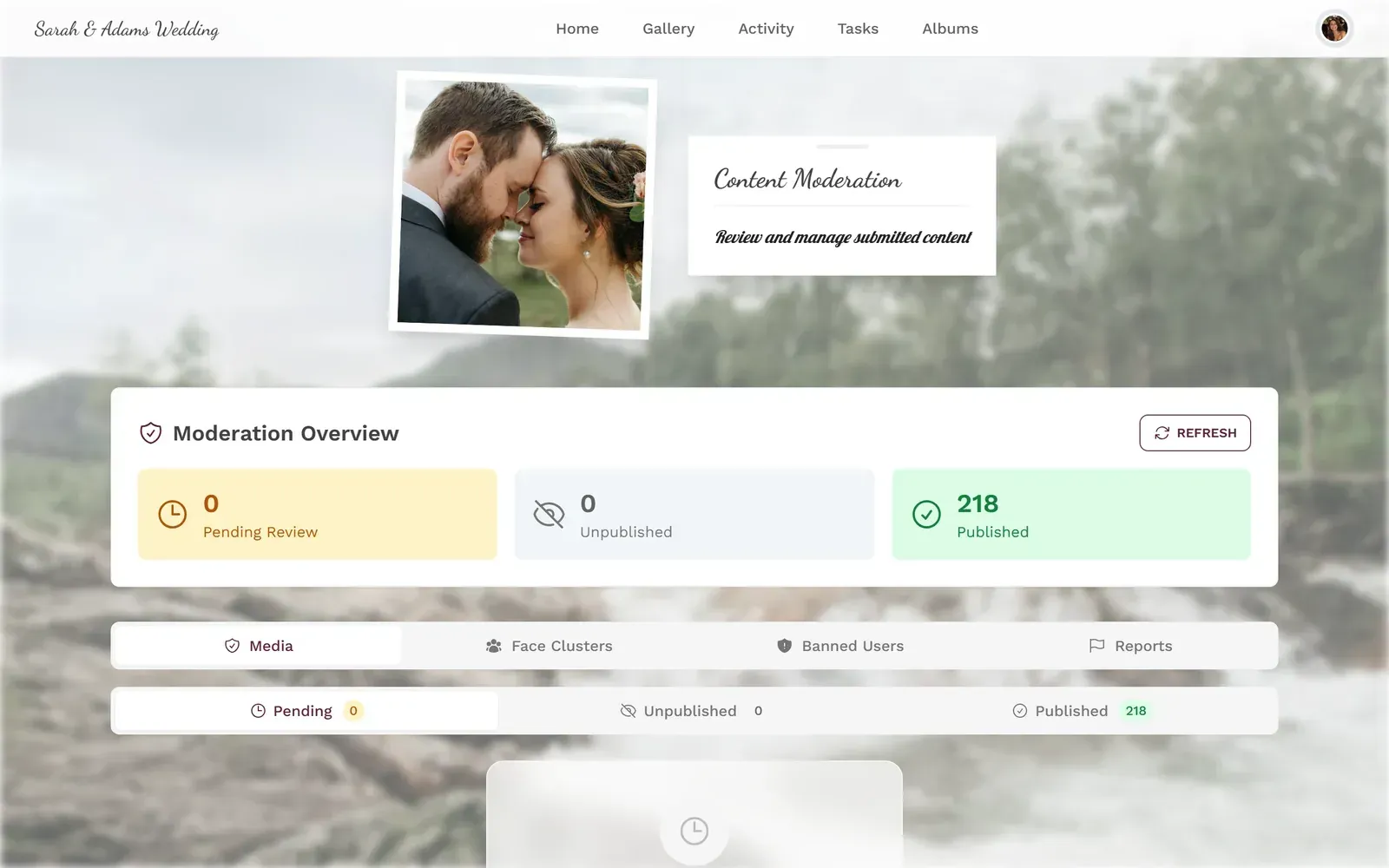
1.One tap to approve, one tap to reject
Another honest limitation: Photogala is browser-based, not a native app. That's actually the point (no downloads needed), but it means the upload experience depends on the venue's Wi-Fi or guests' mobile data. If your venue is a remote barn with no cell signal, plan accordingly. A portable Wi-Fi hotspot costs about €30 to rent and solves the problem.
What About the Photos Afterward?
Here's where the "template" crowd and the "live feed" crowd end up in the same place. After the wedding, you want a collection of the best photos. With a pre-made slideshow, you already have your curated 30. But with a live gallery, you might have 400+ candid shots from dozens of guests.
Both approaches let you download everything. But only the live gallery gives you photos you never would have gotten otherwise. The angle the photographer didn't catch. The moment that happened while you were cutting the cake. Your cousin's two-year-old covered in frosting, captured by three different guests from three different angles.
You can also use those guest photos to build a better post-wedding slideshow. Instead of working with the 40 photos you had before the wedding, now you have hundreds to choose from. Some couples create a "one year later" anniversary video using the best guest photos. It's a completely different product than anything a template could have given them on the day.
If you're interested in more ways to collect guest photos beyond just a slideshow, the guide on how to share wedding photos with guests covers the full spectrum, from shared albums to QR galleries.
Making the Live Slideshow More Than Just Photos
A screen cycling through photos is good. A screen cycling through photos that guests are competing to get on the wall is better.
Photo challenges work surprisingly well at weddings. You create prompts like "best dance floor action shot" or "most creative table selfie" and guests complete them by uploading photos. The challenges can even include example preview photos showing guests what to aim for, which opens up creative formats: recreate a famous movie poster, mimic a meme, copy the couple's engagement photo pose.
At a 200-guest wedding, challenges like these can push upload numbers from the usual 200-300 up to 500+. The leaderboard adds just enough competitive pressure that even the uncle who "doesn't do social media" starts checking his ranking between courses.
1.Guests pick challenges and start snapping
Research from AmplifAI shows gamified environments increase engagement by 48% in workplace settings. At a wedding, where people are already in a good mood and slightly competitive after a few drinks, the effect is even more pronounced.
Choosing the Right Template (If You Still Want One)
For the curated cocktail-hour slideshow, here's what actually matters in a template:
- Transition speed. Slow fades work for small groups watching together. Fast cuts work for background ambiance. Match the setting.
- Aspect ratio. If you're playing it on a TV, use 16:9. If it's a projector screen, check the venue's setup first. Nothing looks worse than a vertically cropped slideshow stretched across a widescreen.
- Music integration. Some templates let you time transitions to beats. This is nice but not necessary. A gentle background track works fine.
- Font legibility. Those elegant script fonts look beautiful in previews and are unreadable from 10 feet away. Choose something clean for any on-screen text.
Most free templates from tools like FlexClip or Kapwing handle these basics well. You don't need a $200 Premiere Pro template pack. For a cocktail-hour background slideshow, a clean free template with good photos beats a fancy template with bad photos every time.
For a deeper look at setting up a live slideshow screen (the technical side, screen placement, connectivity), check out the live photo slideshow setup guide.
All of this comes with your own event.
Setting it up takes five minutes. You can build and view everything before you decide.
Starting from €39 one-timeOne-time payment — No subscription
- No App Required
- Setup in 5 Minutes
- 30-Day Money Back
“We used the software at my mum's birthday party. It went down really well 😊”
Written by

I believe event photos should be more than static galleries. They should be live, playful, and unforgettable.
Categories
Related Posts

Bridal Shower Photo Sharing: Collect Every Sweet Moment in One Gallery
Bridal shower photos end up scattered across 15 phones. Here's how to get them all into one gallery before the mimosas wear off.

Company Retreat Photo Sharing: How to Actually Keep the Memories
Most offsite photos die on individual phones. Here's how to collect, share, and actually use every photo from your next company retreat.
Neighborhood Block Party Photo Sharing: How to Turn 40 Strangers Into One Shared Album
Block parties create great photos — and zero way to share them. Here's how a QR code gallery turns your street into a connected community.