Best Free Wedding Photo Sharing Apps in 2026: What Reddit Actually Recommends

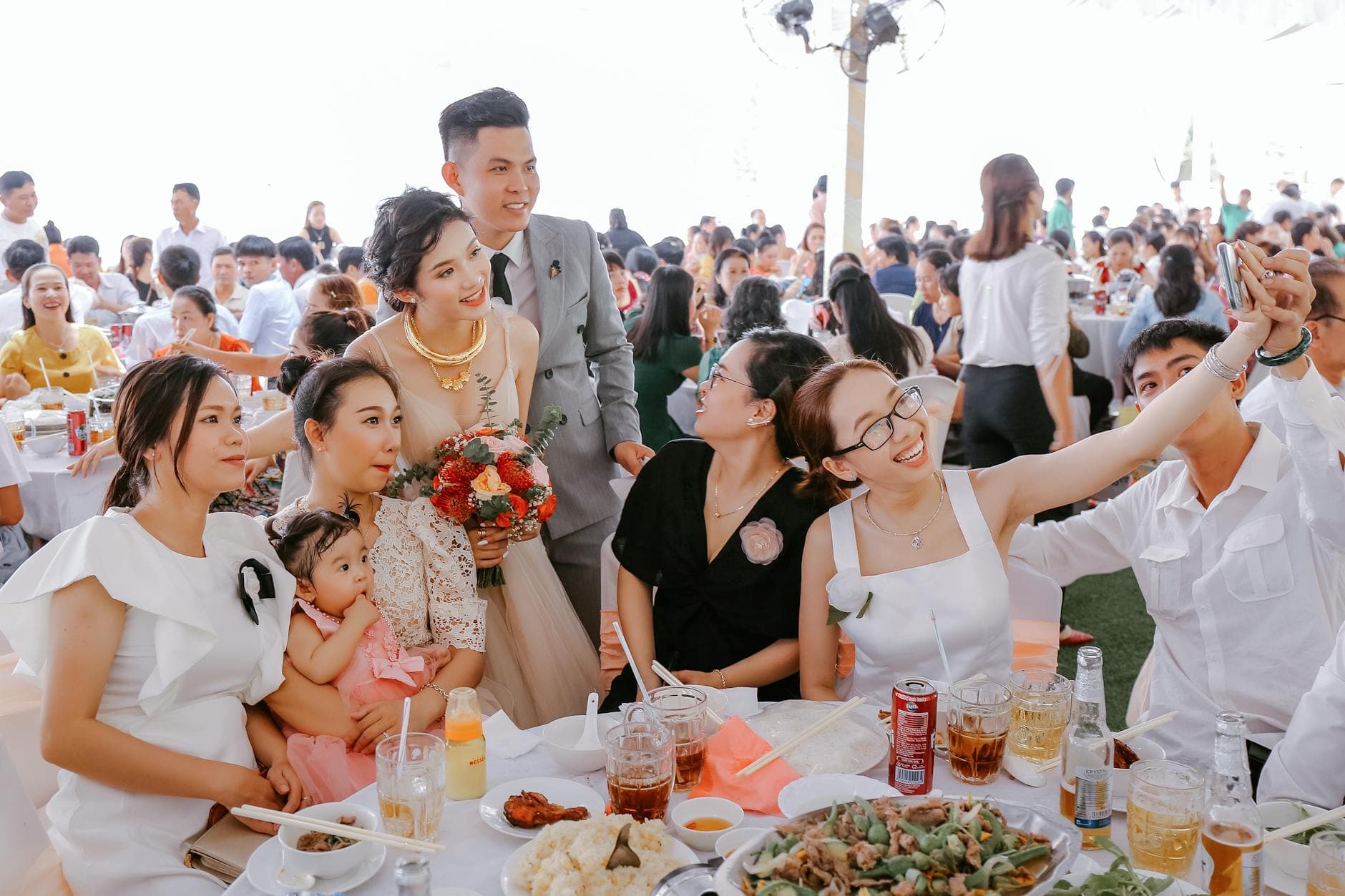
Somewhere on Reddit right now, a bride-to-be is asking the same question you're asking: "What's the best way to collect photos from wedding guests without spending a fortune?" The replies always follow the same pattern. Someone recommends Google Photos. Someone else says iCloud. A third person links to an app nobody's heard of. And buried somewhere in the thread, one commenter writes: "We tried the free option. Half our guests never figured it out."
That last comment is the one worth paying attention to.
Free wedding photo sharing tools exist. Some of them are genuinely useful. But the Reddit threads that discuss them reveal a consistent gap between what sounds good in theory and what works when 150 guests are holding champagne in one hand and a phone in the other. I spent weeks reading through these threads, cross-referencing recommendations, and checking which apps still exist in 2026. Here's what I found.
The Google Photos Recommendation (And Why It Keeps Failing)
Google Photos shared albums are the most recommended free option on Reddit. Makes sense: it's free, most Android users already have it, and the storage is generous. Create an album, share the link, done.
Except it's not done. The problem shows up the moment your guest list includes anyone without a Google account. According to Pix Wedding's breakdown of collection methods, Google Photos requires every contributor to have a Google account. That eliminates a chunk of iPhone-only users who never set one up. Your aunt who only uses iMessage? She's out. The groomsman who switched to a privacy-focused phone? Also out.
There's a subtler issue too. Sharing a Google Photos link before the wedding means sending it days or weeks in advance. By the time the reception starts, that link is buried under 200 other messages. Weddie.app's research found that traditional sharing methods result in roughly 80% of guests never sending their photos. Not because they don't want to. Because the link got lost.
Reddit users who've actually tried this approach tend to report the same thing: maybe 15-20 guests contributed out of 100+. The photos they got were great. The photos they missed are the ones that sting.
iCloud Shared Albums: The iPhone Bubble
If your entire guest list uses iPhones, iCloud shared albums work surprisingly well. The interface is clean, uploads are fast, and it's completely free.
If even 30% of your guests use Android, you have a problem. iCloud sharing across platforms is clunky at best, broken at worst. And unlike Google Photos, there's no web upload option that works reliably for non-Apple users.
Reddit threads about iCloud wedding albums almost always have the same edit at the top: "UPDATE: didn't realize half our friends have Androids. Looking for alternatives." It's a perfectly good tool inside Apple's walled garden. Weddings don't happen inside walled gardens.
The Free App Tier Trap
Several dedicated wedding photo apps offer free tiers. Everlense has one. A few smaller apps let you collect a limited number of photos at no cost. On Reddit, these get recommended with the caveat "the free version was enough for us."
Here's what the fine print usually looks like: 50 photo limit. Or 100 photos with a watermark. Or unlimited uploads but compressed to save storage. For a small elopement with 20 guests, a 50-photo cap might be fine. For a 150-guest reception where the average person takes 20 photos a day on their phone? You'll hit that ceiling before the first dance.
The frustrating part: by the time you realize the free tier isn't enough, you're mid-wedding. Upgrading at that point means fumbling with payment forms while the bouquet toss is happening. Not ideal.
A common Reddit complaint: "We hit the photo limit during dinner and had to upgrade on the spot. The paid version cost more than if we'd just bought a proper plan upfront." Free tiers are great for testing. For the actual wedding day, know your limits before you start.
What Reddit Gets Right: QR Codes Changed Everything
The one thing almost every recent Reddit thread agrees on: QR code-based photo sharing has become the default recommendation. Not Google Photos links. Not shared Dropbox folders. QR codes printed on table cards.
The logic is simple. A QR code sitting on every table eliminates the "lost link" problem entirely. Guests scan with their phone camera, a browser page opens, they upload. No app download. No account creation. No "I'll send you the photos later" promises that never materialize.
The Wedding Is You calls this a "QR Code Memory Wall" and lists it among the top interactive wedding ideas for guest engagement. The concept works because it removes every friction point that kills traditional photo sharing methods. Chivent's analysis confirms what Reddit users keep saying: group chats compress video quality and bury photos, while shared drives require accounts many guests don't have.
The catch? Most QR code photo sharing apps aren't free. And the ones that are free tend to have the limitations I mentioned above.
Ready to create your gallery?
So What Actually Works? A Realistic Breakdown
After reading through dozens of Reddit threads and checking each recommendation against current pricing and features (as of March 2026), here's where things stand:
Free & Budget Wedding Photo Sharing Options
| Feature | Google Photos | iCloud Shared | Free App Tiers | QR Code Apps (Paid) |
|---|---|---|---|---|
| No app/account needed | ||||
| Works on all phones | iPhone only | |||
| Unlimited photos | 5,000 cap | 50-100 typical | ||
| Original quality | compressed | often compressed | ||
| QR code access | ||||
| Real-time gallery | ||||
| Photo wall / TV display | ||||
| Photo challenges | ||||
| Content moderation | ||||
| Cost | Free | Free | Free (limited) | €25-139 one-time |
The table tells a clear story. Free options solve the storage problem but create friction problems. Paid QR code apps solve the friction problem but cost money. The question isn't really "free vs. paid." It's "how many photos are you willing to miss to save €39-80?"
The Reddit Consensus Nobody Talks About
Here's what I noticed after reading thread after thread: the people who used free tools and were happy almost always had small weddings (under 50 guests) where everyone was tech-savvy and already in the same ecosystem (all iPhones, or all heavy Google users).
The people who were disappointed? Bigger weddings. Mixed phone ecosystems. Older relatives. The kind of guest list most weddings actually have.
One Reddit pattern stood out. Couples who spent weeks setting up a perfect Google Photos workflow often reported fewer total photos than couples who just printed QR codes on table napkins and pointed people at a browser-based gallery. The second approach required zero instructions, zero app downloads, and zero tech support from the bride's cousin who "works in IT."
Picture a 200-guest wedding where table cards have QR codes next to the place settings. Guests pick up their phone, scan, and they're uploading within 30 seconds. No sign-up screen. No password. No "which email did I use for Google again?" The gallery fills itself. By the end of the reception, you have 400-600 photos from angles your photographer never covered.
Every guest's photos in one place, real-time


Where Photogala Fits (Honestly)
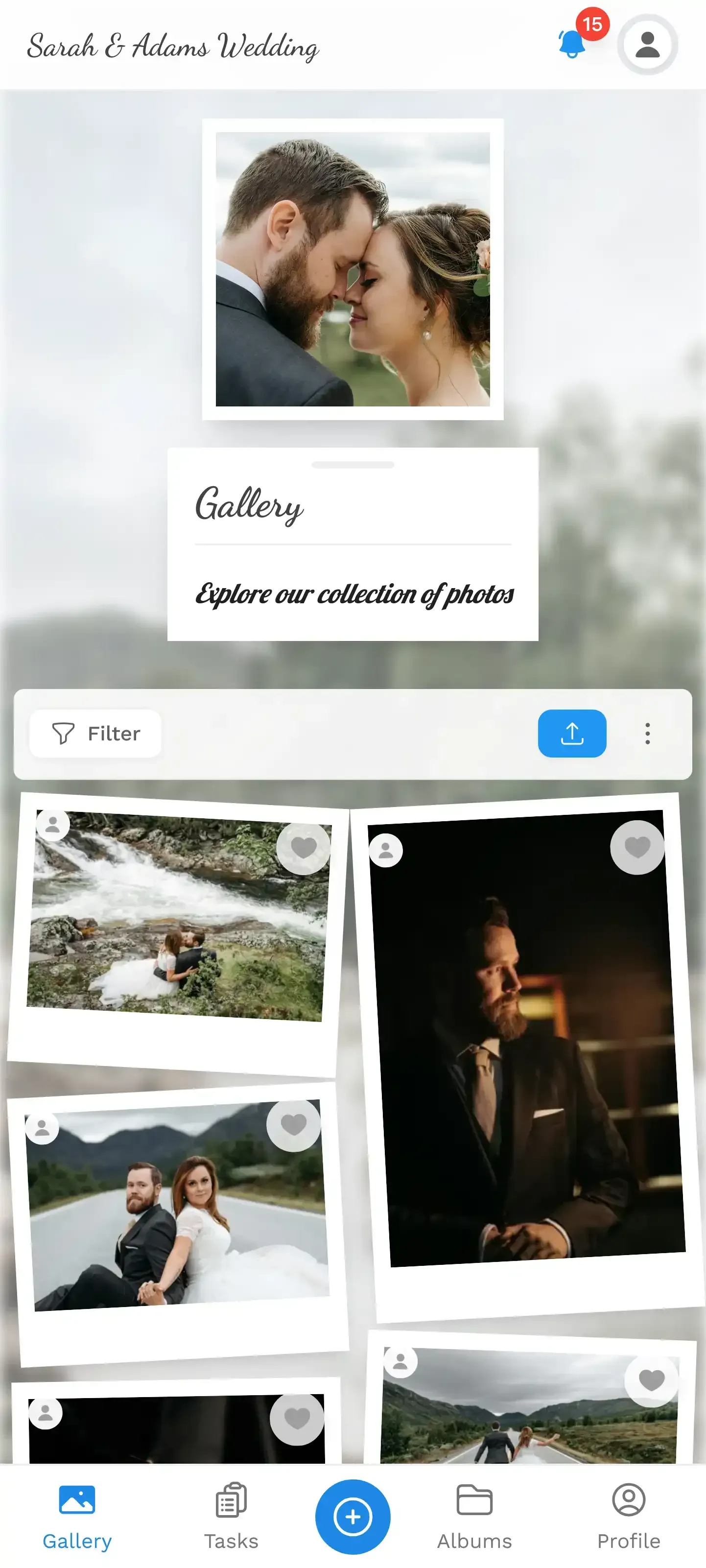
Photogala is not free. The Plus plan costs €39, which puts it in the same range as a single centerpiece arrangement. It's a one-time payment, not a subscription, and it includes unlimited photos, unlimited guests (viewers), and 75 uploader slots.
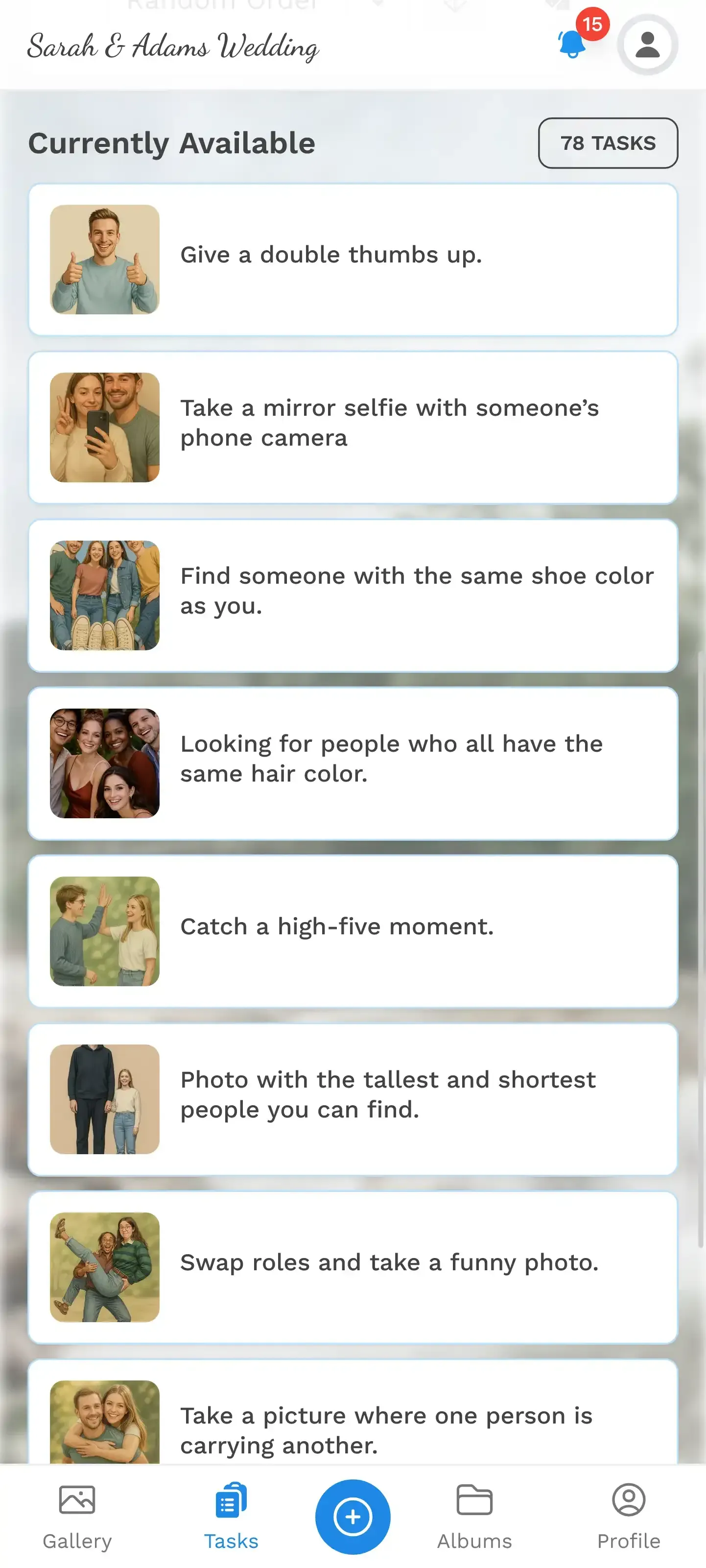
What makes it show up in Reddit recommendations is the combination of features that free tools simply can't match. QR code access with zero app install. A live photo wall you can throw on a TV behind the DJ. Photo challenges that give guests a reason to actually pull out their phones ("take a selfie with the bride's grandmother" generates better photos than "please upload to this Google Drive"). A moderation dashboard so nothing inappropriate hits the big screen.
The Premium plan at €69 adds a leaderboard with points, achievements, comments, and four different gallery layouts. The Deluxe at €119 brings AI face recognition, so guests can find every photo they're in without scrolling through hundreds. That last feature is genuinely useful for large weddings where you want to send each guest their own photo collection afterward.
Is it worth it over Google Photos? For a 30-person backyard wedding where everyone knows each other and uses the same phone brand, probably not. Google Photos will do fine. For anything bigger, with mixed age groups and mixed devices, the friction reduction alone justifies the cost. You'll end up with more photos from more guests, and you won't spend your honeymoon chasing people for uploads.
The honest trade-off: Photogala is browser-based, not a native app. That means it works everywhere without downloads, but it also means you don't get push notification reminders to upload. The QR code placement does the heavy lifting instead.
If you want to test before committing, create a gallery and share the QR code with a few friends first. You'll see the upload flow and gallery layout before your wedding day. No surprises at the venue.
The Real Cost of Free
Here's a number that puts this in perspective. The average US wedding costs about $36,000. Photography alone typically runs $2,000-5,000. A €39–€69 photo sharing tool that captures the 500 candid moments your photographer missed isn't an expense. It's insurance.
The photos guests take are different from professional photos. They're messier, sure. But they're also more honest. The blurry dance floor shot where everyone's laughing. The kids stealing cake when nobody's looking. The getting-ready chaos that only the bridesmaids saw. Professional photographers deliver 300 polished images. Guest photo sharing fills in the other 95% of the day.
Free tools can capture some of that. But every friction point, every "I couldn't figure out the link" moment, every Android user locked out of an iCloud album, is a photo you'll never see. Wedissimo's 2026 wedding trends report notes that couples increasingly favor relaxed, informal celebrations. Guest photos fit that vibe perfectly. Losing them to a clunky sharing method doesn't.
Reddit will keep recommending Google Photos. It's free, it's familiar, and for some weddings it's genuinely enough. But if you read past the top comment, you'll find the edits. The "update: only 12 people uploaded" posts. The "wish I'd just paid for an app" regrets. Those comments don't get upvoted as much, but they tell the real story.
The photos from your wedding day are the only thing you'll still look at ten years from now. The centerpieces will be composted. The DJ's playlist will be forgotten. But that blurry shot of your grandfather doing the macarena? That one's forever. Make sure you actually get it.
Ready to create your gallery?
Start sharing your event photos with guests in minutes.
Create GalleryWritten by

I believe event photos should be more than static galleries. They should be live, playful, and unforgettable.
Categories
Related Posts
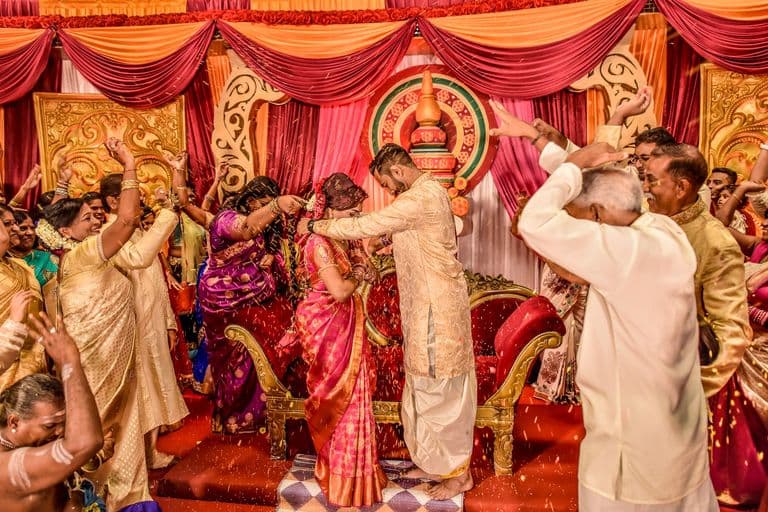
Multicultural Wedding Photo Sharing: Honoring Every Tradition in One Gallery
When your wedding blends two (or more) cultures, collecting guest photos gets complicated fast. Here's how to make it work without losing a single moment.
How to Share Wedding Photos the Day After (While It's Still Fresh)
The 24 hours after your wedding are the golden window for guest photos. Here's how to collect them before "I'll send them later" turns into never.
Weekend Wedding Photo Sharing: One Gallery From Welcome Party to Farewell Brunch
Multi-day weddings scatter photos across dozens of phones. Here's how to collect every moment from the welcome party to the Sunday brunch in one shared gallery.