Elopement Photo Sharing: How to Include Family Who Wasn't There

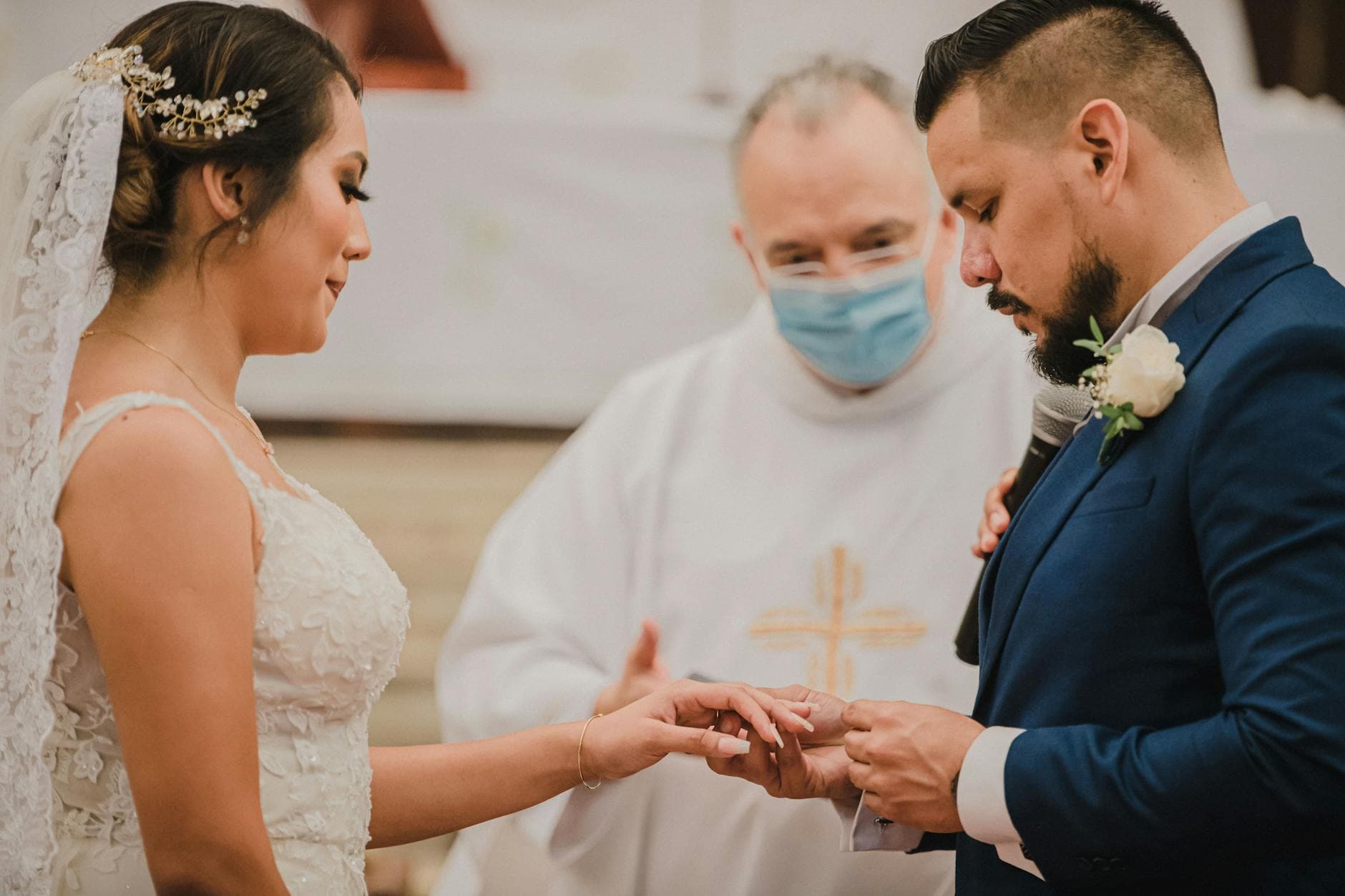
Picture this: a Tuesday morning in the Dolomites. Two people, a photographer, and maybe a dog. The vows are handwritten on hotel stationery, the reception is a long lunch at a trattoria where nobody speaks English, and the only "guest list" is a WhatsApp group that doesn't know yet.
That's the beauty of eloping. No seating charts. No cousin drama. No $36,000 price tag.
But then you get home. And your mother asks to see the photos. Your best friend wants every detail. Your grandmother, who wasn't even told it was happening, wants to understand why she wasn't invited. Suddenly the hardest part of the elopement isn't the logistics. It's the aftermath.
Modern elopements have shifted dramatically from secret courthouse ceremonies to deeply intentional celebrations. Couples elope because they want intimacy, not because they want to exclude people. The challenge is sharing that intimacy after the fact, in a way that makes loved ones feel included rather than left out.
This guide covers exactly that. Not the "how to elope" part. The "what happens with the photos afterward" part, which is honestly where most of the emotional work lives.
The Elopement Photo Problem Nobody Talks About
Here's the thing about elopement photos: they're more emotionally loaded than regular wedding photos. At a 200-guest wedding, the photos are shared celebration. Everyone was there. They remember the moment. The photos just confirm what they experienced.
Elopement photos are different. For the couple, they're a return to the most intimate day of their lives. For family, they're the only window into a moment they missed. That's a lot of weight for a JPEG to carry.
The common approach: upload 30 photos to a shared Google Drive folder. Maybe post a few on Instagram. Text the best one to your parents. Done.
Except it's not done. The Google Drive link gets buried. Instagram compresses the images. Your aunt asks if there are more. Your dad wants to see the vows spot from a different angle. Three weeks later, someone still hasn't seen the photos because they don't have a Google account and couldn't figure out the sharing link.
Sound familiar? The tools we default to for photo sharing weren't built for this kind of emotional moment. They were built for file transfers.
What Family Actually Wants (It's Not Just Photos)
When your mom says "I want to see the photos," she's not asking for a file download. She wants to feel like she was part of it. She wants context. She wants to scroll through the gallery on her phone at her own pace, read a caption about why you chose that particular cliff, see the close-up of the rings, maybe leave a comment about how beautiful it looked.
As one elopement photographer puts it, couples frequently ask how to make loved ones feel involved even when they're not physically present. The answer isn't just sending files. It's creating an experience that bridges the distance.
Including family in an elopement doesn't have to mean inviting them along. There are no rules. But there is an emotional gap between "we eloped" and "you were part of our day," and the right photo sharing approach closes it.
Timing matters. Don't wait weeks to share. The excitement fades, and so does the goodwill. Aim to have your gallery ready within 48 hours of the elopement, even if you're still on your honeymoon. A few phone photos while you wait for the professional ones go a long way.
A Better Way to Share Elopement Photos
The goal: a single link (or QR code) that gives everyone, your parents, siblings, friends, coworkers, access to a beautiful gallery. No app downloads. No account creation. No confusion about which Google Drive folder is the right one.
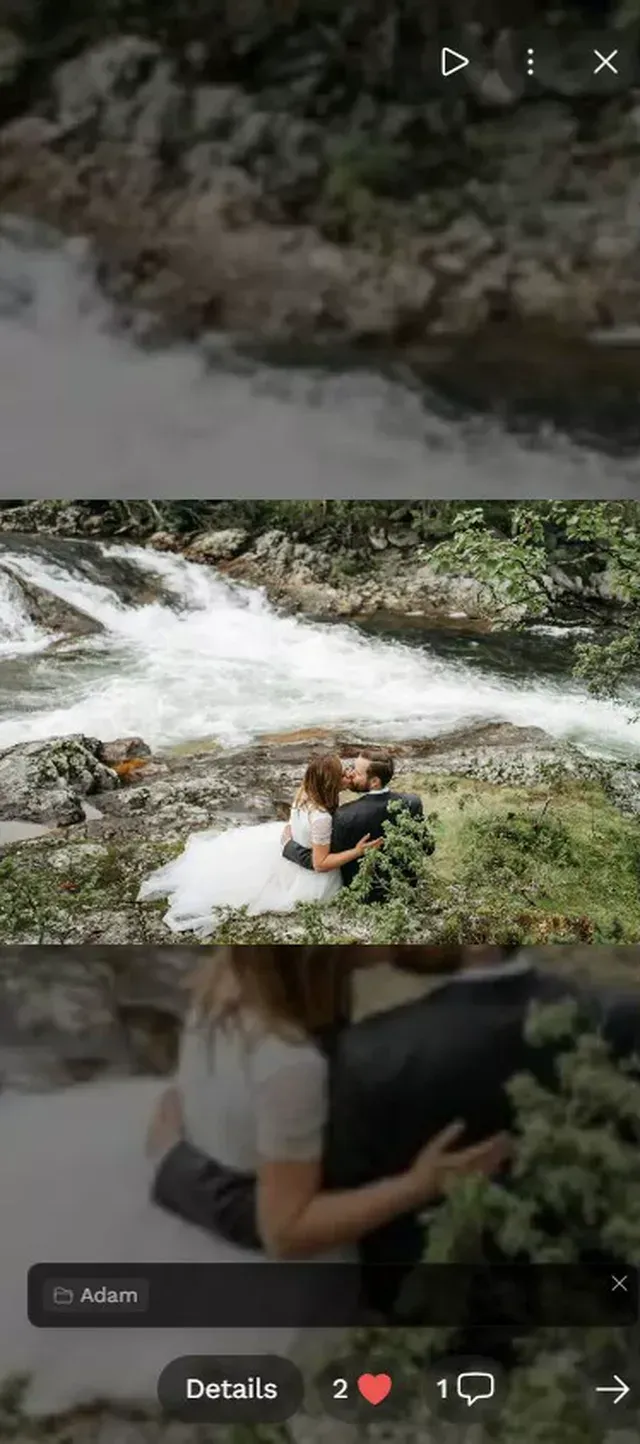
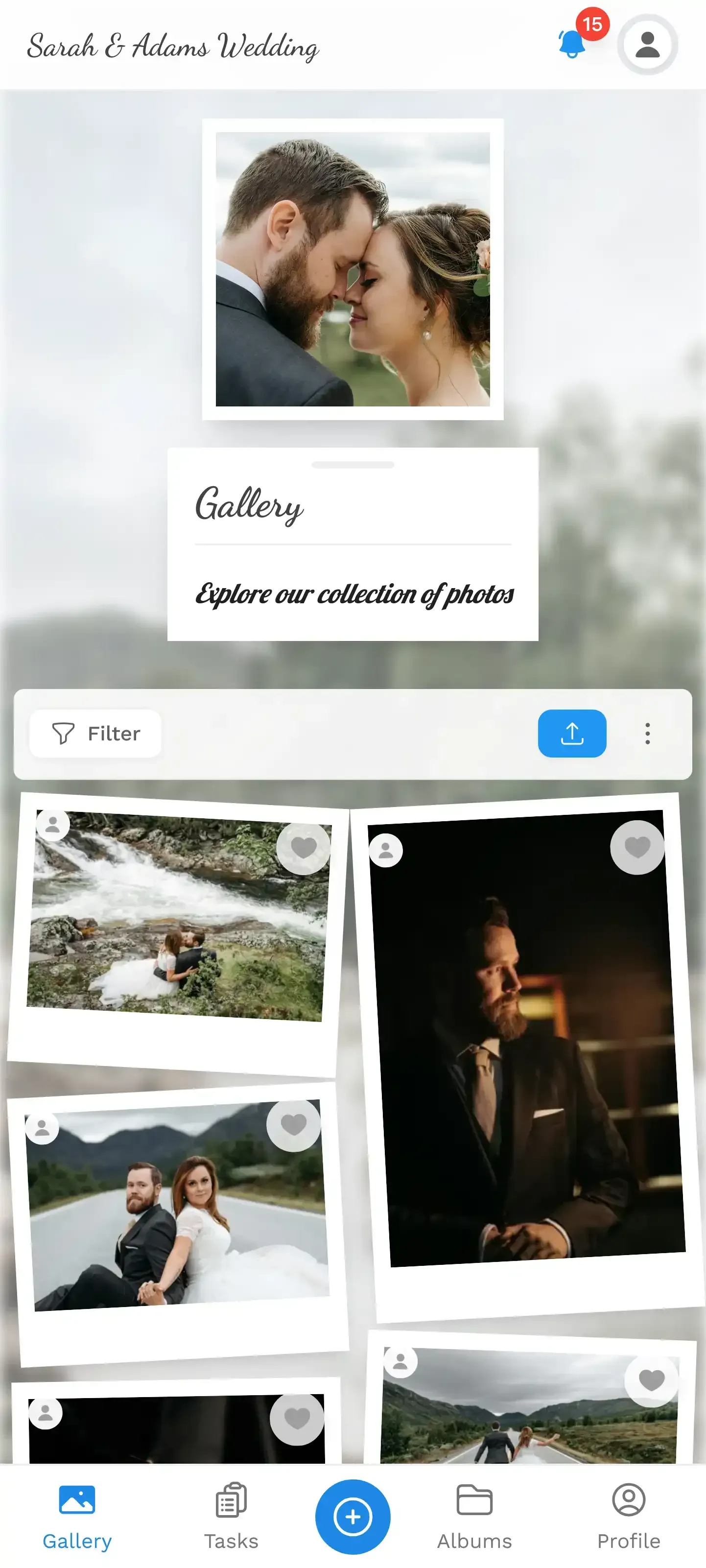
With Photogala, you create a gallery, get a QR code and link, and share it. That's genuinely the whole setup. Family members open the link in their browser, see the photos, and can scroll, comment, like, and even add their own photos if you enable uploads.
That last part is worth pausing on. Uploads aren't just for the couple. If your parents threw a small celebration at home while you were saying vows in Iceland, they can upload their photos to the same gallery. The champagne toast. The tearful FaceTime screenshot. The living room full of decorations they put up "just because." Your gallery becomes a collection from both sides of the moment.
Your gallery, accessible via QR code or link
Ready to create your gallery?
Step by Step: Setting Up Your Elopement Gallery
Most elopement photographers deliver photos in 2-6 weeks. But you don't need to wait for the professional shots to start sharing. Here's a practical timeline:
Your Elopement Sharing Timeline
Day of: phone photos first
Create your Photogala gallery before you elope. Upload a few phone photos the same evening. Even 5-10 candid shots give family something immediate.
Day 2-3: share the link
Send the gallery link to close family first, then friends. A personal text with context ('Here's our gallery from yesterday!') beats a mass email.
Week 2-6: add professional photos
When your photographer delivers, upload the full set. Family gets a notification that new photos are available. The gallery grows over time.
Optional: invite family uploads
If family had their own celebration, enable uploads so they can add their side of the story.
One thing that surprised me while researching this: the staged "reveal" works better than the slow trickle. Instead of posting one photo a day for a month, share a batch of 10-15 at once. It gives people a complete story to absorb, not isolated fragments.
The Consent Question (Don't Skip This)
Elopement photos are intimate by nature. Before you share them widely, think about who sees what. Photo sharing etiquette is especially important when images show faces clearly, when kids are involved, or when photos contain location data that reveals where you stayed.
With a shared gallery, you control access. Unlike posting on Instagram where anyone can screenshot and reshare, a private gallery link stays within the circle you define. If your partner is more private than you are (common with elopements), that control matters.
Photogala's moderation features help here too. You can review photos before they appear in the gallery. If you've enabled family uploads and Uncle Bob contributes something... questionable, it goes through approval first. Not a feature most people associate with elopements, but it's one of those things you appreciate when you need it.
When Family Feels Left Out (And How Photos Help)
Let's be honest: not everyone will be thrilled that you eloped. Some family members will feel hurt, no matter how lovingly you explain the decision.
Photos won't fix that entirely. But a thoughtful gallery does something a text message can't. It shows that you want them to be part of it. You're not hiding the day. You're opening it up, on your terms, in your time.
Some couples include a short written message at the top of their gallery. Not a formal announcement. More like: "We chose to keep our ceremony small and intimate, but we wanted to share every moment with you. This gallery is for the people we love." That framing changes the entire emotional tone.
For honoring family who couldn't be there physically, some couples reserve symbolic seats with framed photos. When those gestures appear in the elopement gallery, they carry extra weight. Your grandmother sees that her photo was propped up on a rock next to the ceremony spot in Patagonia. That image might mean more to her than any invitation would have.
A limitation worth mentioning: Photogala is browser-based, no native app. For most family members, this is actually a plus because there's nothing to install. But if your grandmother isn't comfortable opening links on her phone, you might need to help her the first time. Or simply show her the gallery on your phone next time you visit.
Beyond Photos: Building a Shared Memory
The most meaningful elopement galleries aren't just photo dumps. They tell the story of the day. Captions matter. Album organization matters. The order of photos matters.
Consider organizing your gallery into albums: "Getting Ready," "The Ceremony," "The Rings," "Celebration Lunch," "The Views." Each album becomes a chapter. Family doesn't just see photos, they follow the narrative of your day.
If you went somewhere dramatic for your destination elopement, the location is part of the story. Wide landscape shots mixed with intimate close-ups create a rhythm that pulls viewers through. Your dad might not have been on that mountainside, but by the time he's scrolled through 40 photos, he'll feel like he was.
And if your elopement was on the smaller, more intimate side, fewer photos can actually be more powerful. A 30-photo gallery where every image is intentional hits harder than 300 images where half are duplicates.
What to Include in Your Elopement Gallery
Based on what works, here's a rough checklist of shots that give family the full picture:
- The location. Wide establishing shots that show where you were. Family will want to Google Earth it later.
- The details. Rings, flowers, handwritten vows, the outfit, shoes kicked off by the edge of a trail.
- The ceremony itself. First look, the exchange of vows, the first kiss. These are the ones that make people cry.
- The candid moments. Laughing because the wind blew the veil into your face. The dog photo-bombing. The awkward attempt to pop champagne.
- The celebration after. Dinner, drinks, the sunset walk. The part that proves you actually had fun.
- Any family tributes. If you carried a locket, wore grandma's earrings, or set up a memorial photo, capture that.
You don't need all of these. But most elopement galleries that feel complete have at least four of these categories covered.
Making It Easy for Everyone
The biggest factor in whether family actually views your photos is how easy you make it. Send one link. Make sure it works on iPhones and Androids without downloading anything. Don't make people create an account.
That was the whole reason QR code galleries became popular for weddings, and it applies even more for elopements. You're sharing with people across different countries, age groups, and comfort levels with technology. The simpler the access, the more people actually look.
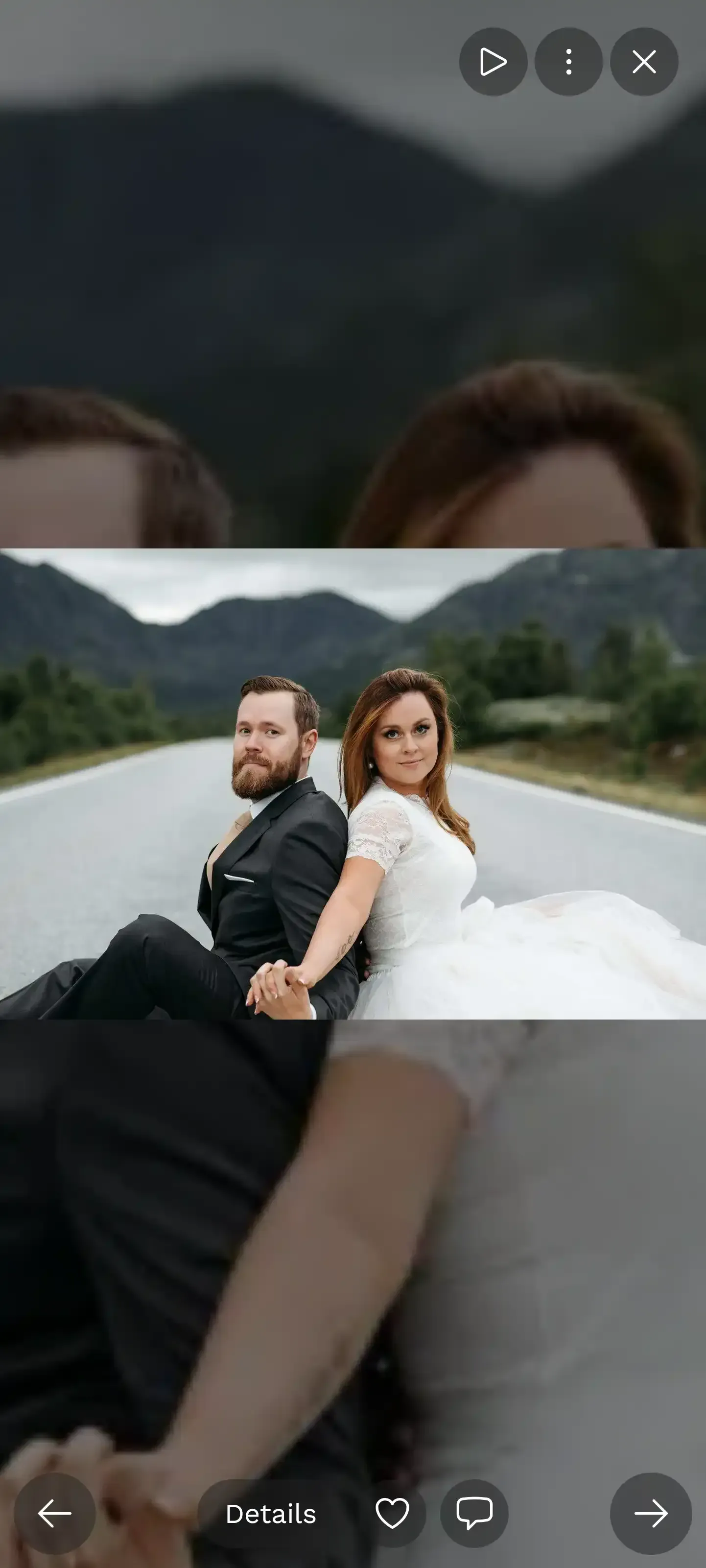
Full-screen slideshow for the full experience

Imagine sending your parents a printed card with the QR code, maybe tucked inside a small photo book with two or three printed favorites. They scan the code and suddenly have access to the full gallery on their phone. It's a physical-digital bridge that feels personal.
Eloping is a decision about how you want to start your marriage. Sharing the photos is a decision about how you want to include the people you love. Those are two different things, and both deserve intention.
A Tuesday morning in the Dolomites. Two people, a photographer, and maybe a dog. And later, a gallery that makes sixty people feel like they were there too.
Ready to create your gallery?
Start sharing your event photos with guests in minutes.
Create GalleryWritten by

I believe event photos should be more than static galleries. They should be live, playful, and unforgettable.
Categories
Related Posts

How to Moderate Guest Photos at a Public Event (Without Losing Your Mind)
Public events with open photo uploads need a plan. Here's how to keep your gallery clean, your guests happy, and your legal team calm.
How to Print Photos From a Shared Event Gallery
You collected hundreds of guest photos. Now what? Here's how to turn your shared event gallery into prints, books, and keepsakes worth keeping.

How to Archive and Back Up Your Event Photos for the Long Term
Most event photos disappear within two years. Here's how to preserve them properly, from the 3-2-1 backup rule to choosing the right file format.