Smart Albums Explained: How Your Event Gallery Sorts Itself

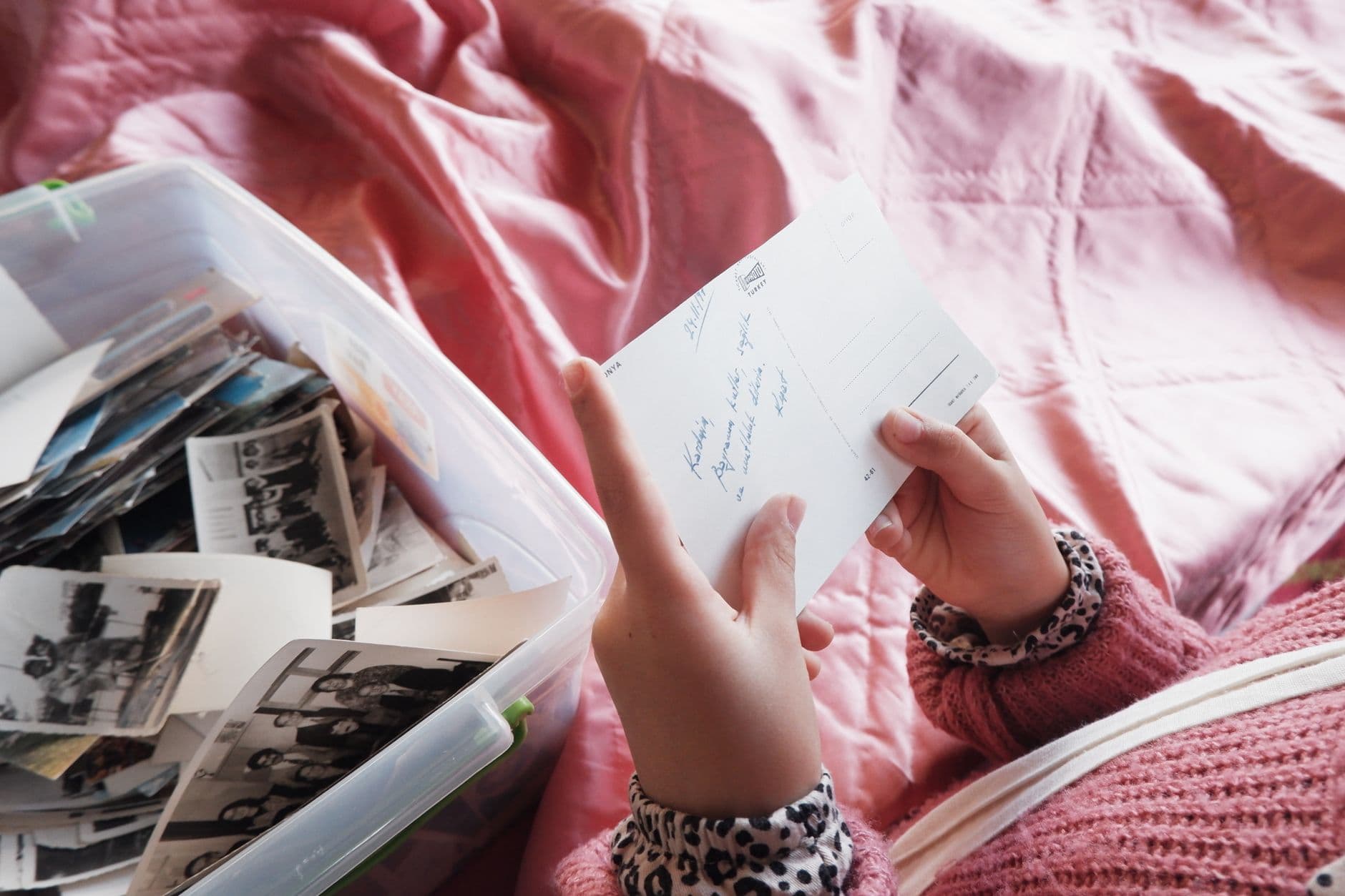
Picture this: a 180-guest wedding wraps up at midnight. The gallery has 647 photos from 43 different uploaders. The bride's parents want their table's photos. The best man wants everything from the speeches. The couple wants a highlights reel of the best-liked shots. And you, the person who set up the gallery, want to go to bed.
This is the sorting problem nobody talks about when they recommend event photo sharing. Getting the photos is the easy part. QR code uploads solved that years ago. The hard part comes after: making sense of hundreds of unorganized images from dozens of contributors.
Most platforms dump every upload into a single chronological stream. You scroll, you squint, you give up. Smart albums flip this entirely. They sort the gallery for you, in real time, based on rules you set once before the event even starts.
What Smart Albums Actually Do
A smart album is a filter that lives inside your gallery. You define a condition (or a few), and photos that match get pulled in automatically. No dragging, no tagging, no folder management. The album fills itself as guests upload.
Think of it like a playlist in a music app. You don't manually add songs to your "Recently Played" list. The app does it based on a rule. Smart albums work the same way, just with photos.
In Photogala, smart albums can filter by three criteria:
- By uploader. Every photo from a specific guest or group of guests goes into one album. Useful when the maid of honor wants her own collection, or when a corporate team is split into departments.
- By capture time. Set a window (say, 6:00 PM to 7:30 PM) and every photo taken during the ceremony ends up in one album. Cocktail hour in another. After-party in a third.
- By likes. Photos that hit a certain like threshold get promoted into a "Best Of" album automatically. The crowd decides what's worth highlighting.
You can combine conditions too. "Photos from Table 5, taken after 9 PM, with at least 3 likes" is a valid smart album. It sounds niche, but at a 200-guest wedding, niche is exactly what you need.
Set up smart albums before the event. Once the first QR scan happens and photos start flowing in, your albums are already catching and sorting. No intervention needed during the event itself.
The Real Magic: Person Albums
Rule-based smart albums are useful. Person albums are where things get really interesting.
Here's how it works: you upload one or two reference photos of a person. The system uses AI face recognition to scan every photo in the gallery and pulls every image containing that person into a dedicated album. Automatically. Across all uploaders, all time windows, all albums.
Imagine a retirement party for someone who's been at the company for 30 years. Fifty colleagues upload photos throughout the evening. Instead of scrolling through 200+ photos looking for the guest of honor, there's an album that already has every photo they appear in. Including group shots where they're in the background. Including candids they didn't even know were taken.
The underlying face clustering technology groups photos by detected faces, even before you name anyone. So when you open the gallery the next morning, you'll see clusters: "this face appears in 37 photos, this one in 12, this one in 8." You label them, and the albums build themselves. We covered this in depth in our piece on how face recognition works at big events.
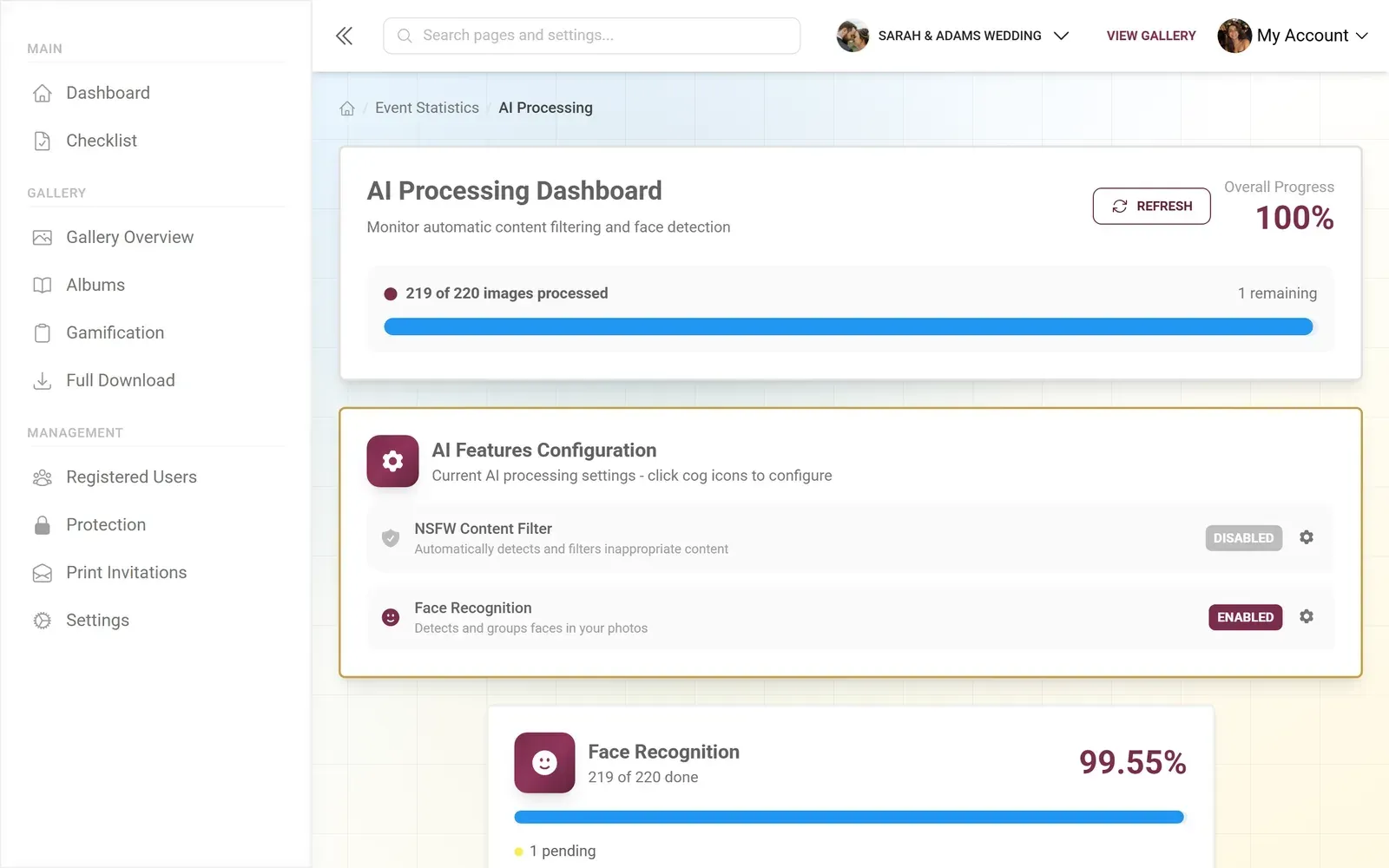
1.Face clusters detected automatically across all uploads
One honest caveat: person albums require the Deluxe plan because they depend on AI face processing. The rule-based smart albums (by uploader, time, likes) work from Starter upward. If face recognition matters for your event, check Photogala's pricing to see which plan fits.
Why Manual Sorting Falls Apart at Events
You might think: "I'll just create regular albums and ask guests to upload to the right one." That works in theory. In practice, it falls apart within the first hour.
The problem is human behavior. Guests at events are having fun. They're not thinking about folder structure. They'll upload a ceremony photo to the "Party" album because that's the first one they see. They'll skip album selection entirely and dump everything into the default stream. They'll upload the same photo twice to different albums because they forgot. One person will create a duplicate album with a slightly different name. You get the idea.
This isn't a people problem. It's a design problem. Asking 50 distracted, champagne-holding humans to maintain a filing system is optimistic at best. Smart albums remove that expectation entirely. Guests upload wherever they want. The rules handle the rest.
The broader industry sees it the same way. According to WifiTalents, AI photo editing and organization apps saw 27% year-over-year revenue growth in 2023, with the image editing software market projected to reach $7.6 billion by 2028. Automated photo organization isn't a niche preference anymore. It's where every photo platform is heading, and events are one of the clearest use cases.
See it in action
Every guest photo in one album – no app.
Setting It Up: Less Than 5 Minutes
The setup is straightforward, which matters because you're probably doing it the night before the event while simultaneously arguing about seating arrangements. (Photogala has a free seating planner for that, by the way.)
Create Your First Smart Album
Create the gallery
Sign up and set up your event. Takes about 2 minutes. No app install needed for you or your guests.
Define your albums
Go to Albums, create a new smart album, and pick your filter rules: by uploader, time window, like count, or any combination.
Share the QR code
Print it on table cards, project it on a screen, or text the link. Guests scan and upload. Photos land in the right albums automatically.
For person albums, there's one extra step: upload reference photos of the people you want to track. The AI needs at least one clear face shot per person. A selfie works fine. After that, the system handles recognition across every upload that comes in.
If you want to display the photos as they come in, you can pair smart albums with a live photo wall. Picture the "Best Of" smart album (filtered by likes) cycling on a big screen near the bar. Only the crowd favorites make it to the screen. We wrote a full walkthrough on setting up a real-time photo wall if you want the details.
Where Smart Albums Shine Most
Not every event needs smart albums. A casual birthday with 15 guests and 60 photos? A single gallery stream is fine. But there's a clear tipping point where smart albums go from "nice to have" to "how did I ever live without this."
Weddings over 100 guests. Multiple moments (ceremony, reception, party), multiple groups (family tables, college friends, work colleagues), and one couple who wants to find their photos without scrolling through 500 images. Time-based albums for each phase, person albums for the couple and wedding party, a likes-based "Highlights" album for the slideshow the next day. If you're planning a wedding photo gallery, smart albums are the feature that turns a photo dump into a curated collection.
Corporate events with departments. A company retreat with 80 people from four teams. Each team gets an uploader-based album. The organizer gets a "Top Photos" album filtered by likes to use in the internal newsletter. Content moderation catches anything inappropriate before it hits the shared gallery. We explored this workflow for corporate events in more detail.
Multi-day events. A three-day family reunion, a weekend festival, a conference spanning two days. Time-based albums split each day cleanly. Person albums let grandma find every photo she's in without asking her grandson to search for her. Our guide on family reunion photo sharing covers the multi-generational angle.
1.Guests drop their photos straight into the right album
How This Compares to What You're Used To
If you've used Apple's Smart Albums on Mac, the concept is familiar. Apple lets you auto-sort by date, keyword, camera type, and more. According to Apple's own documentation, smart albums work by defining conditions like "is a selfie" or "was taken in the last 30 days."
The difference: Apple's smart albums are local, single-user, and don't work on iPhone or iPad. Photogala's smart albums are shared, real-time, multi-contributor, and built for events where 50 people are uploading simultaneously. The rules run server-side, so the album updates the instant a new photo arrives, no matter which guest uploaded it.
Most event photo sharing apps don't offer anything close. They give you one stream, one album, one view. If you want to organize photos after an event, you're stuck doing it manually in Google Photos or Lightroom after downloading everything. Smart albums handle it during the event, not after.
And this kind of AI-powered sorting isn't just a Photogala experiment. A Cloudinary guide on AI photo organization references a Nielsen Norman Group study showing AI can boost productivity by 66% for business users handling media. At events, where time pressure is real and nobody wants to spend the next morning sorting, that productivity gain hits differently.
The Selfie Search Shortcut
Person albums are powerful for organizers. But there's a guest-facing feature that builds on the same face recognition: selfie search.
A guest opens the gallery, takes a quick selfie, and the system finds every photo they appear in. Instantly. No scrolling through 400 photos looking for yourself. No asking "did anyone get a photo of me during the toast?"
This works especially well at large venue events where you might not even know who took a photo of you. At a conference with 300 attendees, the chances of finding yourself in someone else's candid shot are slim without AI help. With selfie search, it takes about three seconds.
Smart albums and selfie search both rely on the same face recognition engine. Setting up person albums for the organizer also enables selfie search for guests. Two features, one setup.
What Smart Albums Don't Do (Yet)
No product is perfect, and pretending otherwise helps nobody.
Smart albums can't filter by photo content beyond faces. You can't create a rule like "all photos containing cake" or "every shot taken outdoors." Scene recognition and object detection aren't part of the current system. AI tagging at that level of detail, as explored in CYME's research on AI photo tagging, is advancing rapidly, but it's not in Photogala today.
The face recognition also requires decent photo quality. A blurry shot taken from across a dim dance floor might not match reliably. The system is honest about confidence levels, but it's worth knowing that low-light, distant, or heavily obscured faces can be missed.
And as mentioned, person albums are a Deluxe feature (€119 one-time). The rule-based smart albums (uploader, time, likes) are available from Starter at €39 one-time. If face recognition is the main draw, you'll need the Deluxe plan. Compare what each tier includes on the pricing page.
Find the right plan for your event
Making It Work for Your Event
The best smart album setup depends on your event type and what you want to find afterward. Here's a quick framework:
For a wedding: create time-based albums for ceremony, cocktail hour, reception, and after-party. Add person albums for the couple, both sets of parents, and the wedding party. Create one likes-based "Highlights" album and display it on the photo wall. Set up photo challenges to encourage uploads, and watch the albums fill themselves.
For a corporate event: uploader-based albums per team or department. A time-based album for the keynote or main activity. A moderation queue for anything shared company-wide. The social features (likes, comments) feed into the "Top Photos" smart album naturally.
For a multi-day trip: one time-based album per day. Person albums for each traveler. A "Best Of" album filtered by likes for the group chat afterward.
Same pattern every time: define the rules once, let them run, enjoy the event. The gallery sorts itself while you're on the dance floor.
Six hundred photos. Zero manual sorting. The gallery handles it while you handle the champagne toast.
All of this comes with your own event.
Setting it up takes five minutes. You can build and view everything before you decide.
Starting from €39 one-timeOne-time payment — No subscription
- No App Required
- Setup in 5 Minutes
- 30-Day Money Back
“We used the software at my mum's birthday party. It went down really well 😊”
Written by

I believe event photos should be more than static galleries. They should be live, playful, and unforgettable.
Categories
Related Posts
How to Reuse One Photo Gallery for a Recurring or Annual Event
Stop rebuilding from scratch every year. Here's how to carry one gallery across annual reunions, corporate retreats, and recurring celebrations.

How to Watermark and Protect Photos in a Shared Event Gallery
Event photos get screenshotted, reshared, and misused more often than you think. Here's how to protect your gallery without ruining the experience.
How to Set Upload Reminders and Deadlines for Event Guests
Most event photos die on guests' camera rolls. Here's how upload windows, gentle nudges, and smart deadlines rescue them.