Photo Sharing for Large Venues: Stadiums, Halls, and Convention Centers

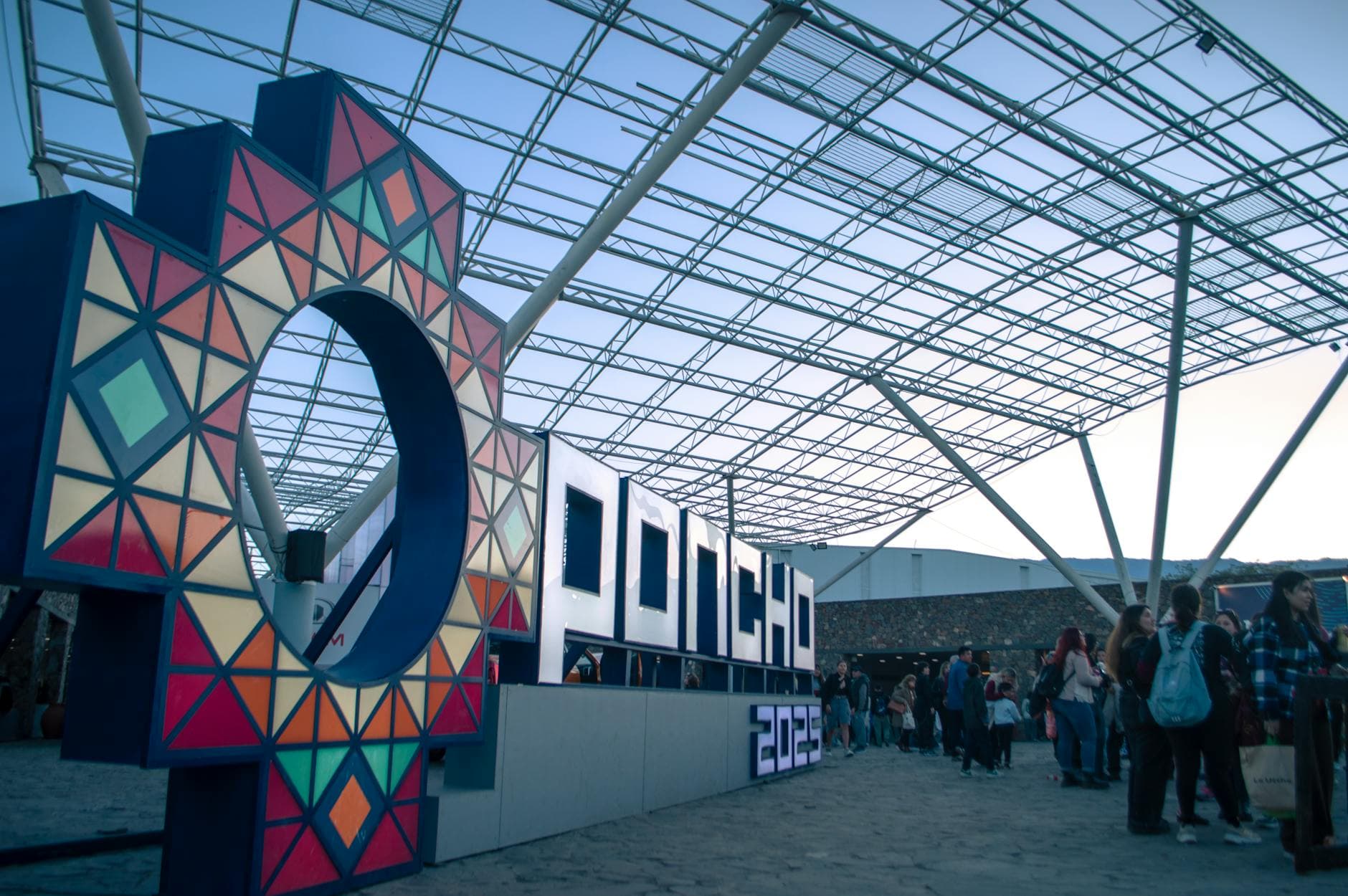
Picture a 3,000-person industry conference spread across three floors of a convention center. Keynote in the main hall. Breakout sessions in twelve smaller rooms. A product expo filling the entire ground floor. By the end of day one, there are roughly 8,000 photos sitting on attendees' phones. By the end of day three, maybe 20,000. How many of those will the organizer ever see?
Probably about 200. The ones the hired photographer took.
That's the large-venue photo problem. It's not that people don't take pictures. They take thousands. It's that collecting them at scale, across multiple zones, floors, and days, requires more than a shared Google Drive link in the event app nobody opened.
Why Standard Photo Sharing Breaks at Scale
Small events have simple physics. Thirty people in one room, one QR code on the table, done. Large venues introduce three problems that compound on each other.
Problem one: geography. A convention center isn't a single room. It's a campus. Attendees in Hall B never see the QR code posted in Hall A. The keynote crowd doesn't overlap with the workshop crowd. Multi-day events make this worse because the venue layout might change between days.
Problem two: volume. When 500+ people upload photos simultaneously, you need infrastructure that handles concurrent connections without choking. WhatsApp groups cap at 1,024 members and become unusable long before that. iCloud shared albums max out at 5,000 photos. Google Photos shared albums cap at 20,000 items but require everyone to have a Google account.
Problem three: findability. Say the conference generates 4,000 photos over two days. An attendee who spoke on a panel wants to find photos of their session. Good luck scrolling through 4,000 thumbnails. Without some way to filter, search, or tag, large galleries become photo graveyards. This is exactly where face recognition changes the equation: attendees take a selfie and instantly find every photo they appear in.
The QR Code Multiplier Strategy
At a small wedding, you place one QR code on the welcome table and you're covered. At a 2,000-person conference? You need QR codes everywhere. Think of it as coverage, like Wi-Fi access points. One won't reach every corner.
The strategy is simple: print QR codes for every zone. Table tents on registration desks. Posters near stage exits where speakers walk off. Stickers on lanyards. Printed cards tucked into seat-back programs. The goal is that no attendee is ever more than a glance away from a QR code.
One event planner strategy that works well: color-code zones. The QR code itself links to the same gallery, but the printed card says "Hall A" or "Expo Floor" so attendees mentally connect their location to the upload prompt. It's a nudge, not a requirement.
Lanyard trick: Print a small QR code on the back of name badges. Every attendee carries the upload link with them all day. No posters needed, no searching. They just flip their badge and scan.
This is also where printable QR templates matter. You don't want to design 15 different poster layouts the night before. Pre-made templates let you generate branded cards in minutes, sized for table tents, A3 posters, or badge inserts.

1.Guests scan and upload from any smartphone. No app needed.
The Photo Wall Changes Crowd Behavior
Here's something that surprised me about large venues: the photo wall matters more, not less, at scale.
At a 50-person birthday party, a photo wall is a nice touch. At a 1,500-person gala, it becomes the social anchor of the room. Imagine a 65-inch screen near the main bar cycling through guest uploads every few seconds. People cluster around it. They point. They laugh. Then they pull out their phones to upload something because they want to see their photo on that screen.
For multi-hall setups, consider running a screen in each major zone. The gallery is shared, so all screens show the same feed, but each screen acts as a local upload motivator. The real-time photo wall creates a feedback loop: see other people's photos, want to add yours.
One setup that works for conferences: place the photo wall screen behind the keynote stage during breaks. Between sessions, 800 people sitting in the main hall have nothing to look at except the screen. Upload rates spike during those 15-minute coffee breaks.
See it in action
Every guest photo in one album – no app.
Managing 5,000 Photos Without Losing Your Mind
Volume is the fun part until you have to manage it. At large events, content moderation isn't optional. It's essential. Someone will upload a photo of their lunch. Someone will accidentally upload a screenshot of their email. At a corporate conference, someone might upload something that violates your company's media policy.
The practical approach: assign 2-3 moderators for events over 500 people. Give them the moderator role so they can approve or reject uploads from their phones during the event. With Photogala, you can also enable the AI NSFW filter to automatically catch inappropriate content before it hits the photo wall. That alone eliminates 90% of the moderation workload.
For corporate events specifically, pre-approval mode is worth considering. Every photo goes through a review queue before appearing in the gallery. It's slower, but when your CEO is in the room and the photo wall is behind the stage, you want that safety net.
Connectivity: The Hidden Problem
Large venues have notoriously spotty Wi-Fi. Convention center Wi-Fi is often throttled, overloaded, or behind a captive portal that breaks half the things guests try to do. Stadium cellular coverage can be worse: 10,000 phones competing for the same cell towers.
This is actually one advantage of browser-based QR code photo sharing: there's no app to download. Downloads over congested networks fail constantly. But a lightweight browser page that accepts photo uploads? That works even on slow connections. Photos queue locally and upload when bandwidth is available.
A practical tip for venue Wi-Fi: if the venue offers a dedicated network for event staff, ask for a separate SSID for photo uploads. Even a 50 Mbps dedicated line handles hundreds of concurrent photo uploads comfortably. Most convention centers can provide this if you ask during the AV planning phase.
Wi-Fi backup plan: If venue connectivity is unreliable, remind attendees that cellular data (4G/5G) often works better than overloaded event Wi-Fi. The upload page works on any connection. Photos taken offline can be uploaded later when connectivity improves.
Making Photos Findable After the Event
The conference ends. You have 6,000 photos in the gallery. Now what?
This is where most photo sharing solutions fall flat. They collect photos fine. But finding your photos in a gallery of thousands? That's the hard part. According to Eventiere's 2026 analysis, platforms without AI face matching see engagement drop to 25% or lower because guests give up scrolling through massive galleries.
Face recognition with selfie-to-search solves this directly. Attendees upload a selfie, the AI finds every photo they appear in across the entire gallery. At a 3,000-person conference, this is the difference between "here are 6,000 photos, good luck" and "here are your 23 photos from the event."
Albums help too. Create albums by day, by track, by venue zone. "Day 1 Keynotes," "Expo Floor," "Networking Dinner." It takes five minutes of setup and saves attendees hours of scrolling. Combined with Photogala's gallery layouts and customization, the post-event gallery can look polished enough to share in the follow-up email to all attendees.
Gamification at Scale: It Works Differently
Photo challenges at a 30-person birthday are playful. At a 1,000-person conference, they become a participation engine.
The key difference at large events: you need challenges that work without explanation. At a small party, you can announce the challenges. At a conference, most people will discover them on their phone after scanning the QR code. The challenge titles need to be self-explanatory.
What works at scale: "Best booth selfie at the expo," "Weirdest conference swag you found," "Your speaker badge + coffee cup." Avoid anything that requires context or instructions. The simpler the prompt, the higher the participation rate. Challenges can include example preview photos showing exactly what to recreate, which removes all guesswork.
The leaderboard adds a competitive layer that conferences eat up. Attendees who work in sales, marketing, or anything remotely competitive will check their ranking between sessions. It's a small thing, but it drives upload volume in ways that polite requests never will.
The Post-Event Distribution Problem
Collecting 5,000 photos is step one. Getting them to the right people afterward is step two, and most organizers fumble it.
The standard approach: email all attendees a link to the gallery. Open rate: maybe 40%. Click-through to actually browse photos: maybe 15%. The photos sit in a gallery nobody visits.
A better approach: include a face-recognition link in the follow-up email. "Find your photos from the conference" with a selfie-search link. The attendee uploads a selfie, gets their personal photo collection in seconds. That's a reason to click. According to the Capture event photo sharing guide, the core challenge is that photos from events end up scattered across hundreds of phones with no practical way to merge them. Solving the findability problem after collection is what separates useful tools from digital clutter.
For corporate events, the gallery also becomes content. Marketing teams can pull photos for social media, internal newsletters, and next year's event promo. The bulk download feature lets them grab everything as a ZIP file in original quality.
Large Venue Photo Sharing Setup
Create your gallery and zones
Set up one gallery with albums for each venue zone or day. Upload your branding, choose a layout, and configure moderation settings.
Print QR codes for every zone
Generate QR templates for table tents, posters, and badge inserts. Color-code by zone if helpful. Place them at registration, stages, and break areas.
Set up photo walls and moderators
Position screens near high-traffic areas (bars, stages, registration). Assign 2-3 team members as moderators with mobile access.
Share the gallery post-event
Send attendees a face-recognition link so they can find their own photos. Download the full collection for marketing use.
Large-venue photo sharing isn't harder than small-event sharing. It just needs a system. QR codes in every zone. Screens that create social proof. Moderation that runs quietly in the background. And face recognition that turns a 6,000-photo archive into something personal.
The conference attendee who finds their 23 photos the next morning, without scrolling through thousands? That's the moment the investment pays off.
All of this comes with your own event.
Setting it up takes five minutes. You can build and view everything before you decide.
Starting from €39 one-timeOne-time payment — No subscription
- No App Required
- Setup in 5 Minutes
- 30-Day Money Back
“I use PhotoGala Deluxe and I'm absolutely thrilled. It was the perfect solution for documenting a sports event. Uploading and downloading via the link is a breeze for every participant. What won me over most were the photo wall and the slideshow – both are quick to set up and look really professional. Big praise also to Peter from the PhotoGala team: he's very easy to reach by email, replies quickly and even took my suggestions on board and added new features that made my slideshow even better. You rarely get support this dedicated. A clear 5-star recommendation!”
Written by

I believe event photos should be more than static galleries. They should be live, playful, and unforgettable.
Categories
Related Posts

Sales Kickoff Photo Sharing: How to Turn a Mandatory Meeting Into a Team Memory
Sales kickoffs are expensive. The photos from them usually disappear into 14 different camera rolls. Here's how to fix that.
Customer Appreciation Event Photos: The Album Nobody Plans (But Everyone Wants)
Your best clients showed up, mingled, laughed. Then what? Here's how to turn a customer appreciation event into a shared photo gallery that keeps the relationship warm.

Store Grand Opening Photos: How One QR Code Captures the Ribbon Cutting and Everything After
The ribbon cutting lasts 3 seconds. The photos from your grand opening should last forever. Here's how to collect every guest photo with a single QR code.