Group Trip Photo Sharing: One Gallery for the Whole Adventure

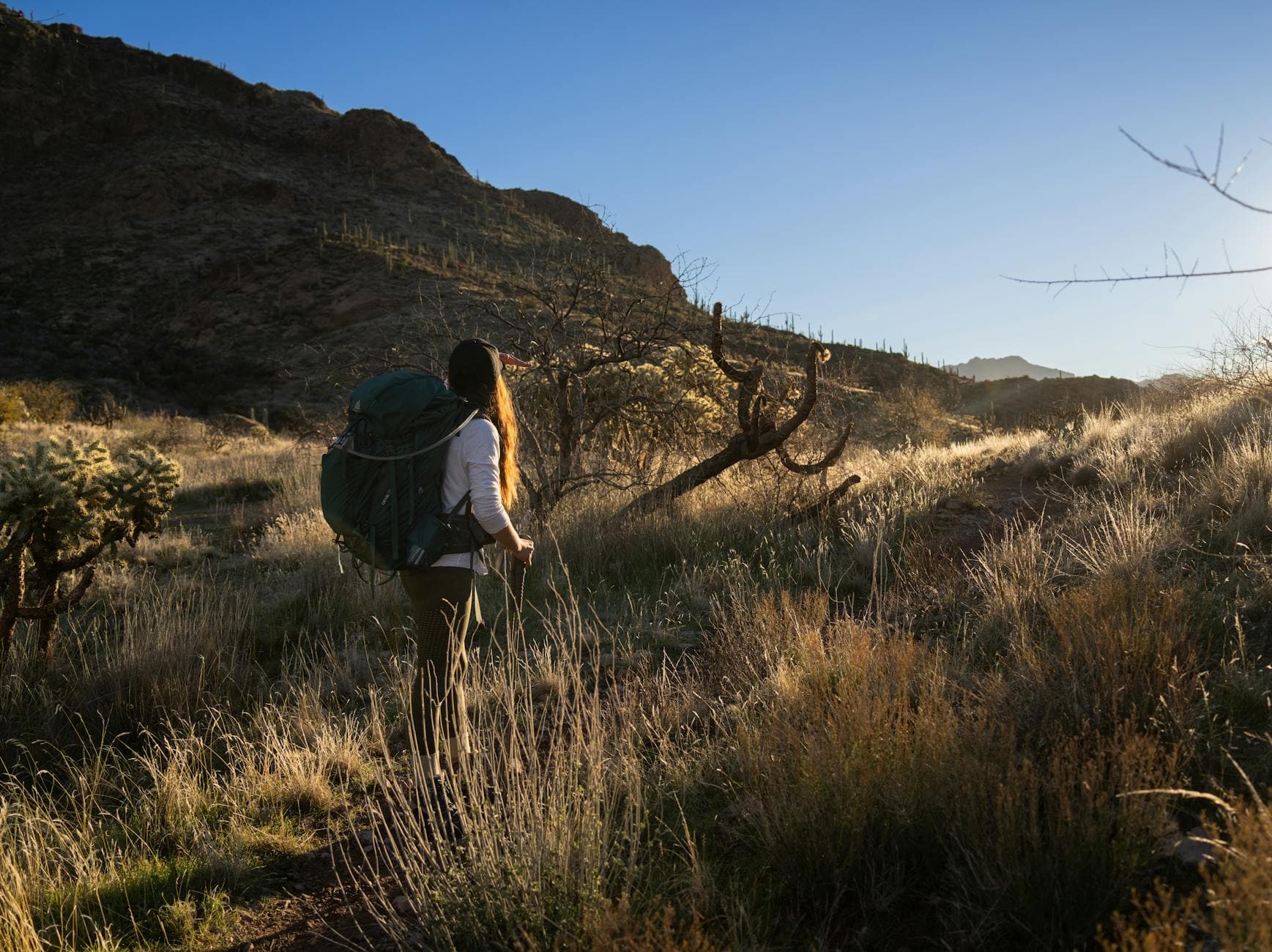
Picture five friends on a ten-day road trip through Portugal. Six phones. Roughly 2,000 photos between them. The group chat buzzes for 48 hours after landing, everyone dropping their favorites. Then silence. The rest of those photos? Gone. Buried in individual camera rolls, compressed beyond recognition by WhatsApp, and slowly deleted over the next year to free up storage.
That's the default outcome for group trip photos. It doesn't have to be.
This guide is about setting up a single shared gallery that captures every photo from every person on your trip, in original quality, without anyone needing to download an app or remember to send files later. Whether your group is four college friends or a multi-generational family reunion, the approach is the same.
Why Group Chats Fail at Photo Sharing
Everyone defaults to the group chat because it's already there. No setup, no new app, no friction. But group chats are built for conversation, not photo collection.
Every messaging app compresses photos on transmission. A 12-megapixel iPhone photo arrives as roughly 2-megapixel quality on Android. Colors flatten. Detail disappears. That stunning sunset you shot in the Algarve? It arrives looking like it was taken through a dirty window.
Then there's the volume problem. Say your group generates 300 photos worth keeping. Someone drops 40 into the chat. Reactions. Memes. Inside jokes. Someone else adds 25 more. By the time the third person posts, the first batch is already scrolled into oblivion. Nobody's going to dig through 800 messages to find a specific photo from day three.
A Yogile analysis of group trip photo sharing found that a typical 10-day trip with 5 friends produces around 2,000 total photos across all phones. In a group chat, most of those never get shared. The handful that do arrive compressed, out of order, and mixed with unrelated messages.
Google Photos shared albums and iCloud work better than chat, but they assume everyone has the same ecosystem. The moment one person in your group has an Android (or doesn't have a Google account, or ran out of their 15GB free tier), the whole system breaks. That's a solvable problem if you pick the right sharing method from the start.
The QR Code Gallery Approach
The simplest way to collect trip photos from a mixed group is a browser-based gallery with a QR code. No app downloads. No accounts. No ecosystem lock-in. One person creates the gallery, shares a link or QR code, and everyone uploads directly from their phone's browser.
With Photogala, that setup takes about two minutes. You create a gallery, name it something like "Portugal Road Trip 2026," and get a QR code you can share via screenshot in the group chat or even print on a fun card before the trip starts. Guests scan, pick a display name, and start uploading. No sign-up required.


1.One scan to join the gallery. No app, no account.
The key difference from a chat or shared album: photos upload in original quality. No compression. No resolution loss. That 48-megapixel shot from your friend's new Samsung arrives exactly as it was taken.
Setting It Up Before You Leave
Timing matters. The worst moment to set up photo sharing is on the trip itself. Everyone's busy navigating airports, finding the rental car, arguing about dinner. Set it up the week before.
Three Steps Before the Trip
Create the gallery
Name it, pick a cover image (even a placeholder), and grab the QR code. Takes 2 minutes.
Drop the link in the group chat
Share the QR code or gallery link a few days before departure. Add a one-line explanation: scan this, upload your photos here.
Ask one person to do a test upload
Have someone upload a single photo to confirm it works. This also shows the group how simple it is.
That third step is more important than it sounds. People are far more likely to use something they've already tried once. When someone in the group has already scanned the QR code and seen how fast it is, they become the person who reminds everyone else to upload during the trip.
For groups with older family members or less tech-savvy travelers, this pre-trip test run removes the anxiety of figuring out new technology in the moment. A 70-year-old uncle who's already uploaded one photo at home will happily upload 15 more on the trip.
See it in action
Every guest photo in one album – no app.
During the Trip: Getting People to Actually Upload
Here's the honest truth about group photo sharing: setting up the gallery is easy. Getting everyone to consistently use it throughout a multi-day trip is the actual challenge.
Most people take photos all day and think "I'll upload tonight." Then they're tired, or the Wi-Fi is slow, or they forget. By day four, they have 200 photos on their phone and uploading feels like a chore.
The fix is simple: upload in small batches throughout the day, not one massive dump at the end. After lunch at that seaside restaurant? Upload the five best shots from the morning. Waiting for the ferry? Drop in the sunset photos from yesterday. Small, frequent uploads feel effortless. One big upload at the end of the trip feels like homework.
Pro tip: Pick one person in the group as the "photo reminder." Not the organizer (they have enough to do). Someone enthusiastic who'll casually say "upload your beach photos" while everyone's sitting around at dinner. Social nudges work better than notification pings.
If your group responds well to a bit of friendly competition, Photogala's photo challenges can turn uploading into a game. Set up challenges like "best street food shot," "funniest travel fail," or "most dramatic landscape." Each completed challenge earns points, and a leaderboard tracks who's contributing the most. It sounds gimmicky until someone's uncle is checking his ranking over breakfast.
Challenges can even include example preview photos that show the group what to aim for. Imagine setting a "recreate this pose" challenge with a funny reference image. Photo roulette, meme recreation, movie scene reenactments: these formats get people uploading because they're genuinely fun, not because someone nagged them in the chat.
What Happens to the Photos After the Trip
The trip ends. Everyone flies home. This is where most shared albums quietly die.
A CandidReels study on family gathering photo sharing described the pattern perfectly: grandma has 40 photos, the cousin has 200, the aunt has 60. A complete record of the trip exists, scattered across phones, never compiled. The group chat gets the highlights. The rest disappear. Within a year, half are deleted to free up phone storage.
A permanent gallery solves this. With Photogala, photos stay in the gallery for the duration of your plan (six months on Plus, a full year on Premium). Anyone in the group can browse, download individual shots, or grab everything as a ZIP. The person who organized the trip doesn't become the bottleneck for distributing photos.
This is especially valuable for vacation groups where not everyone knows each other well. Colleagues on a team retreat. A tour group. Friends-of-friends on a shared Airbnb. These people won't add each other on iCloud, but they'll scan a QR code.
The Photo Wall Trick for Group Trips
This one's unexpected. Most people associate photo walls with weddings or corporate events. But a photo wall on a laptop or tablet at the Airbnb is genuinely great for group trips.
Imagine this: you connect a laptop to the TV in the rental house. The photo wall shows a live grid of everything the group uploaded that day. People come back from their afternoon adventures, pour some wine, and watch the photos roll in on screen. It becomes the evening's entertainment. Someone spots a photo they didn't know existed. Someone else recognizes a street they walked past. It turns a photo gallery into a shared experience instead of a private scroll through your own camera roll.
1.Turn the evening wind-down into a shared photo review.
You don't need a smart TV. Any laptop connected via HDMI works. Open the gallery in a browser, switch to photo wall mode, done.
Handling the Practical Stuff
A few things that come up on every group trip:
Wi-Fi and mobile data
Uploads work on any connection, but large photo batches need decent bandwidth. Hotel Wi-Fi is usually fine. Remote mountain huts with 2G signal? Save those photos for later. The gallery stays open. Upload when you're back in range.
Storage and quality
Photogala preserves original quality on all uploads. No compression, no downsizing. A 15MB RAW-adjacent photo from a newer phone uploads and downloads at full resolution. For a typical 10-day trip with 5-6 people, you're looking at maybe 10-20GB total. Paid plans handle this without issue.
Privacy between group members
Sometimes people upload a photo they later regret. Maybe it's unflattering. Maybe it includes a stranger. Photogala's moderation tools let the gallery owner (or anyone assigned as moderator) review and remove individual photos. For trips where privacy matters, like corporate retreats, you can enable pre-approval so every photo gets checked before it's visible to the group.
Making it easy for everyone
The single biggest advantage of a QR-code gallery over shared albums or cloud folders is the zero-friction access. No app to download, no account to create. Someone joins your trip last-minute? They scan the code and they're in. A local guide takes great photos and wants to share? Same code. It works across iPhone, Android, tablets. As one analysis of family photo sharing put it: any solution that only works for under-40s fails, because some of the most meaningful photos come from older members of the group.
What About Free Alternatives?
Google Photos shared albums are free and work well if everyone has a Google account and hasn't exceeded their 15GB storage limit. For small groups of tech-savvy friends, that might be enough.
iCloud Shared Albums work beautifully within the Apple ecosystem. If every person on your trip has an iPhone, it's hard to argue against it. But the moment one Android user shows up, you need a Plan B.
Photogala's free Starter tier gives you 15 uploaders and 50 photos. That's tight for a multi-day trip, but it lets you test the flow before committing. The Plus plan at €39 unlocks unlimited photos, bulk downloads, and the photo wall. For a group trip, that cost split five or six ways is less than a single meal out.
The real question isn't whether free tools exist (they do). It's whether anyone in your group will actually use them consistently for a full trip. A dedicated gallery with a QR code has a much higher completion rate than a shared album link that half the group never opens.
Two thousand photos across six phones. That's the real souvenir of a group trip. Not the one sunset photo someone posted to Instagram, but the complete, uncompressed, chaotic collection. The candid breakfast shots. The blurry dance floor. The accidental selfie your friend didn't know they took.
Set up the gallery before you leave. Drop the QR code in the chat. Let it fill up over the trip. When you get home, you'll have something worth keeping.
All of this comes with your own event.
Setting it up takes five minutes. You can build and view everything before you decide.
Starting from €39 one-timeOne-time payment — No subscription
- No App Required
- Setup in 5 Minutes
- 30-Day Money Back
“We used the software at my mum's birthday party. It went down really well 😊”
Written by

I believe event photos should be more than static galleries. They should be live, playful, and unforgettable.
Categories
Related Posts

Bridal Shower Photo Sharing: Collect Every Sweet Moment in One Gallery
Bridal shower photos end up scattered across 15 phones. Here's how to get them all into one gallery before the mimosas wear off.

Maternity Photo Sharing: How to Keep Every Announcement, Bump Shot, and Memory in One Place
Pregnancy announcements land on 4 different apps. Maternity photos get lost in group chats. Here's how to keep every photo in one shared gallery your whole family can access.

Sales Kickoff Photo Sharing: How to Turn a Mandatory Meeting Into a Team Memory
Sales kickoffs are expensive. The photos from them usually disappear into 14 different camera rolls. Here's how to fix that.