Bar Mitzvah & Bat Mitzvah Photo Sharing: How to Collect Every Guest's Photos in One Place

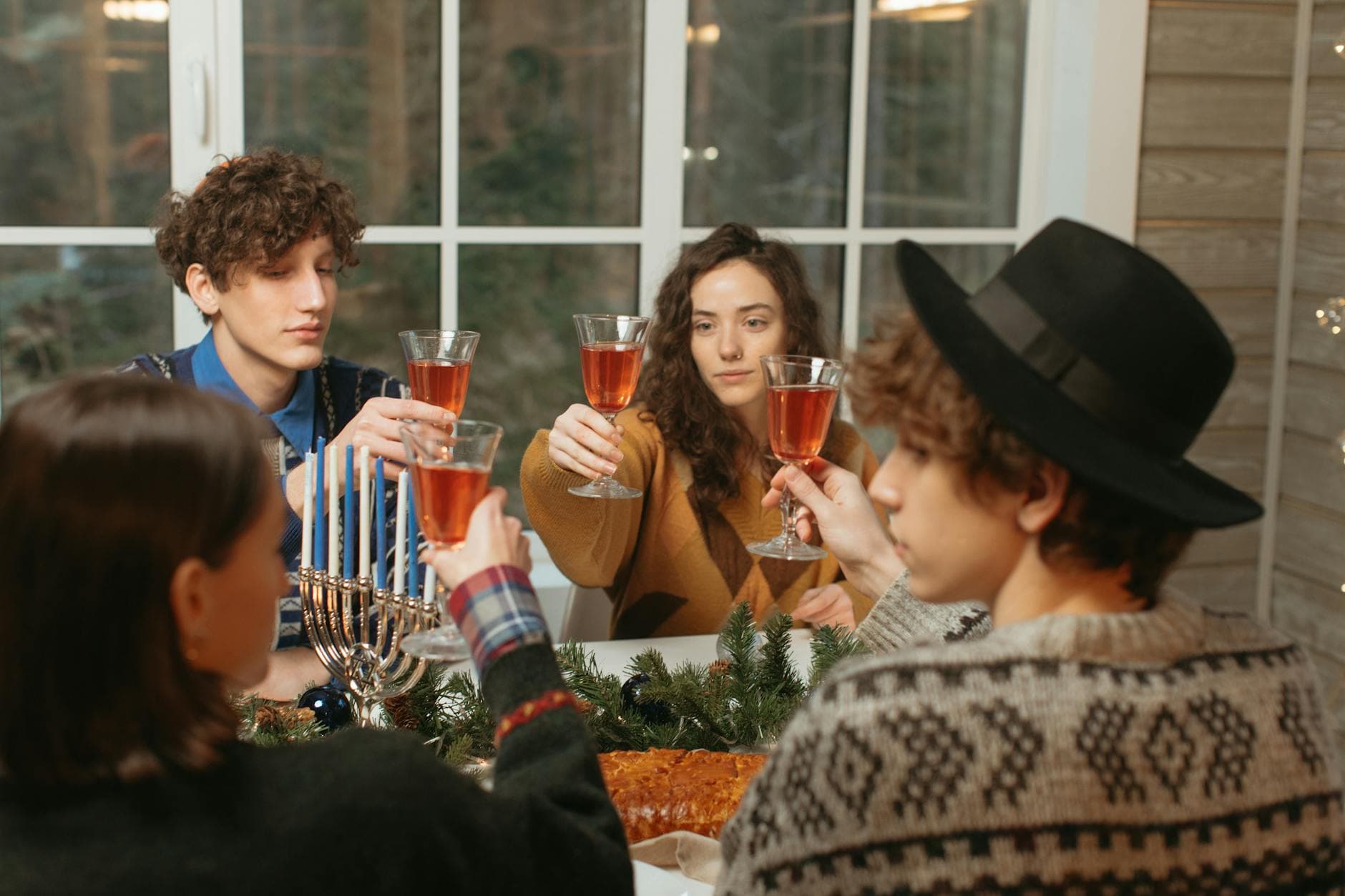
The ceremony is over. Your 13-year-old just read from the Torah in front of 150 people, and for the rest of the evening, every aunt, uncle, cousin, and family friend will have their phone out. By the end of the party, there will be somewhere between 300 and 600 photos spread across 40 or 50 devices. Your uncle from Tel Aviv got a great shot of the candle-lighting. Your daughter's best friend recorded the hora. Your mother-in-law has 47 photos she took from her seat, and she's not entirely sure how to send them.
Here's the problem: you'll get maybe 20% of those photos. The rest will sit on camera rolls, slowly buried under screenshots and grocery lists, until nobody remembers they exist. A Deseret News survey found that 80% of people have photos on their phone they haven't looked at since taking them. For a once-in-a-lifetime milestone like a B'nai Mitzvah, that's a painful amount of lost memories.
This guide covers a straightforward approach: set up a single shared gallery that every guest can contribute to during (and after) the celebration. No app downloads. No group chats. No chasing people for weeks afterward.
Why B'nai Mitzvah Photo Collection Is Uniquely Challenging
A Bar or Bat Mitzvah is not like a birthday party where everyone is roughly the same age and comfortable with technology. The guest list typically spans four generations. You've got the mitzvah kid's school friends (who will take 200 selfies in the photo booth area), their parents (who will politely take a few shots of the ceremony), grandparents (who might struggle with anything beyond the camera app), and out-of-town relatives who flew in specifically for this weekend.
That age spread creates a real friction problem. A WhatsApp group works for the parents but excludes grandma. A shared iCloud album works for iPhone users but shuts out the Android half of the family. Google Photos shared albums require a Google account, and good luck getting your 78-year-old great-aunt to create one between the cocktail hour and dinner. If you've dealt with getting non-tech-savvy guests to share photos before, you know the challenge.
Then there's the timeline problem. The celebration often spans multiple parts: a Friday night dinner, the Saturday morning service, an afternoon Kiddush lunch, and the big party that evening. Photos from each segment end up siloed on different phones, and by Sunday morning half the out-of-town guests have flown home.
The QR Code Approach (And Why It Actually Works Here)
The simplest solution that works across all ages and devices: a QR code that opens a shared photo gallery in the browser. No app to download, no account to create. Guests scan with their phone camera, type a display name, and start uploading.
For a B'nai Mitzvah specifically, this solves the generation gap. The 13-year-old's friends will scan it instantly (they've been scanning QR codes since they could hold a phone). The parents and aunts and uncles will scan it with zero issues. And for grandparents, someone at their table can help them scan once, and the browser stays open for the rest of the evening. That's it. No passwords, no app store visits, no "I'll send them to you later."
If you're wondering about the specifics of setting up a QR code for photo sharing at an event, the process takes about five minutes. You create a gallery, customize the QR code design, and print it on table cards or add it to the invitation suite. With Photogala, you can even match the QR code colors to your event theme using the customization options.

1.Guests type a display name and start uploading instantly
Where to Place QR Codes at a B'nai Mitzvah
Placement matters more than you'd think. At a restaurant or bar event, you can get away with one or two table signs. A B'nai Mitzvah celebration typically has multiple rooms and phases, so you need QR codes in several spots.
The ceremony venue: Place a small framed sign near the entrance or on the program. People will snap photos of the bimah, the Torah reading, the family together. Having the QR code visible right there means those photos go straight to the shared gallery instead of disappearing into camera rolls.
Every table at the reception: This is non-negotiable. Table cards with the QR code are the single highest-impact placement. Guests sit down, see the card, scan it, and they're connected for the rest of the night. Some families even print the QR code on the actual place cards or napkins.
The photo area or booth: If you have a photo station (and most B'nai Mitzvah celebrations do), put the QR code there. Guests are already in photo-taking mode. Capture that energy.
The DJ booth or dance floor area: This is where the best candid moments happen. The hora, the kids going wild, the parents trying to keep up. A visible QR code nearby reminds people to upload the chaos.
Pro tip for multi-event weekends: If your B'nai Mitzvah spans Friday night dinner through Saturday party, use the same gallery for everything. Guests who scanned the QR code on Friday are already connected on Saturday. The full story of the weekend ends up in one place.
See it in action
Every guest photo in one album – no app.
The Montage Problem (And How to Solve It Before the Event)
Here's something specific to B'nai Mitzvah celebrations that most photo sharing guides miss: the montage. That video slideshow of your child's life, set to music, played during the party. It's a tradition, and preparing one is a bigger project than most parents expect.
According to SimpleMitzvahs, the optimal montage length is 8-10 minutes maximum. Anything longer and guests start checking their phones (ironic, given the topic). The recommended approach from PopColor Events is to start with a broad selection of 300+ photos and then edit down aggressively.
The challenge is that those 13 years of photos are scattered. Some are on an old iPhone backup. Some are on your spouse's laptop. Some are prints in a shoebox. And the best ones, the spontaneous family moments from holidays and vacations, are probably on relatives' phones.
This is where a shared gallery can help before the event too. Set up a gallery a month before the celebration, share the QR code or link with close family, and ask them to upload their favorite photos of your child growing up. Grandparents with printed photos can snap pictures of the prints. Aunts and uncles can dig through their camera rolls. You end up with a centralized collection that makes montage preparation dramatically easier.
If you've ever dealt with the headache of collecting photos from a large group, you know the alternative: dozens of emails, multiple WeTransfer links, and photos arriving in random formats and sizes over weeks. The gallery approach shortcuts all of that. And the same gallery can keep collecting during the event itself.
Getting All Four Generations to Actually Upload
The tech-savvy teenagers and millennials will upload without prompting. The challenge is everyone else. Here are specific tactics that work at multi-generational celebrations.
Assign a "photo helper" per table. Ask one younger person at each table to help any guest who needs it. Scanning a QR code takes 10 seconds, but for someone who's never done it, having a friendly face walk them through it makes the difference between participating and giving up. Your event photography tips can also help guests take better shots once they're connected.
Make an announcement. Have the MC or DJ mention the shared gallery early in the evening. Something like: "There's a QR code on every table. Scan it, upload your photos, and the whole family can see them. Even Uncle David's." Humor helps. A single announcement typically doubles the upload rate compared to table cards alone.
Use photo challenges to spark participation. This is where things get interesting. Photo challenges are prompted tasks that give guests specific things to photograph: "Capture the best dance move," "Find someone wearing a kippah for the first time," "Photo with the mitzvah kid." The challenges can include example preview photos showing guests exactly what to aim for.
For a B'nai Mitzvah specifically, challenges work brilliantly because they bridge the age gap. The 13-year-olds get competitive about completing them (especially if there's a leaderboard involved). The adults find them charming and participate at their own pace. And the photos you get back are infinitely more interesting than another shot of the centerpiece.
1.Photo challenges give guests specific moments to capture
After the Party: Keeping the Memories Accessible
The celebration ends. Guests fly home. And now you have a gallery with hundreds of photos from every angle of the weekend. What happens next matters just as much as collecting them.
Share the gallery link with anyone who couldn't attend. Grandparents who were too far to travel, friends who had conflicts, the cousin in another country. A browsable photo gallery captures the event far better than a handful of photos texted after the fact.
For families that want to find specific people in a large gallery, Photogala's face recognition feature lets guests upload a selfie and instantly find every photo they appear in. At a 150-person celebration with 400+ photos, that's the difference between scrolling for 20 minutes and finding your photos in seconds. You can read more about how face recognition works at big events.
You can also download the entire gallery as a ZIP archive in original quality. Every photo, full resolution, organized and ready for printing, scrapbooking, or that montage you'll update for the next sibling's celebration.
What About the Professional Photographer's Photos?
Most B'nai Mitzvah celebrations have a professional photographer, and their work is important. Posed family portraits, ceremony shots, reception details. Those polished photos are irreplaceable.
But they typically arrive 2-4 weeks later. In the meantime, the guest photos fill the gap. And honestly, guest photos capture something the professional can't: the unguarded moments. The kids sneaking extra dessert. The grandparents slow-dancing. The mitzvah kid's face when their friends lift them on a chair during the hora.
When the professional photos arrive, upload them to the same gallery. Now you have the complete picture. Polished portraits and raw candids, all in one place, from every perspective at the event. If you're thinking about how school events and milestone celebrations generate scattered photos, the same centralized approach applies.
One honest trade-off: Photogala is browser-based, not a native app. That means it works on every device without installation, but you won't get push notifications reminding guests to upload. The QR code placement and a verbal announcement handle that gap effectively.
A Simple Setup Checklist
Get your B'nai Mitzvah gallery ready in 3 steps
Create the gallery a month early
Set up the event, customize colors and QR code design to match your theme. Share the link with close family so they can upload childhood photos for the montage.
Print QR codes for every touchpoint
Table cards, ceremony programs, photo booth area, and the DJ station. The more places guests see it, the more photos you collect.
Share the gallery link after the event
Send it to guests who couldn't attend. Upload the professional photos when they arrive. Download the full archive for safekeeping.
Frequently Asked Questions
A Bar or Bat Mitzvah happens once. The ceremony, the party, the family gathered from everywhere. Those photos are the proof it happened, the candid ones even more than the posed portraits. Getting them into one place doesn't have to be complicated. A QR code on the table, a five-minute setup, and suddenly every guest is a contributor instead of a bystander with a full camera roll and nowhere to send the photos.
All of this comes with your own event.
Setting it up takes five minutes. You can build and view everything before you decide.
Starting from €39 one-timeOne-time payment — No subscription
- No App Required
- Setup in 5 Minutes
- 30-Day Money Back
“We used the software at my mum's birthday party. It went down really well 😊”
Written by

I believe event photos should be more than static galleries. They should be live, playful, and unforgettable.
Categories
Related Posts

Bridal Shower Photo Sharing: Collect Every Sweet Moment in One Gallery
Bridal shower photos end up scattered across 15 phones. Here's how to get them all into one gallery before the mimosas wear off.

Maternity Photo Sharing: How to Keep Every Announcement, Bump Shot, and Memory in One Place
Pregnancy announcements land on 4 different apps. Maternity photos get lost in group chats. Here's how to keep every photo in one shared gallery your whole family can access.

Sales Kickoff Photo Sharing: How to Turn a Mandatory Meeting Into a Team Memory
Sales kickoffs are expensive. The photos from them usually disappear into 14 different camera rolls. Here's how to fix that.