AirDrop Alternatives for Sharing Event Photos With Large Groups

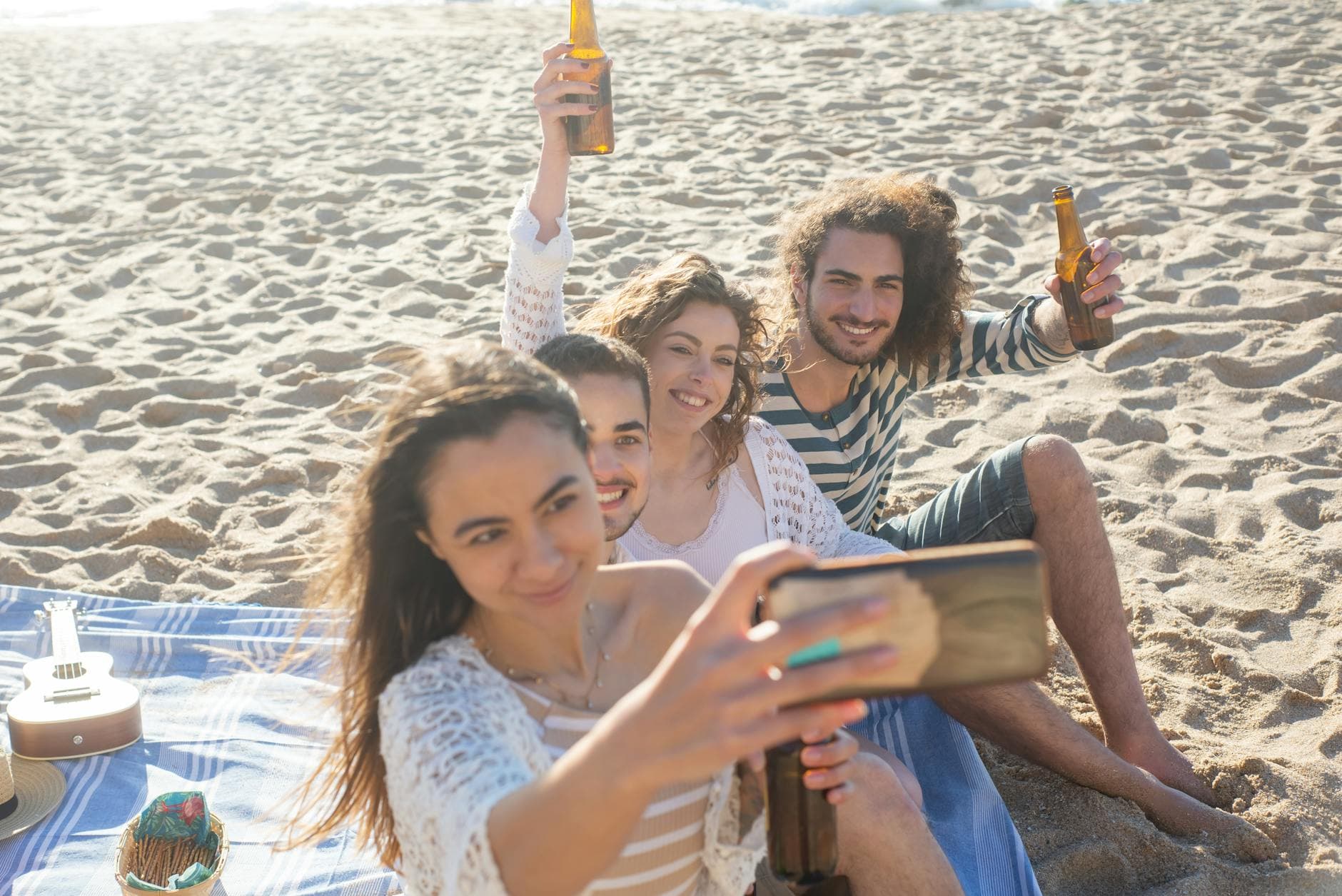
Picture this: a Saturday afternoon barbecue for 40 people. Someone takes a great group photo. "AirDrop it to me!" Three iPhones connect. Two Androids stare blankly. The guy in the corner has Bluetooth turned off. Fifteen minutes later, six people have the photo. The rest never will.
AirDrop is brilliant for sending a single file to the person sitting next to you. It was never designed for event photography. The moment your group exceeds about eight people (or includes a single Android user), the whole system collapses. And yet, it's still the default suggestion at every party, wedding, and team event.
The real question isn't whether AirDrop works for groups. It doesn't. The question is what does, especially when you're dealing with 20, 50, or 200+ guests on a mix of iPhones, Androids, and the occasional ancient tablet someone's grandmother brought.
Why AirDrop Falls Apart at Events
AirDrop's limitations aren't bugs. They're design choices that make perfect sense for one-to-one sharing and zero sense for events.
Apple-only. This is the obvious one. According to Eventiere's 2026 event photography report, over 80% of guests view event photos on mobile devices. At any large gathering, roughly half those devices are Android. AirDrop simply doesn't exist for them. Nearby Share (Google's equivalent) has the same problem in reverse. You're immediately splitting your group into platform camps.
Proximity required. Everyone needs to be within Bluetooth/Wi-Fi range, about 9 meters. At a wedding reception spread across a garden, a cocktail hour in a hotel lobby, or a corporate event across multiple rooms, half your guests are simply out of range.
One-to-one transfers. AirDrop sends files from one device to one device. Sharing 50 photos with 30 people means 1,500 individual transfers. Nobody is doing that. In practice, one person AirDrops to two friends and gives up.
No central collection. Even if everyone did manage to AirDrop their photos somewhere, there's no shared gallery. No way to browse, no way to download everything at once, no way to see what others captured. You end up with fragments scattered across a dozen camera rolls.
There's also a more subtle problem: timing. Most guests share event photos within the first two hours after taking them. If you don't give them an easy way to share right then, you've lost the moment. "I'll AirDrop it later" is a promise that expires.
The Usual Workarounds (and Where They Break)
Before we get to proper solutions, let's be honest about the workarounds people actually try. Each one solves part of the problem and creates a new one.
WhatsApp Groups
The most common fallback. Create a group, add everyone, ask them to dump photos. It works in the sense that photos actually get shared. But WhatsApp compresses images aggressively, turning crisp shots into what our guide on sharing lots of photos calls "pixel soup." The group also gets chaotic fast: 200 notifications, random memes mixed in, and no way to download everything as a clean folder. Plus, not everyone wants to share their phone number with 40 strangers at a company party.
iCloud or Google Photos Shared Albums
Better than WhatsApp for quality. Worse for access. iCloud shared albums require every participant to have an Apple ID. Google Photos requires a Google account. That's a bigger barrier than it sounds. At a 150-guest wedding, you'll have guests who don't use either service, guests who forgot their password, and guests who simply won't bother creating an account. Our deep dive into iCloud album limitations covers the specific caps (5,000 photos per album, 100 shared albums, 100 participants max) that make these a poor fit for large events.
Google Drive or Dropbox Shared Folders
These work cross-platform and preserve quality. The friction is in the upload process. Guests need to open the app (or install it), navigate to the right folder, and figure out the upload flow. According to TacBoard's research on guest photo sharing, the biggest barrier to participation is complexity. Every extra step costs you participants. A shared Dropbox folder might collect 15 photos from the 3 most tech-savvy guests. The other 37 people at the party won't bother.
The participation formula is simple. Every additional step you add to the sharing process cuts your participation rate roughly in half. Download an app? Half gone. Create an account? Another half. Navigate a folder structure? You're down to the IT crowd.
What Actually Works: QR Code Photo Sharing
The approach that's quietly replaced all of the above at events is QR code photo sharing. The concept: guests scan a code with their phone camera, a browser-based gallery opens, and they upload directly. No app download. No account creation. No platform restrictions.
This is exactly what Photogala's QR upload does, and it sidesteps every AirDrop limitation we just covered. Android, iPhone, old phone, new phone, your uncle's BlackBerry (okay, maybe not that). If it has a camera and a browser, it works.
The difference in participation is stark. When you remove the app-install barrier and the account-creation barrier, you go from "6 people AirDropped some photos" to "47 out of 60 guests contributed." That's not a hypothetical. Scene Disposable's 2026 comparison of wedding photo apps found that apps requiring downloads or multi-step uploads consistently collect fewer photos than browser-based alternatives.


1.Scan the QR code, gallery opens instantly in the browser
Say you're organizing a team offsite for 60 colleagues. You print a QR code on a few table tents, maybe put one on the welcome slide. Guests scan it during lunch, upload a few photos, scan it again during the activity, upload more. By the end of the day, you have a complete visual record of the event from dozens of perspectives. No chasing people for photos. No "can someone make a WhatsApp group?" No waiting three weeks for someone to share a Google Drive link.
See it in action
Every guest photo in one album – no app.
Beyond Upload: What Happens After the Photos Land
Collecting photos is only the first problem. The second, which AirDrop and most workarounds ignore entirely, is what happens next. Where do photos live? Who can see them? How do you manage 400 photos from a 200-guest wedding?
A proper event photo platform gives you a shared gallery that everyone can browse, not just upload to. Photos appear in real time on guests' phones and, if you want, on a live photo wall displayed on a TV or projector at the venue. That last part turns passive photo-taking into active entertainment. Imagine a screen near the bar cycling through guest photos as they're uploaded. People see their own shots appear and suddenly everyone wants to contribute.
Then there's content moderation. At a casual birthday, you probably don't need it. At a corporate event for 200 people or a wedding with an open bar? You might want to review photos before they hit the big screen. Photogala lets you set up pre-approval and assign moderators who approve or reject with a single tap. Not something you'd get from a shared Google Drive link.
And for events where you want guests to do more than just upload, there are photo challenges: specific prompts like "Photo with the bride and groom" or "Best dance floor action shot." Challenges can include example preview photos, so guests know exactly what to aim for. You can even set up a photo roulette where guests get a random reference image and try to recreate it. It's the kind of creative engagement that turns a party photo collection into an actual activity.
Side-by-Side: AirDrop vs. the Alternatives
Here's how the main approaches compare for a real event scenario: 50+ guests, mixed devices, photos taken over several hours.
Event Photo Sharing Methods Compared
| Feature | QR Code Gallery | AirDrop | WhatsApp Group | Shared Cloud Album |
|---|---|---|---|---|
| Works on Android + iPhone | ||||
| No app install needed | ||||
| No account required | ||||
| Handles 50+ guests | ||||
| Original quality preserved | ||||
| Central browsable gallery | ||||
| Live photo wall option | ||||
| Content moderation | ||||
| Download all as ZIP | ||||
| Photo challenges / games |
The pattern is clear. AirDrop wins on simplicity for small, Apple-only groups. WhatsApp wins on ubiquity but sacrifices quality and organization. Shared albums handle quality but create access barriers. A QR-code-based gallery is the only approach that hits every requirement for a large, mixed-device group.
When AirDrop Is Still the Right Call
Fairness matters. AirDrop is genuinely the best tool in specific situations.
Dinner with six friends, all on iPhones, sitting at the same table? AirDrop. Sending a large video file to one person standing next to you? AirDrop. Quick transfer between your own devices? AirDrop. The issue isn't that AirDrop is bad. It's that people try to stretch a peer-to-peer tool into a group collaboration tool, and that never works.
The cutoff is roughly 8-10 people. Below that, with all Apple devices, AirDrop is fast and simple. Above that, or with any Android users in the mix, you need something designed for groups. That's not a knock on Apple. It's just physics and product design.
Setting Up a QR Gallery in Practice
If you're convinced that a QR code gallery is the move for your next event, here's what the setup looks like. It's simpler than making a WhatsApp group, honestly.
From Zero to Shared Gallery in 3 Steps
Create your gallery
Sign up at Photogala, name your event, pick a theme. Takes about 2 minutes. The free tier covers 15 uploaders and 50 photos if you want to test it first.
Share the QR code
Print QR codes on table cards, tape one near the entrance, or share the link digitally. Guests scan with their phone camera. No app download, no login.
Watch photos appear
Uploads show up in real time in the shared gallery. Browse on any device, display on a TV as a live photo wall, or download everything as a ZIP later.
For weddings, print the QR code on the menu cards or place them in small frames on each table. For corporate events, put one on the opening slide and another near the registration desk. For casual parties, a printed card on the snack table works. The key insight from TacBoard's research is that making sharing the path of least resistance is what drives participation. QR codes do exactly that.
One thing worth mentioning: Photogala's free tier is genuinely useful for small events (15 uploaders, 50 photos), but it doesn't include video uploads or the photo wall. For a larger event, the paid plans start at €39 as a one-time payment, not a subscription. If you're comparing that to renting a photo booth for EUR 500+, the math is obvious.
1.Photos appear on the big screen in real time
The Participation Problem Nobody Talks About
Here's something that surprised me when researching this topic. The challenge at most events isn't getting people to take photos. Everyone already does that instinctively. The challenge is closing the gap between photos taken and photos actually shared.
Guests leave with dozens of great shots on their phones and then... nothing happens. The 2026 event photography statistics from Eventiere confirm this: most guests share within the first two hours, or they don't share at all. If you ask people to "email me your photos later" or "upload them to this Drive folder when you get home," you'll collect maybe 10% of what was actually taken.
That's why the in-the-moment approach matters. A QR code on the table means guests share while they're still at the event, still excited, still in the mood. By the time they get home and sink into the couch, the motivation is gone. AirDrop actually understands this principle (share right now, in person). It just can't scale beyond a handful of people.
If you want to go further and actively motivate uploads rather than just enable them, gamification features like leaderboards and achievements turn photo sharing into a friendly competition. Not essential for every event, but at a multi-day festival or a corporate team-building day, it can be the difference between 80 photos and 400.
Making the Switch Painless
If your group defaults to "just AirDrop it" at every gathering, the easiest way to shift habits is to not make it a debate. Don't announce "we're using a new system." Just put a QR code on the table with a small sign: "Share your photos here." People scan it because it's easy and visible. By the second round of appetizers, half the table has uploaded something.
For events where you want to share photos after the event (not just collect them during), Photogala's gallery and download features let guests browse and download at original quality. Share the gallery link the next day, and guests can revisit, download their favorites, and see perspectives they missed. No more "who has that photo of the speech?" texts three weeks later.
The best event photo collections aren't the ones with the highest resolution or the fanciest editing. They're the ones that actually exist, because everyone contributed, because the sharing method was simple enough that nobody opted out. AirDrop set the standard for frictionless sharing between two people. QR code galleries do the same thing for groups of any size, on any device. That's the whole story.
All of this comes with your own event.
Setting it up takes five minutes. You can build and view everything before you decide.
Starting from €39 one-timeOne-time payment — No subscription
- No App Required
- Setup in 5 Minutes
- 30-Day Money Back
“I use PhotoGala Deluxe and I'm absolutely thrilled. It was the perfect solution for documenting a sports event. Uploading and downloading via the link is a breeze for every participant. What won me over most were the photo wall and the slideshow – both are quick to set up and look really professional. Big praise also to Peter from the PhotoGala team: he's very easy to reach by email, replies quickly and even took my suggestions on board and added new features that made my slideshow even better. You rarely get support this dedicated. A clear 5-star recommendation!”
Written by

I believe event photos should be more than static galleries. They should be live, playful, and unforgettable.
Categories
Related Posts

Bridal Shower Photo Sharing: Collect Every Sweet Moment in One Gallery
Bridal shower photos end up scattered across 15 phones. Here's how to get them all into one gallery before the mimosas wear off.

Maternity Photo Sharing: How to Keep Every Announcement, Bump Shot, and Memory in One Place
Pregnancy announcements land on 4 different apps. Maternity photos get lost in group chats. Here's how to keep every photo in one shared gallery your whole family can access.

Sales Kickoff Photo Sharing: How to Turn a Mandatory Meeting Into a Team Memory
Sales kickoffs are expensive. The photos from them usually disappear into 14 different camera rolls. Here's how to fix that.