Family Reunion Photo Sharing: How to Collect and Preserve Memories Across Generations


Aunt Margret took 47 photos at last year's reunion. Uncle Steve got a few good ones of the kids playing in the yard. Your cousin's teenager filmed the whole talent show on her phone. Grandma brought a disposable camera. And now, three months later, those photos live on six different phones, two cloud accounts, a physical camera that hasn't been developed, and one blurry image someone posted to the family group chat.
Nobody has the full picture. Everyone has fragments.
This is the fundamental problem with family reunion photos: the people you most want to share with are the ones least likely to be on the same platform. A 14-year-old and a 72-year-old do not use technology the same way. Any solution that requires everyone to download an app, create an account, or navigate a shared Google Drive is dead on arrival for at least a third of your family.
The Real Challenge Isn't Taking Photos
Families take plenty of photos. According to KQED's reporting on family archiving, cultural heritage preservation starts with gathering what already exists. The problem isn't capturing moments. It's collecting them afterward.
Picture a reunion with 40 family members across four generations. The youngest are snapping everything on their iPhones. The middle generation alternates between taking photos and wrangling kids. The oldest generation takes fewer photos but the ones they take tend to be the most meaningful: candid shots of people talking, the table before everyone sat down, great-grandma's hands holding the baby.
After the event, the default plan is always the same: "I'll send you the photos." Nobody does. Or one person creates a shared album, sends the link, and half the family can't figure out how to access it because they don't have the right account. If you've ever tried to create a shared album that works across iPhone and Android, you know exactly how fast this falls apart.
Why QR Codes Solve the Generational Gap
The simplest technology often wins with mixed-age groups. A QR code printed on a card at the reunion table does something remarkable: it removes every barrier to participation. No app to download. No account to create. No link to remember. Scan, tap, upload.
With a QR code photo upload system, your 72-year-old uncle uses the same entry point as your 14-year-old niece. The smartphone camera opens, recognizes the code, and the browser-based gallery appears. That's it. Our guide on getting non-tech-savvy guests to share photos covers the psychology behind why this works so well across age groups.
Print QR codes on multiple surfaces. Table cards work, but also put one on the fridge, tape one to the cooler, and include one in the invitation. The more visible the code, the more photos you collect. Some families even print them on creative surfaces like bottles or pizza boxes.

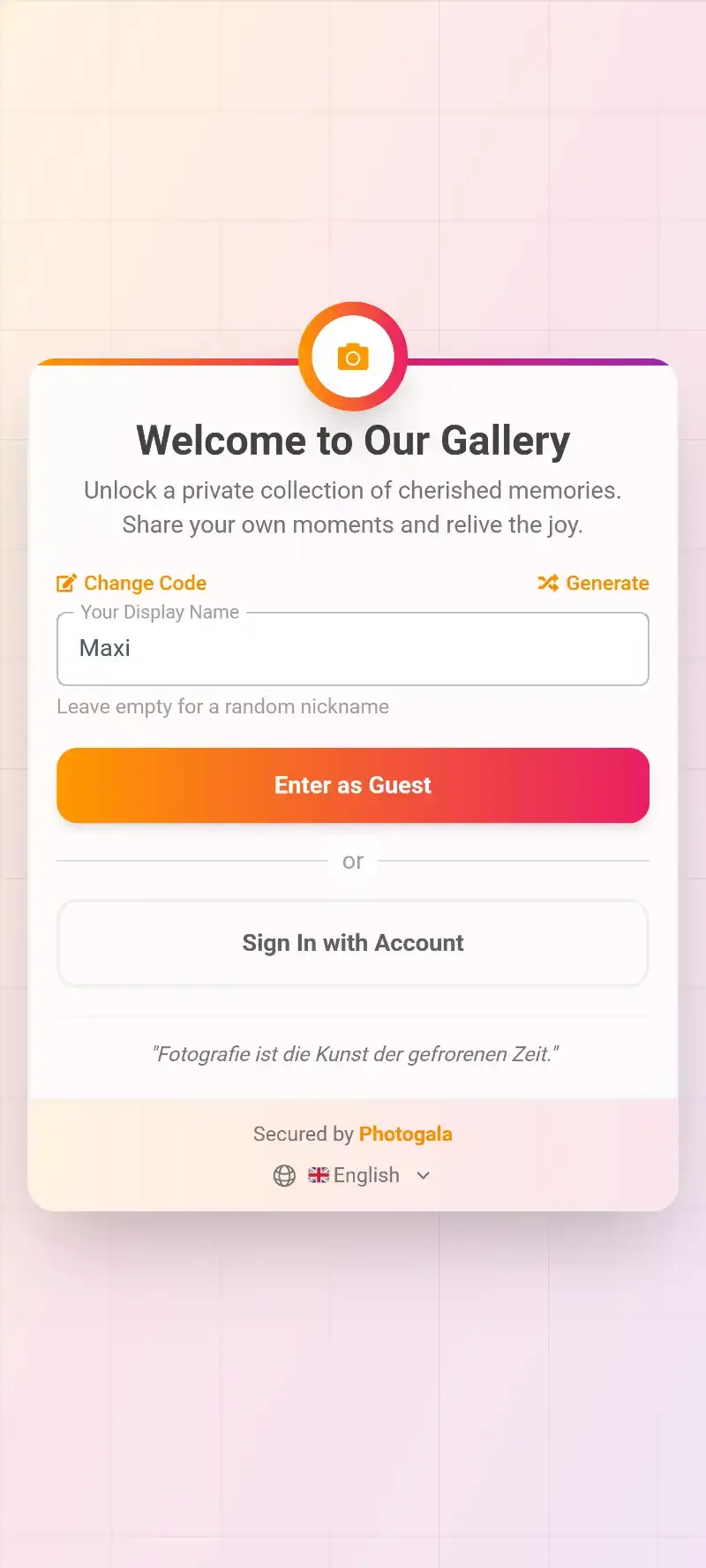
1.One scan opens the gallery. No app needed.
Designing for Every Generation
The trick isn't just making photo sharing possible. It's making it feel natural for everyone. Here's what actually works across generations:
For grandparents and older relatives: Print a large QR code with clear text: "Scan this with your phone camera to add your photos." One sentence. No jargon. Place it where they'll see it without searching. Assign a tech-comfortable family member as the unofficial helper. Usually takes one demonstration, and they're self-sufficient for the rest of the day.
For parents and middle-aged relatives: These are your power users. They take the most photos and are comfortable with technology but time-poor. They need the process to be fast. No multi-step signup flows. Scan, upload, done. They'll also appreciate being able to download the full album afterward without begging everyone to send files individually.
For teenagers and young adults: They'll upload if you make it interesting. A plain photo gallery is boring to a 16-year-old. But add photo challenges like "recreate a vintage family photo" or "catch someone making grandma's face" and suddenly they're engaged. You can even set example photos for challenges, turning it into a photo roulette where they try to recreate old family pictures.
See it in action
Every guest photo in one album – no app.
The Talent Show Effect
Say your family does a talent show every reunion. (Based on reunion planning research, talent shows rank among the most popular activities for multi-generational gatherings.) Now imagine a live photo wall running on a TV behind the performers. As family members upload photos throughout the day, the screen cycles through them. Suddenly the talent show has a visual backdrop of the entire reunion.
Someone catches the moment your dad burns the burgers. It's on the screen within seconds. The kids' sack race finishes and three different angles appear on the wall before the winners even sit down.
This does two things: it makes people want to upload more (they see their photos appearing in real time), and it creates a shared viewing experience that brings everyone together. Even the relatives who aren't uploading photos are watching them scroll by.
1.Photos appear on screen in real-time as guests upload them
Preserving What You Collect
Collecting photos is step one. Preservation is step two, and most families never get there.
Amateur Photographer's guide on building family archives highlights a problem most people don't consider: digital files are only accessible behind folder structures or biometric locks. When a family member passes, those thousands of phone photos can become permanently inaccessible. A physical album sits on a shelf for anyone to open. A locked iPhone does not.
A shared event gallery solves this by creating a single, accessible collection that isn't trapped on one person's device. After the reunion, the whole family can access it. You can organize and sort everything at your own pace. Download the full archive as a ZIP. Make prints for the family members who prefer physical albums. Create a digital memory book that combines photos with stories.
One honest limitation worth noting: a browser-based gallery like Photogala stores photos for a defined period (3 months on the free plan, up to 24 months on Deluxe). It's not a permanent archive. Download the collection afterward and back it up to your own long-term storage. The gallery is the collection tool. Your hard drive or cloud backup is the archive.
Making It a Tradition
The real magic happens at the second reunion. Imagine opening last year's gallery on the big screen as people arrive. Instant nostalgia. Instant connection. People start pointing, laughing, remembering. "Oh, that's when Dad fell in the lake." "Look how small Emma was last year."
Some families even create a digital guest book alongside the photo gallery. Comments, messages, and memories attached to specific photos. Five reunions in, you have a living family history told through the eyes of everyone who was there.
For families with members spread across different countries, a multi-language gallery means the German cousins and the American branch are all comfortable navigating the same collection. Small detail. Big difference in participation rates.
Set Up Your Reunion Gallery in 10 Minutes
Create the gallery a week before
Set up the event with your family name, pick a cover photo, and customize the colors. Takes 2 minutes.
Print QR codes for the venue
Download and print QR cards. Put them on tables, the fridge, the beverage station. Anywhere people gather.
Assign a helper for older relatives
Ask one tech-comfortable cousin to be the go-to person. One quick demo usually does it.
Turn on the photo wall
Connect a TV or laptop to the gallery. Photos appear in real-time as people upload them.
What About the Photos That Already Exist?
Every family has shoeboxes. Envelopes in drawers. Albums in the attic. Photo preservation experts recommend conducting a "treasure hunt" through the house, gathering photos from albums, boxes, drawers, and walls before categorizing them.
Here's an idea: at the reunion itself, set up a station where family members can photograph old prints with their phones and upload them to the shared gallery. Mix decades of memories with today's photos. The result is a timeline that spans generations, all in one place. Your anniversary party gallery could include photos from every decade of a couple's life alongside today's celebration.
That blend of old and new, of great-grandma's wedding photo next to today's family portrait, tells a story no single album ever could.
Viola Davis once said: "There's an unspoken message that the only stories worth telling are the stories that end up in history books. This is not true. Every story matters." Your family's story matters. The barbecue. The talent show. The quiet moment between grandmother and grandchild. Those photos are worth collecting.
Start with a QR code on the table at your next reunion. See what happens when you remove every barrier between the photo on someone's phone and the shared family collection.
All of this comes with your own event.
Setting it up takes five minutes. You can build and view everything before you decide.
Starting from €39 one-timeOne-time payment — No subscription
- No App Required
- Setup in 5 Minutes
- 30-Day Money Back
“We were really thrilled, and everything went so much more smoothly, from the seating plan all the way to the photo games! Simply great! Highly recommended!”
Written by

I believe event photos should be more than static galleries. They should be live, playful, and unforgettable.
Categories
Related Posts
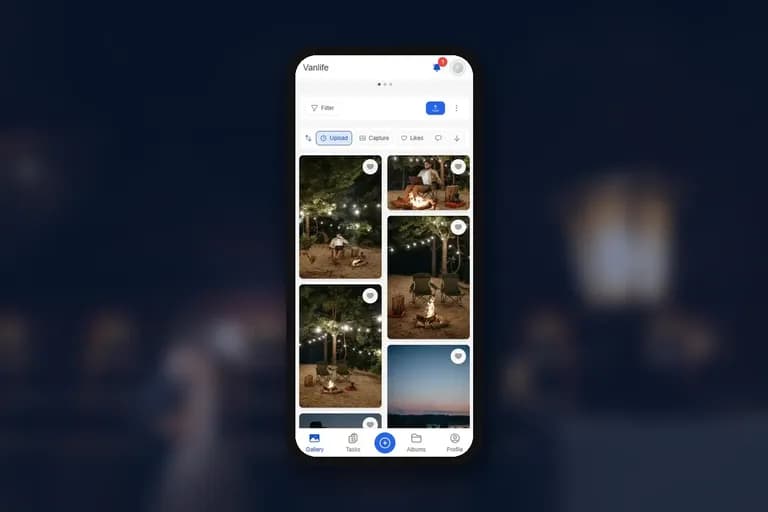
How to Collect Guest Videos at Your Event (Not Just Photos)
Photos freeze a moment. Videos bring back the sound of it. Here's how to collect both from your guests' phones with one QR code, and what to know about plans, the photo wall and downloads.
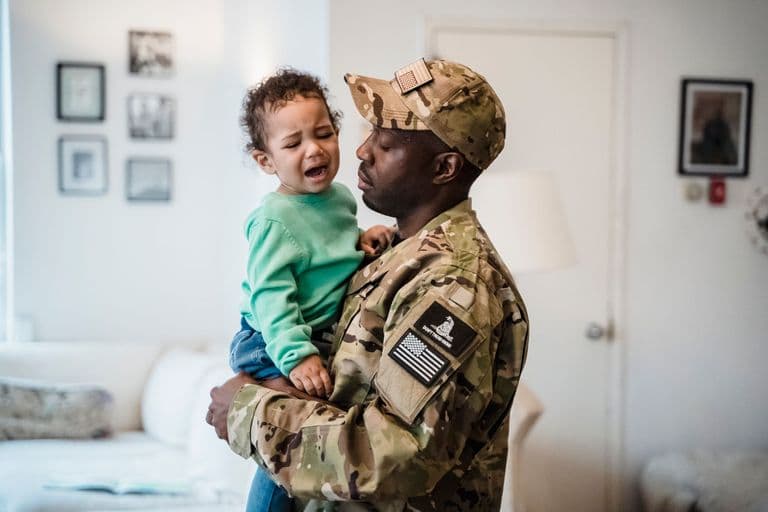
Military Homecoming Photo Sharing: How to Collect Every Reunion Moment From Every Phone
Military homecomings and farewell parties produce hundreds of irreplaceable photos scattered across dozens of phones. Here's how to collect them all in one place before everyone disperses.
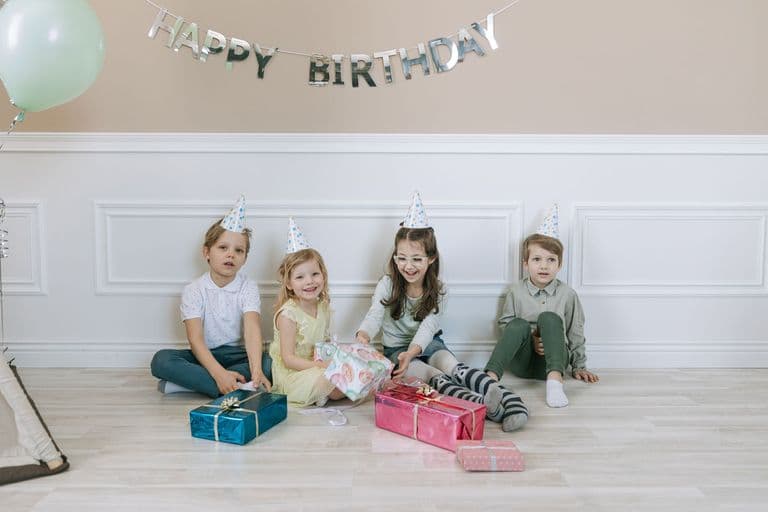
Kids' Birthday Party Photo Sharing: One Gallery Every Parent Will Love
Stop chasing parents for photos after your kid's party. One QR code, one shared gallery, zero hassle.