How to Create a Digital Guest Book with Photos and Messages

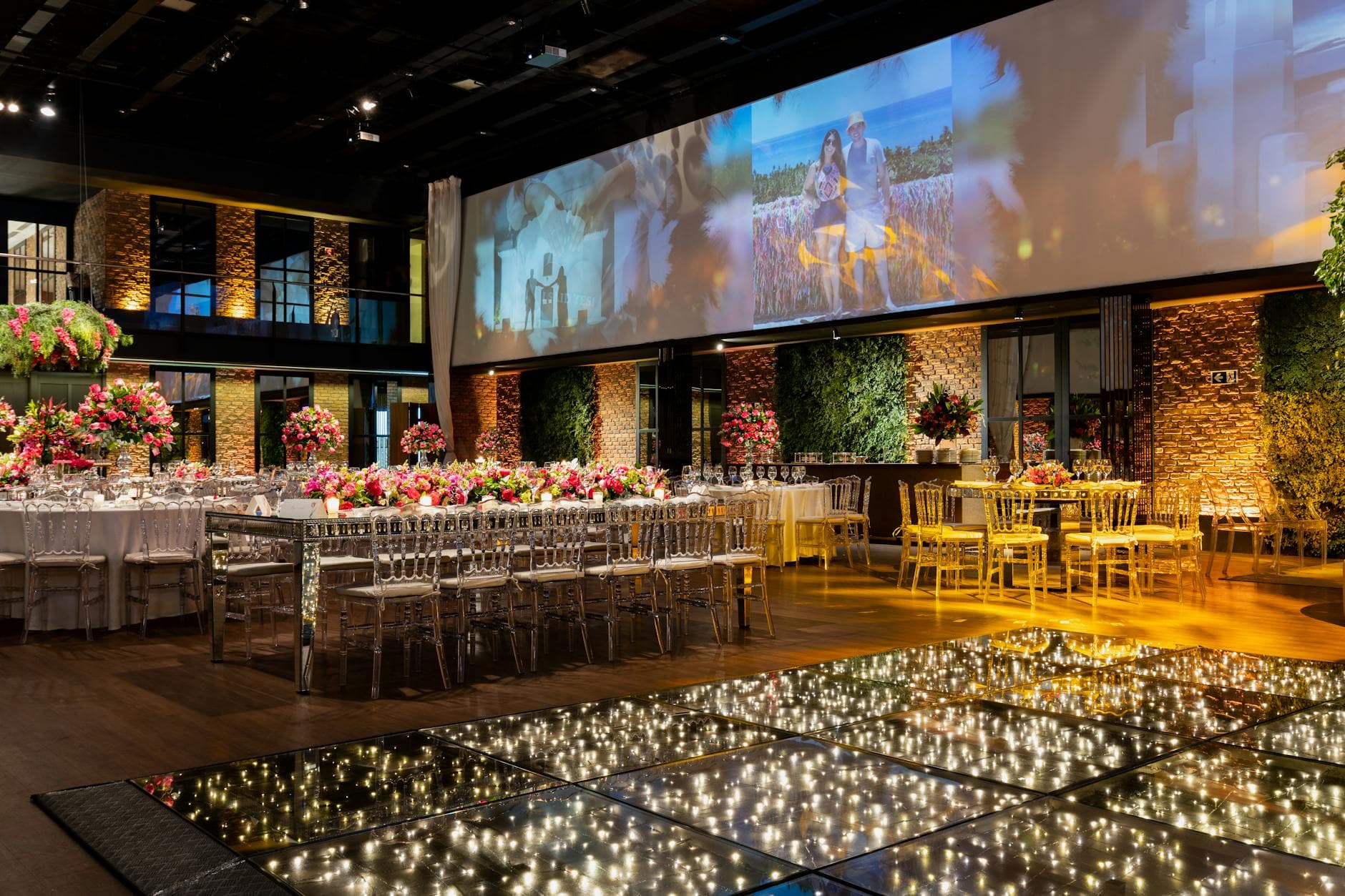
Picture this: a beautiful leather-bound guest book sitting open on a table near the entrance. Elegant pen beside it. A small sign that reads "Leave us a message." By the end of the night, maybe 30 of 150 guests have signed it. Half the entries say "Congratulations!" and nothing else. The book goes on a shelf. Nobody opens it again.
Now picture the alternative. A QR code on each table. Guests scan it between courses, upload the photo they just snapped of the bride ugly-crying during the speeches, and type a two-line message underneath. By midnight, you have 247 photos and 89 messages from people who would never have walked over to a paper book. That's a digital guest book. And it takes about ten minutes to set up.
Why Paper Guest Books Are a Missed Opportunity
The idea behind a guest book is lovely: capture who was there and what they felt. Paper just isn't great at that job anymore. People are awkward writers under pressure. Standing at a table with a line behind them, most guests default to safe, forgettable messages. According to Glow Vows, couples are increasingly turning to creative alternatives that transform the act of signing a book into something more engaging and personal.
A digital guest book fixes the friction problem. Guests contribute from their seats, on their own time, with their own phone. No line, no pressure, no pen that stopped working. And instead of just text, they can add the one thing that actually triggers memories years later: photos.
This isn't limited to weddings either. Retirement parties, milestone birthdays, baby showers, corporate farewell events, any gathering where you want to capture the collective memory of the room. If you've ever tried to collect photos after a baby shower or a retirement celebration, you know the "I'll send you the photos" promise has about a 15% follow-through rate.
What Actually Makes a Good Digital Guest Book
Not all digital guest books are equal. A Google Photos shared album technically works, but it's clunky: half your guests won't have Google accounts, nobody leaves messages, and the album has no structure. We wrote a whole piece on why cross-platform shared albums are harder than they look.
A good digital guest book needs four things:
- Zero friction access. No app download, no login, no account creation. Scan a QR code and you're in.
- Photo + message support. Text-only is a paper guest book with extra steps. Photos are what make it worth revisiting.
- Real-time visibility. Guests should see each other's contributions. It creates momentum: one person posts, others follow.
- A way to relive it later. Download everything as a ZIP, browse the gallery months later, print a photo book from it.
The comment feature is underrated here. When a guest uploads a photo and someone else replies with "OMG I remember this moment," that's the kind of exchange a paper book could never produce. Social features like comments and mentions turn a static collection into a living conversation.
The best digital guest books feel like a group chat, not a signup form. If your guests need instructions longer than "scan this code," you've overcomplicated it.
Setting It Up in Under 10 Minutes
Here's how the whole thing works, from zero to live guest book. No technical skills required.
Three Steps to a Live Digital Guest Book
Create your gallery
Pick your event type, add a name, and customize the look. Choose colors, fonts, and a cover image that match your event. The whole setup takes 2-3 minutes.
Share the QR code
Print the QR code on table cards, add it to invitations, or display it on a screen near the entrance. Guests scan with their phone camera and land directly in the gallery.
Watch contributions roll in
Photos, videos, and messages start appearing in real time. No app install, no account needed. Guests just scan and upload.
The QR code upload is the critical piece. It eliminates every barrier that makes people not participate. No "download this app first." No "create an account." No "what's the password?" Just scan and go.

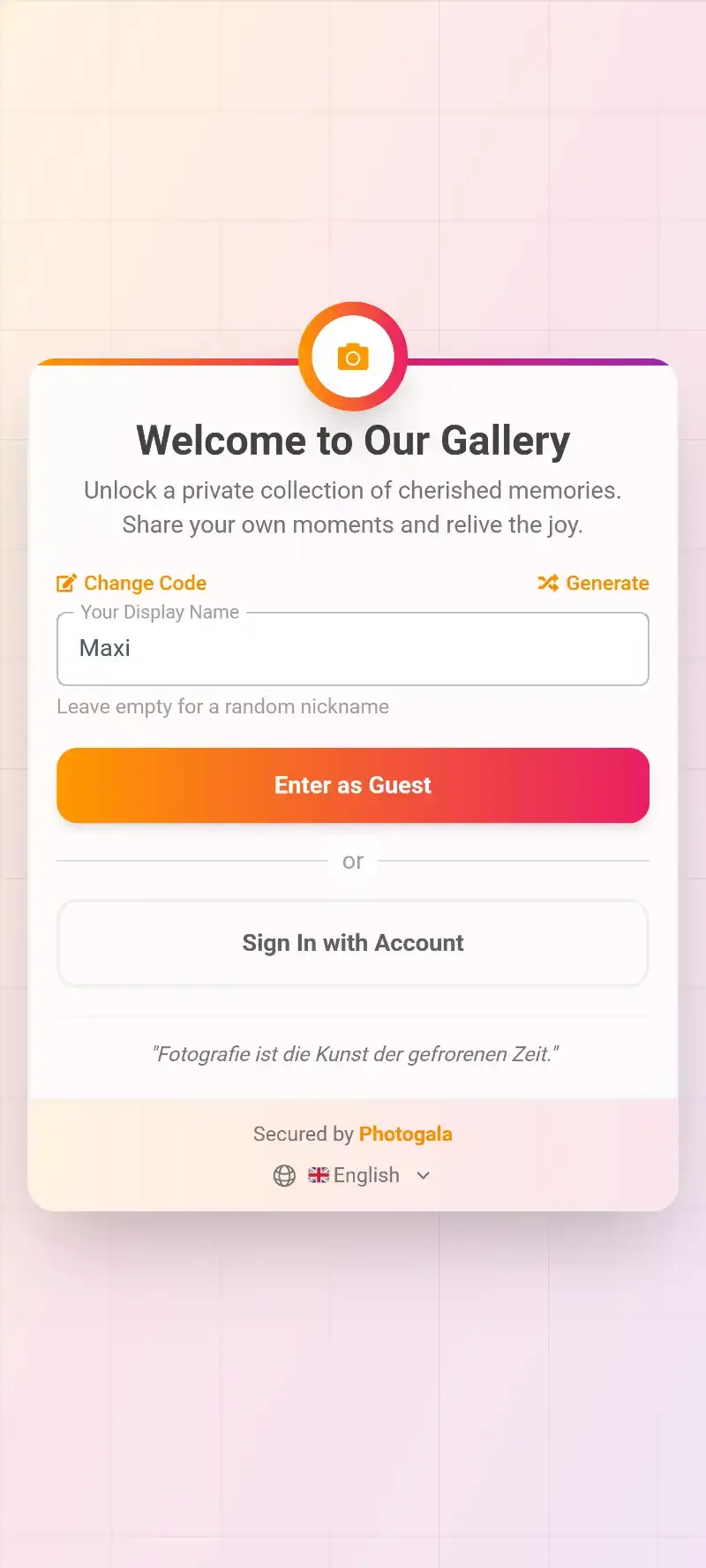
1.Guests scan the QR code from their seat
One thing worth mentioning: the customization options go deeper than you might expect. You can match the gallery to your event's color scheme, pick from multiple gallery layouts, and even add your own fonts. It's a small detail, but a guest book that looks like it belongs to your event gets more engagement than a generic white page.
See it in action
Every guest photo in one album – no app.
Turning a Photo Gallery Into Something More
Here's where it gets interesting. A basic digital guest book (photos + messages) is already better than paper. But you can push it further.
Photo Challenges as Guest Book Prompts
Instead of hoping guests upload interesting photos, give them prompts. Photo challenges work like guided activities: "Take a photo with someone you just met tonight," "Capture the best dance move on the floor," "Show us your table's centerpiece from your angle."
Think of challenges as the digital equivalent of those prompt cards some couples put on guest book tables ("Share your best marriage advice," "Where should we travel for our anniversary?"). Except these prompts generate photos, not just text. And the best part: challenges can include example preview photos showing guests exactly what you're looking for. Imagine a challenge that shows a funny meme pose and asks guests to recreate it. The results tend to be hilarious.
If you want to go deeper on creative challenge ideas, we covered photo scavenger hunts and challenge formats in detail.
The Leaderboard Effect
Add a leaderboard and points system and suddenly the uncle who "doesn't do technology" is competing with the maid of honor for most uploads. Research from AI PhotoBooth shows that interactive, gamified experiences at events consistently outperform passive alternatives in guest engagement. Same principle applies here.
A word of honesty: gamification isn't for every event. A quiet, intimate dinner party with 20 people probably doesn't need a leaderboard. But anything above 50 guests? The competitive element genuinely moves the needle on participation. The psychology behind why guests share more when it's easy is well-documented.
Display It Live (This Is the Part Guests Remember)
A digital guest book that only lives on phones is good. One that also appears on a big screen in the room is unforgettable.
Set up a photo wall on a TV or projector. Every new photo and message appears within seconds of being uploaded. Put the screen somewhere visible: near the bar, behind the DJ, next to the dessert table. Anywhere people naturally congregate and linger.
1.Guest photos appear on the big screen in real time
The screen creates a feedback loop. Someone sees their photo pop up, points at it, laughs. The person next to them thinks "I should upload something too." We've written more about how real-time photo walls work and why they're so effective at driving participation.
One practical note: if your event has content you'd rather screen first (corporate events especially), you can enable moderation so every upload gets approved before hitting the big screen. Assign a moderator, give them access on their phone, and they approve or reject with one tap.
After the Event: What Happens to All Those Memories
This is where digital guest books really pull ahead of paper. A paper book is one object. If it gets damaged, those messages are gone.
A digital guest book gives you a full archive you can download as a ZIP file with every photo and video in original quality. Print a photo book from the best shots. Create a slideshow for the anniversary. Share the gallery link with guests who want to revisit the night. The event duration on paid plans ranges from 6 months to 2 years, so there's no rush.
If you're the kind of person who likes to turn event photos into something tangible, our guide on creating a digital memory book from event photos covers the full process, from selecting the best shots to laying out a printed book.
The free Starter plan supports 15 uploaders and 50 photos. Enough to test the concept at a small dinner or get a feel for the interface before committing to a larger event. No credit card needed.
Tips That Actually Move the Needle
After looking at what separates guest books that get 30 contributions from ones that get 200+, a few patterns stand out:
Put the QR code where people sit, not where they walk. A sign at the entrance gets ignored because guests are busy finding their table, greeting people, figuring out the seating chart. A QR code on the table, right next to the napkin or menu card? That gets scanned during the quiet moment between appetizer and main course. We covered more placement strategies in our guide on using QR codes at restaurant and bar events.
Announce it. Have the MC or host mention it once. "There's a QR code on your table. Scan it, upload your best photos, leave a message. The couple will have all of it tomorrow morning." That single announcement doubles participation compared to silent QR codes.
Don't skip the message part. Photos are great, but a photo with a caption hits different. Encourage guests to add a line or two when they upload. Even "Best wedding ever" attached to a blurry dance floor photo becomes a memory worth keeping.
Set realistic expectations. At a 60-person birthday party, 80-120 photos with 30-40 messages is a great result. You don't need thousands. You need the right ones. Know how to get guests to contribute both during and after the event, and you'll end up with more than enough. Understanding basic photo sharing etiquette helps too, especially for mixed-generation events.
The Honest Trade-Offs
Digital guest books aren't perfect. A few things worth knowing:
There's no native app. Everything runs in the browser. For 95% of guests, this is actually better (no download friction). But the browser experience won't send push notifications reminding people to contribute, so that MC announcement matters.
Older guests sometimes need a nudge. The QR scanning is genuinely simple, but "scan this with your phone camera" isn't intuitive for everyone. Assign a tech-savvy bridesmaid or nephew to the "QR code help desk" role. They'll spend maybe five minutes total helping people, and those guests will contribute some of the best content (grandparents always do).
And if you want video messages, face recognition, or the full gamification suite, those are on the Premium and Deluxe plans. The free tier is a solid test drive, but the deeper features need a paid plan. Check the pricing to see what fits your event size.
A paper guest book captures signatures. A digital one captures the actual night: the laughter, the silly poses, the heartfelt words people type at midnight when the formal part is over and the real fun has started. Ten minutes of setup. Years of memories worth revisiting.
All of this comes with your own event.
Setting it up takes five minutes. You can build and view everything before you decide.
Starting from €39 one-timeOne-time payment — No subscription
- No App Required
- Setup in 5 Minutes
- 30-Day Money Back
“We were really thrilled, and everything went so much more smoothly, from the seating plan all the way to the photo games! Simply great! Highly recommended!”
Written by

I believe event photos should be more than static galleries. They should be live, playful, and unforgettable.
Categories
Related Posts
Military Homecoming Photo Sharing: How to Collect Every Reunion Moment From Every Phone
Military homecomings and farewell parties produce hundreds of irreplaceable photos scattered across dozens of phones. Here's how to collect them all in one place before everyone disperses.
Kids' Birthday Party Photo Sharing: One Gallery Every Parent Will Love
Stop chasing parents for photos after your kid's party. One QR code, one shared gallery, zero hassle.

Proposal and Engagement Photo Sharing: How to Capture the Moment They Said Yes
The proposal lasts seconds. The photos live forever. Here's how to collect every angle from the people who were there.