How to Get Guests to Upload Photos After the Event Ends

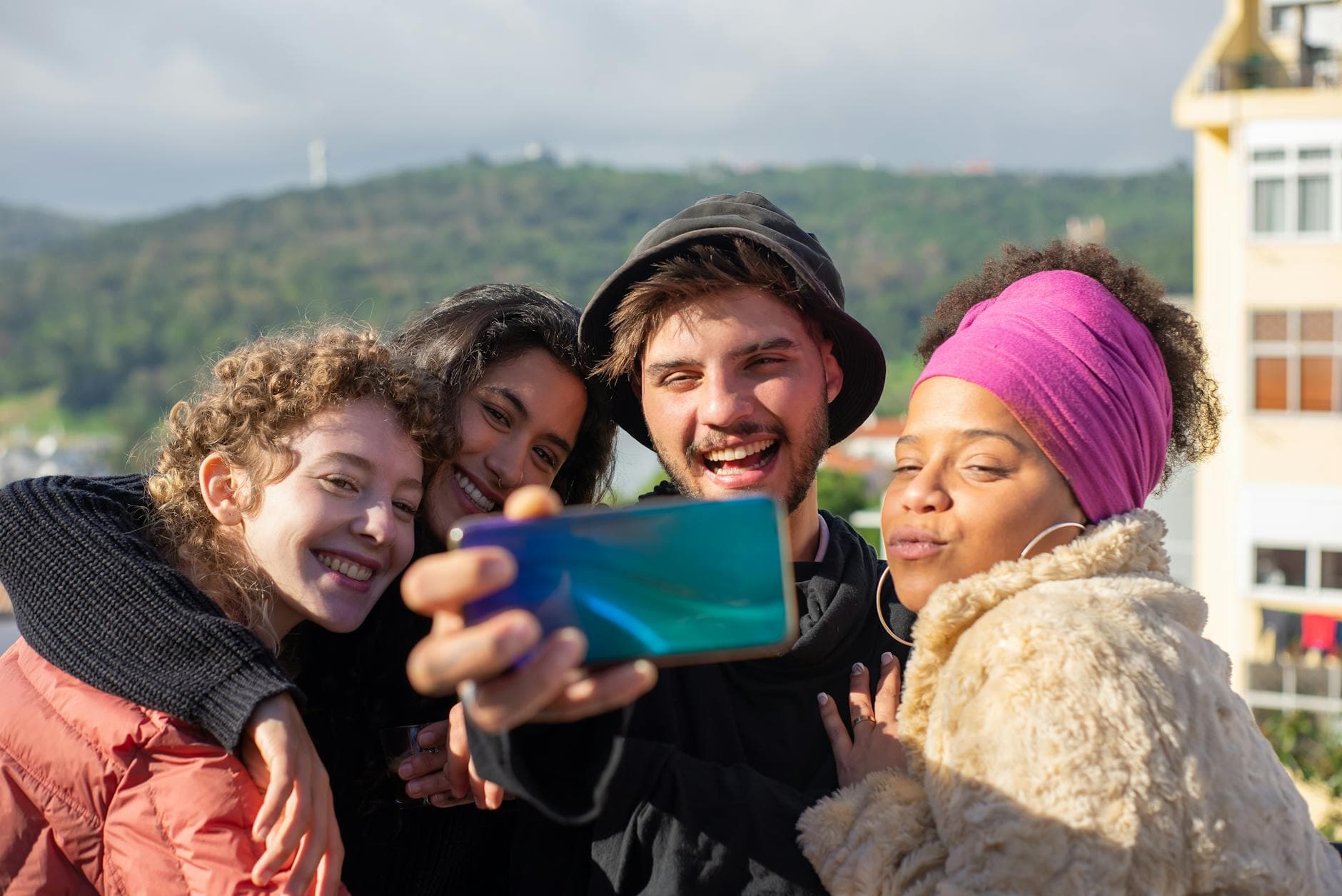
"I'll send you the photos!" is the most common lie told at weddings, birthdays, and corporate events. Not because people are dishonest. They genuinely mean it in the moment. But then Monday happens, the inbox fills up, and those 47 photos from the dance floor sit on their phone until storage runs out and they get deleted.
The frustrating part isn't that guests don't care. It's that there's a gap between intention and action. According to a Yogile analysis, six weeks after a typical family reunion, the host has their own 200 photos but is missing the group shot, the best candids, and Friday dinner entirely. The photos exist. They're just scattered across 30 different phones with no easy way to get them into one place.
This article is about closing that gap. Not with guilt trips or endless WhatsApp reminders, but with systems that make uploading so frictionless that guests actually do it.
The 48-Hour Window You Can't Afford to Miss
Here's something most event planners overlook: the willingness to share photos drops off a cliff after about two days. During the event and the morning after, guests are still emotionally connected. They're scrolling through their camera roll, showing photos to friends, maybe posting one or two on Instagram. That emotional momentum is your best ally.
By Wednesday, the event feels like last week. By next weekend, it's ancient history. The photos aren't less valuable, but the motivation to do anything with them has evaporated. A SendItToYou study found that most event photos end up deleted within a year just to free up phone storage. Not because they weren't meaningful, but because nobody asked for them at the right time.
So the first rule is simple: your post-event photo collection strategy starts during the event. If you wait until after, you're already playing catch-up. If you've set up a QR code upload gallery during the event itself, guests who already uploaded a few photos are much more likely to add their remaining shots later. The gallery link is already in their browser history. The friction is gone.
The Sunday morning trick: Send your first follow-up message the morning after the event, while people are still in bed scrolling their phones. Include the gallery link (or QR code image) directly in the message. No "click here to learn more." Just the link and a short note like "Add your photos from last night before you forget!"
Why WhatsApp Groups and Email Chains Fail
The instinct is always the same: create a WhatsApp group, post "please share your photos here," and wait. It almost never works at scale. With 15 close friends, maybe. With 80 wedding guests or 40 colleagues from a team event? The group becomes a mess within hours.
Group texts compress photos significantly. A 12-megapixel shot becomes a blurry thumbnail. The thread fills with replies, reactions, and off-topic messages until nobody can find anything. And that's assuming every guest has the same messaging app. Android users, older relatives with basic phones, international guests with different platforms: the logistics get complicated fast. We've written about this challenge specifically for non-tech-savvy guests, and the friction is real.
Email is even worse. "Please send your photos to [email protected]" sounds reasonable until you realize Gmail caps attachments at 25MB. That's roughly 5-8 photos. Multiply by 80 guests and Sarah's inbox becomes a full-time job.
The underlying problem isn't the tool. It's that these methods put the burden on the guest: figure out which app to use, select photos, compress them (or not), send them, wait for upload, hope they arrived. Every step is a potential dropout point. The psychology behind photo sharing is clear: people share more when it's easy. Remove one step and participation doubles. Remove three steps and you get almost everyone.
See it in action
Every guest photo in one album – no app.
The System That Actually Works
Picture a 150-guest wedding. During the reception, QR codes sit on every table. Some guests scan them and upload a handful of photos throughout the evening. By the end of the night, maybe 60 guests have contributed. That's good, but not complete. The remaining 90 guests took photos too. They just didn't get around to uploading.
Here's where a persistent gallery link changes everything. Unlike a WhatsApp group that gets muted or an email that gets buried, a browser-based gallery stays accessible. Guests don't need to download an app or create an account. The link works the same way on Monday morning as it did on Saturday night. Photogala galleries stay active for months (6 months on the Plus plan, a full year on Premium), so there's no rush, but there's also no barrier when the mood strikes.
The key insight: you're not asking guests to do something new after the event. You're asking them to continue something they already started. That's a fundamentally different ask, and the conversion rate reflects it.

1.Guests upload directly from their browser. No app, no account.
Five Post-Event Follow-Up Strategies That Don't Feel Pushy
Getting the follow-up right is about timing and tone. Nobody wants to be nagged. But a well-timed nudge, framed the right way, actually feels helpful rather than annoying.
1. The Morning-After Message
Send a thank-you message (text, email, or WhatsApp) the morning after the event. Keep it short. Include the gallery link directly. Something like: "Last night was incredible. If you took photos, add them to the gallery so everyone can see them." That's it. No essay. No instructions. Just the link and a reason.
2. The Teaser Photo
Share one great photo from the gallery as a preview. When guests see a hilarious dance floor shot or a candid moment they didn't know was captured, they get curious. They click the link to see more. And while they're there, the upload button is right in front of them. If your gallery includes a photo wall or slideshow feature, you can even share a screenshot of the wall in action as a conversation starter.
3. The Specific Ask
"Does anyone have photos from the garden ceremony?" works better than "please share your photos." A specific request makes people mentally scan their camera roll for that exact moment. If they have it, they feel uniquely positioned to contribute. Generic requests are easy to ignore. Specific ones feel personal.
4. The One-Week Reminder
One follow-up after a week is acceptable. Frame it around the gallery itself: "We already have 340 photos in the gallery, but I know some of you took amazing shots that aren't in there yet." Showing the current count creates gentle social pressure. Nobody wants to be the holdout.
5. The Album Announcement
If you're planning to print a photo book or create a digital album to download, announce it as a deadline. "We're putting together a photo book next month. Last chance to add your photos so they're included." Deadlines motivate. Open-ended requests don't.
Making It Stupidly Easy (for Every Age Group)
The biggest mistake hosts make is assuming their guests are tech-comfortable. At any event with mixed generations, you'll have guests who've never scanned a QR code and guests who live on their phone. Your system needs to work for both.
A QR code that opens a browser upload page is the lowest-friction option because it requires zero technical knowledge beyond pointing a camera. No app store. No login. No password. The CandidReels team points out that any photo collection solution targeting only under-40 users will fail, because older family members often take and appear in the most emotionally significant photos.
For post-event follow-ups, include both a clickable link AND an image of the QR code in your message. Some people prefer tapping links. Others are more comfortable scanning a code from a printed card they kept from the event. Photogala lets you customize and print QR cards in advance, and those cards often end up on guests' fridges or in their wallets, serving as a physical reminder days later.
The Post-Event Photo Collection Checklist
During the event: set the foundation
Place QR codes on tables, at the entrance, near the bar. Get at least some guests uploading while the event is live.
Morning after: send the first nudge
Thank-you message with gallery link. Short, warm, direct. Include a teaser photo if you have one.
Day 3-7: the specific ask
Request photos from a specific moment or location. Share the current gallery count to create gentle momentum.
Week 2-4: final reminder with deadline
Announce a photo book, slideshow, or download deadline. Last chance to contribute before the gallery closes.
What About Photo Challenges and Incentives?
Here's where things get interesting. During the event, photo challenges and gamification features drive uploads in real time. A leaderboard showing who's uploaded the most, achievement badges for completing challenges, even physical rewards guests can redeem at the bar. Imagine a wedding where guests compete to capture the best "caught mid-laugh" candid, complete with an example preview photo showing what to aim for. It turns passive photography into a game.
But these features also have a post-event benefit that most people miss. If a guest was three photos away from an achievement when the event ended, that unfinished status nags at them. It's the same psychology that makes you finish a Netflix series even when you're tired: the progress bar is at 80%, and leaving it incomplete feels wrong. We've covered this in detail in our piece on creative photo challenge ideas.
This isn't theoretical. Gamification research shows challenge-based systems can improve participation rates significantly in various contexts. The mechanism works because it shifts photo sharing from a chore ("I should probably send those photos") to a game ("I need two more uploads to hit Gold status").
1.Unfinished challenges motivate guests to upload after the event.
The Honest Limitation
No system captures 100% of guest photos. Some people simply don't share photos, ever. Some took unflattering shots they'd rather keep private. Some will forget despite every reminder. And that's fine.
The realistic goal isn't perfection. It's going from the typical outcome (host has their own photos plus whatever their best friend texted them) to a comprehensive outcome (a gallery with contributions from 60-70% of guests who took photos). At a 150-person wedding, that might mean 400-600 photos from 80-100 different perspectives instead of 50 photos from 3 people. That's the difference between a photo collection and a complete story of the night.
One limitation worth acknowledging: Photogala is browser-based, not a native app. For most guests, this is actually an advantage (no download required). But it also means there are no push notifications pulling guests back days later. Your follow-up messages are the notification system. Plan them in advance. For a deep dive into the cost and logistics of different approaches, check our event photo sharing cost guide.
A Template You Can Steal
Here's a complete post-event follow-up sequence you can adapt for any event. Swap the details, keep the structure.
Morning after (Day 1): "Thank you all for making last night so special! We already have [X] photos in the gallery. If you took any, add yours here: [link]. No app needed, just tap and upload."
Mid-week (Day 3-4): "Does anyone have photos from [specific moment]? We're missing some great ones from that part of the night. Gallery: [link]"
One week (Day 7): "Wow, [X] photos and counting! A few of you mentioned you had more to share. Here's the link one more time: [link]. We're starting to put together a photo book, so now's the time."
Three messages. That's the sweet spot. More than that and you risk annoying people. Fewer and you leave photos on the table. If you're planning a wedding specifically, you can even time the final message to coincide with your thank-you cards, giving guests one last natural touchpoint.
The couples and hosts who collect the most guest photos aren't the ones who send the most reminders. They're the ones who made uploading easy during the event, sent a well-timed nudge the morning after, and gave guests a reason to contribute. If you set up the system right, the photos collect themselves. The follow-up just catches the stragglers.
All of this comes with your own event.
Setting it up takes five minutes. You can build and view everything before you decide.
Starting from €39 one-timeOne-time payment — No subscription
- No App Required
- Setup in 5 Minutes
- 30-Day Money Back
“I use PhotoGala Deluxe and I'm absolutely thrilled. It was the perfect solution for documenting a sports event. Uploading and downloading via the link is a breeze for every participant. What won me over most were the photo wall and the slideshow – both are quick to set up and look really professional. Big praise also to Peter from the PhotoGala team: he's very easy to reach by email, replies quickly and even took my suggestions on board and added new features that made my slideshow even better. You rarely get support this dedicated. A clear 5-star recommendation!”
Written by

I believe event photos should be more than static galleries. They should be live, playful, and unforgettable.
Categories
Related Posts

Bridal Shower Photo Sharing: Collect Every Sweet Moment in One Gallery
Bridal shower photos end up scattered across 15 phones. Here's how to get them all into one gallery before the mimosas wear off.

Maternity Photo Sharing: How to Keep Every Announcement, Bump Shot, and Memory in One Place
Pregnancy announcements land on 4 different apps. Maternity photos get lost in group chats. Here's how to keep every photo in one shared gallery your whole family can access.

Sales Kickoff Photo Sharing: How to Turn a Mandatory Meeting Into a Team Memory
Sales kickoffs are expensive. The photos from them usually disappear into 14 different camera rolls. Here's how to fix that.