How to Build a Digital Guest Book with Photos for Any Celebration

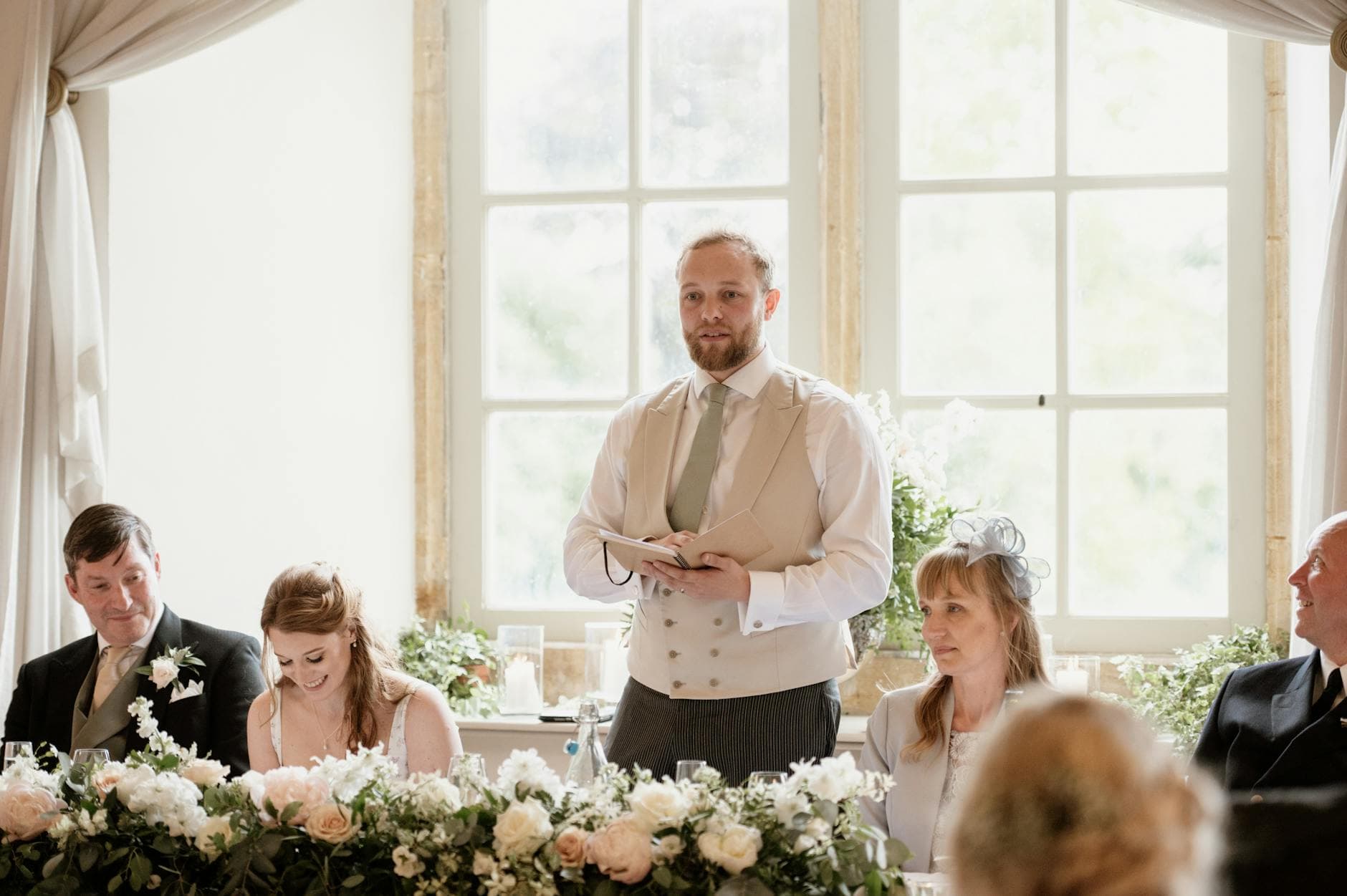
Somewhere in a closet, on a shelf behind the board games, there's a leather-bound guestbook from a wedding. Maybe yours, maybe your parents'. The first few pages have long, heartfelt messages. By page ten, it's just signatures. The last third is blank. Nobody has opened it since 2019.
This is what happens to almost every traditional guestbook. OurLoveStory.io puts it bluntly: low participation, low signal (signatures instead of meaningful stories), and poor preservation. Couples rarely reopen them. The guestbook sat on a table in the corner, half the guests walked right past it, and the ones who stopped mostly wrote "Congrats!" with a smiley face.
A digital photo guestbook fixes all three problems. Instead of a pen-and-paper table that guests forget exists, you give them a QR code. They scan it with their phone, upload a photo, maybe add a short message. The result is a living gallery of real moments, not a book of signatures.
And it works for more than weddings. Birthdays, retirement parties, baby showers, graduation celebrations, corporate events, family reunions. Any time people gather and take photos on their phones (which is every time), a photo guestbook gives those photos somewhere useful to go.
Why Traditional Guestbooks Fail (and What to Do Instead)
The fundamental problem with a physical guestbook is friction. Guests have to walk to a specific table, pick up a pen, think of something clever to write, and do all of this while music is playing and drinks are flowing. Most people skip it. The ones who don't tend to write variations of "So happy for you!" which, honestly, could have been a text message.
A digital guest book flips this dynamic. As Wedibox's 2025 comparison notes, digital guest books transform guests from passive spectators into active participants who share photos from their own perspective, leave video messages, and contribute to a multi-dimensional record of the event. That's a fundamentally different outcome than a leather book with 40% blank pages.
The cost argument is worth mentioning too. Wedport's breakdown found that traditional photo booths cost $1,000+ for a single-night rental and only cover one area of the venue. A QR code on every table turns every guest's phone into a contribution device, from the ceremony through the last dance.
What a Digital Photo Guestbook Actually Looks Like
Picture a birthday party for 60 people. On each table, there's a small printed card with a QR code. No instructions needed beyond "Scan to share photos." Guests pull out their phones, scan the code, and land in a browser-based gallery. No app download. No account creation. They tap upload, pick a few photos, and they're done in 20 seconds.
Those photos appear in a shared gallery that everyone at the event can browse. The birthday person gets to scroll through 80 or 90 photos the next morning, seeing the party from angles they never saw: the kids' table chaos, the group selfie by the bar, that one friend who always makes the same face.

1.No app needed. Guests scan a QR code and upload directly from their phone.
If you want to go further, hook up a TV or projector. Photos appear on screen as guests upload them, which creates a fun feedback loop: someone sees their photo on the big screen, laughs, and immediately uploads another one.
Setting It Up in Under 10 Minutes
Here's what surprised me when I first looked into this: setup is genuinely fast. Not "fast" in the marketing sense where it actually takes an hour. Actually fast.
Three steps to your photo guestbook
Create a gallery
Pick a name, choose your event type, and customize the look. Colors, fonts, cover image. Takes about 3 minutes.
Print QR codes
Download the QR code and print it on table cards, tent cards, or even napkins. Guests scan it with their phone camera.
Watch the gallery fill up
Photos appear in real time. Browse them on your phone, on the gallery page, or display them on a screen at the venue.
That's it. No technical skills required. No cables to run. The hardest part is deciding which font to use for your event name (I'd go with something simple, but that's a personal preference).
See it in action
Every guest photo in one album – no app.
The Participation Problem (and How to Solve It)
Setting up a digital guestbook is easy. Getting guests to actually use it is the real challenge.
The QR code placement matters more than you'd think. A single code at a registration desk? Maybe 30% of guests will notice it. QR codes on every table, at the bar, and near the photo spot? Now you're getting somewhere. SocialWalls' research on event engagement found that the key is treating guests as co-creators rather than spectators. The more touchpoints, the more participation.
But the biggest lever isn't placement. It's giving people a reason to contribute beyond "because we asked nicely."
Photo Challenges Change Everything
Imagine a wedding where, alongside the QR upload code, each table has a card that says: "Challenge: Take a selfie with someone you just met tonight." Or "Capture the best dance move on the floor." Or "Find the oldest photo of the couple and recreate it."
These prompts do something powerful. They give guests who would otherwise never upload a photo a specific, fun reason to do it. The guy who "isn't really a photo person" suddenly has a mission. The shy cousin at table 12 now has an icebreaker.
Challenges can include example photos too, which opens up creative formats. Think photo roulette: guests get a random reference image and have to recreate it. A famous movie pose. A silly meme face. The results are consistently hilarious, and they generate far more uploads than a plain "please share your photos" request.
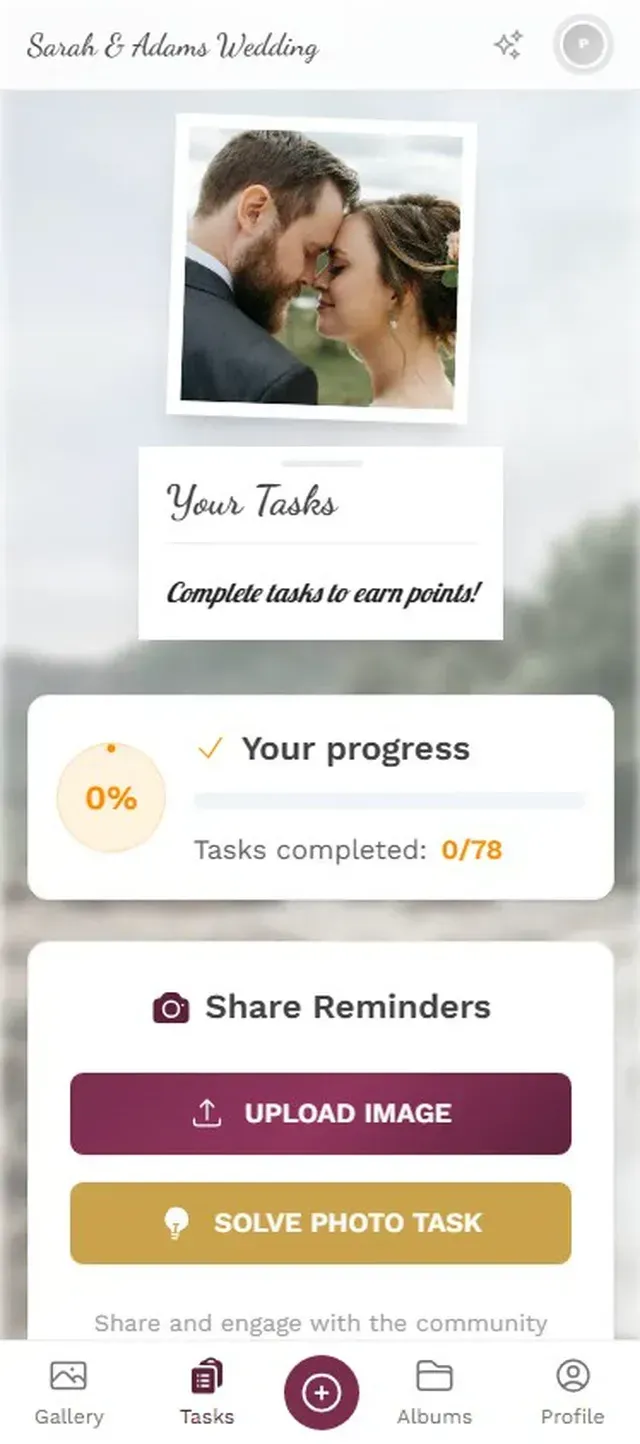
1.Guests browse challenges and pick one to complete.
Add a leaderboard on top of challenges, and something interesting happens. Say you're at a 200-guest wedding. By the time dinner ends, people are checking their ranking. The competitive ones start uploading more. At one point, you might see guests actively seeking out specific challenge prompts, not because they were told to, but because they want to climb the board.
Start with 5-8 challenges. Too few and guests run out quickly. Too many and the list feels overwhelming. Mix easy ones ("selfie with the host") with creative ones ("recreate the example photo") for the best results.
Beyond Weddings: Where Photo Guestbooks Actually Shine
Weddings get the most attention, but some of the best use cases are events you might not expect.
Retirement parties. The person retiring has decades of colleagues who want to say something. A guestbook with photos of team moments, office pranks, and old conference badges creates something genuinely meaningful. Way more than a card signed by 50 people.
Milestone birthdays. A 50th birthday with friends from different life chapters. The college friends, the work friends, the neighborhood friends. They all have different photos and different stories. A shared gallery collects them in one place.
Corporate team events. This one is underrated. A team building day generates exactly the kind of candid, funny moments that people want to share but never actually get around to sharing. A QR code at the event captures them before they disappear into camera rolls forever.
Family reunions. Three generations, scattered across the country, together for one weekend. Everyone takes photos. Nobody shares them afterward. You know how this goes.
One Honest Trade-Off
A digital photo guestbook isn't free. Services like Photogala start at €39 for a one-time purchase (no subscription), which is far less than a photo booth rental but more than a leather book from Amazon. For some casual gatherings, a shared iCloud album or Google Photos folder might be enough, though you'll lose features like challenges, moderation, and the live photo wall.
The other limitation: it's browser-based. No native app. For 95% of guests, this is actually an advantage (no download friction), but the occasional older relative might need a quick hand getting the QR scanner working. Assigning a tech-savvy bridesmaid or nephew to help is a simple fix.
Making It a Keepsake
The point of a guestbook, digital or not, is to have something worth revisiting. A leather book with "Congratulations!" written 40 times isn't that. A gallery of 150 candid photos from a wedding, complete with the photo wall moments that played on the big screen during dinner, is.
You can download every photo at original quality. Bulk download as a ZIP file. Print a photo book from the best ones. Or just scroll through the gallery on a lazy Sunday six months later and remember things you'd completely forgotten: who caught the bouquet, the kids running through the dance floor, your college roommate's terrible karaoke face.
That's what a digital photo guestbook is really for. Not replacing the traditional guestbook. Replacing the gap between "I'll send you the photos" and actually sending them.
All of this comes with your own event.
Setting it up takes five minutes. You can build and view everything before you decide.
Starting from €39 one-timeOne-time payment — No subscription
- No App Required
- Setup in 5 Minutes
- 30-Day Money Back
“We were really thrilled, and everything went so much more smoothly, from the seating plan all the way to the photo games! Simply great! Highly recommended!”
Written by

I believe event photos should be more than static galleries. They should be live, playful, and unforgettable.
Categories
Related Posts

Company Retreat Photo Sharing: How to Actually Keep the Memories
Most offsite photos die on individual phones. Here's how to collect, share, and actually use every photo from your next company retreat.
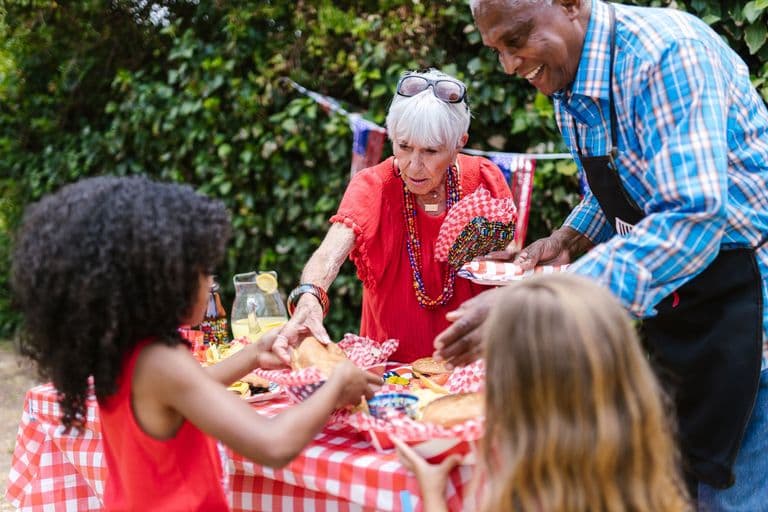
Neighborhood Block Party Photo Sharing: How to Turn 40 Strangers Into One Shared Album
Block parties create great photos — and zero way to share them. Here's how a QR code gallery turns your street into a connected community.
Why Upload Limits Ruin Event Galleries (and What Unlimited Actually Changes)
Upload caps at events create anxiety, reduce participation, and leave gaps in your photo collection. Here's what happens when you remove the ceiling.