The Guestbook Problem: Why a Digital Photo Guestbook Beats Paper at Every Event

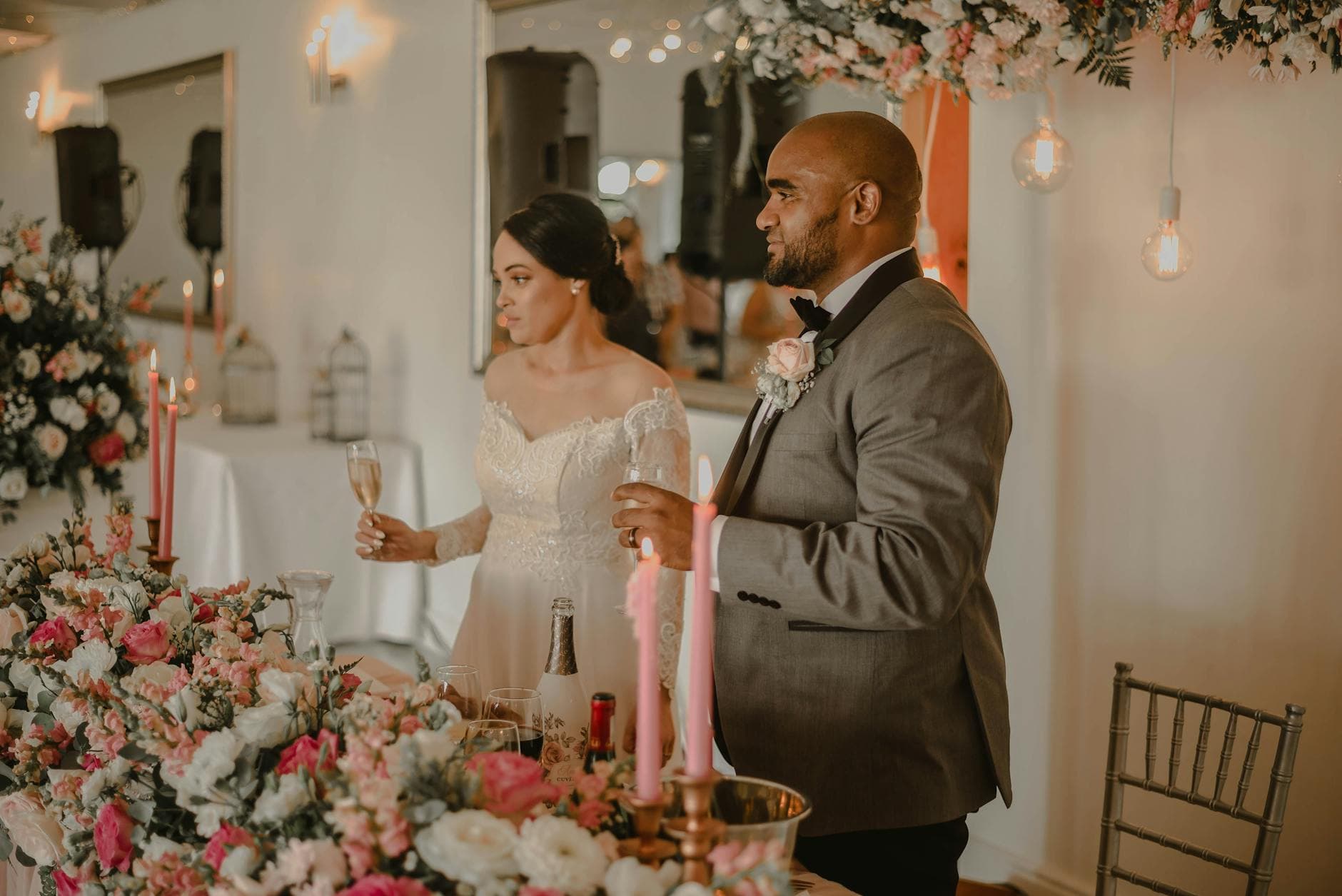
Picture a leather-bound guestbook on a table near the entrance. A nice pen next to it, maybe a sign that says "Please sign our guestbook." By the end of the night, 40 out of 150 guests have written something. Half of those are just names. Three people drew hearts. One wrote something illegible after the open bar kicked in.
That guestbook goes on a shelf. Maybe you flip through it once or twice in the first year. Then it stays there, spine uncracked, collecting dust next to the wedding album you also never open.
Here's the thing: the idea behind a guestbook is wonderful. A record of who was there, what they felt, what they wanted to say. The execution just hasn't kept up. When every guest is already carrying a camera, a keyboard, and a screen in their pocket, asking them to pick up a pen feels like asking them to send a fax.
What a Digital Photo Guestbook Actually Looks Like
A digital photo guestbook replaces the paper book with a shared photo gallery that guests contribute to from their phones. No app to download. No account to create. They scan a QR code, upload their photos (and videos, and messages), and everything flows into one gallery that everyone can see.
Think of it as a guestbook where every entry is a moment captured in real time. The cousin who caught the flower toss from a weird angle. The group selfie at table 7. The toddler asleep under a chair at 11 PM. These are the entries no paper guestbook could ever hold.
The shift from paper to digital guestbooks mirrors a broader trend. As Wishgram's 2025 overview puts it, couples are moving away from "a simple bound volume of signatures" toward alternatives that "capture the unique voices, faces, and heartfelt wishes" of their guests. A photo guestbook takes that a step further: instead of just words, you get the actual images.

1.Guests scan a QR code. No app, no sign-up.
Setting One Up Takes About Five Minutes
The biggest advantage of a digital photo guestbook over a paper one (besides, you know, the photos) is that setup is almost embarrassingly simple. There's no printing, no calligraphy, no worrying about whether the pen will dry out.
How to create your digital photo guestbook
Create your gallery
Pick your event type, give it a name, and choose a style. The whole thing takes about two minutes. You get a unique QR code and shareable link instantly.
Share the QR code
Print it on table cards, add it to your invitation, display it on a screen near the entrance. Guests scan with their phone camera and they're in.
Watch contributions roll in
Photos, videos, and messages appear in real time. You can display them on a TV screen as a live photo wall, or let guests browse the gallery on their phones.
One thing worth being honest about: a digital guestbook won't capture handwritten notes. If you love the idea of seeing your grandmother's handwriting, keep a small paper guestbook alongside it. Some events do both. The paper book for the sentimental signatures, the digital gallery for everything else.
See it in action
Every guest photo in one album – no app.
Why More People Show Up (Digitally)
The participation problem with paper guestbooks is real. At most events, fewer than a third of guests bother signing. It's not that they don't care. It's that the guestbook is in an awkward spot, there's a line, they're holding a drink, or they just forget.
Digital guestbooks flip the dynamic. A 2024 survey by PhotoAid found that 44% of people take photos at weddings and 45% at graduations. They're already shooting. The only question is whether those photos end up in a shared space or stay trapped on individual phones.
Imagine a retirement party for a colleague who's been with the company for 25 years. With a paper guestbook, maybe 15 out of 60 attendees sign it. With a QR code on every table, 35 people upload photos throughout the evening. By the end of the night, there are 180 photos: group shots, candid laughs, someone holding up a printout of the retiree's first employee badge from 1999. That's a guestbook worth revisiting.
If you're planning a retirement event, we wrote a detailed guide on collecting and organizing those photos into a memory book.
The Features That Make It More Than an Upload Folder
Here's where a purpose-built photo guestbook pulls ahead of, say, a shared Google Photos album or a WhatsApp group. Those tools work for sharing photos after the fact. But they weren't designed for live events with 50, 100, or 200 contributors.
A platform like Photogala adds layers that turn passive uploading into actual engagement:
- Photo challenges prompt guests to capture specific moments ("best dance move," "the couple's first look," "find the hidden rubber duck"). Think of them as creative prompts that turn guests into active participants.
- A live photo wall displays uploads on a TV or projector screen in real time. When guests see their photo pop up on the big screen, it triggers a feedback loop: more people want to contribute.
- Comments and reactions let guests interact with each other's photos. It turns a static gallery into something closer to a conversation.
- Content moderation lets you (or a trusted friend) review photos before they appear on the public gallery or the big screen. Peace of mind at events where the bar tab is generous.
The Everwall blog notes that real-time photo sharing "encourage[s] other attendees to participate" and expands an event's reach. That matches what you'd expect: visibility drives contribution. When photos are hidden in a folder, nobody feels motivated to add theirs.
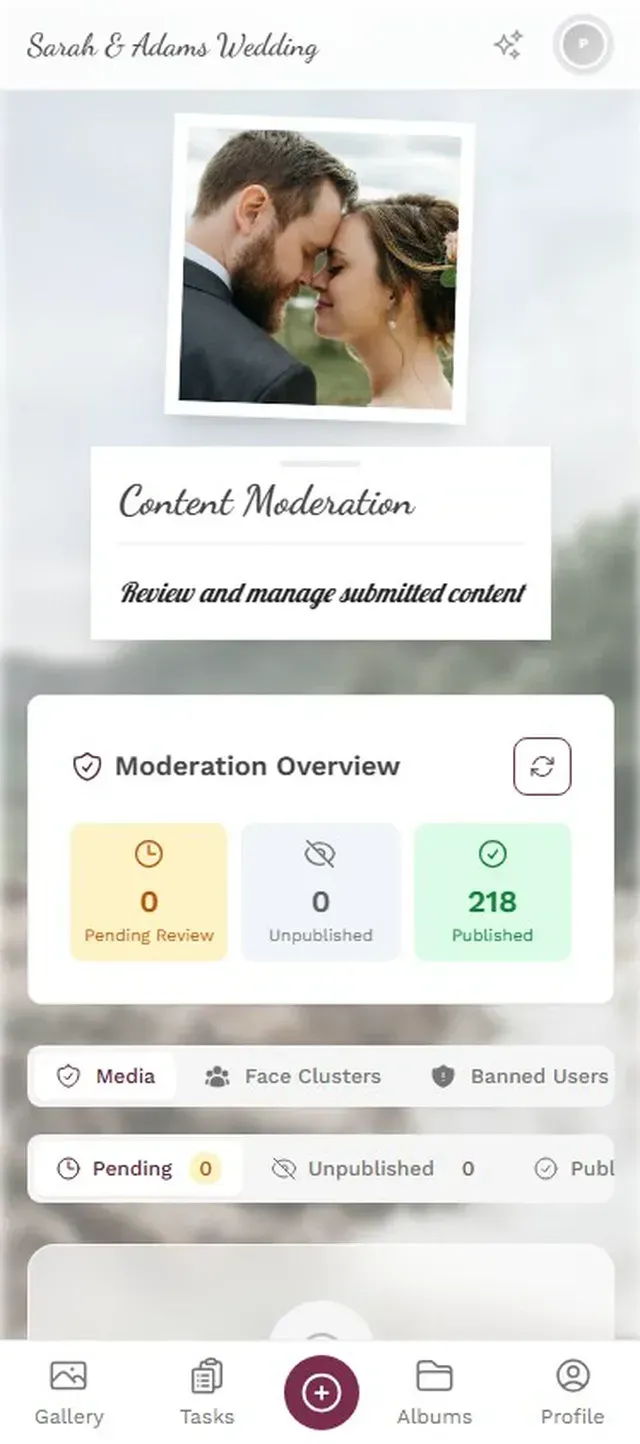
1.The photo wall displays new uploads in real time on any screen.
Not Just for Weddings
Weddings get most of the attention when people talk about guestbooks, but the concept works for nearly any gathering where people bring phones (so, every gathering).
Birthday parties. Even a small 30-person birthday generates enough candid moments to fill a gallery. Set up three or four photo challenges ("capture the birthday person's reaction to gifts," "best group photo") and you'll have a curated collection by the end of the night.
Corporate events. Team-building days, conferences, holiday parties. A CaptureYourPhotos guide describes how photo guestbooks work for graduations, retirements, and milestone celebrations. The same principle applies to corporate settings, with the added benefit of moderation tools to keep things professional. HIVO's research emphasizes that confidentiality and privacy are "paramount in professional settings," which is exactly why moderation and approval workflows matter.
Family reunions. The uncle who flew in from Portugal, the cousins who haven't seen each other in five years, the grandmother who insists on a photo with every single grandchild. A shared gallery captures all of it, and everyone can access the photos afterward without the usual "send me those pictures" chase that never resolves.
For weddings specifically: pair the digital guestbook with printed QR table cards. Place one on every table, and include the QR code on your invitation. The more touchpoints, the more guests participate. We covered this in detail in our guide to collecting wedding guest photos.
Paper vs. Digital: An Honest Comparison
Traditional Guestbook vs. Digital Photo Guestbook
| Feature | Digital Photo Guestbook | Paper Guestbook |
|---|---|---|
| Setup time | ~5 minutes | buy, set up table, pens |
| Guest participation rate | 40-60% typical | 15-30% typical |
| Photos and videos | ||
| Comments and reactions | ||
| Real-time photo wall display | ||
| Accessible after the event | 6-12 months online | physical book only |
| Handwritten personal notes | ||
| Works without WiFi/phones | ||
| Cost | from €39 | EUR 15-80+ |
The honest answer: digital wins on participation, richness, and accessibility. Paper wins on sentimentality and the tactile feel of handwritten notes. The best approach for milestone events might be both: a small paper book for signatures and a digital gallery for everything else.
What Surprised Me About the Photo Wall
The live photo wall feature deserves its own mention because it changes the dynamic at events in a way you wouldn't expect.
Imagine setting up a 55-inch screen near the bar or behind the DJ. Every time a guest uploads a photo, it cycles onto the screen. What happens next is predictable but still fun: people start uploading because they want to see their photo on the big screen. It's a small bit of vanity, but it works.
At a corporate event, this creates a natural conversation starter. People cluster around the screen, point at photos, laugh. At a wedding, it becomes part of the entertainment. One common scenario: the photo challenge "take a selfie with the bride" leads to a stream of photos hitting the wall, and suddenly there's a crowd gathered around it.
The screen placement matters, though. Put it in a hallway or a side room and nobody notices. Put it where people are already standing (near the bar, the dance floor, the food) and it becomes a magnet.
A Guestbook Worth Opening Again
The paper guestbook on the shelf represents a beautiful intention that rarely delivers. You wanted to capture the warmth and presence of your guests. What you got was 40 signatures, three hearts, and one illegible message.
A digital photo guestbook captures what was actually happening: the laughter, the dancing, the weird selfies, the quiet moments between courses. It's a guestbook you'll actually open again, because every time you scroll through it, you remember something you'd forgotten.
That feels like what guestbooks were always supposed to be.
All of this comes with your own event.
Setting it up takes five minutes. You can build and view everything before you decide.
Starting from €39 one-timeOne-time payment — No subscription
- No App Required
- Setup in 5 Minutes
- 30-Day Money Back
“We were really thrilled, and everything went so much more smoothly, from the seating plan all the way to the photo games! Simply great! Highly recommended!”
Written by

I believe event photos should be more than static galleries. They should be live, playful, and unforgettable.
Categories
Related Posts

Company Retreat Photo Sharing: How to Actually Keep the Memories
Most offsite photos die on individual phones. Here's how to collect, share, and actually use every photo from your next company retreat.
Neighborhood Block Party Photo Sharing: How to Turn 40 Strangers Into One Shared Album
Block parties create great photos — and zero way to share them. Here's how a QR code gallery turns your street into a connected community.

Why Upload Limits Ruin Event Galleries (and What Unlimited Actually Changes)
Upload caps at events create anxiety, reduce participation, and leave gaps in your photo collection. Here's what happens when you remove the ceiling.