Retirement Party Photos: From 40 Phones to One Memory Book


Picture this: someone at your company has worked there for 32 years. The team throws a farewell lunch. Forty colleagues show up. The CEO gives a short speech. Someone brings a cake shaped like the retiree's favorite coffee mug. Everyone has their phone out, snapping photos of the moment the gift wrap comes off.
Two weeks later, the retiree asks if anyone has photos from the party. The HR coordinator sends an email. Three people reply with a total of eleven photos. The WhatsApp group someone created that evening has been dead since Thursday. The other 37 colleagues' photos are sitting somewhere between grocery lists and blurry parking-lot selfies.
The photos exist. They're just trapped.
Why Retirement Party Photos Vanish
This isn't a camera problem. Smartphones account for 94% of all photos taken as of 2024. Your colleagues absolutely took photos. Some of them took thirty. The problem isn't capturing moments. It's collecting them afterward. Every person at that table has a different phone, a different cloud setup, and a fundamentally different attitude toward sharing. Some post to Instagram before the cake is cut. Others won't touch their camera roll for weeks.
The usual playbook: someone creates a WhatsApp group, eight people join, three actually post photos, and the group goes silent by Wednesday. Or someone shares a Google Drive folder via email and discovers two months later that exactly four people used it. Getting 40 busy professionals to actively share photos after an event requires persistent follow-up that nobody has the energy for.
The fix is almost embarrassingly simple: remove the friction entirely.
A QR Code on the Table. That's It.
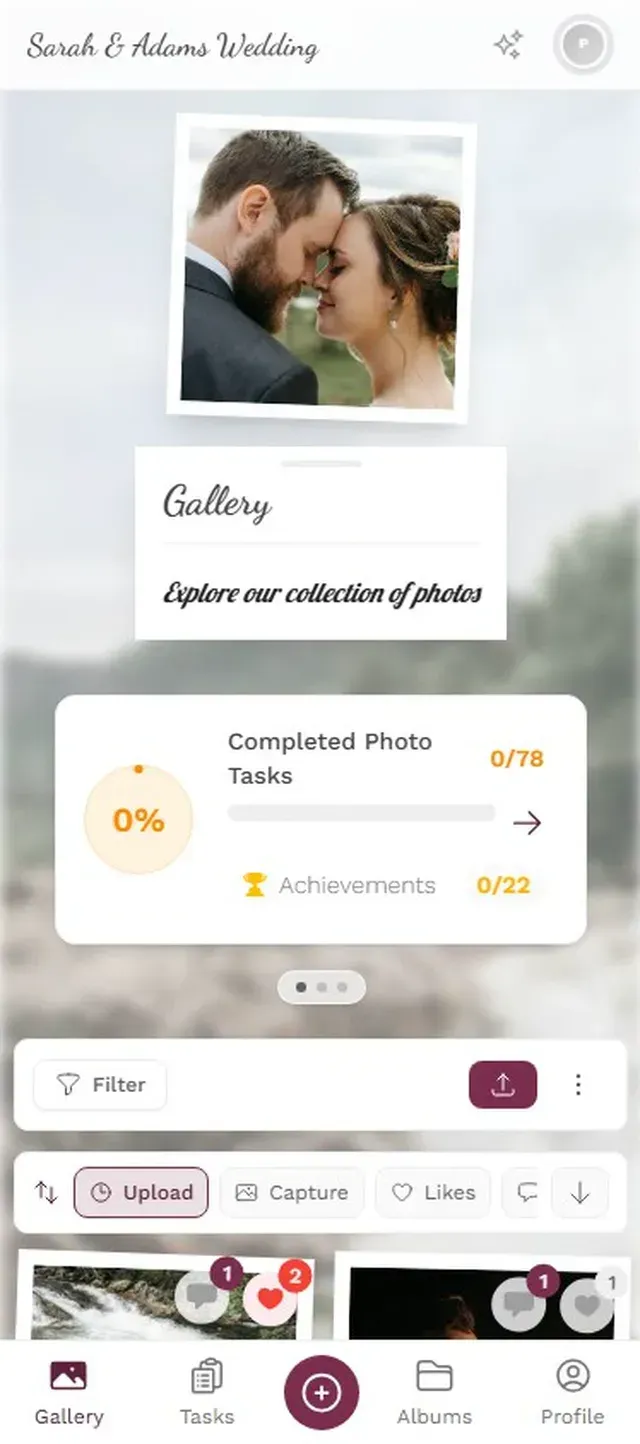
A shared photo gallery that every guest can access from their phone. No app download, no account creation. Guests scan a QR code printed on a table card, pick a display name, and start uploading. Every photo lands in one shared gallery in real time.
For a retirement party, this does double duty. During the event, it's a shared live album that people check between courses. Afterward, it's the foundation for a digital memory book the retiree can keep.
Since it's browser-based (no native app to install), anyone with a smartphone can participate. The one requirement: decent WiFi or cell signal at the venue. Most office buildings and restaurants have this covered, but double-check if you're hosting at an unusual location.

Pick a display name, no account needed

Set It Up in 3 Steps
Create Your Gallery
Name it after the retiree. Set the event date. Takes about two minutes.
Share the QR Code
Print it on table cards, include it in the invite email, or display it on a screen at the venue.
Photos Roll In
Colleagues upload throughout the party. No app, no sign-up. Everything appears in real time.
The longest part of the setup, honestly, is deciding what to name the gallery. Use the retiree's name. It makes the whole thing feel personal from the second someone opens it.
Ready to create your gallery?
Photo Challenges That Actually Mean Something
A blank gallery works fine. People will upload. But a retirement party isn't just any corporate event. There are 32 years of stories in that room. Thirty-two years of office moves, reorganizations, team dinners, and conference trips. Photo challenges can pull those stories out of people's camera rolls and into the open.
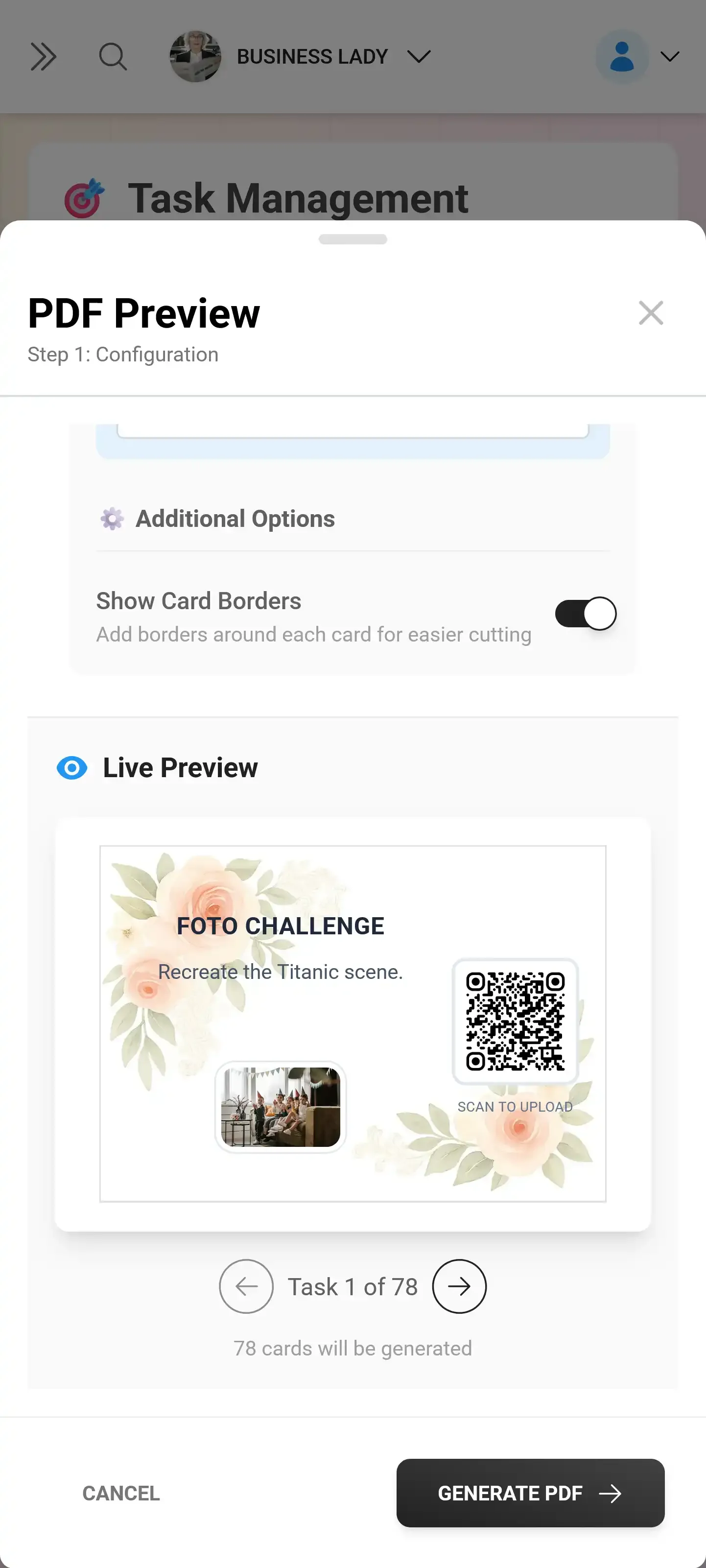
Think specific. Instead of generic prompts like "share your favorite photo," try challenges tied to the person leaving. "Post a photo from your first project together." "Capture the moment they see the gift." "Share the oldest team photo on your phone that includes the retiree." These don't just generate uploads. They surface memories that would otherwise stay buried in someone's camera roll from 2014.
Imagine the head of marketing, who has known the retiree since 2008, scrolling through old photos and finding a shot from a team dinner in Barcelona that everyone had forgotten about. That single photo will get more reactions in the gallery than any posed group shot.
At a corporate gathering of 30 to 50 colleagues, expect around 40 to 60 percent participation in challenges. You don't need everyone to play along for the gallery to fill up. Five to eight challenges is the sweet spot.
Keep challenge prompts specific to the retiree. Generic challenges like "best smile" work at weddings, but retirement parties call for something personal. Tie each challenge to a specific memory, era, or inside joke the team would recognize.
From Photo Gallery to Memory Book
Here's where it gets interesting. After the party, you have a gallery full of photos from every angle, every table, every unscripted moment. Depending on group size and QR code visibility, expect 80 to 250 photos. That's not a photo dump. That's raw material for something much more personal.
Services like Newlywords specialize in collaborative retirement memory books. Commemo builds tribute books from contributed stories and photos. The concept is beautiful: a physical or digital keepsake filled with messages and images from the people who worked alongside someone for decades.
But most memory book projects die at the same stage: collecting the content. Getting 40 professionals to visit another platform, create another account, and upload photos requires follow-up energy that makes organizers question their life choices. A QR code gallery at the party shortcuts this entirely. By the time the speeches are done and the cake is eaten, you already have the photos. Download the collection, pick the 50 to 80 best shots, and feed them into whatever book service you prefer.
Photogala is a photo collection tool, not a book design tool. You'll need a separate service (like Newlywords, Commemo, or Mixbook) for the actual memory book layout and printing. But the collection step is the bottleneck that kills most projects. That's the hard part solved.
Keeping It Appropriate (It's Still a Work Event)
Retirement parties exist in a slightly awkward space. They're emotional, personal, sometimes alcohol-fueled, but ultimately still a corporate event. Someone from leadership is probably in the room. The photos in the gallery should probably not include the moment Dave from accounting loses a shoe on the dance floor.
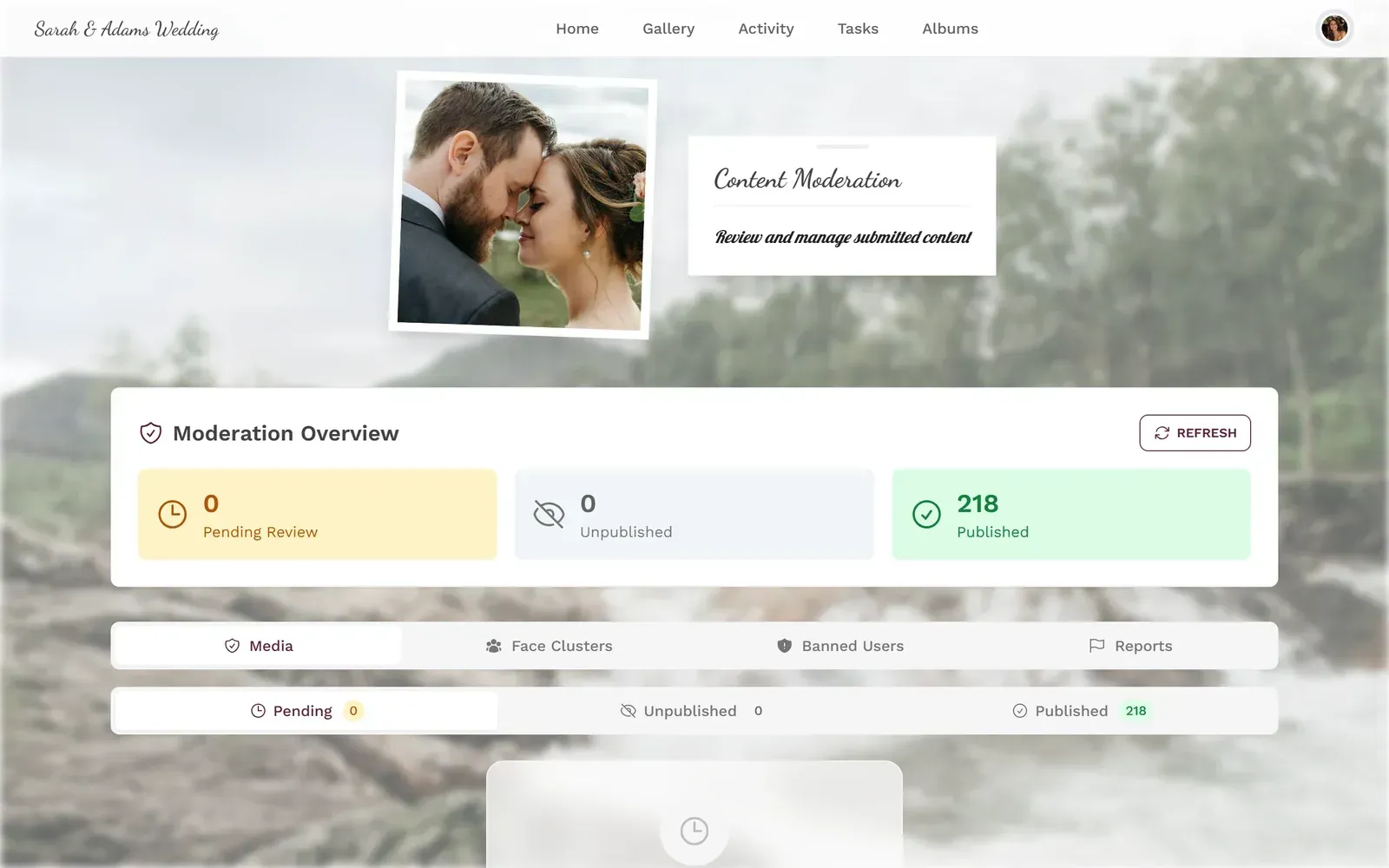
Content moderation handles this quietly. An organizer can review every upload before it appears in the gallery. One tap to approve, one tap to reject. If you're projecting the gallery on a screen, moderation isn't optional.
Moderation requires the Premium plan (€69). The Starter at €39 covers unlimited uploads and challenges but skips the approval workflow. For retirement parties where speeches and a screen are involved, Premium is the safer bet.
Review and approve uploads from one dashboard
Why This Beats a Card and a Cake
The 2026 Achievers corporate gifting guide describes a clear shift: away from transactional gifts (generic cards, standard-issue watches) and toward experiential ones that reinforce company culture. A collaborative photo gallery fits perfectly. It's experiential during the event, interactive in the moment, and becomes a lasting keepsake afterward.
47% of event professionals already use QR codes for attendee engagement as of 2024. At a retirement party, the QR code sits naturally next to the flowers and the cake. Nobody needs instructions. The youngest intern and the retiring 62-year-old both know how to point a camera at a square code.
Picture the retiree a month from now, sitting at home, scrolling through 150 photos they never would have seen otherwise. The candid shot from the corner table where the old project team sat. The group selfie during the speech. The close-up of the handwritten card that almost made them cry. They don't need another gift card. They need proof that 32 years mattered to the people they spent them with.
Ready to create your gallery?
Start sharing your event photos with guests in minutes.
Create GalleryWritten by

I believe event photos should be more than static galleries. They should be live, playful, and unforgettable.
Categories
Related Posts

Free Event Planning Tools Every Organizer Should Bookmark
The best free tools for budgets, guest lists, timelines, photo sharing, and more. No subscriptions, no bloated software suites.

How to Collect Photos From Event Guests Automatically
Stop chasing guests for photos after the event. A QR code, a shared gallery, and a few smart settings can do the collecting for you.
Housewarming Party Photo Sharing: How to Capture Your New Place Through Everyone's Eyes
Your housewarming is the only time your home will look this good and feel this new. Here's how to collect every guest's photos without lifting a finger.