How to Organize Photos After an Event (Without Losing Half of Them)


Picture this: it's Monday morning, two days after the event. Your phone has 47 new photos. Your partner's has 83. The maid of honor texted a batch of 12 to the group chat, but they're compressed to the point of looking like watercolors. Your uncle posted three on Facebook. Someone named "Jen" AirDropped you a video Saturday night that you only half remember accepting.
That's the current state of event photo organization for most people. Scattered across devices, messaging apps, cloud accounts, and social platforms. Some in original quality, most not. And the worst part? According to JoinMyMoment's analysis, "files get compressed, download links expire, and half of your guests forget to send their photos entirely."
This isn't a storage problem. It's a collection problem. And the fix depends on when you start thinking about it.
The 72-Hour Window
Here's something most people don't realize: you have about three days after an event before the photo situation gets dramatically worse. In the first 72 hours, people still remember what they shot, they still feel connected to the event, and they're still willing to share. After that, life takes over. The photos sink deeper into camera rolls, the group chat moves on to next weekend's plans, and those candid shots of your grandmother dancing become digital ghosts.
So whatever system you use, it needs to start working within that window. Ideally before the event even ends.
Strategy 1: The Reactive Approach (After the Fact)
If the event already happened and you didn't set up a shared gallery beforehand, don't panic. You can still recover most of the photos. It just takes more effort.
Step 1: Send one clear message
Not "hey can everyone send me their photos when you get a chance." That message has a 20% response rate, tops. Instead, create a shared album (Google Photos, iCloud, or a dedicated sharing link) and send a single message with the link and a specific ask. Something like: "I'm collecting all the photos from Saturday. Drop yours here by Wednesday? Takes 30 seconds." The deadline matters. Without one, "I'll do it later" becomes "I forgot."
Step 2: Chase the photographers
Every event has two or three people who took way more photos than everyone else. You know who they are. Text them directly. Don't rely on the group message. A personal ask gets a 3x better response than a broadcast.
Step 3: Check everywhere
Photos hide in surprising places. Instagram stories (screenshot them before they expire). WhatsApp groups you forgot existed. Facebook albums. Someone's partner's phone. That one friend who only uses Telegram. Cast a wide net in the first 48 hours.
iCloud shared albums cap at 5,000 photos and compress uploads. Google Photos shared albums have a 20,000 item limit but require a Google account. Neither preserves original quality by default. For large events, check your storage method's limits before asking 150 people to upload.
The problem with this approach? It works, sort of. You'll get maybe 60-70% of the photos that exist. The rest will stay trapped on phones that belong to people you don't have the social capital to chase down.
Ready to create your gallery?
Strategy 2: The Proactive Approach (Before and During)
This is where the math changes completely. Instead of chasing photos after the fact, you set up a single collection point before the event and make it effortless for guests to contribute in real time.
The concept is simple: a QR code that opens a shared gallery in the browser. Guests scan it with their phone camera, upload photos, done. No app to download, no account to create, no "what's your Apple ID?" conversations.
WeddingSnap describes it well: "While your professional photographer captures the big moments, there's magic happening everywhere — candid laughter during cocktail hour, your grandmother's tears of joy, friends recreating college memories on the dance floor." A QR gallery captures all of it, from every angle, as it happens.
No app needed. Select photos, tap upload, done.

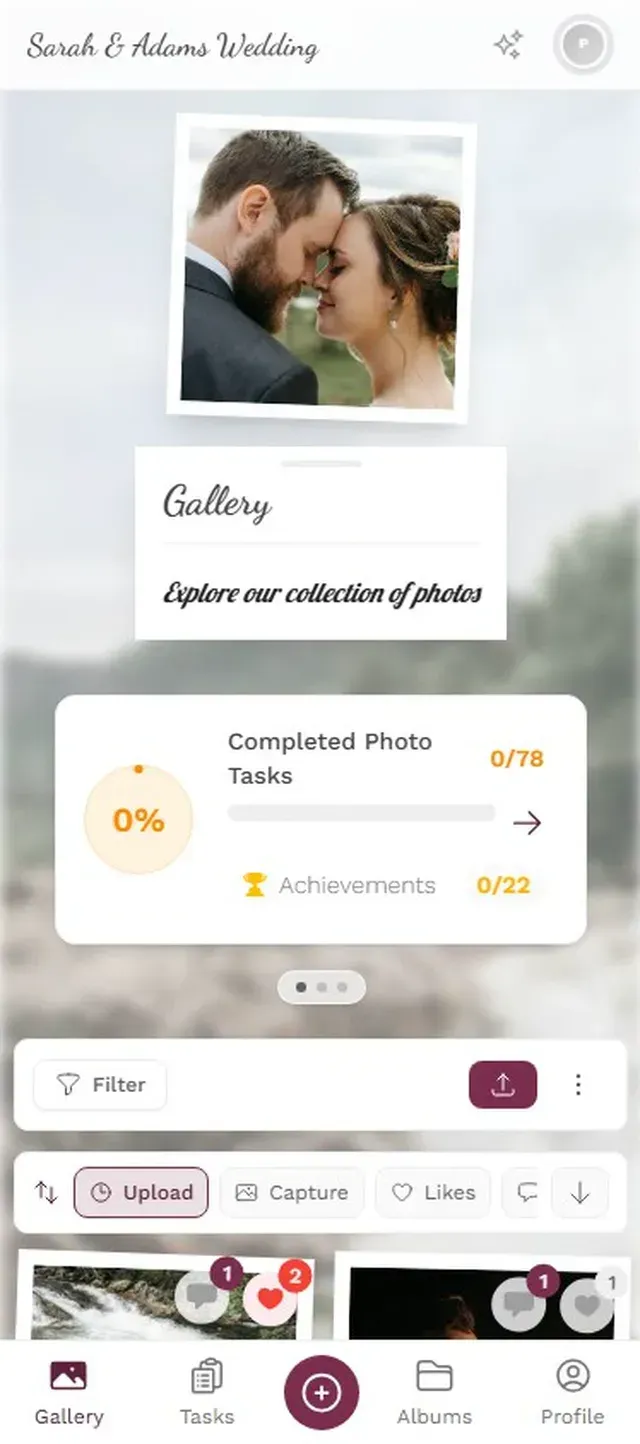
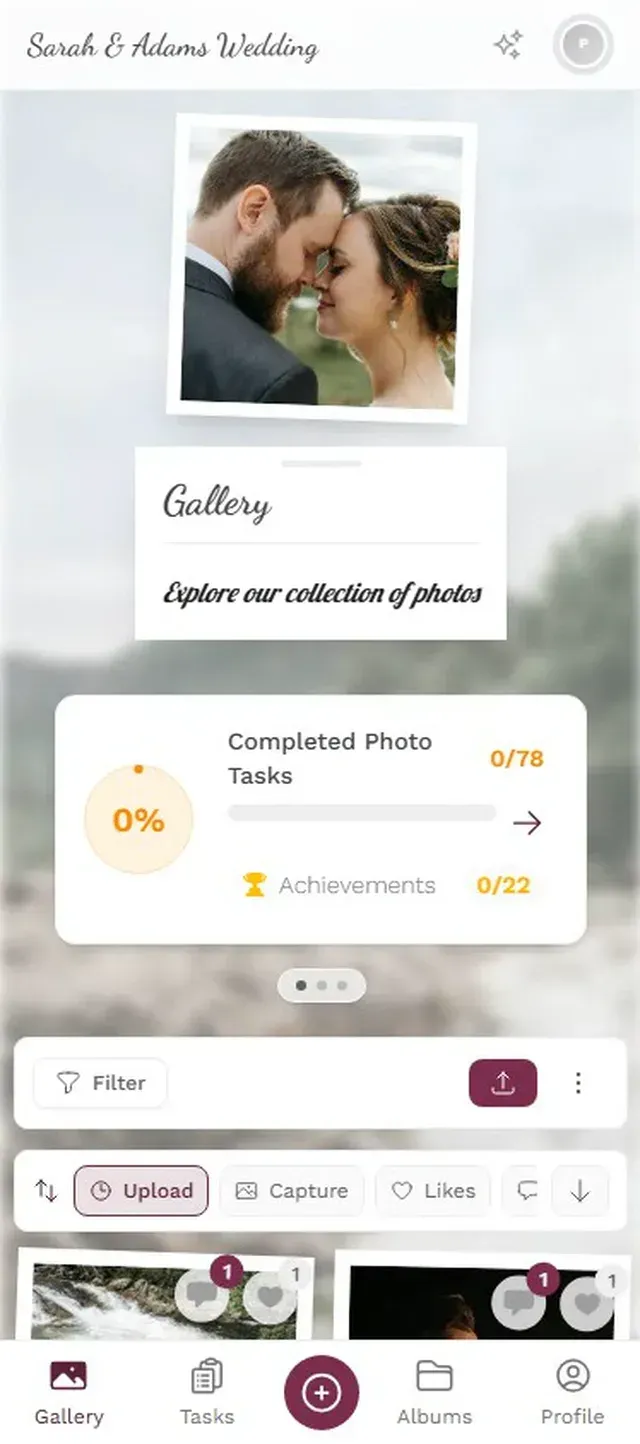
Photogala works exactly like this. You create a gallery in about two minutes, get a QR code, and share it however makes sense for your event: table cards at a wedding, a Slack message for a corporate offsite, a group text for a birthday dinner.
The difference in collection rate is significant. When people can upload in the moment (during the toast, on the dance floor, at the dessert table), you capture photos that would never survive the "I'll send them later" gap. At a 150-person wedding, imagine 400 or more photos from dozens of different perspectives, all in one place before the night is over.
Once You Have the Photos: Sorting Without Losing Your Mind
Collecting is step one. Organizing is where most people stall out. You've got 300, 500, maybe 800 photos. Now what?
The three-pass system
Don't try to organize everything perfectly in one sitting. It's overwhelming and you'll give up halfway through. Instead, use three quick passes:
Pass 1: Delete the obvious junk (5 minutes). Blurry shots, accidental pocket photos, duplicates, that photo of someone's shoe. Be ruthless. Most events produce 15-20% pure noise. Getting rid of it immediately makes everything else manageable.
Pass 2: Star the highlights (10 minutes). Scan through and flag the 20-30 photos that make you feel something. The ones you'd actually print, frame, or send to someone. Don't overthink it. If it takes more than two seconds to decide, skip it.
Pass 3: Sort into albums (15 minutes). Group by moment, not by person. "Ceremony," "Dance Floor," "Speeches," "Late Night Chaos" works better than sorting by who took the photo. Moments tell the story of the event. Individual uploads don't.
If you used a platform like Photogala, albums are built-in. You can create them before the event and let guests sort their own uploads. The Deluxe plan also includes AI face recognition, so you can filter the entire gallery by person after the fact. No manual sorting needed.
The Face Recognition Shortcut
Sorting 600 photos by hand is tedious. Sorting them by face is almost instant.
AI face clustering groups every photo by who's in it. Want to see every photo with the bride? One tap. Every candid of your CEO at the company retreat? Filtered in seconds. It turns a 45-minute sorting session into a 2-minute one.
Filter the entire gallery by face with one click
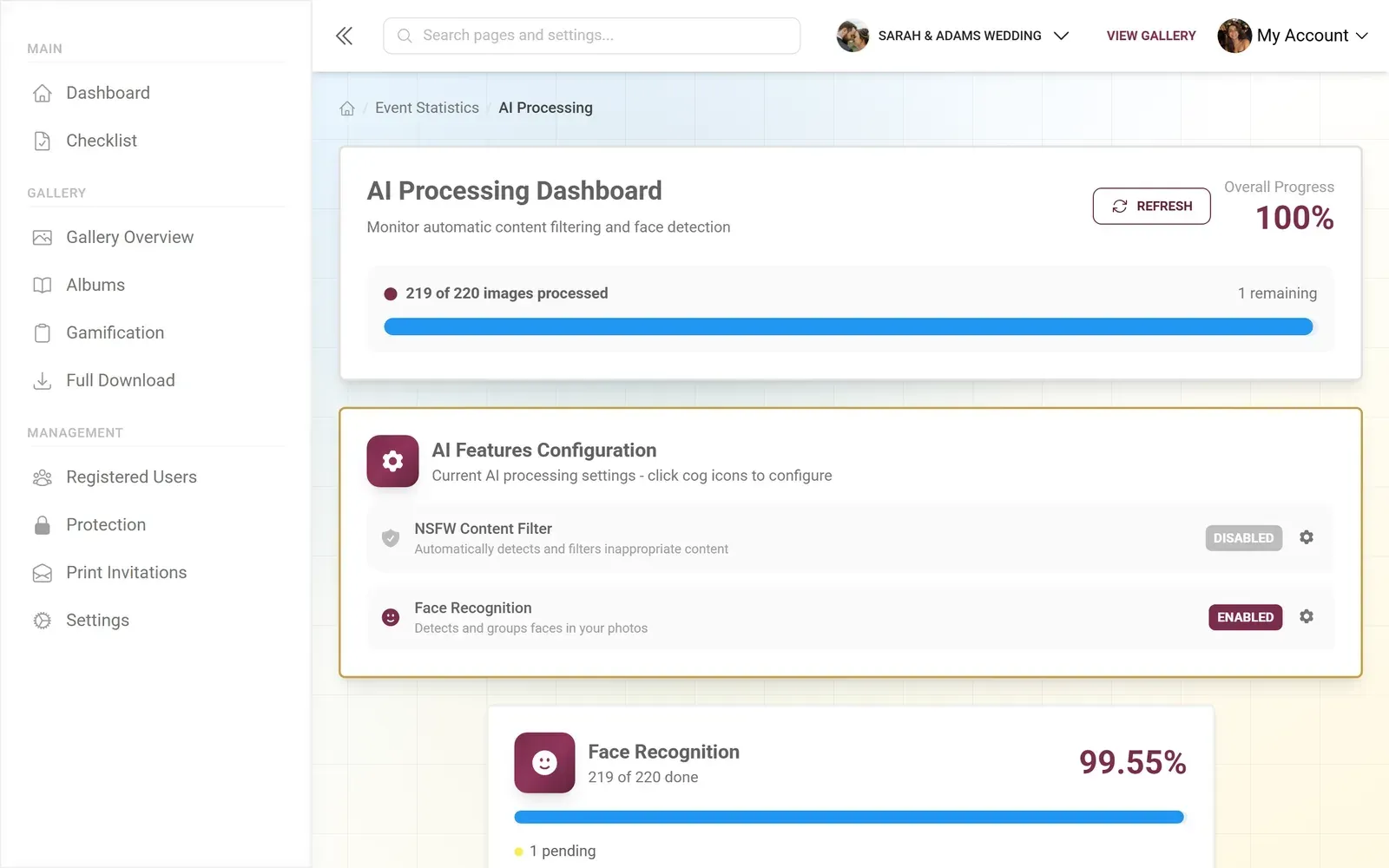
Photogala's Deluxe plan includes this. The AI scans every upload, clusters faces automatically, and lets you label them with names. You can also merge or split clusters when the AI gets it wrong (it happens, especially with profile shots or sunglasses). It's not perfect, but it turns a manual nightmare into something manageable.
One honest caveat: face recognition only works on the Deluxe tier (€119). If your event is small enough that you can sort manually in 20 minutes, it's probably not worth the upgrade just for this feature. But for weddings with 200+ guests or multi-day corporate events, it pays for itself in saved time.
Preservation: Making Sure They Actually Last
Here's where the real losses happen. Not at the event. Not in the week after. Months later, when someone gets a new phone and doesn't transfer their photo library. Or when the shared Google Drive link expires. Or when the WhatsApp group gets archived and nobody remembers it existed.
For long-term preservation, you need exactly two things:
- A single downloaded backup. One ZIP file, one external drive, one folder in a cloud storage you actually pay for. Not a shared link. Not a messaging thread. A file you own and control.
- Original quality. Compressed versions look fine on a phone screen. Print one at 8×10 and the difference is obvious. Whatever collection method you use, make sure it preserves the original file. Most messaging apps don't. Most cloud sharing links don't.
Photogala keeps photos in original quality and lets you download everything as a ZIP. Storage lasts 6-12 months depending on your plan, which is plenty of time to download your backup. But you do need to actually download it. Set a reminder for the week after your event. Future you will be grateful.
If you want to go deeper on sharing large photo collections, there's a practical guide on sharing lots of photos that covers the technical side in more detail.
A Quick System for Different Event Sizes
Match Your Approach to Your Event
Small gathering (under 30 guests)
A shared iCloud or Google Photos album works fine. Text the link directly to everyone. You'll get most of the photos within a day or two.
Medium event (30-100 guests)
Set up a QR code gallery before the event. Place printed QR codes where guests will see them. The in-the-moment uploads make all the difference.
Large event (100+ guests)
QR gallery is essential. Add face recognition for sorting. Assign a moderator to approve uploads if the gallery feeds a live photo wall.
The Mistake That Costs You the Most Photos
It's not using the wrong app. It's waiting.
Every day you delay after an event, the collection rate drops. People delete photos to free up storage. They forget which shots were from your event versus the thing they went to the next weekend. The emotional connection fades, and with it, the motivation to dig through 3,000 camera roll photos to find the 15 that belong to you.
The best time to set up a shared gallery is before the event starts. The second best time is right now.
Ready to create your gallery?
Start sharing your event photos with guests in minutes.
Create GalleryWritten by

I believe event photos should be more than static galleries. They should be live, playful, and unforgettable.
Categories
Related Posts
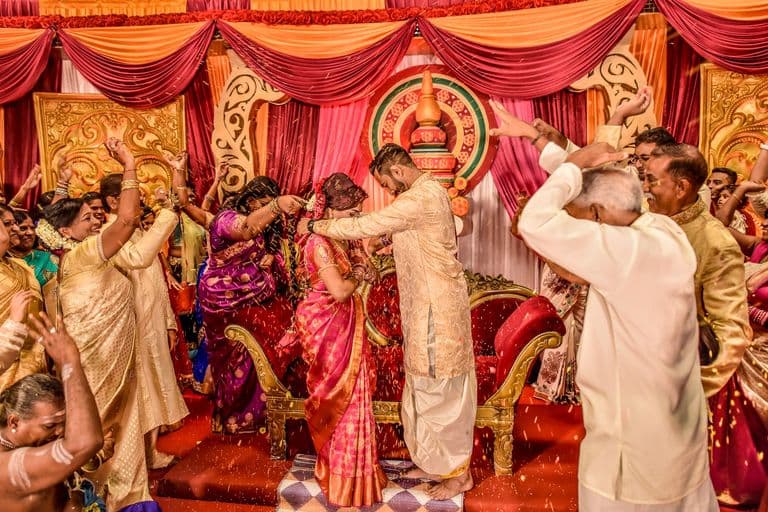
Multicultural Wedding Photo Sharing: Honoring Every Tradition in One Gallery
When your wedding blends two (or more) cultures, collecting guest photos gets complicated fast. Here's how to make it work without losing a single moment.
Free Event Planning Tools Every Organizer Should Bookmark
The best free tools for budgets, guest lists, timelines, photo sharing, and more. No subscriptions, no bloated software suites.

Milestone Birthday Photo Sharing: 30th, 40th, 50th and Beyond
At milestone birthdays, decades of relationships converge in one room. Here's how to collect every guest's photos before they vanish into 40 separate camera rolls.