How to Create a Shared Photo Album for Your Wedding (That Actually Works)

Picture this: the Sunday after your wedding. You're sitting on the couch, still half in a daze, scrolling through your phone. You took maybe 40 photos yourself. Your maid of honor texted you a few. Your cousin posted some to Instagram Stories (they'll vanish in 20 hours). And somewhere out there, 120 guests have hundreds of photos on their phones that you'll never see.
This is the default outcome for almost every wedding. The photographer delivers their polished set weeks later, and it's gorgeous. But the candid shots from the dance floor at midnight, the kids running between tables, your grandmother's face during the first dance? Those live on other people's phones. A Wishgram study put it well: guests capture the moments happening in the margins, the off-the-cuff laughter and happy tears that photographers, focused on the main action, simply miss.
The fix sounds simple: create a shared album. But if you've ever tried to wrangle 100+ people into a shared iCloud folder or a Google Photos album, you know how that goes. Half the guests don't have the right account. A quarter forget the link. And the rest never get around to it.
There's a better way to do this. And it doesn't require your guests to download anything.
Why Most Shared Albums Fail
The problem isn't motivation. Guests genuinely want to share their photos. They tell you so at the reception. They mean it. But then life happens. Monday morning arrives, the moment passes, and those photos sit in a camera roll alongside 2,794 other images (that's roughly the average phone gallery size, according to Photutorial's 2024 data).
The real barrier is friction. Every extra step you add between "I took a great photo" and "it's in the shared album" cuts your participation rate in half. Needing to download an app? Friction. Creating an account? Friction. Figuring out which Google account is linked to the right album? Massive friction.
Here's what I mean concretely. These are the most common methods couples try, and where each one breaks down:
iCloud Shared Albums
Works great if every single guest owns an iPhone and is signed into iCloud. In practice, maybe 60% of your guest list qualifies. Everyone else is locked out. Also, there's a 5,000 photo limit per album, and you can't upload videos longer than 15 minutes.
Google Photos Shared Albums
Better cross-platform support, but guests still need a Google account. That's a non-issue for most younger guests. For your partner's uncle who uses a Huawei with no Google services? Dead end. And shared Google albums have a 20,000 item limit, which sounds generous until a 200-guest wedding with enthusiastic photographers tests it.
WhatsApp Groups
The nuclear option. Everyone has WhatsApp. The problem: images get compressed to a fraction of their original quality. You end up with 800×600px versions of what were crisp 12-megapixel shots. Plus, scrolling through 400 messages to find the actual photos is nobody's idea of fun. And good luck with guests who aren't comfortable sharing their phone number with 150 strangers.
The Hashtag Approach
"Use #SmithJonesWedding2026 on Instagram!" Cute idea. The reality: only guests who are active on Instagram will participate, photos are compressed, you don't own them, and sorting through a hashtag feed with random spam posts mixed in is tedious. Plus, the photos aren't truly shared with other guests in one place.
The friction rule of thumb: if a guest has to do more than two things (scan something, then upload), you'll lose a third of your potential contributors. One step is ideal.
The QR Code Approach (and Why It Works)
The method that actually sticks is surprisingly low-tech in concept: a QR code that opens a browser-based gallery. No app download. No account creation. No special phone required. Guest pulls out phone, scans the code, taps upload, done.
QR code usage has surged roughly 323% since 2021, and nearly half of couples already include QR codes on their save-the-dates or invitations. Your guests know what to do with a QR code. There's zero learning curve.
The key difference between a QR code gallery and a traditional shared album: the upload happens at the event, in the moment, when guests are excited and holding their phones. Not three days later when the enthusiasm has faded.

A quick name entry — no account, no password

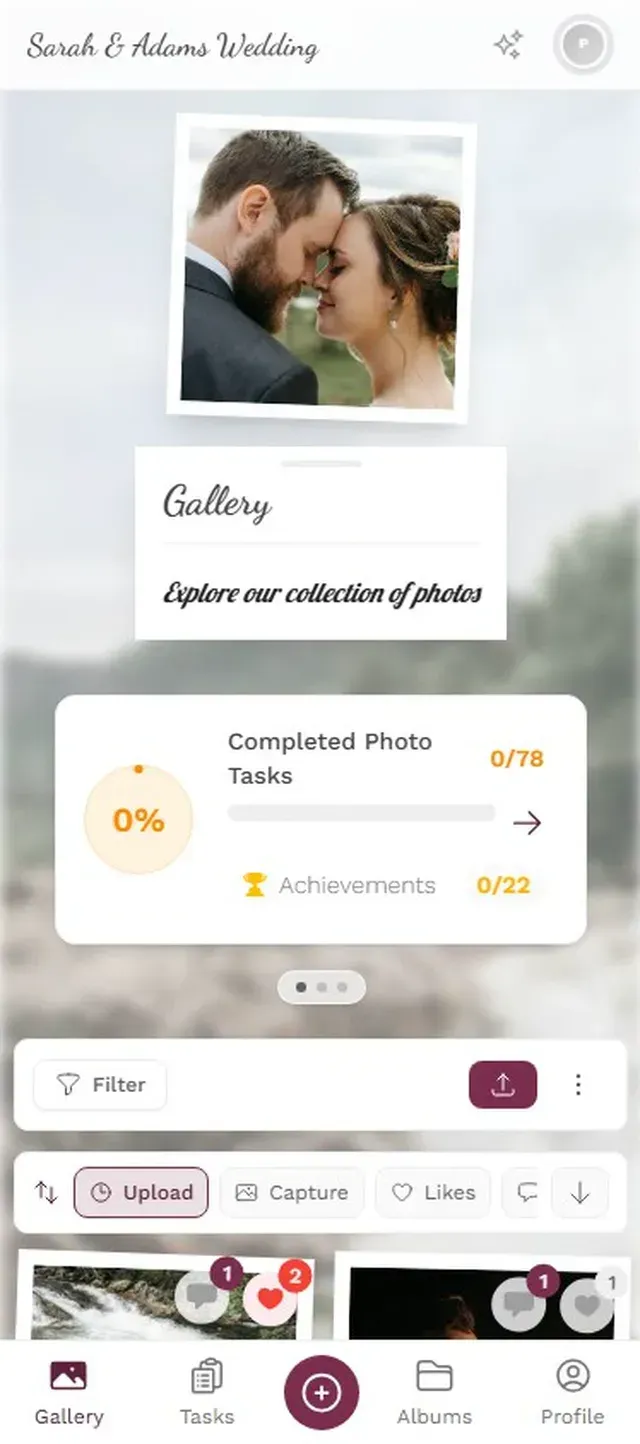
With a platform like Photogala, this is the full guest experience: scan, type a name, upload. Three taps. The photos appear in the shared gallery immediately, visible to everyone.
One honest trade-off: browser-based tools aren't free like creating an iCloud album. Photogala starts at €39 for a one-time payment (no subscription). Whether that's worth it depends on how many guest photos you'd otherwise lose to the void.
Ready to create your gallery?
Setting It Up: A Practical Timeline
You don't need to be technical to get this running. But timing matters more than most guides let on. Here's what actually works:
2-3 Weeks Before the Wedding
Create your gallery. Pick a name, upload a cover photo, choose your branding colors. This takes about five minutes. The important part: generate your QR code early so you can incorporate it into printed materials.
If you're working with a wedding planner or coordinator, share the moderator link with them. On Photogala, you can assign unlimited admin and moderator roles (on Premium and Deluxe plans), so your maid of honor, best man, or planner can help manage incoming photos.
1 Week Before
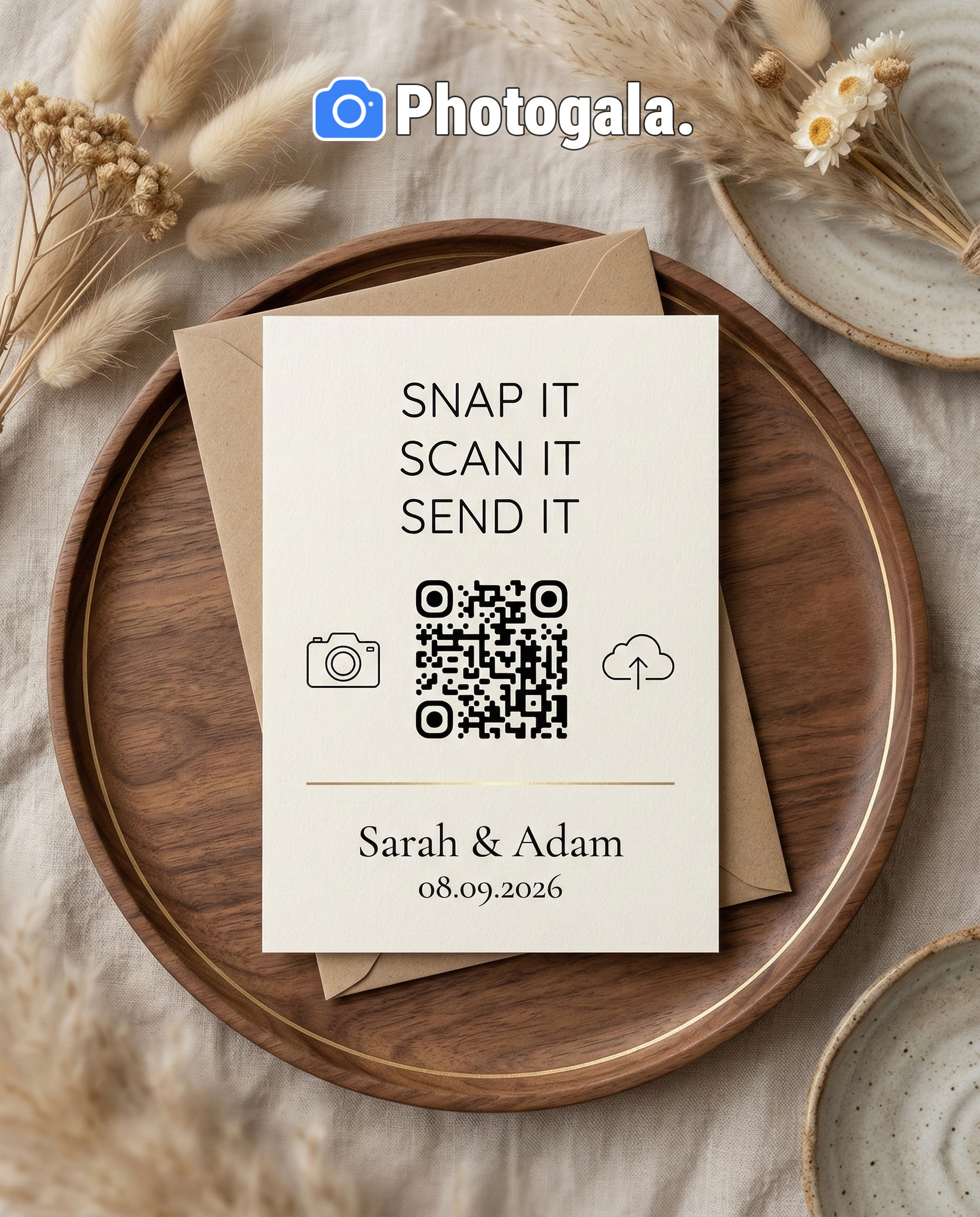
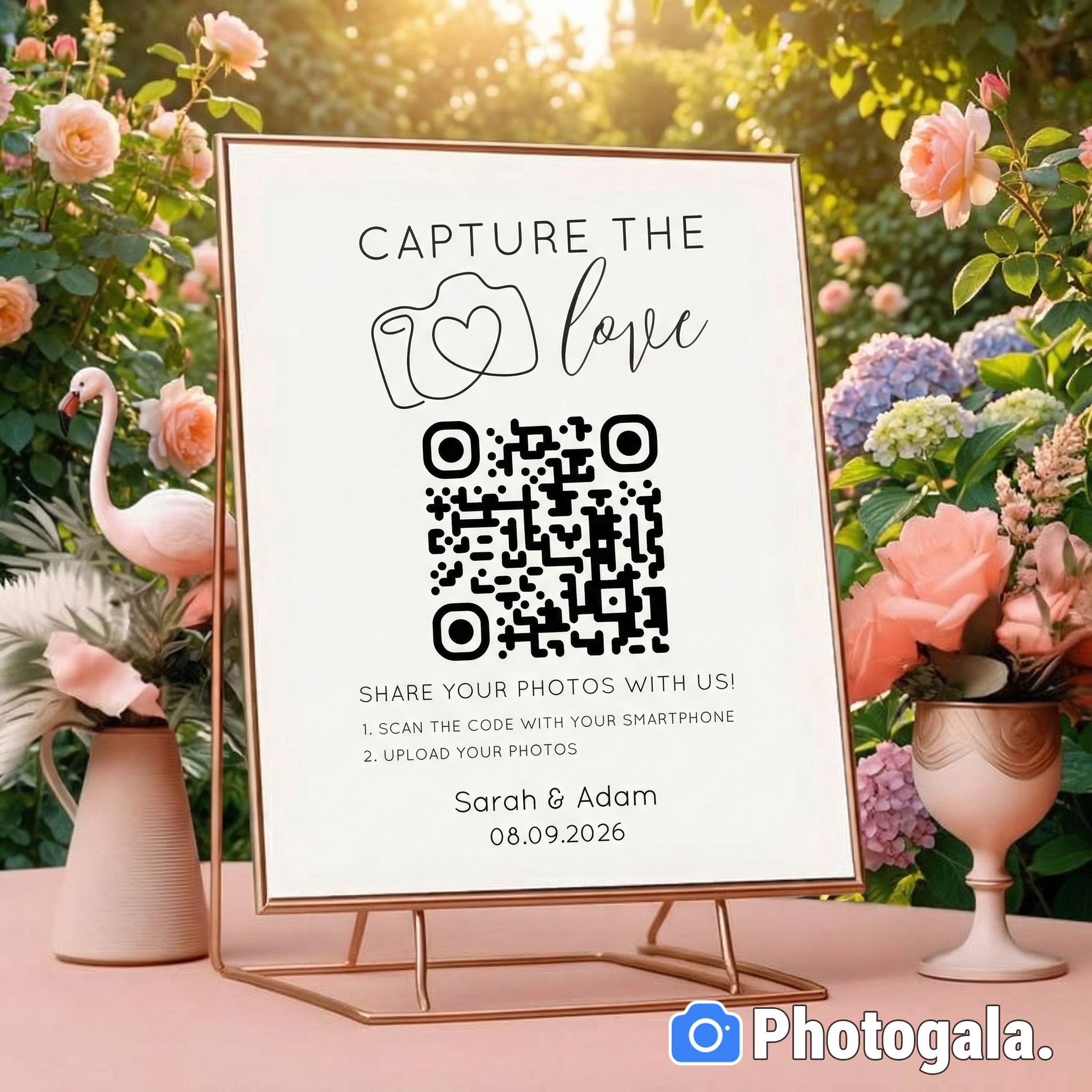
Print the QR codes. This is where a lot of couples underestimate. One QR code at the entrance is not enough. Think about where guests will be sitting with their phones out:
- Table cards: Small QR code on each table. Guests see it while waiting for courses. Prime upload time.
- Bar area: A framed sign near the bar. People stand around with their phones between drinks.
- Photo wall screen: If you're using a live photo wall (a TV or projector showing uploads in real time), put the QR code right next to it. Seeing other people's photos motivates uploads.
- Bathroom mirrors: Sounds odd, but guests check their phones there. A small QR sticker works.
A live photo wall next to the QR code creates a feedback loop: upload, see it on screen, upload more

Day Of the Wedding
Have someone (MC, best man, wedding planner) mention the QR code during the welcome speech. One sentence is enough: "There are QR codes on every table. Scan one to share your photos, and they'll appear on the big screen." That's your activation moment. After that, the gallery tends to build momentum on its own.
The real magic happens when photos start appearing on a live display and guests realize their upload showed up on screen within seconds. That visual feedback loop is powerful. Imagine someone's silly selfie popping up on the TV behind the dance floor. Their table erupts. Suddenly everyone at that table wants to upload something too.
Timing insight: The biggest upload spikes at weddings happen during three windows: cocktail hour (guests are mingling with phones out), dinner courses (waiting between plates), and late-night dancing (inhibitions are lower, phones are out for selfies). Place QR codes where guests will be during these windows.
Getting Guests to Actually Participate
Setting up the album is the easy part. Getting 80% of guests to contribute instead of 20% is where strategy matters.
The single most effective trick has nothing to do with technology. It's social proof. When guests see other people's photos appearing (on a screen, in the gallery, in conversation), they want to contribute too. Nobody wants to be left out.
Beyond that, a few things that genuinely move the needle:
Photo challenges work surprisingly well. Set up a few fun prompts: "Best dance floor action shot," "Find the flower girl," "Capture the groom's face during the speeches." These give guests a reason to take specific photos instead of the same posed group shot twelve times. On Photogala, you can even add example preview photos to challenges, so guests know what you're looking for. The photo roulette feature takes this further: guests get a random example image and try to recreate it, which leads to genuinely hilarious results.
A leaderboard adds friendly competition. This sounds gimmicky until you picture a 62-year-old uncle uploading his 15th photo because he saw his nephew is ahead on the ranking. Points for uploads, completed challenges, and reactions keep people engaged longer than a plain upload form would.
Photo challenges give guests specific, fun reasons to take and upload photos
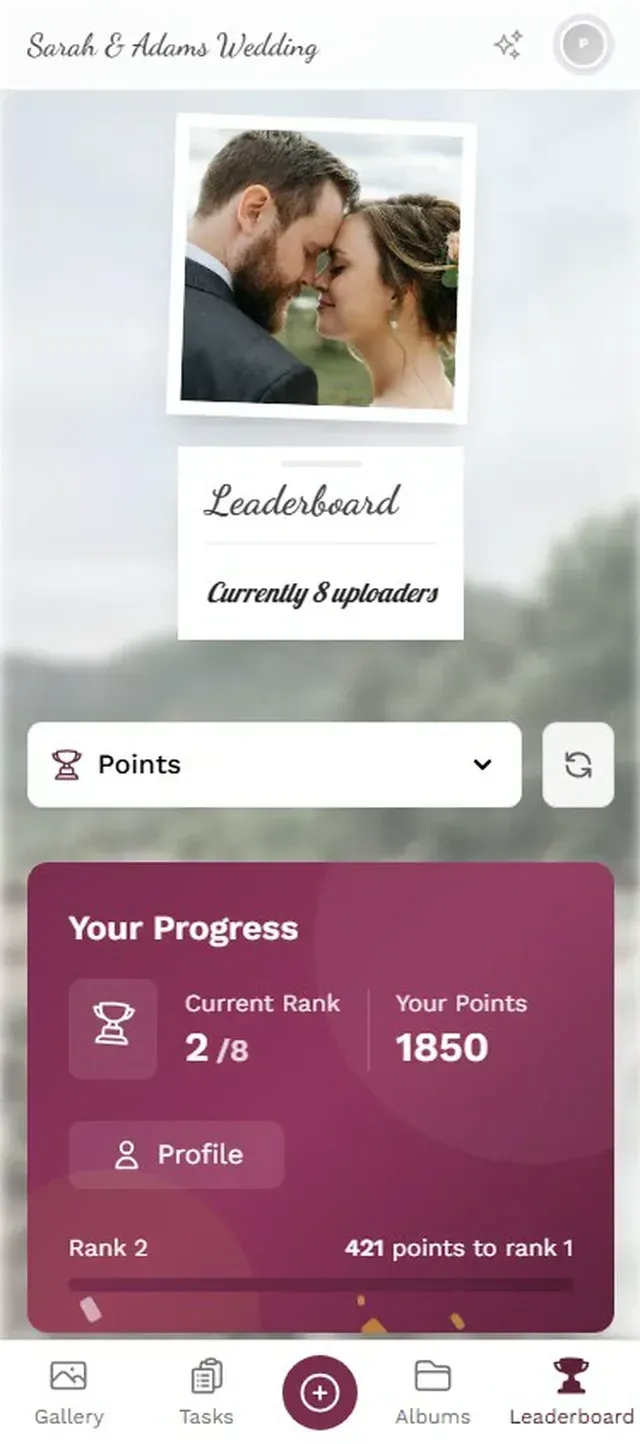
Don't underestimate the announcement. A brief mention during the welcome speech, a note on the menu card, or a message from the DJ. Guests who know about the album early upload more. Guests who discover it at midnight upload a few blurry dance floor shots (still great, but you want the ceremony moments too).
After the Wedding: Organizing the Collection
Say your wedding goes well and you end up with 600 guest photos. That's wonderful and overwhelming. Here's how to turn a pile of uploads into something you'll actually revisit.
First, don't try to organize everything the week after your wedding. You're exhausted. Give it two weeks. The photos aren't going anywhere. On Photogala, your gallery stays active for 6 to 12 months depending on your plan, so there's no rush.
When you're ready, a few practical steps (and this applies regardless of which tool you used):
- Download everything first. Bulk download the full gallery as a ZIP file. Store the originals on an external drive or cloud backup. This is your master archive. The ImageShout guide to guest photo management recommends organizing by event moment: ceremony, cocktail hour, reception, party.
- Let AI do the sorting. If you used a platform with face recognition (Photogala's Deluxe plan includes this), you can automatically group photos by person. Want to send your grandmother every photo she appears in? Filter by her face, download, send. Beats manually scrolling through 600 images.
- Create a highlight album. Pick 50-80 of the best guest photos and combine them with your photographer's selects. This becomes your go-to album for revisiting the day. The rest stay in the archive for deep dives.
- Share back with guests. This is the step most couples skip. Send the gallery link to your guest list a few days after the wedding. Guests love seeing what others captured, and it extends the warm feeling for another week. A simple "Thank you for celebrating with us, here are everyone's photos" message goes a long way.
For couples who want to go further, combining guest photos with professional shots into a wedding photo album creates something genuinely special. The contrast between polished portraits and chaotic dance floor selfies tells the full story of the day.
Quick Setup Summary
Create your gallery
Set up an event gallery with your wedding name, colors, and cover image. Takes about 5 minutes.
Print QR codes everywhere
Table cards, bar signs, next to the photo wall. More visibility means more uploads.
Announce it early
One mention during the welcome speech activates the whole room. Pair with a live photo wall for instant momentum.
Download and organize after
Bulk download, sort by person or moment, create a highlight album, and share back with guests.
Ready to create your gallery?
What About Privacy?
A fair question, especially for European weddings where GDPR applies. Shared albums on big tech platforms (Google, Apple) are governed by those companies' terms of service, which most guests never read. Dedicated event photo platforms tend to be more transparent.
On Photogala, the gallery is private by default (accessible only via QR code or direct link). You can enable content moderation so every photo gets reviewed before it appears in the gallery, which is useful if you're displaying photos on a live screen and want to avoid surprises. The NSFW AI filter on the Deluxe plan adds an extra layer by automatically flagging inappropriate content.
No platform is perfectly private, but a dedicated event gallery with moderation controls gives you significantly more control than a WhatsApp group or public Instagram hashtag.
The photos your guests take aren't replacements for professional photography. They're a different thing entirely. They're the view from inside the moment, not from behind a camera. The uncle's wobbly video of the first dance. The blurry but perfect shot of the flower girl asleep under a table at 11 PM. The group selfie where everyone's laughing because someone tripped walking into frame.
Those are the photos you'll actually pull up on a random Tuesday evening five years from now. Make sure they don't stay trapped on 120 different phones.
Find the right plan for your event
Flexible pricing for weddings, parties and corporate events.
View PricingWritten by

I believe event photos should be more than static galleries. They should be live, playful, and unforgettable.
Categories
Related Posts
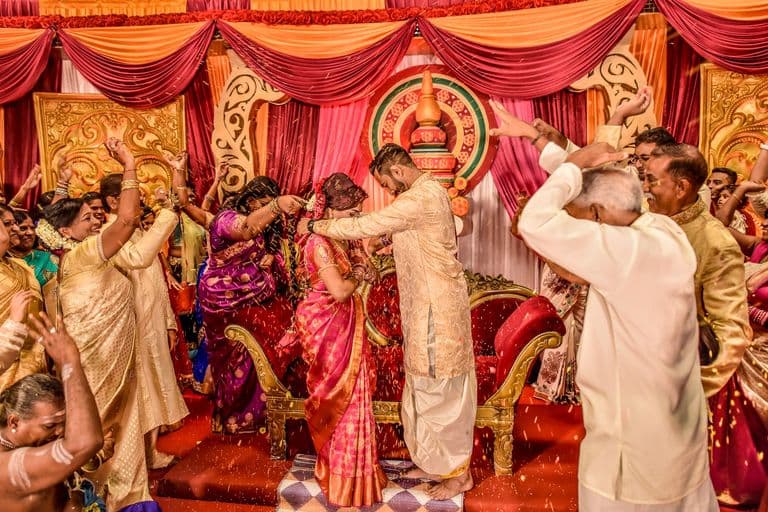
Multicultural Wedding Photo Sharing: Honoring Every Tradition in One Gallery
When your wedding blends two (or more) cultures, collecting guest photos gets complicated fast. Here's how to make it work without losing a single moment.

How to Collect Photos From Event Guests Automatically
Stop chasing guests for photos after the event. A QR code, a shared gallery, and a few smart settings can do the collecting for you.
Housewarming Party Photo Sharing: How to Capture Your New Place Through Everyone's Eyes
Your housewarming is the only time your home will look this good and feel this new. Here's how to collect every guest's photos without lifting a finger.