Proposal and Engagement Photo Sharing: How to Capture the Moment They Said Yes

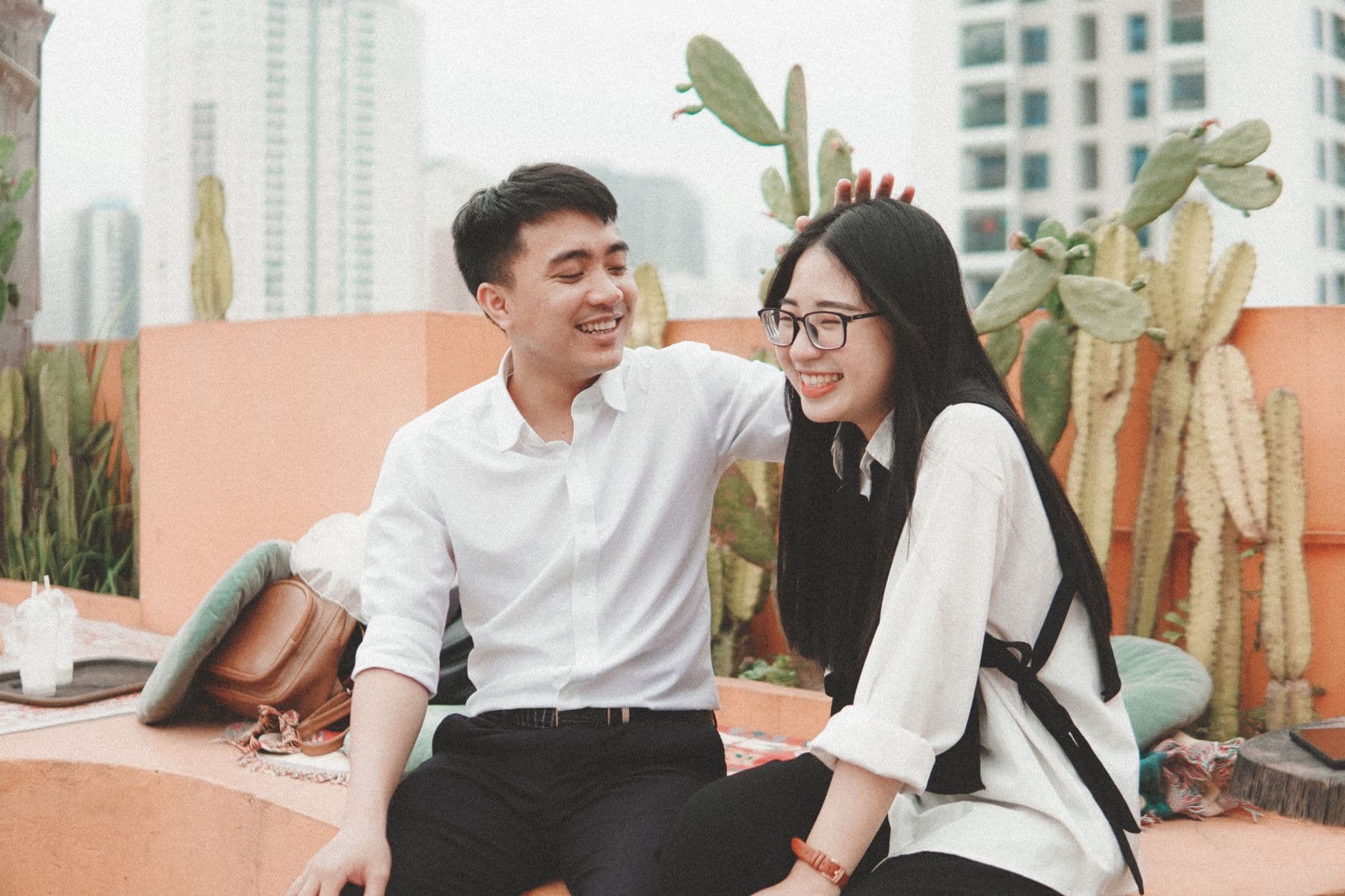
The ring comes out. She covers her mouth. Behind her, a friend is already recording on their phone, slightly shaking. The photographer hidden behind the bushes nails the shot. And the couple's best friend, standing three feet away, captures the one photo that ends up on every save-the-date card: a slightly blurry, completely perfect wide-eyed gasp.
That moment, from proposal to the tearful hug afterward, lasts maybe ninety seconds. But the people watching? They take dozens of photos. Some are staged. Most are not. And almost all of them end up trapped on individual phones, shared in a group chat that scrolls past them in two days, or worse, forgotten entirely.
A 2023 Deseret News survey found that 80% of people have photos on their phone they haven't looked at since taking them. For engagement photos, that's not just a shame. It's a loss. These are the photos that tell the real story of the proposal, not the polished professional ones (those matter too), but the raw, unscripted reactions from the people who were there.
The Real Problem With Proposal Photos
Most couples think about proposal photos in terms of hiring a photographer. And yes, a hidden photographer is worth every penny. Engagement sessions afterward, where you get comfortable in front of the camera before the wedding, directly improve your wedding day portraits according to photographer Chynna Pacheco.
But the professional photos are only one layer. Picture a surprise proposal at a restaurant. The couple's four closest friends are in on it. Each one pulls out their phone the second the knee hits the ground. That's four different angles, four different moments captured, four sets of photos that will probably never make it into a single album.
One friend texts a few favorites. Another posts one to Instagram Stories (gone in 24 hours). The third says "I'll send them later" and doesn't. The fourth genuinely forgets. Sound familiar? If you've ever tried to collect photos from guests after an event, you know this pattern well. The collection method matters more than asking nicely.
Three Moments, One Gallery
Engagement photo sharing isn't just about the proposal itself. There are actually three distinct photo moments most couples want to capture, and they usually treat each one as a separate problem:
- The proposal — hidden photographer, friends' phones, maybe a drone
- The engagement shoot — professional session, 1-3 weeks later
- The engagement party — 30-80 guests, phones everywhere, zero collection strategy
Treating them as three separate photo silos is a mistake. Imagine having one gallery where the proposal photos sit next to the professional shoot, next to the candid party snapshots from your college roommate. That's the complete story. That's what ends up in the wedding guest book, on the save-the-dates, and on the wall at the reception.
A QR code gallery makes this surprisingly simple. You create one gallery, share a QR code or link, and anyone can upload from their phone browser. No app download, no account creation. The proposal photographer can upload the professional shots. Friends can add their phone photos. And the engagement party guests can contribute without anyone chasing them afterward.
Timing matters. Set up your gallery before the proposal, not after. Share the QR code with the friends who are in on the surprise so they can upload their photos immediately while the excitement is still fresh. If you wait until the next day, you'll lose half the shots to procrastination.
See it in action
Every guest photo in one album – no app.
The Hidden Photographer Problem (And How to Solve It)
Here's something nobody warns you about: coordinating a hidden photographer for a proposal is stressful. You're already nervous about the actual question, and now you're also trying to position yourself in the right spot, at the right angle, at the right time, so someone hiding behind a tree can get a clean shot.
The backup plan is your people. If three or four friends know the proposal is happening, give them a job. Not "take photos" (too vague), but something specific: "Record a video from the left side" or "Get a photo of her face the moment she sees the ring." Distribute the angles. One person can't capture everything, but four people covering different positions absolutely can.
After the proposal, those friends scan a QR code and upload everything to the same gallery. No group chat chaos, no "send me that video" requests three weeks later. You can even set up photo challenges in advance with prompts like "The first reaction" or "The ring close-up" to guide what people capture. Challenges can include example preview photos showing guests exactly what you're looking for.
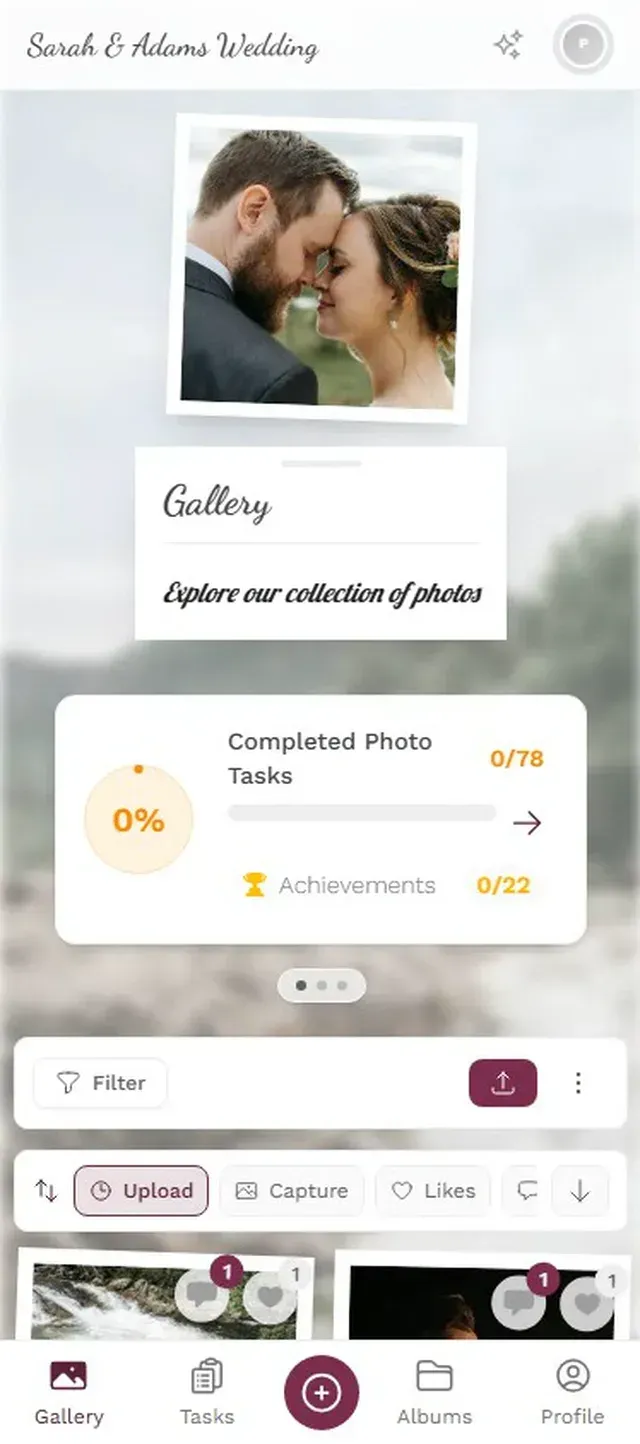
1.Friends scan and upload their photos instantly
What to Do With Your Engagement Photos (Beyond Instagram)
Most couples post one or two favorites to social media and call it done. That's leaving a lot on the table. According to Simply Eloped, engagement photos can serve at least a dozen purposes: save-the-dates, invitation suites, wedding website headers, reception decor, holiday cards, and more.
But here's the thing, those uses only work if you actually have access to all the photos. Not just the 40 edited shots from the photographer, but the 150+ candid moments from the engagement party. The one of your dad trying not to cry. The blurry group selfie where everyone is laughing so hard it doesn't matter that it's out of focus.
If you're planning a weekend wedding, the engagement gallery can even become the first chapter of a multi-event collection. Welcome party photos, rehearsal dinner moments, and ceremony shots all flowing into a single timeline. Some couples keep the same gallery running from engagement to honeymoon.
The Engagement Party: Where Photos Go to Die
Engagement parties are a particular black hole for photos. They're big enough that dozens of people take pictures, but casual enough that nobody thinks to organize the collection. There's no professional photographer (usually). There's no photo booth. There's just 50 people with smartphones and a group chat that moves too fast to scroll through.
Picture an engagement party at a rooftop bar. Forty guests. By the end of the night, maybe 200 photos exist across all those phones. How many will the couple ever see? Maybe 15. The rest disappear into camera rolls, unsent and unloved.
A QR code printed on a small card at the entrance flips the whole dynamic. Guests scan it when they arrive, and they can upload throughout the evening. No app to download, no account to create. You can even design the card with Photogala's free invitation designer. It's the same approach that works for collecting guest photos at receptions, just applied earlier in the wedding timeline.
Invitation Designer
Design beautiful event invitations with elegant templates and custom styling.
You can display a live photo wall on a TV at the party, showing uploads in real time. It creates a feedback loop: people see their photos appear on screen, so they take more. The couple gets to relive the best moments of the evening while the evening is still happening.
1.Guest photos appear on the big screen in real time
Engagement Shoot Meets Guest Photos
There's an interesting tension between professional engagement photos and the candid shots friends take. The professional ones are beautiful, carefully lit, artistically composed. The candid ones are messy, spontaneous, and often more emotionally honest.
The best engagement galleries have both. The photographer's golden-hour portraits next to the friend's shaky video of the actual proposal. The styled shots from the park session next to the chaotic group selfie at the party. Professional photographers often deliver galleries on dedicated platforms, but those platforms are designed for the photographer's workflow, not for collecting guest photos alongside them.
One honest limitation worth noting: Photogala is browser-based, not a native app. For most guests, that's actually an advantage (no download friction). But if your photographer prefers delivering through their own gallery system, you'll end up with two galleries. The workaround is simple: download the professional shots and upload them to your shared gallery yourself. It takes five minutes and unifies everything in one place.
With customization options like branded colors and multiple gallery layouts, you can make the gallery feel personal, matching your engagement party theme or your wedding brand. If you've already picked wedding colors, use them. Guests notice that kind of detail.
From Engagement Gallery to Wedding Gallery
Here's where the real payoff happens. Everything you set up for the engagement carries forward. The same QR code gallery can evolve into your wedding gallery. Guests who uploaded engagement party photos are already familiar with the system. No re-explaining, no new links to share.
Think about the complete wedding photography journey: the proposal, the engagement shoot, the engagement party, the bridal shower, the rehearsal dinner, the ceremony, the reception, the after-party, the morning-after brunch. That's nine events. On nine different phones, in nine different group chats, with nine different "I'll send you those photos" promises. Or it's one gallery with nine albums, all accessible through one link.
For long-distance guests who couldn't attend the engagement party, the gallery lets them feel included. They can browse the photos, leave comments through the social features, and start uploading their own congratulatory messages or throwback photos of the couple. It bridges the gap between those who were there and those who wish they could have been.
Set Up Your Engagement Gallery in 3 Steps
Create the gallery before the proposal
Sign up and set up your event gallery. Pick a name like "Sarah & James: Engaged!" and customize the look. Share the QR code with friends who are in on the surprise.
Collect from every source
Friends upload proposal photos. Your photographer adds the engagement shoot. Party guests contribute throughout the celebration. Everything lands in one place.
Use the photos everywhere
Download favorites for save-the-dates, wedding website, guest book, and reception decor. Keep the gallery growing through the wedding itself.
Some couples even use the engagement gallery as a trial run for wedding hashtag vs. QR code decisions. Test it at the engagement party. See what the upload rate looks like. Adjust for the wedding. It's a low-pressure way to figure out what works for your crowd.
On sharing the news: Before posting engagement photos to social media, tell your closest people personally first. A phone call to parents, a video chat with your best friend. The shared gallery is a great middle ground: it's more intimate than a public Instagram post, but includes everyone who matters.
Whether you're organizing a DIY wedding photography strategy or working with professionals, the engagement period is when you build your photo collection system. Start it right, and by the wedding day, you'll have a gallery that tells the whole story, not just the curated highlights.
The proposal lasts ninety seconds. The engagement party lasts one evening. But the photos from both? Those show up on mantles, in frames, on wedding websites, and in anniversary slideshows for decades. The only question is whether you'll collect them all, or let them scatter across forty phones and disappear. Set up the gallery first. The rest takes care of itself.
All of this comes with your own event.
Setting it up takes five minutes. You can build and view everything before you decide.
Starting from €39 one-timeOne-time payment — No subscription
- No App Required
- Setup in 5 Minutes
- 30-Day Money Back
“Excellent service and great pictures! Photogala fully met our expectations at the event. The value for money is unbeatable. Absolutely recommended! The seating plan saved us a lot of hassle!”
Written by

I believe event photos should be more than static galleries. They should be live, playful, and unforgettable.
Categories
Related Posts

Bridal Shower Photo Sharing: Collect Every Sweet Moment in One Gallery
Bridal shower photos end up scattered across 15 phones. Here's how to get them all into one gallery before the mimosas wear off.

Maternity Photo Sharing: How to Keep Every Announcement, Bump Shot, and Memory in One Place
Pregnancy announcements land on 4 different apps. Maternity photos get lost in group chats. Here's how to keep every photo in one shared gallery your whole family can access.

Sales Kickoff Photo Sharing: How to Turn a Mandatory Meeting Into a Team Memory
Sales kickoffs are expensive. The photos from them usually disappear into 14 different camera rolls. Here's how to fix that.