Weekend Wedding Photo Sharing: One Gallery From Welcome Party to Farewell Brunch

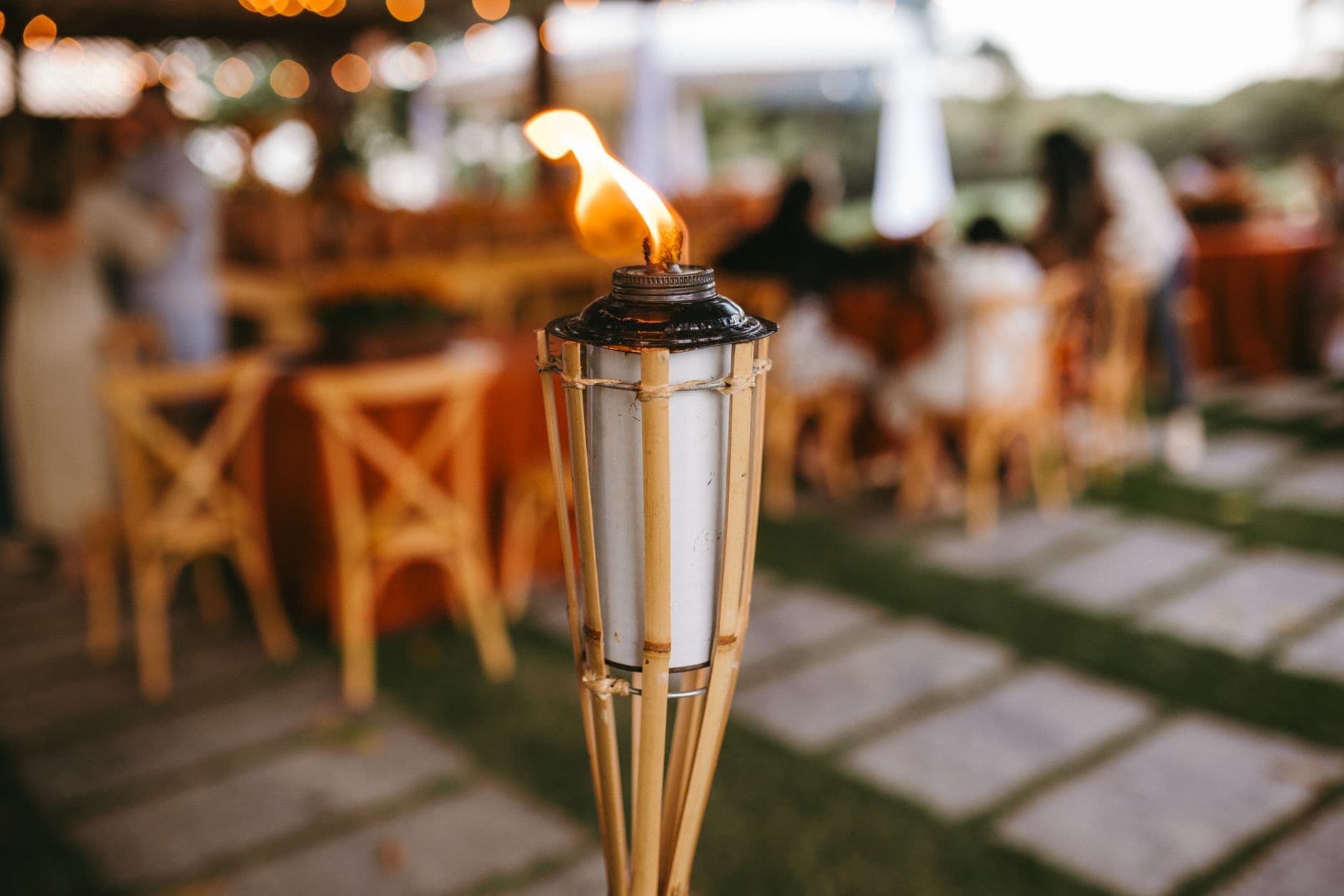
Thursday evening. Twenty guests trickle into a rooftop bar overlooking the old town. The groom's college roommate takes a wide-angle shot of the skyline. The bride's aunt snaps a photo of the welcome bag she just received. Someone captures the first toast of the weekend. None of these photos will ever leave those phones.
That's the quiet tragedy of the weekend wedding. You spend months planning a multi-day celebration with a welcome party, a rehearsal dinner, the ceremony, the reception, and a farewell brunch. Your guests take hundreds of photos across all of it. And then? Everyone means to share them. Almost nobody does.
The Weekend Wedding Photo Problem
A single-day wedding already scatters photos across dozens of phones. A weekend wedding multiplies the problem by three or four. Each event has its own vibe, its own guests, its own lighting. The welcome party has candid conversations over cocktails. The ceremony has the tears and the kiss. The reception has the dancing. The Sunday brunch has the bleary-eyed hugs goodbye.
Your photographer covers the ceremony and maybe four hours of the reception. That's it. Based on data from over 25,000 weddings, guests collectively capture 500 to 2,000+ photos covering the full 8+ hours of a celebration. For a multi-day wedding, those numbers climb higher, spread across events where no professional is present at all.
The welcome party is where this hurts most. It's often the most relaxed, personal part of the weekend. Old friends reconnecting. Family meeting the partner's side for the first time. No photographer, no agenda, just genuine moments. And every single photo stays trapped on whoever took it.
One Gallery for the Whole Weekend
The fix is simple: set up a single shared gallery before the first guest arrives. Not a WhatsApp group (those become unmanageable with 80+ people). Not a shared iCloud album (half your guests use Android). A QR code gallery that works in any browser, on any phone, with zero app installs.
You create the gallery once. You get one QR code. That QR code goes on the welcome bags, the table cards at the rehearsal dinner, the ceremony program, and the brunch menu. Same gallery, same link. Every photo from every event ends up in one place.
This is fundamentally different from creating separate albums or hashtags for each event. A unified gallery tells the complete story of the weekend, from the first cocktail to the last goodbye hug. And guests only need to scan once. After that first scan, the gallery is bookmarked in their browser.
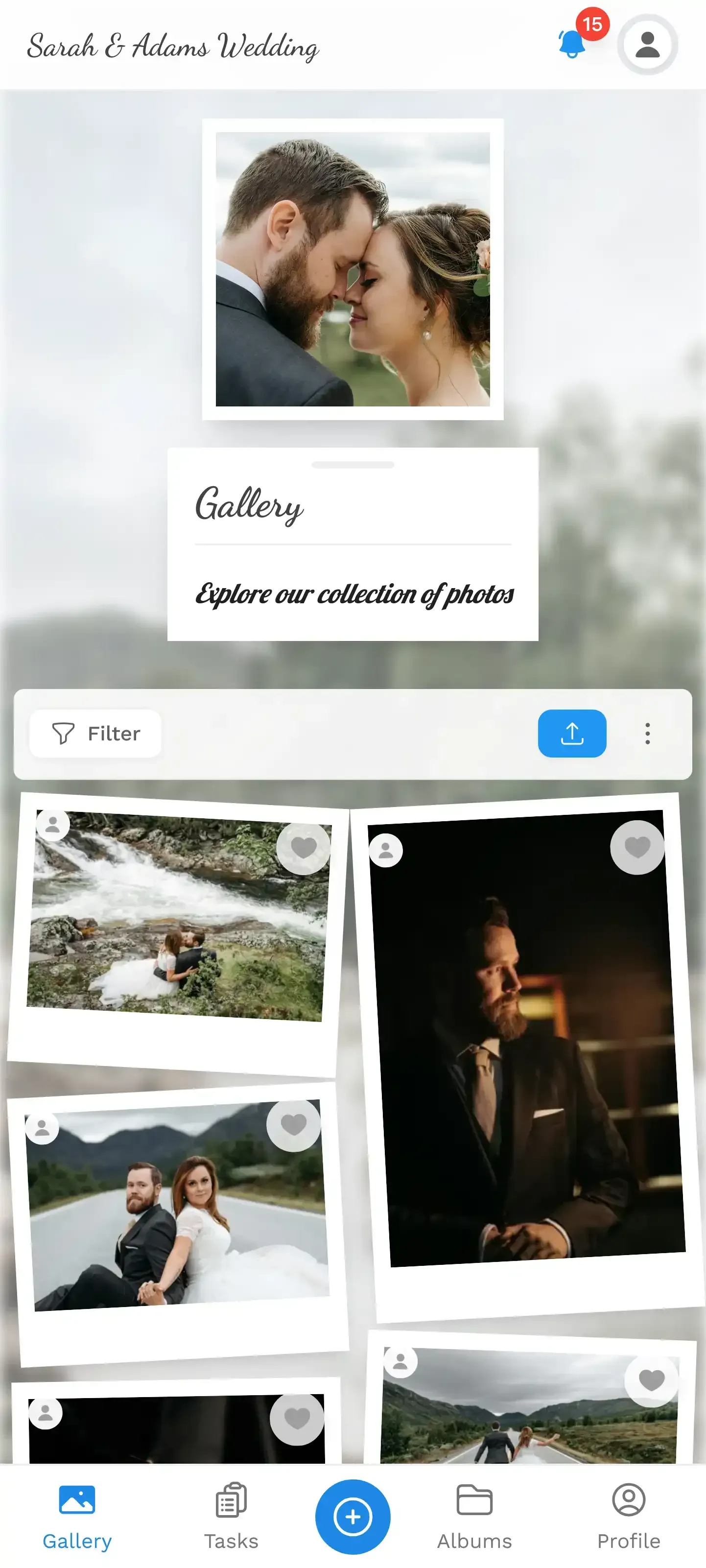
1.One gallery for the entire weekend. Guests scan once and upload throughout.
Welcome Party: Setting the Tone (and the QR Code)
The welcome party is your biggest ally for photo sharing, not just for the photos it generates, but for the habit it creates. If guests scan the QR code and upload their first photos on Thursday evening, they'll do it again on Friday, Saturday, and Sunday without being asked.
Here's what works: print the QR code on the welcome bag tag. Not tucked inside an envelope. Right on the tag, visible the moment someone picks up their bag. Add a simple line: "Scan to share your weekend photos." That's it. No explanation needed. Even guests who aren't tech-savvy figure out a QR code scan. If you want to design a custom QR code that matches your wedding aesthetic, Photogala's free QR Code Generator can help.
QR Code Generator
Create custom QR codes for your event — link guests directly to your photo gallery.
Timing trick: Have someone upload 5-10 photos from the venue setup before guests arrive. When the first person scans the QR code, they see a gallery that already has life in it. An empty gallery feels awkward. A gallery with a few photos says "people are already sharing, join in."
Welcome parties tend to be intimate. Maybe 20-40 of the closest guests. That intimacy produces the kinds of photos couples treasure most: the groom's parents meeting the bride's grandmother, college friends reuniting after years, the couple relaxed and laughing before the big day's pressure kicks in.
None of these moments make it into a professional album. They exist only on guest phones. And according to wedding research, most guests intend to share but never actually follow through. A QR code on the welcome bag changes that equation entirely.
See it in action
Every guest photo in one album – no app.
Day-of Strategy: Ceremony Through Reception
By the time the ceremony starts on Saturday, your guests already know how the gallery works. They uploaded a few photos at the welcome party. The QR code is familiar. Now you just need to make it visible again.
Put the QR code on the ceremony program. Print it on the cocktail hour menu. Place a small table card at each reception table. The key is repetition without being pushy. A small QR code in the corner of something guests are already holding works better than a giant sign that screams "UPLOAD YOUR PHOTOS."
For the reception, consider setting up a live photo wall. A TV or projector near the bar or dance floor that displays guest photos in real time. According to a 2025 survey on wedding projector setups, couples increasingly use digital displays at receptions, and it's easy to see why: it creates a feedback loop. Guests see their photos appear on screen, laugh, and immediately take more.
1.Guest photos appear on the big screen in real time. The feedback loop is real.
Photo Challenges That Span Multiple Days
Here's where weekend weddings have a genuine advantage over single-day celebrations. You have time. Enough time to run photo challenges that build across events.
Picture this: a challenge called "First and Last" where guests capture their first moment at the welcome party and their last moment at the Sunday brunch. Or "Best Dressed" where guests photograph the most stylish outfit at each event. Or a simple "Catch the Couple" challenge where guests try to snap candid photos of the bride and groom across the whole weekend.
The beauty of multi-day challenges is that they give guests a reason to keep the gallery open. Instead of uploading photos once and forgetting, they're checking back to see how others are doing. Add a leaderboard and suddenly the groom's competitive uncle is taking photos of everything, including the centerpieces at brunch. For more ideas, check out our list of 50 creative photo challenge ideas for weddings.
Photogala challenges can include example preview photos, which opens up creative formats beyond simple text prompts. Set a reference photo of a famous movie scene and challenge guests to recreate it. Upload a silly meme pose and dare guests to top it. These photo roulette-style challenges generate the kind of content that gets passed around for years.
The Sunday Brunch: Where the Best Photos Happen
Ask any couple who had a weekend wedding what their favorite photos are. Most won't pick the ceremony shots. They'll pick the Sunday brunch.
Brunch photos are different. The formality is gone. Hair is down (literally). Kids are running around. The couple is finally relaxed. Someone is wearing sunglasses indoors. The conversation is about the night before, who danced until 2 AM, who gave the best toast, who caught the bouquet.
These are the photos that capture what the weekend actually felt like. And they're almost never professionally photographed, because the photographer's contract ended at midnight. This is exactly why a guest photo gallery matters so much for multi-day events. The brunch photos complete the story.
One small tip: at brunch, casually mention the gallery one more time. "Has everyone uploaded their photos? The QR code is on the menu." That gentle reminder is usually enough to nudge the last holdouts. You can also read our guide on how to collect photos before guests leave for more practical nudges.
What About Guests Who Can't Be There?
Weekend weddings often mean some guests can only attend one event, maybe just the ceremony, maybe just the brunch. And some can't make it at all. A shared gallery lets long-distance guests follow along in real time, even upload their own congratulatory photos or video messages from afar.
It also solves the awkward situation where Uncle Frank flew in for the welcome party but had to leave before the reception. He still gets to see every photo from Saturday night. The gallery stays active for months (6 months on the Plus plan, 12 months on Premium and 24 months on Deluxe), so there's no rush.
Practical Setup: What You Actually Need
Set up your weekend wedding gallery in 3 steps
Create the gallery before the welcome party
Sign up, name your event, pick a gallery style that matches your wedding theme. Upload a few setup photos to seed the gallery. The whole process takes about 5 minutes.
Print the QR code on everything
Welcome bag tags, ceremony programs, table cards, brunch menus. Same QR code everywhere. Guests scan once and they're in for the whole weekend.
Turn on the photo wall for the reception
Connect a TV or projector at the venue. Guest photos appear on screen in real time. The live collage mode works great for dance floors.
You can customize the gallery with your wedding colors, logo, and preferred layout style. Photogala offers multiple gallery layouts (Modern, Polaroid, Timeline, Vintage) and six header styles, so the gallery actually matches your wedding's visual identity rather than looking like a generic photo dump.
If you're concerned about inappropriate uploads (it happens, especially late at night after the open bar), the moderation dashboard lets you or a designated bridesmaid approve photos before they appear. The AI NSFW filter on the Deluxe plan catches obvious problems automatically.
For couples building their gallery early, you might also want to explore starting your gallery from the engagement party and carrying it through the entire journey.
The Honest Trade-off
Photogala isn't free. There's a Free Demo plan to try it out, but for a multi-day wedding with 100+ guests, you'll want at least the Plus plan (€39 one-time) for unlimited photos and up to 25 videos, or Premium (€69) if you want social features like comments and the leaderboard. It's browser-based, so there's no native app. For most guests, that's actually a plus (no download friction), but it does mean the experience depends on the venue's WiFi or mobile data.
Compare that to a physical photo booth rental at €400-1,200 per evening, which only covers one event and produces a fraction of the photos. For a weekend celebration, the math is straightforward. If you're weighing options beyond the traditional photo booth, we wrote about what actually works for guest engagement at modern weddings.
A weekend wedding is more than a ceremony. It's a collection of moments spread across days, venues, and guest circles. The couple who planned the welcome bags and the seating chart and the brunch menu deserves to see every photo from every part of it. Not scattered across phones. Not lost in a WhatsApp group that gets muted by Monday. All in one place, ready to relive whenever they want.
All of this comes with your own event.
Setting it up takes five minutes. You can build and view everything before you decide.
Starting from €39 one-timeOne-time payment — No subscription
- No App Required
- Setup in 5 Minutes
- 30-Day Money Back
“I use PhotoGala Deluxe and I'm absolutely thrilled. It was the perfect solution for documenting a sports event. Uploading and downloading via the link is a breeze for every participant. What won me over most were the photo wall and the slideshow – both are quick to set up and look really professional. Big praise also to Peter from the PhotoGala team: he's very easy to reach by email, replies quickly and even took my suggestions on board and added new features that made my slideshow even better. You rarely get support this dedicated. A clear 5-star recommendation!”
Written by

I believe event photos should be more than static galleries. They should be live, playful, and unforgettable.
Categories
Related Posts

Bridal Shower Photo Sharing: Collect Every Sweet Moment in One Gallery
Bridal shower photos end up scattered across 15 phones. Here's how to get them all into one gallery before the mimosas wear off.

Maternity Photo Sharing: How to Keep Every Announcement, Bump Shot, and Memory in One Place
Pregnancy announcements land on 4 different apps. Maternity photos get lost in group chats. Here's how to keep every photo in one shared gallery your whole family can access.

Sales Kickoff Photo Sharing: How to Turn a Mandatory Meeting Into a Team Memory
Sales kickoffs are expensive. The photos from them usually disappear into 14 different camera rolls. Here's how to fix that.