Your Wedding Guests Will Take 600 Photos. Here's How to Actually Get Them.

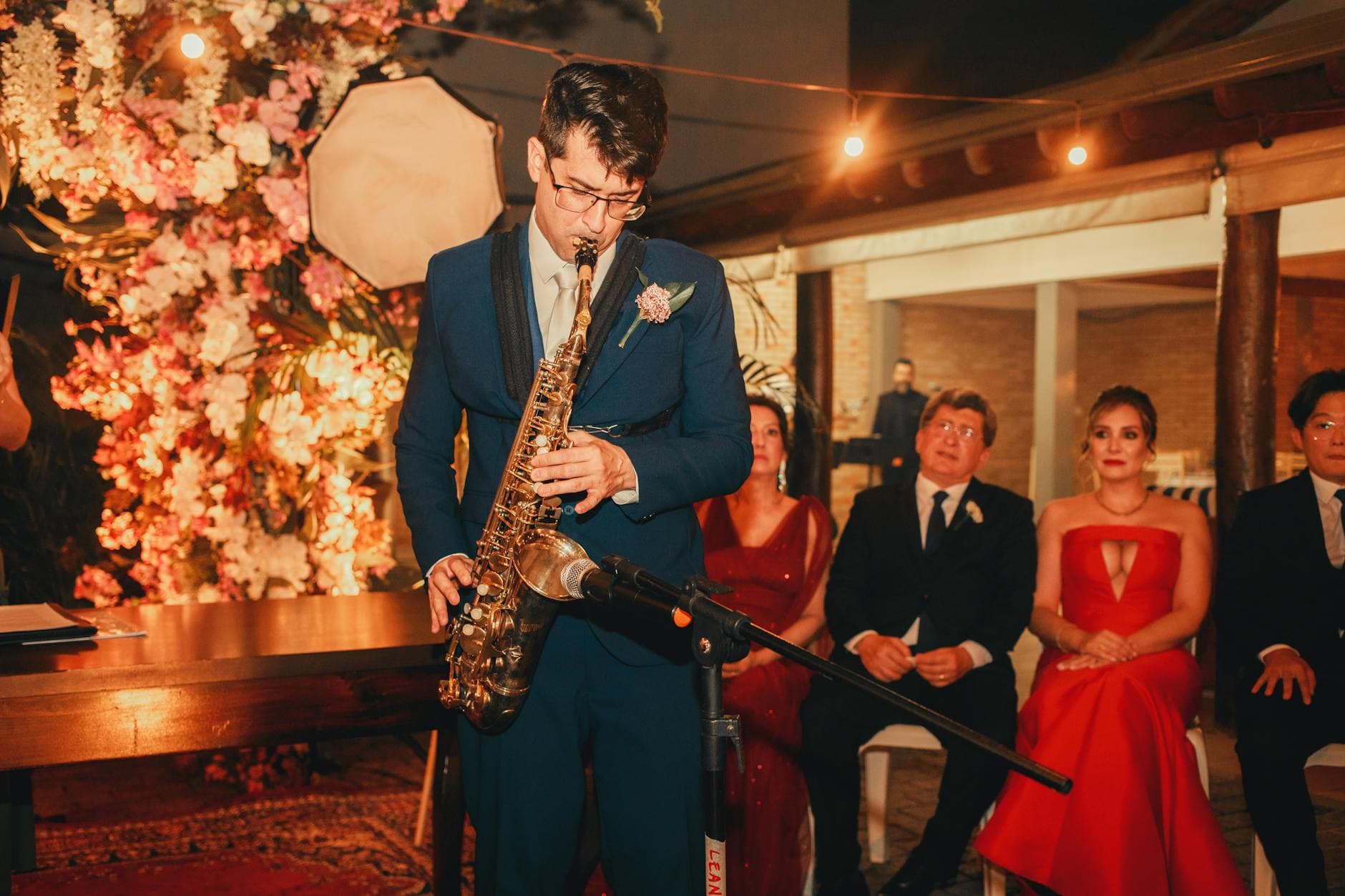
Picture the Monday after a wedding. The photographer sends a preview: 280 gorgeous, editorial-quality images. But the photo the bride keeps describing to everyone at brunch? Her 74-year-old grandmother attempting the electric slide, captured from the perfect angle by a cousin sitting three tables away. That photo exists. It's in someone's camera roll — and without a plan, it's going to stay there forever.
The Photo Graveyard
A 2023 survey by Deseret News found that 80% of people have photos on their phone they've never looked at since taking them. Not deleted, not shared, just sitting there. Your wedding guests will take hundreds of photos. Candid dance floor moments, the flower girl asleep under a table at 11 PM, the groom's best friend holding back tears during the toast. They'll mean to send them. They really will.
But the week after the wedding, life resumes. The promise of "I'll send you my photos" evaporates. And the best guest shots, the ones that capture what the night felt like from inside the crowd, stay locked on 80 different phones.
The frustrating part? Guests know they took good photos. They'll mention them at brunch. "Oh, I got an amazing shot of your first dance." "You should see the one of your dad's face when he saw you in the dress." These photos exist. Collecting them shouldn't require a month-long text message campaign.
Guest candids offer perspectives professionals simply can't capture: the view from the back row during the ceremony, the ring bearer making faces during the vows, the 1 AM taxi selfie. A professional photographer delivers 280 perfect images. But they're in one place at a time. The guest perspective is irreplaceable. And without a system to collect it, it's as good as gone.
Four Ways to Collect Guest Photos, Ranked
Most couples try one of four approaches. Here's how they actually perform when 100+ guests are involved.
Collection Methods Compared
| Feature | QR Code Gallery | WhatsApp Group | Shared Album | Instagram Hashtag |
|---|---|---|---|---|
| No app needed | account required | Instagram required | ||
| Original quality | compressed | compressed | ||
| Works for all ages | need phone number | need Apple/Google ID | need Instagram | |
| One central gallery | messy chat thread | public & scattered | ||
| Setup time | ~5 min | ~2 min | ~10–15 min | ~1 min |
WhatsApp is the default for many European weddings, and it works great for a group of 10. At 100+ guests, it collapses. The photos get compressed, the chat becomes unreadable, and half the guests were never added. Shared albums need accounts that not everyone has. Hashtags are public and scattered.
The core problem stays the same across most methods: guest photos end up trapped in phones, lost in group chats, or scattered across platforms. The only approach that removes every barrier (no account, no app, no specific device) is a QR code that opens directly in the browser.
The QR Code Approach, Step by Step
The concept is dead simple. A QR code links to a browser-based photo gallery. Guest scans, browser opens, photos upload. No app, no login, no account. Nearly half of couples already include QR codes on their save-the-dates or invitations, and that number has grown 42% since 2021. Scanning a QR code isn't a tech-savvy move anymore. It's muscle memory.
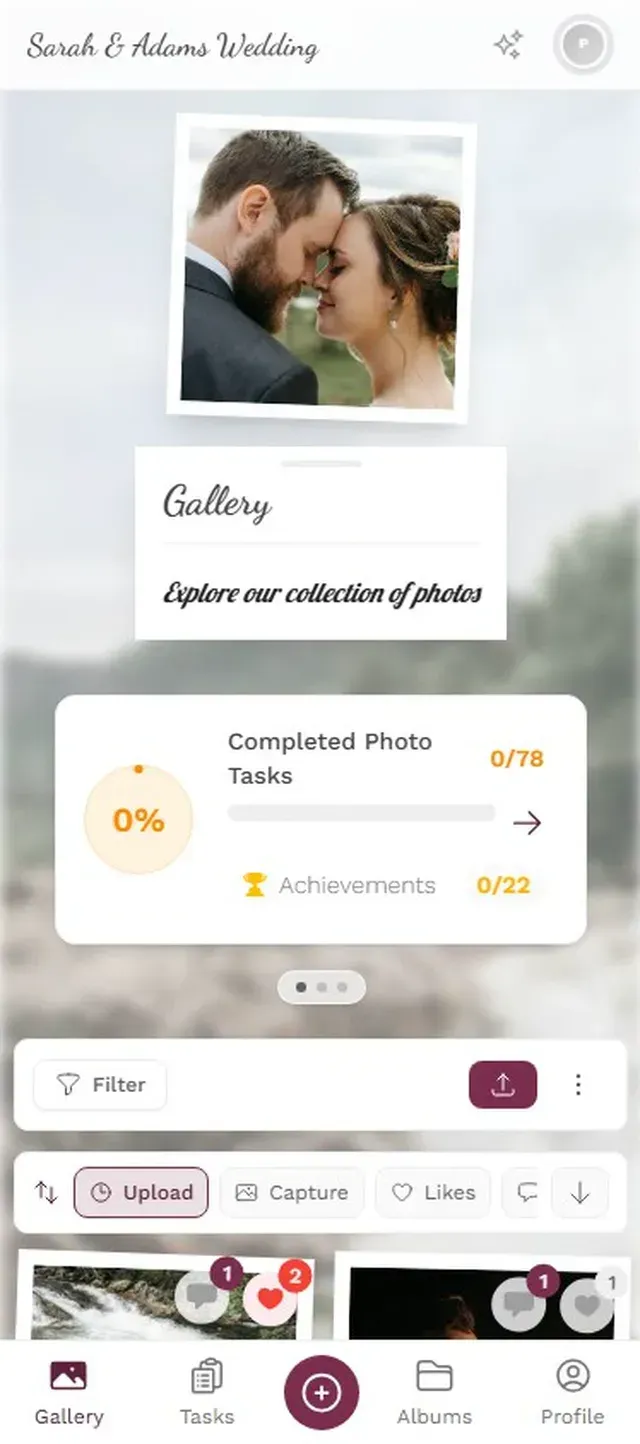
From the guest's perspective, it takes about 30 seconds. Point the phone camera at the QR code, tap the link that appears, choose a display name, pick photos from the camera roll, and upload. Original quality preserved, no compression. Guests can also browse what others have shared, which creates a snowball effect. Once a gallery starts filling up with fun moments, more people want to contribute.

A quick name entry, no account needed

Set Up Your Gallery in 3 Steps
Create your gallery
Pick a name, add your wedding date and colors. The whole setup takes about two minutes.
Print and share the QR code
Put it on table cards, add it to your invitations, or display it on signs at the venue.
Watch the photos roll in
Guests upload from their phones in real time. Everything lands in one shared gallery.
Ready to create your gallery?
QR Code Placement Can Make or Break Your Photo Count
You can have the best photo-sharing tool in the world, and it won't matter if nobody knows it exists. A single QR code tucked next to the guest book will get scanned by maybe 15–20 people. Strategic placement across the venue? That pushes participation above 80% of guests. The difference between 60 guest photos and 450 often comes down to where you put the codes.
- Table cards at every seat, not just every table. The closer the code is to someone's hand, the more likely they'll scan it.
- A sign at the bar. People wait there. They pull out their phones. They'll scan out of curiosity.
- The bathroom mirror. This one surprises people, but it consistently performs well. Guests are alone with their phone and have a spare moment.
- A projected slide during dinner. Show the QR code between courses with a short message. 150 people seeing it simultaneously creates a wave of uploads.
But the single most effective trick isn't about placement at all.
Have the DJ or MC make one announcement during dinner: "Scan the QR code on your table to share your photos tonight. Everything goes into one gallery for the happy couple." One sentence. That's all it takes. Upload rates jump noticeably when someone says it out loud versus relying on signs alone.
From Scanning to Competing
Here's what surprises most couples. Getting guests to scan the QR code is the easy part. Getting them to upload more than two photos? That's where every approach stalls.
Photo challenges change this dynamic entirely. Instead of a passive "upload your photos" request, guests get specific missions: capture the couple's first dance, find someone wearing something blue, get a selfie with the bride's parents. Each completed challenge earns points, and a leaderboard tracks who's contributing the most.
Imagine a 150-guest wedding where the best man is quietly trying to outpace the maid of honor on the leaderboard. Both uploading between courses. The competitive guests start hunting for creative angles. The shy ones, who never would have uploaded anything unprompted, start participating because they see how easy it is and what everyone else is sharing.
The challenges can be as structured or playful as you want. Photography-focused prompts work well: best sunset shot, most creative angle of the venue, candid reaction during the speeches. Sillier ones get people laughing: "Catch someone sneaking seconds at the dessert table," "Photo evidence that your uncle can dance." Five to eight challenges is a good number for a full-day wedding.
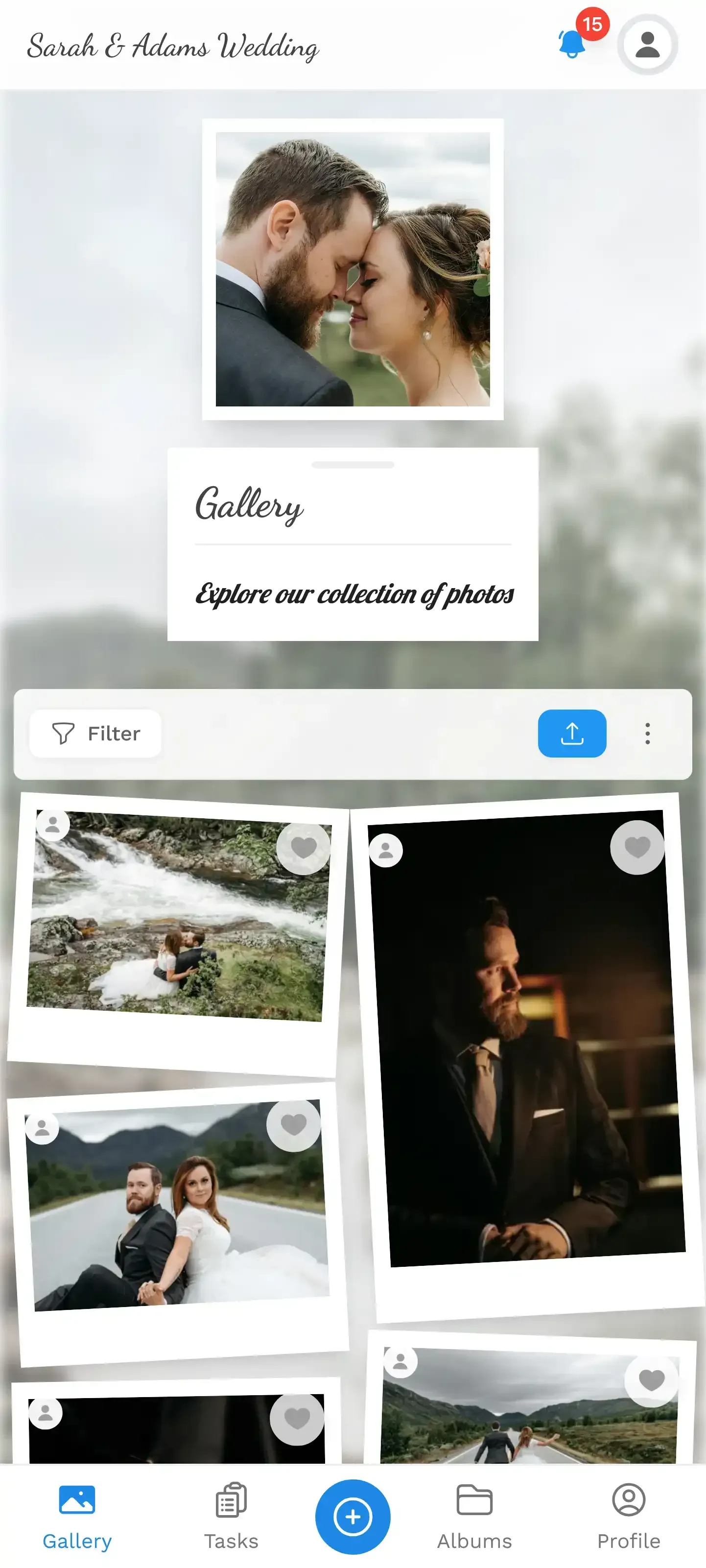
Guests browse and contribute to the shared gallery
Connect a TV or projector to the gallery and every new upload appears on screen in real time. This creates a feedback loop: someone spots their photo on the big screen, their table reacts, others grab their phones to contribute. Place the screen somewhere visible, near the dance floor or behind the bar. Tucking it in a side room guarantees nobody sees it.
The honest trade-off: A QR code gallery isn't free like a WhatsApp group. Photogala starts at €39 for unlimited photos, unlimited guests and up to 25 video uploads, with premium plans (€69 and €119) adding leaderboards and AI features like face recognition. That's less than 0.1% of the average US wedding budget. The trade-off: a small one-time cost for a complete, organized photo collection instead of weeks spent chasing screenshots.
The Morning After
Picture the brunch the day after the wedding. Instead of opening WhatsApp to twelve variations of "I'll send you my pics this week," you pull up the gallery on your phone. Everything's already there. The photographer's polished shots, yes — but also the 450 chaotic, unfiltered, wonderful moments your guests captured on their own.
No "can you send me that photo of..." texts. No Facebook posts asking if anyone has a picture from when the groom's mother danced with his college roommate. No USB stick that someone promised to mail but never will. Just a gallery, already full, waiting for you to browse over coffee.
That photo of grandma doing the electric slide? Already saved.
Find the right plan for your event
Flexible pricing for weddings, parties and corporate events.
View PricingWritten by

I believe event photos should be more than static galleries. They should be live, playful, and unforgettable.
Categories
Related Posts
Multicultural Wedding Photo Sharing: Honoring Every Tradition in One Gallery
When your wedding blends two (or more) cultures, collecting guest photos gets complicated fast. Here's how to make it work without losing a single moment.

How to Collect Photos From Event Guests Automatically
Stop chasing guests for photos after the event. A QR code, a shared gallery, and a few smart settings can do the collecting for you.
Housewarming Party Photo Sharing: How to Capture Your New Place Through Everyone's Eyes
Your housewarming is the only time your home will look this good and feel this new. Here's how to collect every guest's photos without lifting a finger.