Photo Gallery Website Examples That Actually Work (And Why Most Don't)


You've spent an hour browsing photo gallery websites. Gorgeous grids. Smooth hover effects. Elegant fonts. And then you try to picture 150 wedding guests actually using one of these to upload their phone photos. The illusion breaks immediately.
That's because most photo gallery website examples you'll find online solve a completely different problem than the one you're dealing with. They're portfolios. Showcases. Digital art walls. Beautiful, yes. Functional for collecting event photos from dozens of people who didn't plan ahead? Not even close.
The gap between "gallery that looks good" and "gallery people actually contribute to" is wider than you'd think. And if you're planning a wedding, corporate event, or any gathering where other people have the photos you want, understanding that gap will save you weeks of frustration.
Two Completely Different Problems
A photographer building a portfolio website needs to display their own work beautifully. They control every image. They pick the layout, the sequence, the crop. The visitor's job is to look and be impressed. That's it.
An event host collecting guest photos needs something almost opposite. The host controls very little. The photos come from 50, 100, maybe 200 different phones. Different quality levels. Different aspect ratios. Some vertical, some horizontal, some blurry. The visitor's job isn't to admire. It's to upload, browse, download, maybe comment.
Most "photo gallery website" searches lead you to tools built for the first problem. Wix, Pixpa, Squarespace, WordPress with Envira or NextGEN. These are legitimate tools. If you're a photographer building your online presence, they're solid choices. Picflow reviewed seven of the top options, and they all share the same DNA: polished, single-creator showcases with client proofing.
But when someone searches "photo gallery website examples" because they need a place for wedding guests to dump their phone photos? Those tools are a terrible fit.
What Portfolio Galleries Get Right
Credit where it's due. Portfolio-style gallery websites have spent years perfecting visual presentation. A few things they nail:
- Layout variety. Masonry grids, horizontal scrolls, fullscreen slideshows. The best portfolio sites let photographers match the layout to their style.
- Image quality control. They preserve high-resolution images and display them with proper color profiles.
- Branding. Custom fonts, colors, logos. The gallery feels like an extension of the photographer's brand, not a generic template.
- Client proofing. Some platforms (like Pixpa or Picflow) let clients select favorites, leave feedback, and approve shots.
If you're a photographer reading this, those tools are probably exactly what you need. Build your portfolio on one. Seriously.
But here's where it falls apart for events.
Where Portfolio Galleries Fail for Events
Picture a 180-guest wedding. The couple sets up a Squarespace gallery site. Gorgeous design. Custom domain. It looks magazine-worthy. Then the wedding happens.
Guest number one opens the link. Sees the gallery. Wants to upload a photo. There's no upload button. Because Squarespace galleries don't accept uploads from visitors. It's a display case, not a dropbox.
OK, so the couple adds a file upload form. Now guests can technically submit photos, but each upload requires filling out fields, navigating a clunky form builder interface, and waiting for the page to reload. By the third photo, most people give up. The uncle who took 40 great dance floor shots? He uploads two and goes back to the bar.
WordPress fares slightly better. You can build a gallery with plugins, and some accept front-end submissions. But you're now maintaining a WordPress site, managing security updates, dealing with plugin conflicts, and hoping your shared hosting doesn't buckle when 80 guests try to upload simultaneously.
None of these were designed for what you actually need: frictionless multi-user uploads from mobile devices with zero account creation.
The real test of an event gallery: Can your least tech-savvy guest upload a photo in under 30 seconds, without downloading anything or creating an account? If the answer is no, you'll lose half your uploads.
What Event Photo Gallery Websites Actually Need
After looking at dozens of gallery solutions for events, a clear pattern emerges. The ones that actually collect a meaningful number of photos share five traits:
1. No app, no account, no friction
The moment you require guests to download an app or create an account, participation drops dramatically. A 2023 Deseret News survey found that 80% of people have photos on their phone they haven't looked at since taking them. Getting people to share those photos requires removing every possible obstacle. QR code scan, browser opens, upload. That's the maximum number of steps you can ask for.
2. Real-time visibility
When guests see their photo appear in the gallery seconds after uploading, it creates a feedback loop. They upload more. Other guests see the gallery filling up and think "I should add mine too." A gallery that processes uploads overnight misses this entirely.
3. Moderation without bottlenecks
At any event with alcohol involved (so, most events), someone will upload something questionable. A good event gallery gives the host a way to review and approve photos before they appear publicly, without creating a queue that delays every upload by an hour.
4. Mobile-first everything
Your guests are uploading from phones. Not laptops. Not tablets. Phones. If the upload flow, gallery browsing, and downloading aren't optimized for a 6-inch screen, you've already lost.
5. A reason to participate
This is the one most platforms miss entirely. A blank upload form gives guests no reason to open it twice. Photo challenges ("take a photo of the oldest guest on the dance floor"), leaderboards, or achievement badges give guests a reason to keep engaging throughout the event.
See it in action
Every guest photo in one album – no app.
A Real Example: Event Gallery vs. Portfolio Gallery
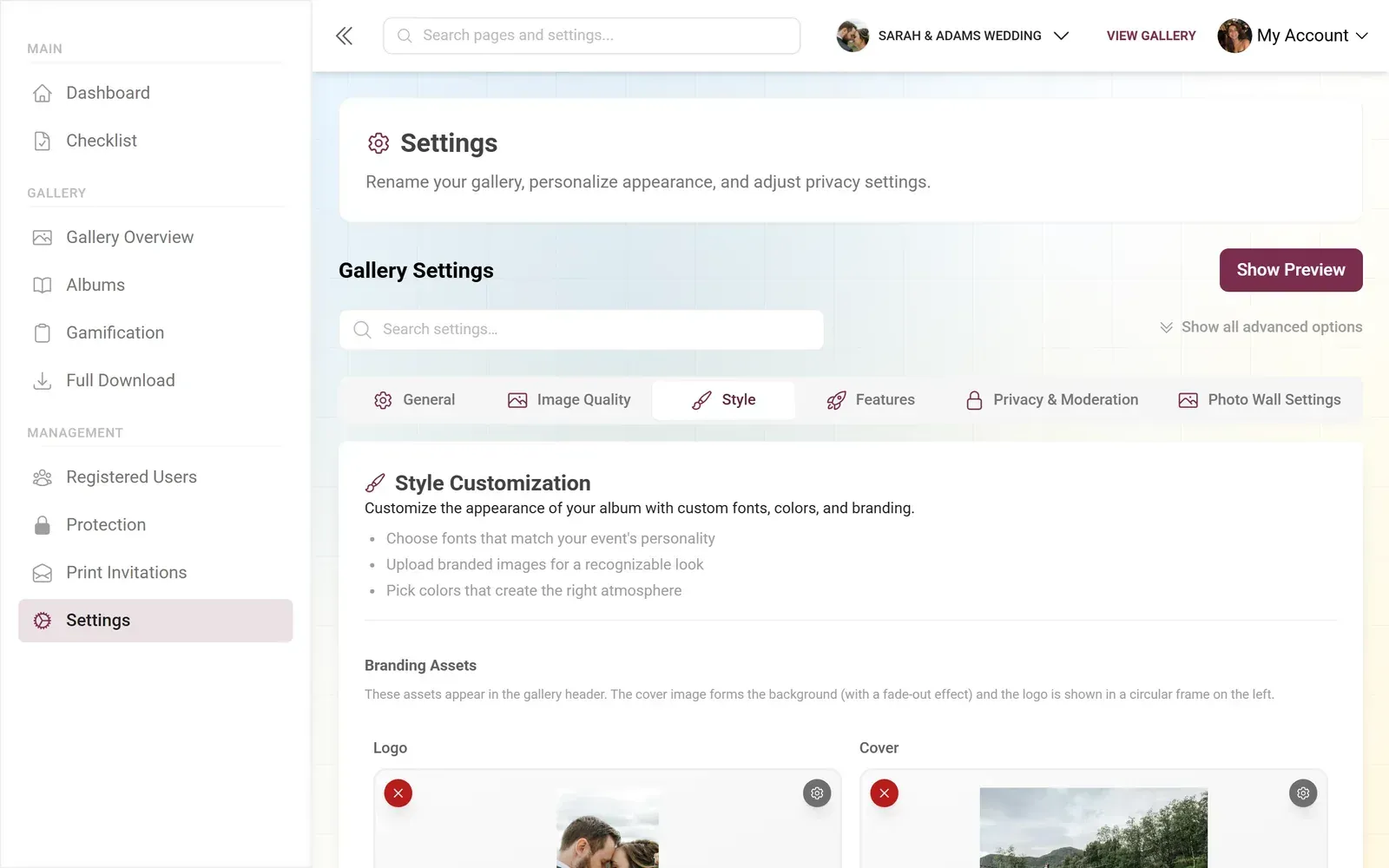
Let me show you the difference in practice. Here's what Photogala's event gallery looks like on actual devices. Four gallery layout options (Modern, Polaroid, Timeline, Vintage), real-time photo wall for big screens, and a mobile upload flow that works through the browser.

1.Mobile gallery view — guests browse and upload from their phones
Compare that to a typical Squarespace or WordPress gallery. The portfolio version looks stunning with the photographer's 30 curated shots. But swap in 400 chaotic guest photos of varying quality, and the carefully designed grid starts working against you. No upload flow. No moderation queue. No way to filter by person or moment.
The portfolio gallery was never meant to handle this. And that's fine, because it was built for a different job.
The Hybrid Trap
Some people try a hybrid approach. A pretty WordPress gallery site for displaying the professional photos, plus a Google Drive link or WhatsApp group for collecting guest photos. In theory, it covers both bases.
In practice, it's a mess. The Google Drive link gets buried in a group chat. Half the guests never find it. The WhatsApp group hits its media limit. Someone shares the wrong link. And after the event, the host has photos scattered across three platforms with no way to merge them.
We wrote about this problem in detail: how to share lots of photos without losing your mind. The short version: splitting display and collection across tools creates twice the work and half the results.
What to Look for (A Practical Checklist)
If you're evaluating photo gallery options for an event, here's what actually matters. Forget the marketing screenshots. Test these things:
- Upload test. Open the gallery link on your phone. Can you upload a photo in under 30 seconds without creating an account? Time it.
- Guest capacity. How many people can upload simultaneously? Some platforms choke above 20 concurrent users.
- Moderation. Can you approve or reject photos before they go public? Can you assign a friend as moderator?
- Download. Can you bulk-download all photos as a ZIP after the event? In original quality?
- Engagement. Is there anything encouraging guests to upload more than one photo? Challenges, a leaderboard, likes, comments?
- Display. Can you show the gallery on a big screen at the venue? Does it update in real time?
Most portfolio gallery builders fail at items 1, 3, and 5. Most basic photo sharing apps (iCloud, Google Photos) fail at items 5 and 6. Purpose-built event platforms handle all six.
One honest trade-off with Photogala specifically: it's browser-based, not a native app. That's actually an advantage for guests (no download required), but it means the experience is slightly less polished than a dedicated iOS or Android app would be. For event photo sharing, the lower friction outweighs the marginally smoother native feel.
Quick Comparison: Gallery Types at a Glance
Portfolio Galleries vs. Event Galleries
| Feature | Portfolio Builders | Basic Sharing Apps | Event Platforms |
|---|---|---|---|
| Guest uploads (no account) | requires app | ||
| Real-time gallery updates | slow sync | ||
| Content moderation | |||
| Mobile-first upload flow | |||
| Photo wall / big screen display | |||
| Photo challenges / gamification | |||
| Multiple gallery layouts | 4 layouts | ||
| Custom branding | |||
| Bulk download (original quality) | varies |
When a Portfolio Gallery IS the Right Choice
Not every situation calls for an event platform. If you're a photographer building a client-facing website, a portfolio gallery is exactly right. If you're creating a personal photography blog, same thing. If you need proofing tools where clients select their favorites from your shoot, tools like Picflow or Pixpa are purpose-built for that workflow.
The mistake is using a portfolio tool for an event job. Or using an event tool for a portfolio. They solve different problems. Recognizing which problem you're solving saves you from building something beautiful that nobody uses.
For events where guests have the photos? Where you need 50+ people uploading from their phones? Where a leaderboard might actually get your uncle to share those dance floor shots? That's a different tool. And the gallery website template guide we published covers why templates alone don't solve the event problem.
The best photo gallery website for your situation depends entirely on what "best" means. For showcasing your photography portfolio, pick any of the established website builders. They're genuinely good at that job.
For collecting and sharing photos at an event where other people hold the cameras? That requires something built specifically for the chaos of 100+ phones, varying tech skills, and the narrow window of an event where participation happens or it doesn't. The right tool makes the difference between 40 awkward photos and 400 candid ones.
All of this comes with your own event.
Setting it up takes five minutes. You can build and view everything before you decide.
Starting from €39 one-timeOne-time payment — No subscription
- No App Required
- Setup in 5 Minutes
- 30-Day Money Back
“We were really thrilled, and everything went so much more smoothly, from the seating plan all the way to the photo games! Simply great! Highly recommended!”
Written by

I believe event photos should be more than static galleries. They should be live, playful, and unforgettable.
Categories
Related Posts

Bridal Shower Photo Sharing: Collect Every Sweet Moment in One Gallery
Bridal shower photos end up scattered across 15 phones. Here's how to get them all into one gallery before the mimosas wear off.

Maternity Photo Sharing: How to Keep Every Announcement, Bump Shot, and Memory in One Place
Pregnancy announcements land on 4 different apps. Maternity photos get lost in group chats. Here's how to keep every photo in one shared gallery your whole family can access.

Sales Kickoff Photo Sharing: How to Turn a Mandatory Meeting Into a Team Memory
Sales kickoffs are expensive. The photos from them usually disappear into 14 different camera rolls. Here's how to fix that.