Baby Shower Photos End Up on 30 Different Phones. Here's How to Get Them All in One Place.


The gift opening was adorable. The cake was perfect. Your best friend's face when she saw the tiny shoes? Priceless. And all of it was captured, just not by you. It's on your mom's phone. Your sister-in-law's phone. Your coworker's phone. Three of them posted Stories that disappeared 24 hours later.
Sound familiar? A Mixbook survey found that 50% of Americans do nothing with the photos they take on their phone. They just sit there. At a baby shower, this means dozens of sweet, unfiltered moments scattered across a room full of camera rolls that will never be synced, shared, or printed.
The fix is simpler than you'd think. No group chat chaos, no shared iCloud album half the room can't access, no USB stick nobody brings. Just a QR code.
Why Baby Shower Photos Get Lost
Baby showers have a specific problem that weddings or big parties don't. The guest list is smaller (usually 15-30 people), so every single photo matters more. There's no professional photographer. And the best moments happen fast: a reaction to a onesie with a terrible pun, a toddler crawling through wrapping paper, the expecting mom tearing up over a handwritten letter.
Everyone pulls out their phone. Everyone snaps a few shots. And then? Someone creates a WhatsApp group. Three people contribute. The rest forget, or they're not on WhatsApp, or they send 40 photos that compress into blurry thumbnails. Your aunt, who took the single best photo of the day, isn't in the group at all.
According to a Deseret News survey, 80% of people have photos on their phone they haven't looked at since taking them. Your baby shower photos are joining that pile right now.
The QR Code Approach (and Why It Actually Works)
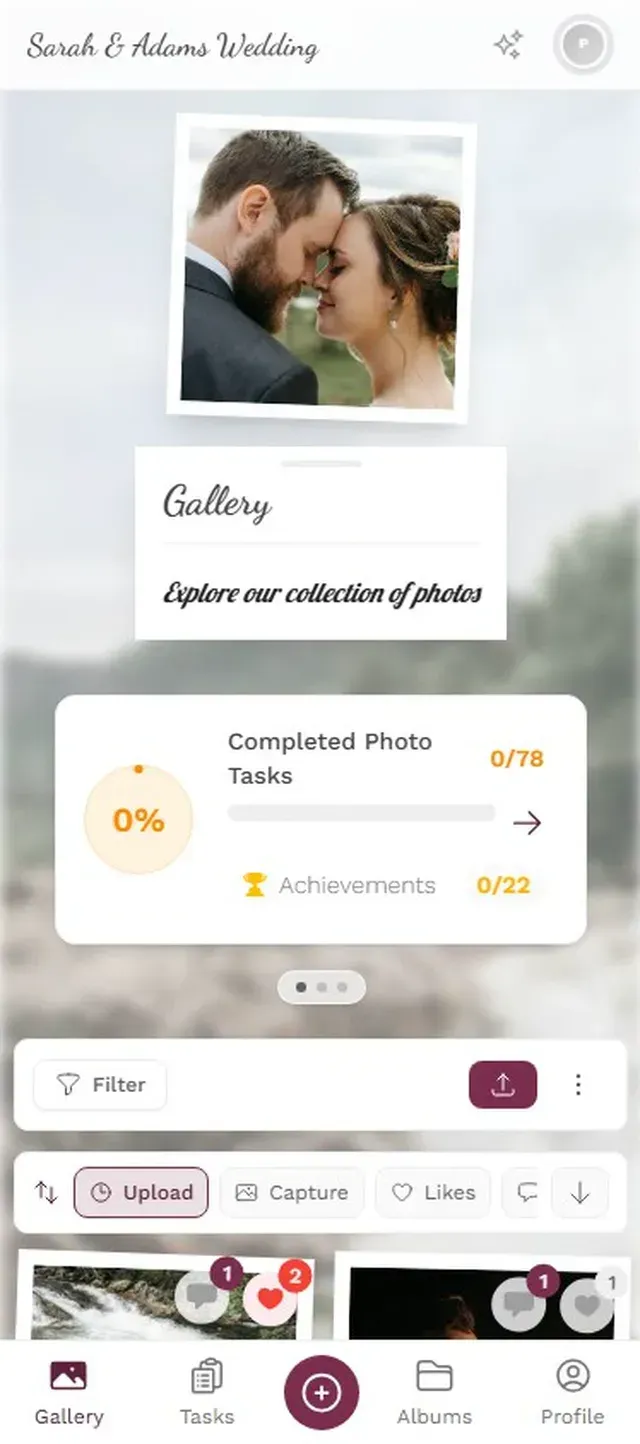
The concept is straightforward. You create a shared photo gallery before the shower. It generates a QR code. You print that code or display it somewhere visible. Guests scan it with their phone camera, and they're in the gallery, uploading photos in full quality. No app download, no account creation, no technical skills required.
This matters more at baby showers than almost any other event. The guest list often spans three generations. Your college friends, your parents, your grandmother. A shared Google Photos album falls apart the moment someone doesn't have a Google account. An AirDrop chain breaks when half the room has Android phones. A QR code works on every phone with a camera, which in 2026 means every phone.
Place the QR code where guests will naturally see it: next to the gift table, on the food station, or printed on a small card at each place setting. WedPicsQR and other platforms have shown that visible QR placement is the single biggest factor in participation.
Photogala takes this a step further. When a guest scans the code, they land in a browser-based gallery. They pick a display name (no sign-up), and they can start uploading immediately. The photos appear in the shared gallery in seconds, at original quality. No compression, no waiting.

Just a name, nothing else needed.

Setting It Up (It Takes Less Time Than Wrapping a Gift)
The whole setup takes about two minutes. Seriously. You don't need to be tech-savvy, and you don't need to do it the day of the shower. Set it up a week before and forget about it until the party.
Three steps to a shared baby shower gallery
Create the gallery
Go to Photogala and create a new event. Name it something like "Sarah's Baby Shower" and pick a cover photo or theme. Done in under a minute.
Print or share the QR code
Download the QR code and print it on table cards, tape it to a picture frame, or add it to the invitation. You can also text the link directly.
Let guests do the rest
Photos start appearing as guests upload. You can browse them during the shower or wait until after. Everything's in one place.
One thing that surprised me when testing this: you don't actually need to remind people. If the QR code is visible, guests figure it out on their own. Print it large enough and put it somewhere obvious. That's the whole strategy.
Ready to create your gallery?
What Moments to Actually Capture
Here's where a little planning goes a long way. Baby showers have a predictable rhythm, and the best photos come from specific moments that you can subtly guide guests toward.
BabyGenic's photography guide breaks baby shower photos into three categories: the celebration itself (decorations, games, cake), the expecting parent (candid reactions, bump photos), and the group moments (everyone together, funny poses). You don't need a shot list taped to the wall. But knowing these categories helps you think about what you'd regret missing.
The moments guests naturally capture tend to be the celebration ones: the table setup, the food, the cake. What they miss are the in-between moments. The quiet conversation in the corner. The gift that made everyone laugh. The look on the expecting mom's face before she opened anything, just taking it all in.
This is where photo challenges come in.
Photo Challenges Turn Guests Into Photographers
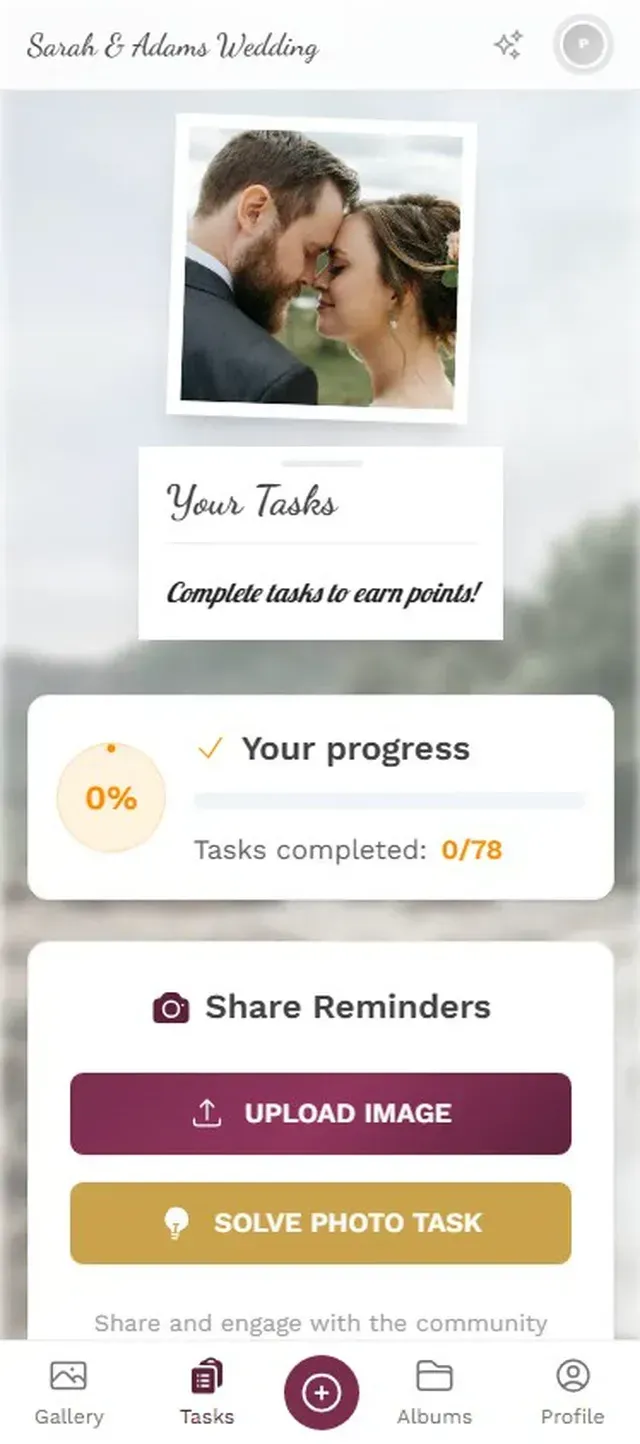
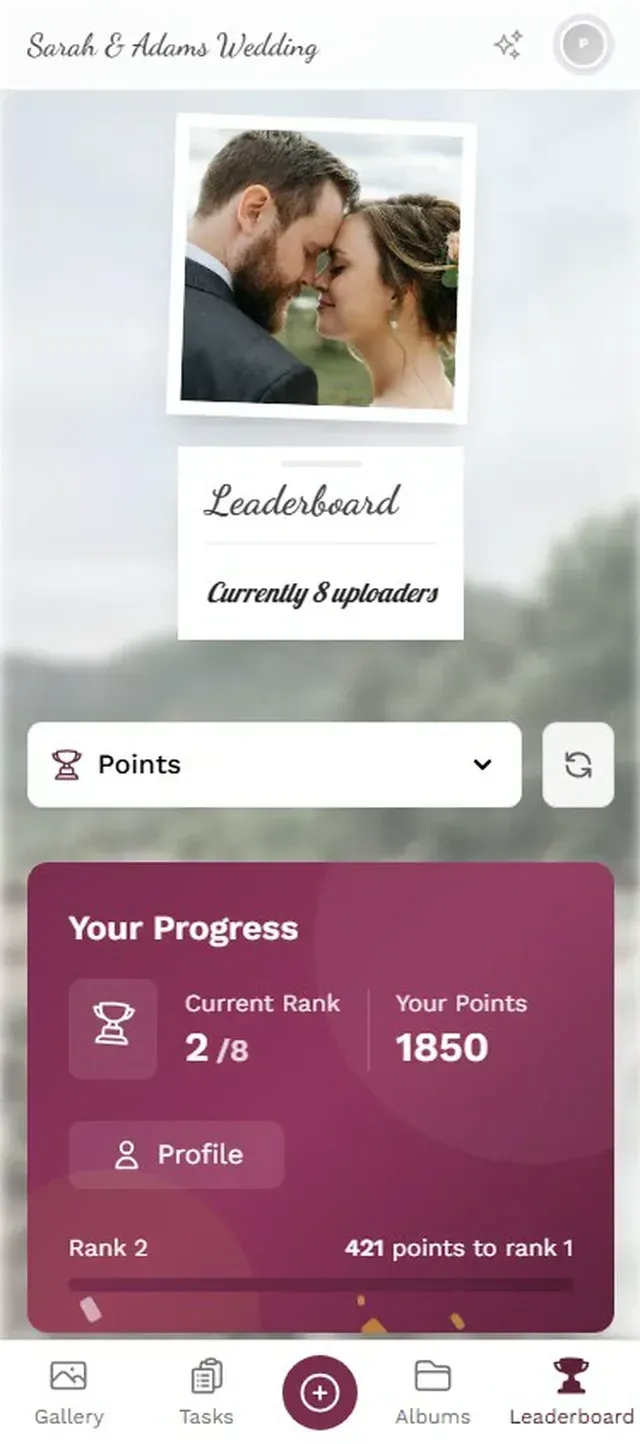
Photogala has a feature called photo challenges (or tasks). You create prompts like "Capture the funniest gift" or "Get a photo of the expecting mom laughing" and guests complete them by uploading matching photos. It sounds gimmicky. It's not.
At a baby shower with 20 guests, you'd realistically get maybe 40-80 photos without any prompting. That's fine. But add 5-6 challenges, and something shifts. People start looking for specific moments instead of just snapping what's in front of them. The "get a photo of three generations together" prompt produces the kind of shot that ends up framed on a wall.
Picture this: a baby shower with a challenge called "Catch someone making a silly face at the baby outfit." Your friend's husband, who would otherwise stand in the kitchen scrolling his phone, suddenly has a mission. He uploads four photos in twenty minutes. That's the gamification effect in action. Research from AmplifAI shows gamification increases engagement by 48% in workplace settings. At a casual event with lower stakes, the effect is even more pronounced because it feels like a game, not an obligation.
Simple prompts that guide guests to capture specific moments.
The Multi-Generation Problem (and Why Browser-Based Matters)
Every baby shower has at least one guest who asks "Do I need to download something?" The answer needs to be no. Full stop.
Your 28-year-old friends will figure out any app in seconds. Your mother-in-law might need a minute. Your grandmother? If it requires an app download, she's out. She'll take beautiful photos on her phone and you'll never see them.
This is the actual reason browser-based sharing matters. Not because it's technically elegant, but because it's the difference between getting photos from 60% of your guests and getting photos from 90% of them. GuestSnap and other platforms have recognized this: no app download, no sign-up. The fewer steps between "I took a cute photo" and "it's in the shared gallery," the more photos you get.
Photogala works entirely in the browser. Scan the QR code, pick a name, upload. Three taps. Your grandmother can do it if someone points the camera at the QR code for her. I've seen this work with guests who still have a flip phone mentality about smartphones. The simplicity is the feature.
One honest trade-off: Photogala isn't free. The Plus plan is €39, which covers unlimited photos and guests. If you're hosting a tiny shower with 5 friends who are all on iPhones, a shared iCloud album might genuinely be enough. But the moment your guest list includes Android users, older relatives, or anyone who won't remember to share later, a QR code gallery pays for itself in photos saved.
After the Shower: What to Do With 80+ Photos
The gallery stays live after the event. Guests can continue uploading photos they forgot about (there are always a few that surface days later). Everyone with the link can browse and download the full collection.
A few ideas for what to do with the collection:
- Make a photo book. Services like Mixbook or Shutterfly can pull directly from downloaded galleries. A baby shower photo book makes a perfect gift for the new parents.
- Create a slideshow for the hospital. Some parents bring a tablet to the hospital with a slideshow of the shower. It's a small thing that means a lot during long waits.
- Send a "thank you" gallery link. Instead of (or alongside) thank-you cards, share the gallery link so guests can revisit and download their favorites.
- Print the best ones. Pick 10-15 favorites and frame them for the nursery. Guest photos have a candid quality that styled shoots can't replicate.
If you used Photogala, the gallery is stored for 6 months on the Plus plan (12 months on Premium, 24 months on Deluxe), so there's no rush. If you're the kind of person who also wants to use this at the birthday party a year from now, the same gallery link works for future events too.
For families who love the idea of collecting photos across multiple celebrations, our guide on shared photo galleries for family reunions covers some creative approaches that work just as well for baby showers.
The best baby shower photos aren't the posed group shot where everyone says cheese. They're the reaction to an unexpected gift, the toddler covered in cake frosting, the quiet moment nobody else noticed. Those photos exist right now, on phones that will never share them unless you make it effortless.
A QR code on the table is all it takes.
Ready to create your gallery?
Start sharing your event photos with guests in minutes.
Create GalleryWritten by

I believe event photos should be more than static galleries. They should be live, playful, and unforgettable.
Categories
Related Posts
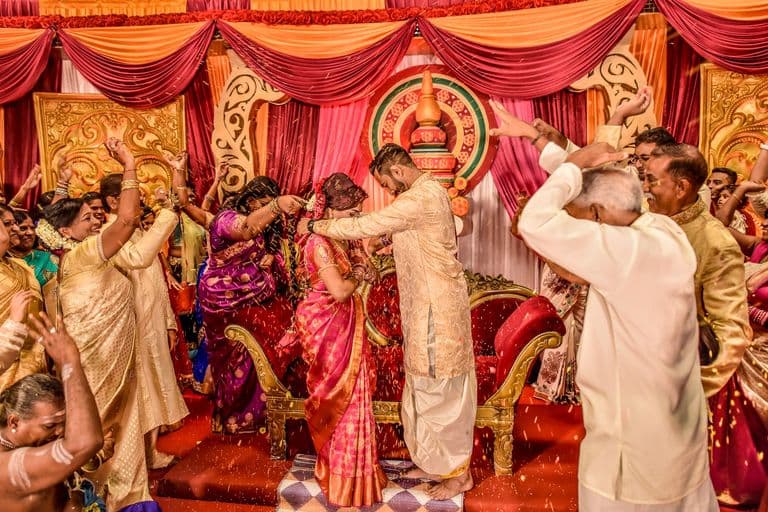
Multicultural Wedding Photo Sharing: Honoring Every Tradition in One Gallery
When your wedding blends two (or more) cultures, collecting guest photos gets complicated fast. Here's how to make it work without losing a single moment.

Free Event Planning Tools Every Organizer Should Bookmark
The best free tools for budgets, guest lists, timelines, photo sharing, and more. No subscriptions, no bloated software suites.

Milestone Birthday Photo Sharing: 30th, 40th, 50th and Beyond
At milestone birthdays, decades of relationships converge in one room. Here's how to collect every guest's photos before they vanish into 40 separate camera rolls.