Bachelorette Party Photos End Up on 12 Different Phones. Here's How to Fix That.


Saturday night. Matching sashes, a rented Airbnb with too many balloons, and the bride-to-be wearing a plastic tiara she'll never admit she loved. Between the scavenger hunt downtown and the 2 AM karaoke session, every single person pulled out their phone at least twenty times. By Sunday morning, there are roughly 200 photos spread across twelve different camera rolls.
And then comes the part everyone knows too well: "I'll send you the photos!" Nobody does. A WhatsApp group gets created. Three people upload a few. Someone shares a Google Drive link that half the group can't open. Two weeks later, the bride asks if anyone has that photo from the rooftop bar. Silence.
This is the bachelorette party photo problem. Not taking them. Collecting them.
Why Bachelorette Parties Are Especially Bad for This
Modern bachelorette parties have evolved into multi-day, experience-heavy events. A weekend trip. Multiple venues. Costume changes. Planned activities. The sheer volume of photo opportunities is way higher than at a dinner party or birthday.
Picture a typical bachelorette weekend: brunch on Saturday, an activity in the afternoon (cooking class, spa, wine tasting), getting ready together, going out at night. That's four distinct photo sessions in a single day. Multiply that by eight to twelve people, each capturing different moments. You're looking at 150 to 300 photos easily. Maybe more if someone brought a polaroid camera too.
The problem compounds with group size. A birthday dinner has maybe six people at one table. A bachelorette party often has 8-15 people splitting across activities, subgroups forming and reforming throughout the day. The person who took the best candid of the bride might not even be in the same car as the maid of honor organizing the photo collection.
The Methods That Don't Work (and Why)
You've probably tried some version of these before.
The WhatsApp/iMessage group. Everyone dumps photos into the chat. Except the media gets compressed. Scrolling back to find a specific photo is painful. Anyone who runs out of storage stops downloading. And if even one person in the group has an Android while everyone else uses iMessage, you're dealing with green bubbles and degraded quality.
AirDrop circles. Works great if everyone has an iPhone and is standing within 30 feet of each other. Breaks down completely the moment someone leaves the room, has an Android, or the AirDrop just... doesn't work, as it does about 40% of the time in my experience. As the eventplanner.net QR sharing guide puts it, AirDrop is proximity-limited and Apple-only.
Shared Google Photos or iCloud album. Better in theory. Except half the group doesn't have a Google account, or doesn't want to sign into one on their phone, or has iCloud storage issues. The friction is small, but small friction times twelve people equals zero photos from at least four of them.
The real issue isn't technology. It's friction. Every extra step between "I took a photo" and "it's in the shared album" loses you participants. The maid of honor who texts "Can everyone please upload to the Drive?" three times is fighting human nature.
QR Code Photo Sharing: The Fix That Actually Works
The concept is dead simple. You create a shared gallery. You get a QR code. You print it (or just share the link). Guests scan it, open a browser page, and upload their photos. No app download. No account creation. No login.
That's it. That's the entire workflow from the guest's perspective.
According to Photo Storehouse's 2025 comparison, no-download QR code uploads have become the standard for event photo sharing precisely because they eliminate the friction that kills other approaches. When the only step is "point your camera at this code," even the friend who still uses a flip phone's older sister can figure it out.
For a bachelorette party specifically, this solves three problems at once. First, everyone can upload from wherever they are (the bathroom selfie crew, the group at the bar, the two who stepped outside). Second, photos stay in original quality. Third, nobody has to organize anything after the fact. The album builds itself throughout the event.
No app download, no account, no login required.

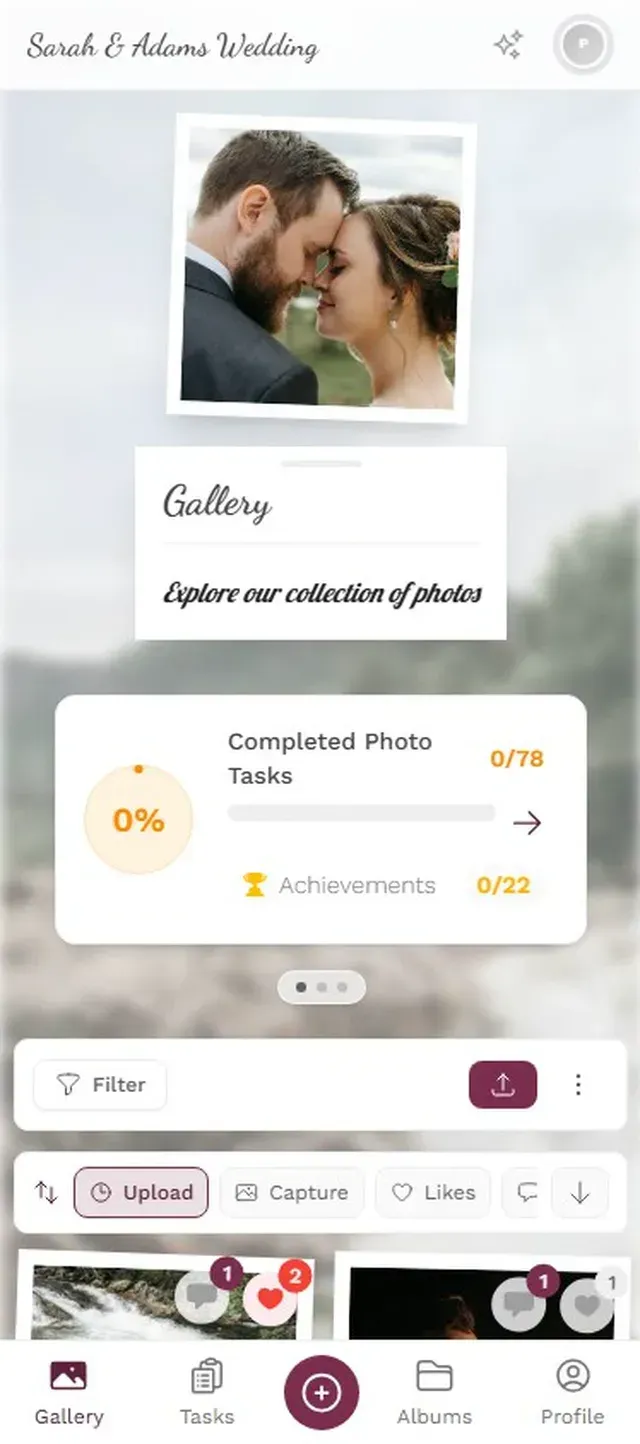
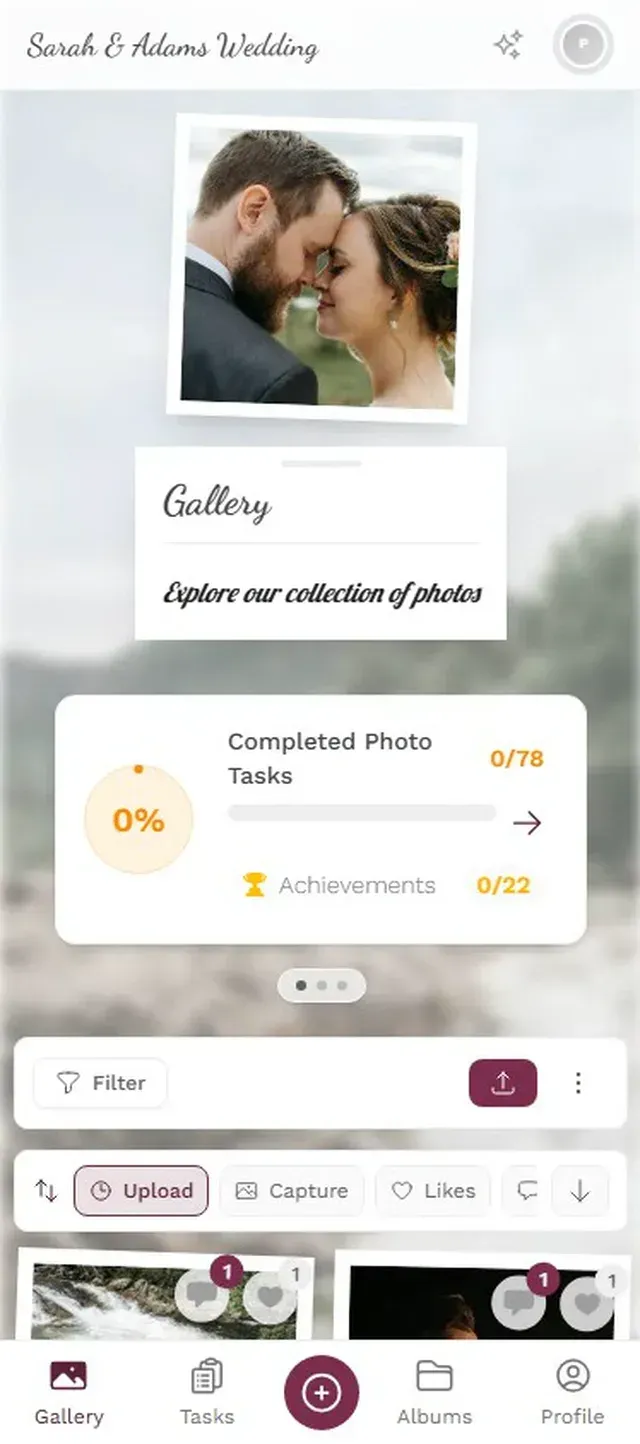
Ready to create your gallery?
Setting It Up (Takes About 3 Minutes)
You don't need to be technical. The maid of honor, the bride's best friend, or honestly anyone who can operate a smartphone can set this up. With a platform like Photogala, you create a gallery, pick a name ("Sarah's Last Fling Before the Ring" or whatever ridiculous title you agree on), and get your QR code.
Three steps, start to finish
Create your gallery
Pick a name, choose a cover image, and customize the look. Takes about 2 minutes.
Share the QR code
Print it on a card, stick it on the Airbnb fridge, or text the link to the group chat.
Let it fill itself
Guests scan and upload throughout the party. Photos appear in the gallery in real time.
One thing I'd recommend: set it up the day before, not the morning of. You'll be busy with decorations, airport pickups, and making sure the champagne is cold. Having the QR code printed and ready to go means it's one less thing to think about.
Making People Actually Upload (The Hard Part)
Getting the gallery set up is easy. Getting twelve slightly tipsy bridesmaids to actually use it? That requires a little strategy.
Put the QR code everywhere. Not just one printout. Tape it to the bathroom mirror. Put it on the brunch table. Stick it on the gift bag. The more someone sees it, the more likely they are to scan it. A single QR code on a coffee table that gets buried under snacks by noon isn't going to cut it.
Start the momentum early. Upload the first 3-5 photos yourself (the balloon setup, the decorations, the "before" group shot). When someone scans the QR code and sees an empty gallery, there's a psychological barrier. When they see photos already there, the implicit message is "add yours too." Social proof works even in groups of twelve.
Announce it once, casually. "Hey, I set up a photo thing so we don't lose all the pictures. QR code's on the fridge." Done. Don't over-explain. Don't send a paragraph in the group chat. Don't make it a presentation. The more casual it is, the more people use it. Weird, but true.
Photo Challenges: The Secret Weapon for Bachelorette Parties
Here's where it gets interesting. A plain shared album collects photos passively. Photo challenges make people actively go take specific shots.
Imagine this: alongside the scavenger hunt you already planned, there's a list of photo challenges in the gallery app. "Take a selfie with a stranger," "Catch the bride laughing so hard she snorts," "Photograph the worst dance move of the night." Each challenge completed earns points. There's a leaderboard. Suddenly the quiet friend who normally takes five photos all weekend is hunting for shots because she's competitive and currently in third place.
Photogala has this built in. You can create custom photo challenges, import from templates, and the whole group can see each other's submissions. Points, achievements, a live leaderboard. For a bachelorette party, this turns photo-taking from a background activity into a game that actually enhances the event.
Custom challenges keep the photos coming all weekend.
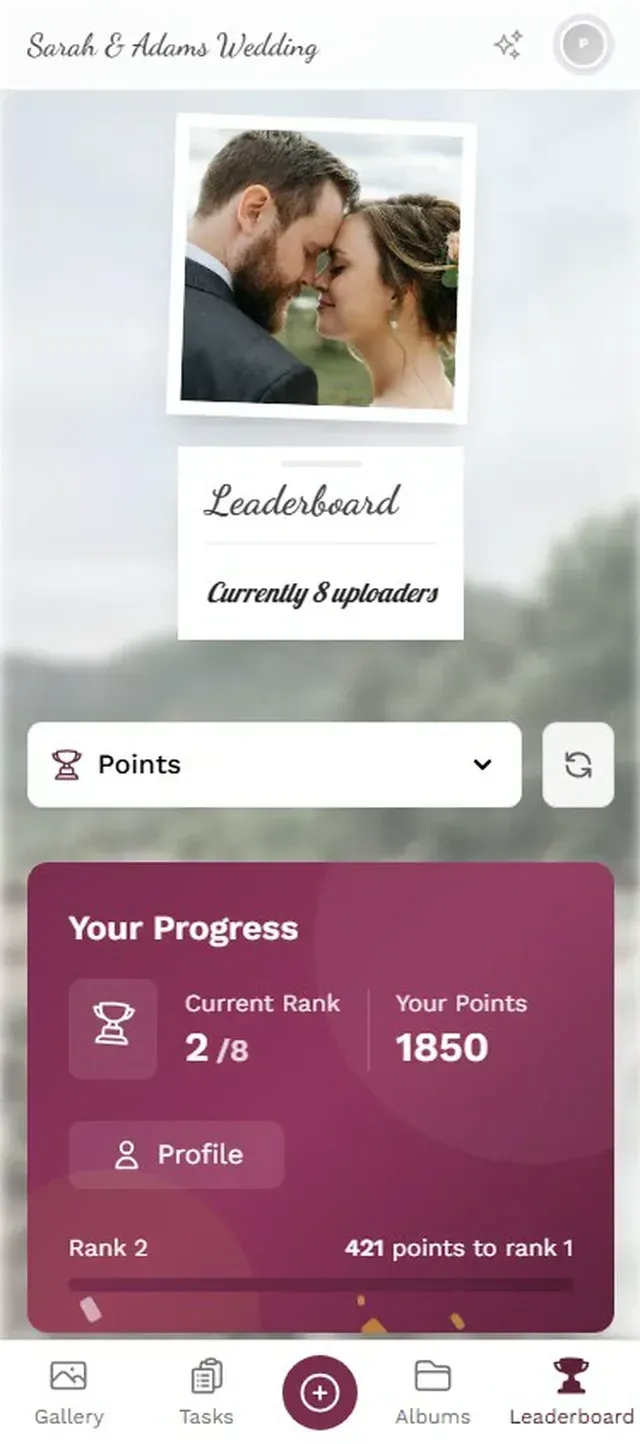
Five to eight challenges is the sweet spot. Too few and it doesn't feel like a game. Too many and people ignore the list entirely. Focus on challenges that are fun to complete and produce photos worth keeping.
One honest trade-off: Photogala's Plus plan (€39) includes unlimited photo challenges but not the leaderboard or points system. If gamification is your main goal, the Premium plan (€69) unlocks the full challenge experience with leaderboards and achievements. For a simple photo collection without games, Starter works fine.
What About Privacy?
Bachelorette parties produce... candid content. The kind of photos that are hilarious within the group and absolutely should not end up on someone's public Instagram story. This matters.
A QR code gallery is private by default. Only people with the code or link can access it. But you can go further. Photogala's Premium plan includes a content moderation feature: every upload goes through an approval queue before it appears in the shared gallery. Assign moderation duty to the maid of honor (or whoever has the best judgment about what the bride would want to see vs. what should stay buried forever).
The Deluxe plan adds an AI-powered NSFW filter that automatically flags potentially inappropriate content. For most bachelorette parties, the manual moderation on Premium is plenty. But if you're planning something particularly wild, the AI filter is a nice safety net.
After the Party: Actually Doing Something With the Photos
Here's the thing that most photo sharing solutions get wrong. They solve the collection problem and stop there. You end up with a folder of 200 photos that nobody looks at again after the first scroll-through.
Having everything in one gallery, organized chronologically with original quality preserved, makes the next step possible: the bride actually gets a complete visual record of her bachelorette party. Print a photo book. Create a slideshow for the rehearsal dinner. Pick the best 20 for a framed collage. None of that works when the photos live on twelve different phones.
Photogala keeps your gallery accessible for 6 to 12 months depending on the plan, and everyone in the group can download individual photos or bulk-download the entire collection as a ZIP. So when the bride finally gets around to making that scrapbook three months later (as one does), everything's still there.
The best bachelorette party photos aren't the posed group shots (though you'll want those too). They're the candids. The between-moments. The ones where someone caught the bride's genuine reaction to a surprise, or the 1 AM pizza run, or the group nap that happened after wine tasting. Those photos only exist if the person who took them has a zero-friction way to share them.
Give them a QR code. Put it on the fridge. Let the gallery build itself.
Ready to create your gallery?
Start sharing your event photos with guests in minutes.
Create GalleryWritten by

I believe event photos should be more than static galleries. They should be live, playful, and unforgettable.
Categories
Related Posts
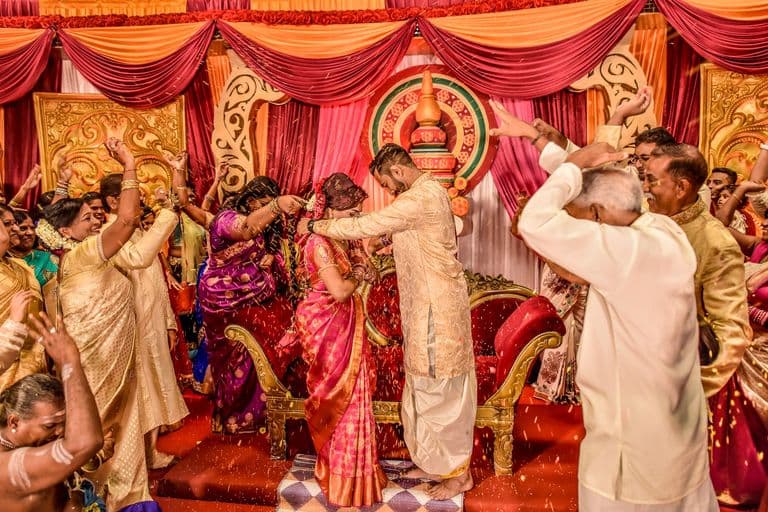
Multicultural Wedding Photo Sharing: Honoring Every Tradition in One Gallery
When your wedding blends two (or more) cultures, collecting guest photos gets complicated fast. Here's how to make it work without losing a single moment.

Free Event Planning Tools Every Organizer Should Bookmark
The best free tools for budgets, guest lists, timelines, photo sharing, and more. No subscriptions, no bloated software suites.

Milestone Birthday Photo Sharing: 30th, 40th, 50th and Beyond
At milestone birthdays, decades of relationships converge in one room. Here's how to collect every guest's photos before they vanish into 40 separate camera rolls.