Your Class Reunion Photos Will Vanish Into 50 Camera Rolls. Here's How to Stop That.


Imagine this: forty-three people who haven't been in the same room since 2006. Someone brings a printed yearbook. The guy who sat behind you in chemistry class has gone completely gray. The awkward kid from homeroom is now a pilot. Phones come out constantly, all night long.
By the end of the evening, there are hundreds of photos spread across dozens of camera rolls. And here's the part everyone already knows but nobody wants to say out loud: most of those photos will never leave the phone they were taken on.
A Mixbook survey found that 50% of Americans do nothing with the photos on their phone. At a school reunion, the odds are even worse. Half the attendees barely remember each other's last names. Nobody is going to hunt down email addresses or start a WhatsApp group three days later.
This guide covers how to actually collect and share reunion photos, from low-tech options to a setup that takes about ten minutes and works for people of every tech comfort level.
Why Reunion Photo Sharing Is Harder Than It Looks
Weddings have a built-in advantage: everyone knows the couple, there's a clear organizer, and guests expect some kind of photo-sharing system. Reunions are different. The organizing committee is usually two or three volunteers who barely had time to book the venue. Nobody is thinking about photo logistics until the night is half over.
Then there's the age range problem. A 20-year reunion means attendees in their late thirties and forties. A 40-year reunion means people in their sixties. The tech gap is real. Some attendees live on Instagram. Others haven't updated their phone since 2022.
And the social dynamics are tricky. Unlike a wedding where everyone shares freely, reunion attendees are more self-conscious. People want to see the photos, but they're hesitant to share their own unless the process is dead simple and slightly anonymous.
The Usual Approaches (and Where They Fall Apart)
The WhatsApp Group
Someone creates a group chat the morning after. About 15 of the 43 attendees join. Eight people post photos. The rest mute it within 24 hours. Three weeks later, someone asks if anyone got a shot of the whole group, and nobody responds.
WhatsApp also compresses images aggressively. That great candid of everyone laughing at the old yearbook? It now looks like it was taken through a screen door.
Google Photos Shared Album
Better than WhatsApp, but it requires everyone to have a Google account. According to GatherShot's research on corporate photo sharing, dedicated app requirements reduce participation by 60 to 80%. Google Photos isn't exactly a "dedicated app," but asking someone who uses an iPhone and iCloud exclusively to sign into Google just to upload reunion photos? That's friction most people won't push through.
The "I'll Email Them" Promise
The most popular approach, and the least effective. Everyone means well. Almost nobody follows through. By the time someone gets around to it, the moment has passed and it feels weird to send photos to people you haven't spoken to in a month.
What Actually Works: A QR Code Gallery
The approach that consistently gets the most photos with the least friction is browser-based QR sharing. Guests scan a code with their phone camera, a gallery opens in the browser, they upload. No app install. No account creation. No login.
As Knipsmig's evaluation of event photo apps points out, browser-based solutions offer instant access without downloads, and simpler processes yield more photos. For a reunion where you have maybe a 30-second window to get someone's attention between conversations, that simplicity is everything.
This is where Photogala fits. You create a gallery, get a QR code, print it on a few table cards or project it on a screen, and guests scan to upload. The whole setup takes about ten minutes.

They pick a display name. That's it.

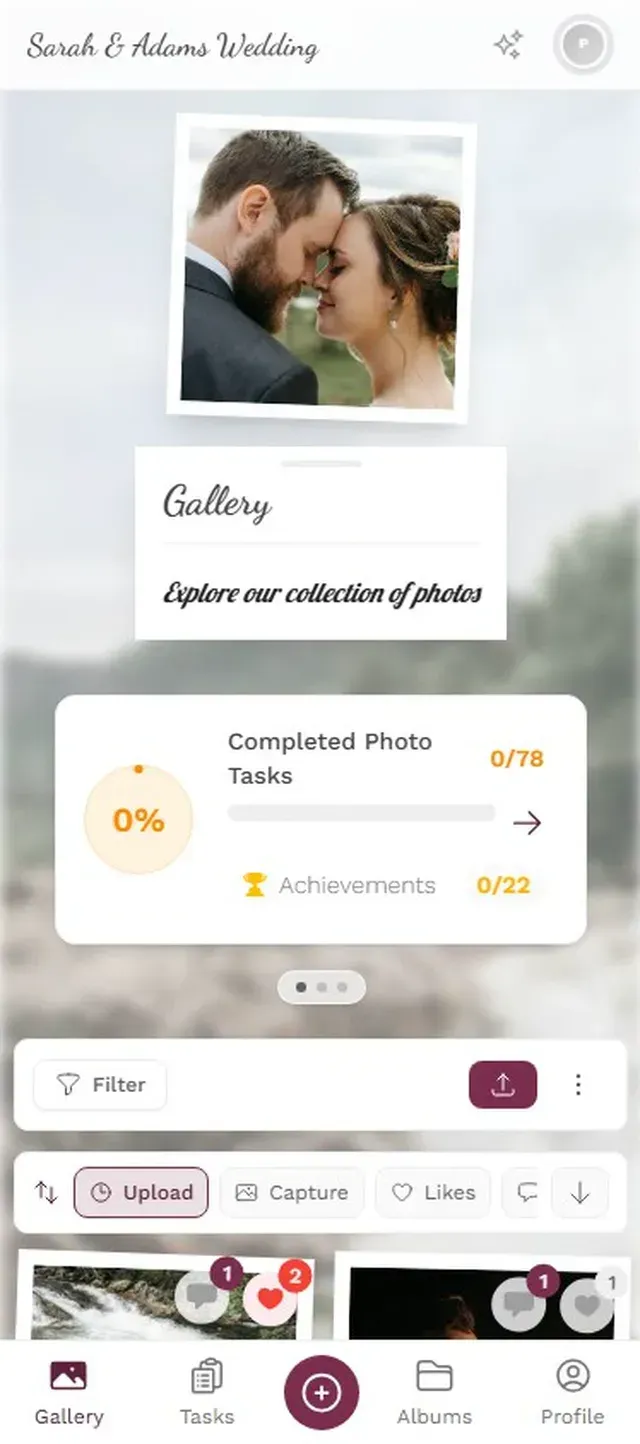
The honest trade-off: Photogala isn't free. The Plus plan costs €39, which is a one-time payment, not a subscription. For a reunion where you're already splitting venue costs and catering, it's a rounding error. But if your budget is literally zero, a shared Google Photos album is still an option (just expect fewer contributions).
Ready to create your gallery?
Setting Up a Reunion Gallery in 10 Minutes
Here's the actual process, not the marketing version, the real one.
From zero to working gallery
Create the gallery
Pick an event name ("Class of 2006 Reunion" works fine), choose a cover image, and set the event date. You'll get a unique QR code and a shareable link.
Print the QR code
Put it on table cards, tape it to the welcome sign, or add it to a small poster near the entrance. Anywhere guests will see it without being told to look.
Share the link in advance
Email or text the gallery link to attendees a day before the event. The early birds will start uploading old yearbook photos before the reunion even starts.
One thing I didn't expect: sending the link before the event makes a bigger difference than any signage at the venue. When people already have the gallery bookmarked on their phone, they upload during the event without being reminded.
The Yearbook Table Trick
Picture this: someone brings a stack of old yearbooks to the reunion. (Someone always does.) People crowd around, pointing at photos from 2004, laughing at hairstyles. Phones come out. They take photos of the yearbook pages.
If the QR gallery is set up, those yearbook snapshots end up in the shared collection alongside the evening's candids. By the end of the night you have a gallery that spans decades: the terrible prom photos next to the "look at us now" group shots. Mixbook's reunion photo book guide suggests pairing old yearbook photos with current snapshots, and a shared gallery does that automatically.
Put a QR code table card right next to the yearbook stack. That's where phones are already out. You'll get more uploads from that one spot than from every other table combined.
What Happens After the First Person Uploads
There's a tipping point with reunion photo sharing. The first five minutes feel slow. One person uploads, then a second. But once people start seeing other people's photos appear in the gallery on their phone, something clicks. It becomes a shared activity instead of a solitary one.
Say your reunion has 40 attendees. Realistically, maybe 20 to 25 will upload photos. The enthusiastic ones contribute 10 to 15 each. The casual participants add 3 or 4. You're looking at somewhere around 150 to 250 photos total for a 4-hour evening. Not thousands. But enough to capture every conversation cluster, every surprised reunion hug, every terrible dance move.
The photos that matter most aren't the posed group shots (though you should get one of those too). They're the candids: two people deep in conversation at the bar, someone making a face at the yearbook, the moment the DJ played that song from senior year and six people jumped up simultaneously.
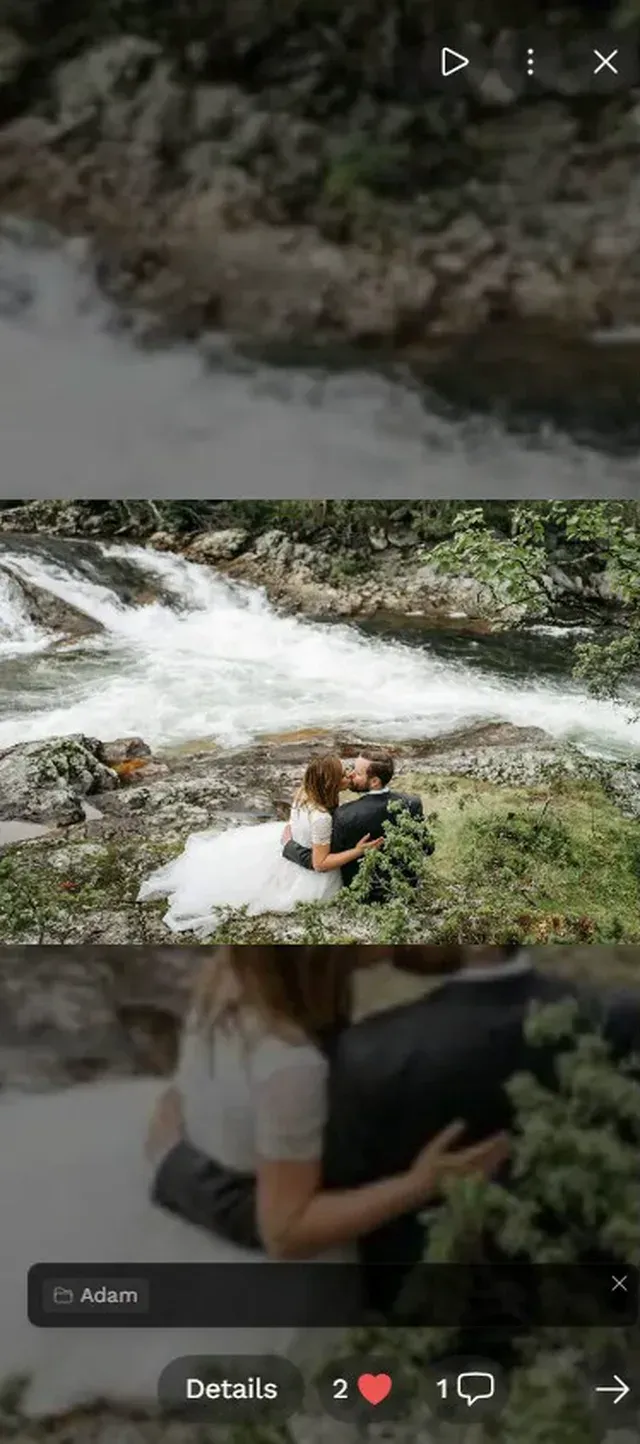
Every photo lands in one place. Guests browse on their phones all evening.

The Photo Wall: Optional but Worth It
If the venue has a TV or projector, connecting a live photo wall changes the energy of the room. Photos appear on screen within seconds of being uploaded. People notice. They point. They take more photos specifically to see them show up.
Photogala includes a photo wall feature on every plan, displaying the gallery on a big screen. For a reunion, the best placement is near the bar or the food table. High traffic, natural pausing points. A photo wall in a side room or hallway is invisible. Near the center of activity, it becomes part of the entertainment.
One practical note: bring your own HDMI cable and a laptop. Don't assume the venue has one. I've seen (well, heard about) setups derailed by something this simple.
Content moderation is available on Premium and above. For most reunions, you won't need it. But if you're worried about someone uploading something inappropriate after a few drinks, you can turn on pre-approval so every photo gets reviewed before it appears on the wall. Assign moderation to a committee member and let them approve from their phone.
Before, During, and After: A Timeline
One week before
Send the gallery link to all attendees via email. Include a note: "Upload your favorite old photos from school. We'll have them in the shared gallery at the reunion." This primes people and gets them digging through their camera rolls early.
Day of the event
Print QR codes. Set up the photo wall if you're using one. Put a table card at every cluster of seats and one at the entrance. Don't make an announcement about it. Just let people discover it naturally. The yearbook table card is your secret weapon.
The morning after
Send the gallery link one more time to the full attendee list. "Here are all 187 photos from last night." This catches the people who didn't upload during the event but want to see the photos. Some of them will add their own at this point, now that they see what everyone else shared.
One week after
Share a "highlights" message. If someone got a great group photo, feature it. This is also when people start downloading their favorites and sharing them on social media, which keeps the reunion buzz going.
For more on organizing shared photo collections for group events, our guide on family reunion photo sharing covers a lot of the same principles.
What About Privacy?
Reunion attendees care more about privacy than wedding guests do. Some people don't want their photo taken at all. Others are fine being photographed but don't want images shared publicly.
A few practical steps: First, the gallery should be private by default (Photogala galleries are only accessible via the link or QR code, not indexed by search engines). Second, mention at the start of the evening that there's a shared gallery, so anyone who wants to opt out knows. Third, if someone asks for a photo to be removed, the gallery admin can delete it in seconds.
The Deluxe plan includes AI face recognition, which lets people filter the gallery to find just the photos they're in. Useful for a large reunion, but honestly overkill for a 40-person event. The Premium plan's search and album features handle smaller reunions just fine.
The best reunion galleries aren't just photo dumps. They're time capsules. Yearbook scans from 2004 sitting next to candids from last Saturday, comments from people reconnecting, the group photo where someone is always blinking. That messy, real, human collection is worth more than any polished album.
Set it up once, share the QR code, and let forty people with smartphones do what they were going to do anyway. Just make sure the photos actually end up somewhere everyone can find them.
Ready to create your gallery?
Start sharing your event photos with guests in minutes.
Create GalleryWritten by

I believe event photos should be more than static galleries. They should be live, playful, and unforgettable.
Categories
Related Posts

Multicultural Wedding Photo Sharing: Honoring Every Tradition in One Gallery
When your wedding blends two (or more) cultures, collecting guest photos gets complicated fast. Here's how to make it work without losing a single moment.

Free Event Planning Tools Every Organizer Should Bookmark
The best free tools for budgets, guest lists, timelines, photo sharing, and more. No subscriptions, no bloated software suites.

Milestone Birthday Photo Sharing: 30th, 40th, 50th and Beyond
At milestone birthdays, decades of relationships converge in one room. Here's how to collect every guest's photos before they vanish into 40 separate camera rolls.