80 Phones Full of Wedding Photos. Yours Has 12.

Two weeks after the wedding. The photographer delivered 287 polished shots: the golden-hour portraits, the first dance, the cake cutting. All beautiful. But the photo you keep thinking about is the one of your grandmother slow-dancing with your five-year-old nephew. Someone's phone caught it during the reception. You saw it flash by on a screen. You just don't know whose phone it's on.
That photo exists. It's sitting in someone's camera roll right now, buried between a parking-lot selfie and a screenshot of a recipe. A 2023 Deseret News survey found that 80% of people have photos on their phone they haven't looked at since taking them. Your wedding photos are trapped in those same camera rolls.
The problem isn't motivation. Guests genuinely want to share. But "I'll send you the photos later" is the most common lie told at weddings, right after "the ceremony was the perfect length." People aren't lazy. Every extra step between taking a photo and sharing it makes them a little less likely to follow through. And "a little less likely," multiplied across 80 guests, means you end up with 12 photos instead of 600.
The Friction Funnel
Think of photo collection as a funnel. Every step between "guest takes photo" and "photo lands in your collection" loses people. One step (scan a QR code, upload) keeps most guests in. Two steps (download an app, then upload) cuts participation roughly in half. Three steps (download, create account, find the event) drops you to the determined few. Four steps? Just your maid of honor and your mom.
This isn't a scientific formula. It's a pattern that plays out at event after event. The easier you make sharing, the more photos you collect. The more decisions you force on guests between dances and champagne toasts, the faster they default to "I'll send them later." Which means never.
Five Methods, Graded by Friction
The Wedding Hashtag
The pitch: create #SmithJones2026, print it on the napkins, and guests post to Instagram. You search the hashtag next week. Done. In practice, half your guest list doesn't actively post to Instagram. The other half forgets the hashtag after the second glass of prosecco. Photos that do get posted are compressed, filtered, and lost in a public feed alongside 3,000 similar tags. You can't download them in original quality. And everyone over 55 has quietly opted out.
The Group Chat
Someone creates "Sarah & Tom's Wedding Photos" on WhatsApp and adds 130 people. The first twenty minutes are great. Photos stream in. Then the notifications hit. By morning there are 847 messages, half the members have muted the group, and finding a specific photo means scrolling through an endless torrent of "such a beautiful day" texts. WhatsApp also compresses every image it touches. Your uncle's gorgeous sunset shot? Now a 2-megapixel ghost of itself.
For a small dinner with 10-15 people, group chats work fine. For a wedding with 80+ guests, it's digital chaos with a side of image compression.
Shared Cloud Albums
Google Photos shared album. Apple iCloud shared library. OneDrive folder. Each works beautifully, as long as every guest uses the same platform. That never happens. Your uncle has Android, your sister has an iPhone, your grandmother has a phone from 2019 she's never updated. iCloud shared albums are invisible to Android users. Google Photos requires a Google account, and not everyone wants to create one just to upload three photos. As Kululu's guide on collecting wedding guest photos notes, platform lock-in is one of the most common reasons photo collection falls flat.
Disposable Cameras
Ten disposable cameras scattered across reception tables. There's genuine magic here. Guests pick them up between courses, snap candid shots, and the physical constraint of 27 exposures per roll makes each photo feel intentional. The results have a warm, grainy charm no phone filter can replicate.
The problems are all practical. Each camera costs $15-25. Developing runs another $10-15 per roll, and most labs take 1-2 weeks. Ten cameras: $250-400 total before you see a single image. The hit rate stings too. Expect 40-50% usable shots. The rest are ceilings, blurry fingers, and accidental flashes. ImageShout's guide to crowdsourced wedding photography recommends combining analog with digital. Keep disposable cameras as a fun bonus, not your primary strategy.
The QR Code Gallery
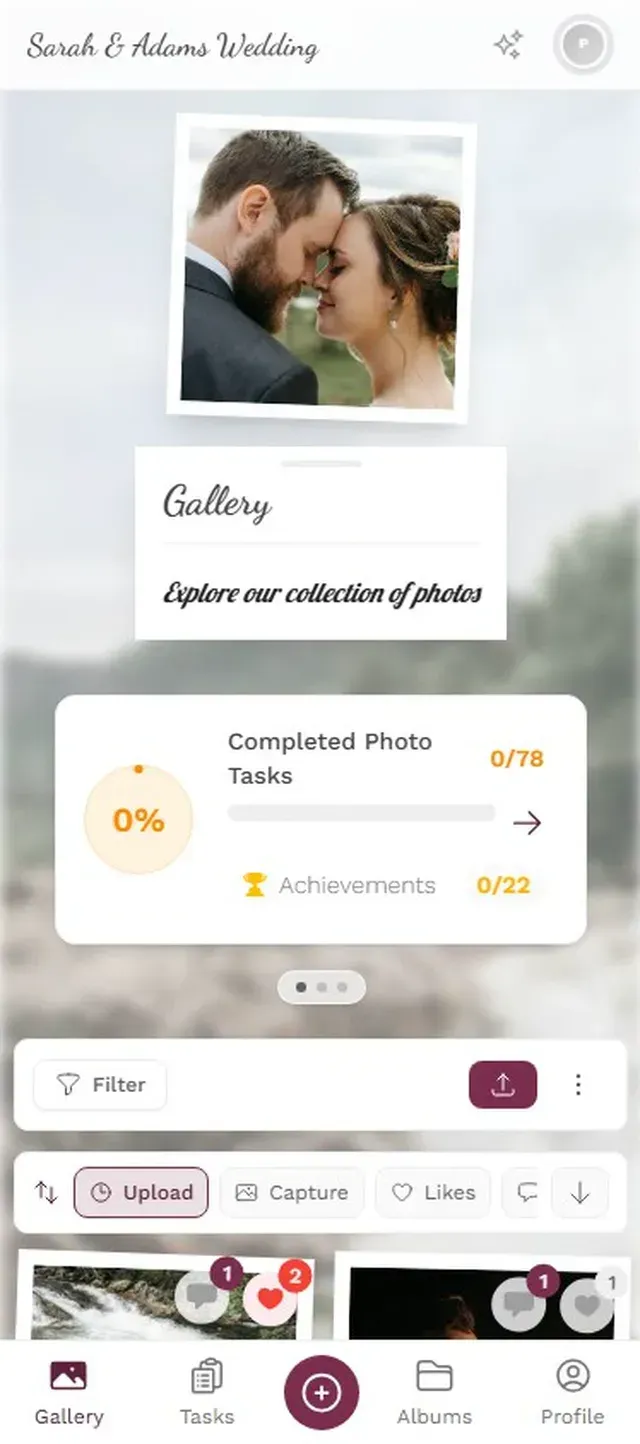
A QR code printed on a table card, a menu insert, or a standalone sign. Guest pulls out their phone, points the camera, and a browser-based gallery opens. They tap upload, select photos, done. No app. No account. No platform dependency. Total friction: one scan, one tap.
This approach is quickly becoming the standard. 49% of couples already include QR codes on their invitations, and QR code usage has surged 323% since 2021. The format is familiar across every age group now. Your 68-year-old neighbor knows how to point a camera at a square.
Select photos and upload in seconds.


How the Five Methods Compare
| Feature | Hashtag | Group Chat | Cloud Album | Disposable | QR Gallery |
|---|---|---|---|---|---|
| Low Friction | |||||
| Original Quality | film only | ||||
| Works for 100+ | |||||
| No Account Needed | |||||
| Free | $250+ | from €39 |
The pattern is clear. The method with the fewest steps wins. Not because it's fancier, but because it respects the reality of a wedding reception: guests are dancing, drinking, catching up with people they haven't seen in years. They have maybe 30 seconds of willingness. Match that window, and the photos pour in.
Ready to create your gallery?
Setting It Up Without Overthinking It
Four Steps to a Full Gallery
Create Your Event Gallery
Pick a name, choose a gallery layout, upload a cover photo. Takes about two minutes.
Print QR Code Cards
Download the QR code and print it on table cards, menu inserts, or standalone signs.
Place Them Everywhere
Tables, bar area, entrance, bathroom. The more visible the code, the more uploads you get.
One Brief Announcement
Have your MC say it once: scan the QR code on your table to share photos. That's all it takes.
Best QR code spots: Place them where guests already reach for their phones. The bar (waiting for drinks), the bathroom (checking messages between dances), and every single dining table. A visible code near the entrance gets the first uploads rolling before the main course.
Timing matters more than design. Set up the gallery and print QR codes at least a week before the wedding. Most print shops handle table cards in 2-3 business days. Test the upload flow yourself so you're not troubleshooting at the reception.
Connect the gallery to a TV or projector at the venue, and something interesting happens. Guests see their photos appear on screen in real time, which creates a feedback loop. Someone uploads a photo, spots it on the big screen near the dance floor, laughs, and three people around them pull out their phones to do the same. A single 55-inch screen can noticeably boost uploads compared to QR codes alone.
From Collecting to Competing
Collecting photos solves the base problem. But if you want the spontaneous, candid, unrepeatable shots (not just 50 nearly identical photos of the cake), you need to give guests a reason to actively look for moments.
Picture this: while the photographer poses the wedding party for formals, guests at their tables are completing photo challenges. "Photograph someone's shoes under the table." "Catch the flower girl doing something unexpected." "Find the oldest photo of the couple and snap a picture of it." Each completed challenge earns points, and a leaderboard tracks who's uploading the most. Imagine three guests checking their ranking between courses, trying to overtake each other.
Photo challenges guide guests toward creative moments.
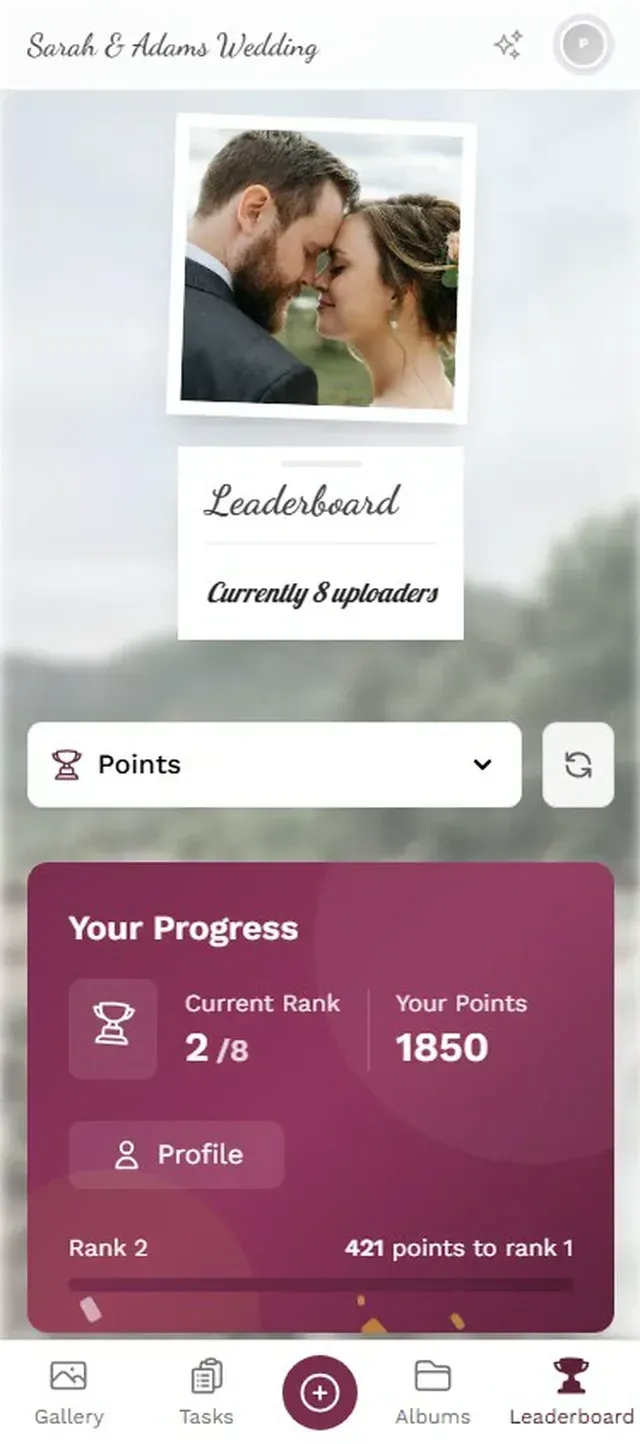
It changes behavior. Instead of 3-5 generic uploads, the competitive uncle submits 20+ because he wants the top spot. Challenges also steer people toward creative subjects instead of the obvious posed shots. Not every couple wants this (some prefer a quieter, more relaxed vibe), but for those who try it, both photo count and photo variety go up.
One thing to be upfront about: browser-based galleries like Photogala aren't free. Plans start at €39 as a one-time payment, not a subscription. For a casual dinner with 15 friends, a shared Google Photos album honestly works fine. For a wedding with 100+ guests across mixed devices, age groups, and tech comfort levels, the friction-free approach earns back its cost in photos you'd otherwise never see. The same principle applies to pre-wedding events like bachelorette parties, where photos scatter across a dozen phones even faster.
One setup detail worth flagging: browser-based uploads need internet at the venue. If your reception is in a stone barn with spotty cell signal, make sure Wi-Fi is available and mention the network name during the announcement. That grandmother-and-nephew photo is out there on someone's phone. Whether it reaches you comes down to removing every barrier between that camera roll and your gallery.
Find the right plan for your event
Flexible pricing for weddings, parties and corporate events.
View PricingWritten by

I believe event photos should be more than static galleries. They should be live, playful, and unforgettable.
Categories
Related Posts
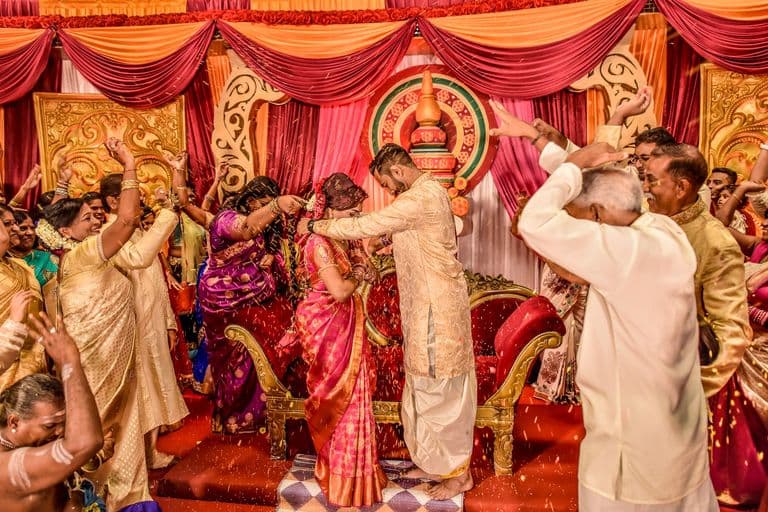
Multicultural Wedding Photo Sharing: Honoring Every Tradition in One Gallery
When your wedding blends two (or more) cultures, collecting guest photos gets complicated fast. Here's how to make it work without losing a single moment.

How to Collect Photos From Event Guests Automatically
Stop chasing guests for photos after the event. A QR code, a shared gallery, and a few smart settings can do the collecting for you.
Housewarming Party Photo Sharing: How to Capture Your New Place Through Everyone's Eyes
Your housewarming is the only time your home will look this good and feel this new. Here's how to collect every guest's photos without lifting a finger.