Your Festival Photos Are on 600 Strangers' Phones

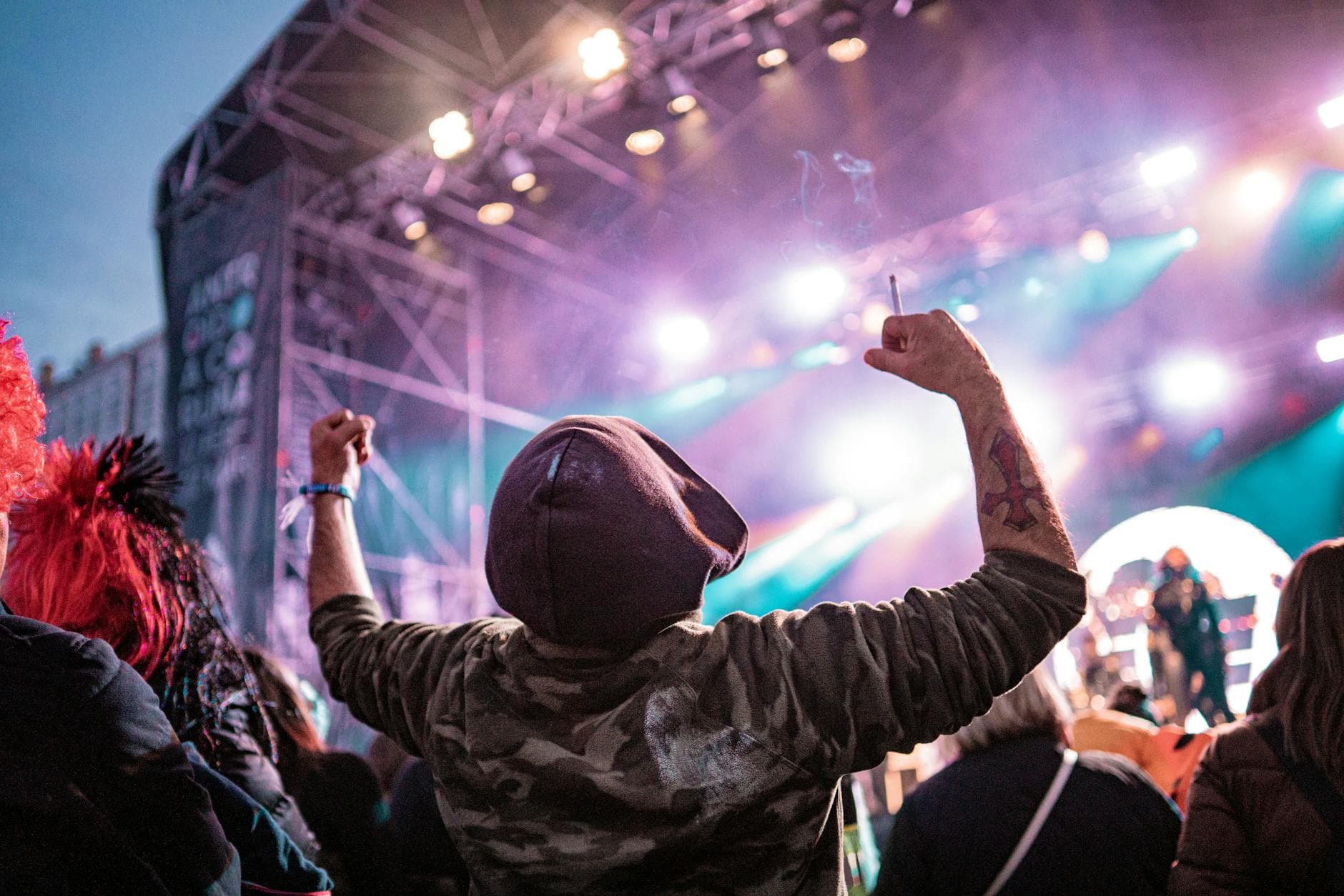
Monday morning after a three-day music festival. You're scrolling through your camera roll: 347 blurry sunset shots, a few videos where the bass drowns out everything, and zero photos of you actually enjoying yourself. Meanwhile, the guitarist from the opening act posted a crowd shot on Instagram. There you are. Third row, left of the sound booth, arms raised. Great profile picture material. Too bad you have no clue who took it.
That photo exists on a stranger's phone. You'll never meet that stranger again. This is the core problem with festival photography: your best photos are always on someone else's device.
The 600-Phone Problem
The scale is hard to wrap your head around. PetaPixel reports over 95 million photos posted to Instagram alone every single day, and over 300 million uploaded across all platforms. At a festival, the camera density per square meter is unlike anything else. Thousands of people shooting from different angles, capturing moments nobody else got. Say 3,000 attendees at a mid-sized festival each take 8 photos. That's 24,000 images scattered across 3,000 separate camera rolls, connected by nothing.
Group sharing collapses at this scale. QR Short's research on concert photo sharing describes the friction precisely: half the group never sends anything, coordination is chaotic, and the question about that one encore moment stays unanswered forever. You can't create a WhatsApp group with 5,000 members. AirDrop doesn't reach across a festival field. The scattered photos problem hits graduations and weddings too, but festivals amplify it to an absurd degree.
A three-day camping festival with 10,000 attendees generates photos at a volume no group chat can handle. Even if only half the crowd takes pictures, that's 5,000 phones full of memories that will never get shared. By the time everyone's home, those photos are already buried under screenshots and grocery lists.
One QR Code Collects Everything
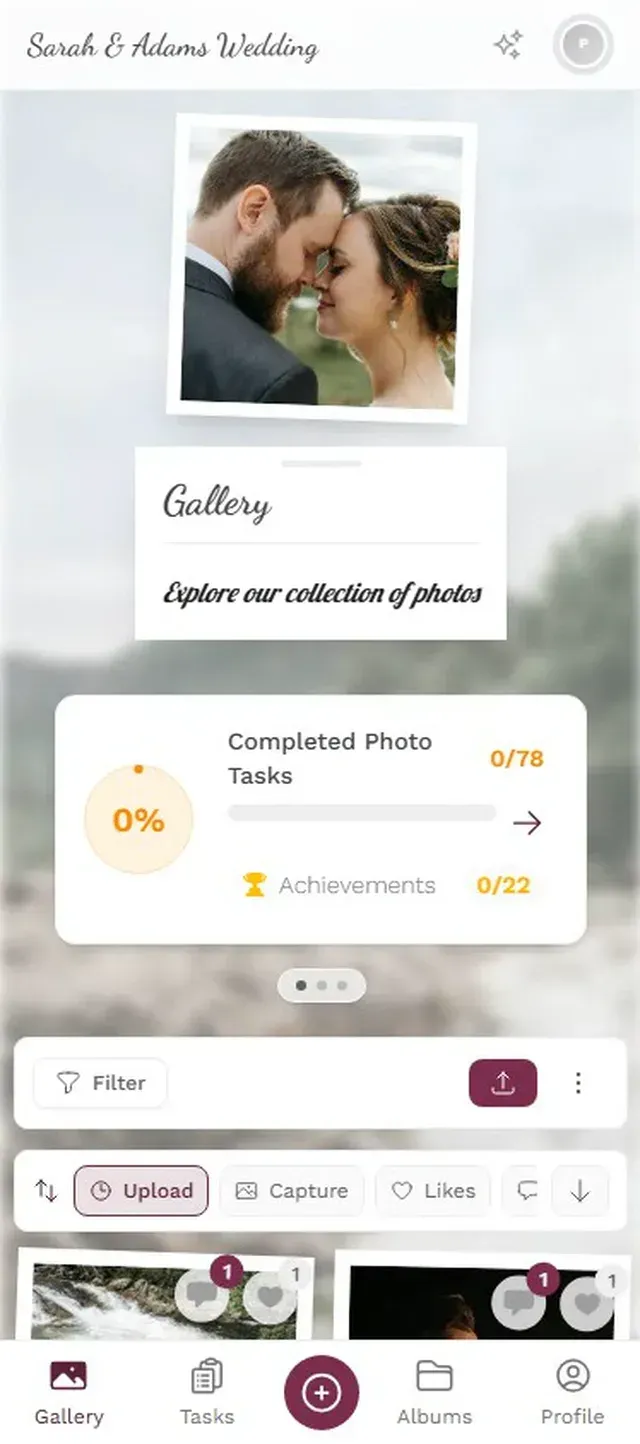
The fix for collection is almost embarrassingly simple. One QR code. Print it on posters near stages, project it on screens between sets, stick it on wristbands. Attendees scan it with their phone camera. A browser-based gallery opens, no app download, no account creation required. They upload from their camera roll and move on.
Greenfly's research on collecting photos from groups found that asking 10 people how to gather group photos yields 11 or more different answers. A single QR code replaces every one of them. The browser-based approach is what makes it viable at festival scale: you simply cannot ask 5,000 people to download an app before they share a photo. Everyone already knows how to scan a QR code and tap a button.
Uploads appear in real time. Mount a screen near the food trucks or the main bar and it becomes a live photo wall cycling through the latest contributions. People stop, see themselves, laugh, pull out their phones, and upload more. It's a self-reinforcing loop. Some of the best uploads arrive 24 to 48 hours later, once people have recovered enough to actually browse their camera rolls. The gallery gives them somewhere to put those photos and a reason to come back. (Curious about the photo wall setup? This guide walks through it.)
All uploads in one shared gallery


Discover what Photogala can do
Collection Solved. Now Find Your Face.
A gallery with 10,000 photos sounds impressive until you try to use it. Scrolling through everything is almost as bad as not having the photos at all. You don't want all the photos. You want your photos: the ones you're in, your friends are in, or that split second at the main stage you didn't capture yourself. Without a way to filter, a 10,000-photo gallery is just beautiful noise.
AI face recognition changes this entirely. Photogala's Deluxe plan includes face detection that scans every upload, identifies faces, and clusters them automatically. Picture a festival with 8,000 uploads: instead of scrolling through the lot, you tap your face cluster and see the 47 photos you actually appear in. No manual tagging. No chasing strangers on Instagram hoping they'll eventually send something.
Clustering happens in the background. The AI groups faces, and organizers or attendees can label clusters with names. Six friends become six curated photo sets instead of being lost somewhere in those 8,000 uploads. At a traditional festival, you'd exchange Instagram handles with someone you met, promise to share, and both forget by Wednesday. Face clustering makes that exchange unnecessary. You both uploaded to the same gallery. The AI already linked your photos.
The AI finds every photo you appear in
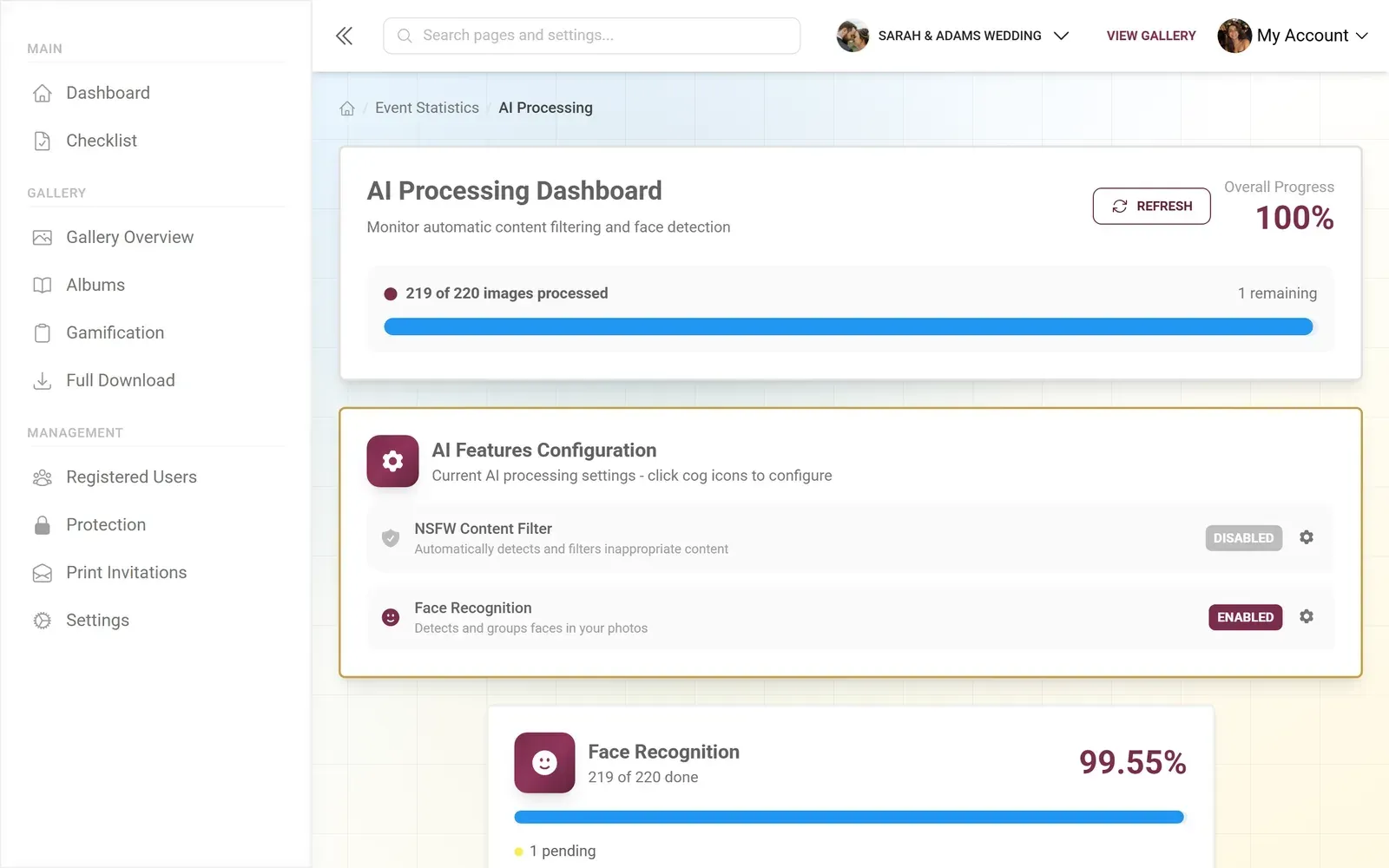
Enable face recognition before the festival starts. The AI processes uploads incrementally. Turning it on after 5,000 photos are already in the gallery means a longer processing queue.
One honest caveat: face recognition requires the Deluxe plan at €119. For a casual hangout, that's more than you need. For a multi-day festival with hundreds or thousands of attendees, it's the feature that turns a massive gallery from overwhelming to genuinely useful.
That same AI pipeline includes an NSFW content filter. Festivals get wild, and not every photo belongs in a shared gallery. The filter flags questionable content before it hits the public feed. You set the sensitivity based on your audience: a corporate summer festival might set it higher than an underground music weekend. A moderation queue handles the edge cases.
Turn a Gallery Into a Game
A photo gallery nobody engages with is just a prettier Google Drive folder.
Photo challenges change the dynamic entirely. Best crowd shot from the main stage. Funniest food truck moment. Sunrise over the campsite. Each challenge gives attendees a specific reason to take a photo and actually upload it. Points for completing challenges feed a leaderboard that tracks the most active contributors. The psychology is simple: when there's a visible ranking, people who would have uploaded 3 photos now upload 30 because someone else is ahead and they want to catch up.
Christie's Photographic notes in their 2026 trends guide that event photography is being reframed as a strategic tool for attendee experience, not just documentation. Gamification pushes that shift further. Instead of shooting for themselves and forgetting to share, attendees upload to the shared gallery because there's something to gain.
Imagine a leaderboard on a screen near the food area, updated in real time. Names climbing the rankings between sets. That kind of low-stakes competition is exactly what gets someone to upload 40 photos instead of 4.
Beyond the leaderboard, achievements add another layer. First to upload. Completed 5 challenges. Uploaded from 3 different stages. The Deluxe plan supports real-world rewards claimable at the event. A Top 10 Contributors badge that earns a free drink at the merch tent turns photo sharing from afterthought into part of the festival experience itself.
Moderation is not optional at festivals. Set up content moderation before the event goes live. Assign at least one moderator who can approve or reject uploads before they appear publicly.
Festival Setup in 3 Steps
Create gallery, choose your plan
Name the event, set dates. For AI features (face recognition, NSFW filter), pick the Deluxe plan.
Print QR codes everywhere
Wristbands, stage posters, the bar, restroom mirrors. Anywhere people pause for 10 seconds.
Set up photo wall and moderation
Screen near a high-traffic area, moderator assigned, NSFW filter on. Food trucks or bar work best for screen placement.
The best festival photos aren't the polished ones. They're the 3 AM campsite selfies, the crowd shots from angles no official photographer reached, the accidental group photo where everyone's laughing at something nobody remembers. Those photos exist right now, scattered across hundreds of phones, slowly being buried under newer camera roll entries. A QR code collects them. AI helps you find yours.
Monday morning, same opening scene. But this time you open the festival gallery, tap your face, and find 52 photos of yourself. Three of them are genuinely great.
Ready to create your gallery?
Start sharing your event photos with guests in minutes.
Create GalleryWritten by

I believe event photos should be more than static galleries. They should be live, playful, and unforgettable.
Categories
Related Posts
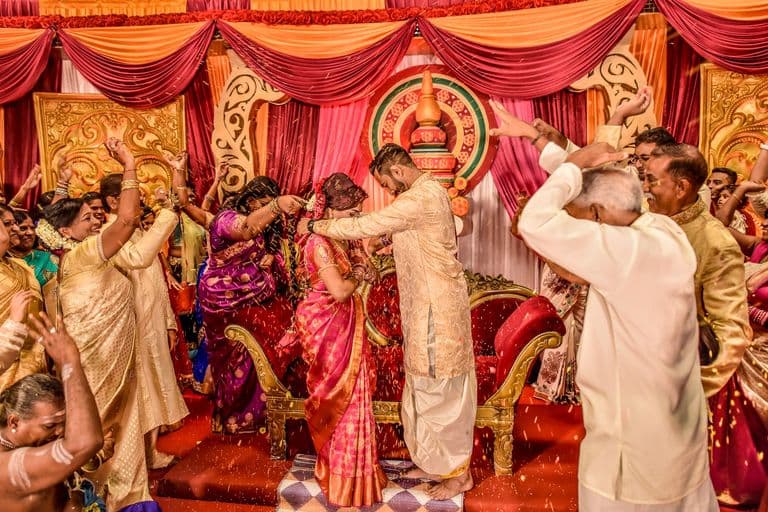
Multicultural Wedding Photo Sharing: Honoring Every Tradition in One Gallery
When your wedding blends two (or more) cultures, collecting guest photos gets complicated fast. Here's how to make it work without losing a single moment.
Free Event Planning Tools Every Organizer Should Bookmark
The best free tools for budgets, guest lists, timelines, photo sharing, and more. No subscriptions, no bloated software suites.

Milestone Birthday Photo Sharing: 30th, 40th, 50th and Beyond
At milestone birthdays, decades of relationships converge in one room. Here's how to collect every guest's photos before they vanish into 40 separate camera rolls.