How to Share Wedding Photos for Free (And When Free Isn't Worth It)

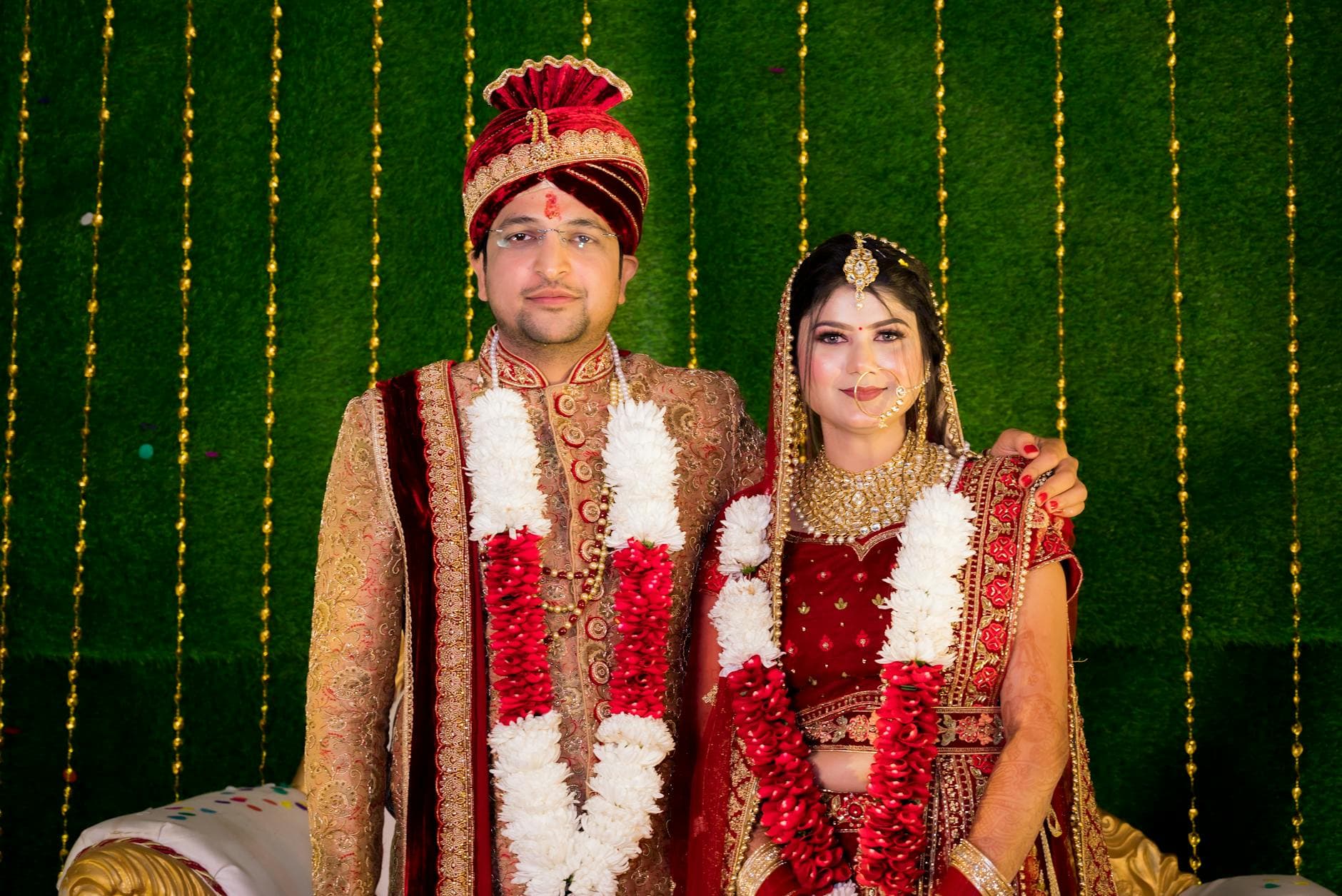
Picture this: it's Monday morning after the wedding. Your phone has 47 unread messages across three different WhatsApp groups. Your cousin started one called "Sophie & Tom Wedding!!!" Your college roommate started another. Your aunt texted you directly with four blurry photos of the cake. Someone AirDropped you a video at the reception that you accidentally declined.
Meanwhile, 80 guests went home with hundreds of photos on their phones. And unless something changes in the next two weeks, most of those photos will never leave those phones.
This is the wedding photo problem. Not the professional shots (those arrive eventually), but the candid, chaotic, unfiltered guest photos that actually capture what the day felt like. A 2023 survey by MemoryKpr found guests take an average of 23 photos per event, yet most never share them effectively. The photos exist. The sharing infrastructure doesn't.
So you Google "how to share wedding photos for free" and get a wall of options. Let's talk about which ones actually work.
The Free Options (Honestly Reviewed)
Every free method has a trade-off. Some are minor. Some are deal-breakers. Here's what I found after looking at each one closely.
Google Photos Shared Albums
The most commonly recommended option, and for good reason. Create a shared album, send the link, and anyone with the link can view photos. Storage is generous (15 GB free across your Google account). The interface is clean, and search works well.
The catch: guests need a Google account to upload photos. Viewing is open to anyone, but contributing requires signing in. At a wedding with 120 guests, you'll find that maybe 60-70% have Google accounts readily accessible on their phones. The rest either don't have one, can't remember their password, or simply won't bother. As GatherShot's comparison notes, platforms requiring account creation see significantly lower participation than QR-based alternatives.
There's also the organization problem. Google Photos dumps everything into one flat album. No way to sort by table, by moment, by person. After 300 photos, scrolling becomes a chore.
iCloud Shared Albums
If everyone at your wedding uses iPhones, this works beautifully. Create a shared album in the Photos app, invite people via their Apple ID, and photos sync automatically.
The problem is that "if." At most weddings, 30-40% of guests use Android. They're completely locked out. You've just excluded a third of your guest list from participating. That's not a minor limitation for a wedding where you want everyone's perspective.
iCloud also compresses photos in shared albums. You don't get the original quality files. For casual snapshots that probably doesn't matter. For the one photo where your grandmother is laughing so hard she's crying, you might wish you had the full resolution version.
WhatsApp Groups
The path of least resistance. Everyone already has WhatsApp (at least in Europe). Create a group, add people, done.
Except WhatsApp compresses images aggressively. A 12-megapixel photo becomes a 1-megapixel blur. Videos get crushed to the point where you can barely read the text on the wedding cake. You can send as "document" to preserve quality, but nobody does that, and it breaks the gallery-style viewing.
Then there's the noise. Uncle Werner shares 40 photos between courses. The group becomes unusable. People mute it. The photos you actually want to see get buried under a flood of duplicate shots and blurry dance floor attempts. The Honcho's analysis puts it well: images end up scattered across WhatsApp groups, iMessage threads, AirDrop, and Instagram DMs, with files compressed and links expiring.
AirDrop and Nearby Share
Great for transferring 5 photos to the person sitting next to you. Completely useless for collecting photos from 100+ guests over the course of a day. Range is limited, it requires proximity, and you'd need to individually receive files from every single person. Not a real solution for weddings.
Dropbox or Google Drive Folder
Surprisingly workable. Create a shared folder, set permissions to "anyone with link can upload," and share the link. No account required for uploads (on Dropbox, at least).
The downside: it looks and feels like a file storage system, because that's what it is. No gallery view, no easy browsing on mobile, no way to like or comment on photos. Guests upload, and then nobody ever goes back to look. The free tier limits you to 2 GB on Dropbox, which is roughly 400 photos. For a wedding, that fills up fast.
The real issue with all free options: They solve the upload problem but ignore the engagement problem. Getting photos into one place is step one. Getting guests to actually browse, enjoy, and feel part of a shared experience is step two, and none of these free tools address it.
What Free Gets Right (And Where It Falls Apart)
Let me be fair. For a small, casual gathering of 20-30 people who all use the same phone ecosystem, a Google Photos shared album or iCloud album works fine. If your wedding is intimate and tech-homogeneous, you might not need anything else.
But most weddings aren't that simple. You're mixing generations (the 25-year-old cousin and the 68-year-old uncle), platforms (iPhone and Android), and tech comfort levels ("what's a QR code?" and "I already uploaded 30 photos"). That's where free tools start cracking.
Free vs. Dedicated Photo Sharing
| Feature | Google Photos | iCloud | QR Photo App | |
|---|---|---|---|---|
| Account required to upload | ||||
| Works on all devices | Apple only | |||
| Original quality photos | compressed | compressed | ||
| Gallery browsing experience | basic album | basic album | chat format | |
| QR code access | ||||
| Photo wall / live display | ||||
| Guest engagement features | ||||
| Setup time | 5 min | 5 min | 2 min | 2-5 min |
| Cost | Free | Free | Free | €0 - €39+ |
The table makes it obvious: free tools handle basic storage. They don't handle the experience. And at a wedding, the experience is what turns "47 people uploaded photos" into "guests were showing each other the gallery during dessert."
See it in action
Every guest photo in one album – no app.
The €39 Question
Here's where I need to be transparent. Photogala's Plus plan costs €39. That's not free. But consider what €39 buys you in the context of a wedding where the average couple spends €15,453 in Germany or $36,000 in the US.
€39 is less than the florist's delivery fee. Less than three cocktails at the open bar. Less than one hour of the DJ's time.
For that, you get a QR code that guests scan with their phone camera. No app download. No account creation. No "which platform are you on?" conversations. They scan, they upload, and photos appear in a shared gallery that everyone can browse. The whole process takes under 30 seconds for a guest who's never seen it before.


1.Guests scan the QR code from a table card or invitation
The photo wall feature is something no free tool can replicate. Imagine a screen near the bar cycling through guest photos as they're uploaded. People notice their photo on the big screen, nudge their friends, and suddenly more guests start uploading because they want to see their shots up there too. It's a feedback loop that free tools simply can't create.
And unlike WhatsApp, the photos stay at original quality. Unlike iCloud, it works on every phone. Unlike Google Photos, nobody needs an account.
What About Other Free-ish Options?
Some dedicated wedding photo apps offer free tiers. Joy's "Moments" feature is built into their wedding planning platform, though it's designed as part of a larger wedding website package. Wedding Photo Swap offers QR-based uploads with unlimited storage.
These are solid options worth checking. But read the fine print on free tiers. Some limit photo count (50-100 photos on free plans). Some compress images. Some show ads to your guests. Some delete photos after 30 days.
The question isn't really "free or paid." It's "what trade-offs am I willing to accept?" If you're comfortable with Google account requirements, a Google Photos album is genuinely good. If everyone has iPhones, iCloud works. If you want the QR-code-scan-and-upload simplicity with a live photo wall and no platform lock-in, that's where the €39 starts making sense.
If you're on a tight budget: Create a Google Photos shared album as your baseline (it's free and functional). Then consider whether a €39 QR code solution is worth it for the guests who won't have Google accounts, the live photo wall experience, and not having to chase people for photos after the wedding. For most couples, the answer is yes. For very small, tech-savvy groups, Google Photos alone might be enough.
The Part Nobody Mentions: After the Wedding
Here's the thing that surprised me when researching this. The biggest difference between free and paid options isn't the upload experience. It's what happens in the weeks after.
With a WhatsApp group, activity dies within 48 hours. The group gets muted, then forgotten. A Google Photos album might get a trickle of late uploads from guests who remember. But there's no reason to go back and browse.
With a dedicated gallery, you get a permanent link. Guests revisit it weeks later when they want to show coworkers the wedding photos. The couple downloads the full album as a ZIP file in original quality. Grandparents get a link they can open on their tablet without installing anything.
If you're interested in how other couples have handled the post-wedding photo collection challenge, we wrote a detailed guide on sharing wedding photos with family that covers the full timeline from day-of to months after.
The Honest Bottom Line
You can share wedding photos for free. Google Photos shared albums are the best free option for most people. They're not perfect (account requirement, no engagement features, flat album structure), but they work.
The question is whether "works" is good enough for a day you spent months planning. A 2023 survey found that despite averaging 3,000 photos in their camera rolls, most people rarely share them effectively. The intent is there. The follow-through isn't. A QR code on every table, a live photo wall behind the dance floor, and a gallery that doesn't require an account: these aren't luxuries. They're the difference between collecting 40 photos from 12 guests and collecting 300 photos from 60 guests.
For a complete walkthrough on getting guests to actually upload their photos (not just take them), check out our guide on how to have wedding guests upload photos.
All of this comes with your own event.
Setting it up takes five minutes. You can build and view everything before you decide.
Starting from €39 one-timeOne-time payment — No subscription
- No App Required
- Setup in 5 Minutes
- 30-Day Money Back
“Excellent service and great pictures! Photogala fully met our expectations at the event. The value for money is unbeatable. Absolutely recommended! The seating plan saved us a lot of hassle!”
Written by

I believe event photos should be more than static galleries. They should be live, playful, and unforgettable.
Categories
Related Posts

Bridal Shower Photo Sharing: Collect Every Sweet Moment in One Gallery
Bridal shower photos end up scattered across 15 phones. Here's how to get them all into one gallery before the mimosas wear off.

Free vs Paid Event Photo Apps: What You Actually Give Up
Free event photo sharing sounds perfect until you see compressed images, upload limits, and zero engagement tools. Here's what the price tag really buys.

Why Event Photo Galleries Beat Group Chats for Sharing Memories
Group chats promise easy photo sharing but deliver chaos, compression, and silence after 48 hours. Dedicated photo galleries fix every one of those problems.