Neighborhood Block Party Photo Sharing: How to Turn 40 Strangers Into One Shared Album

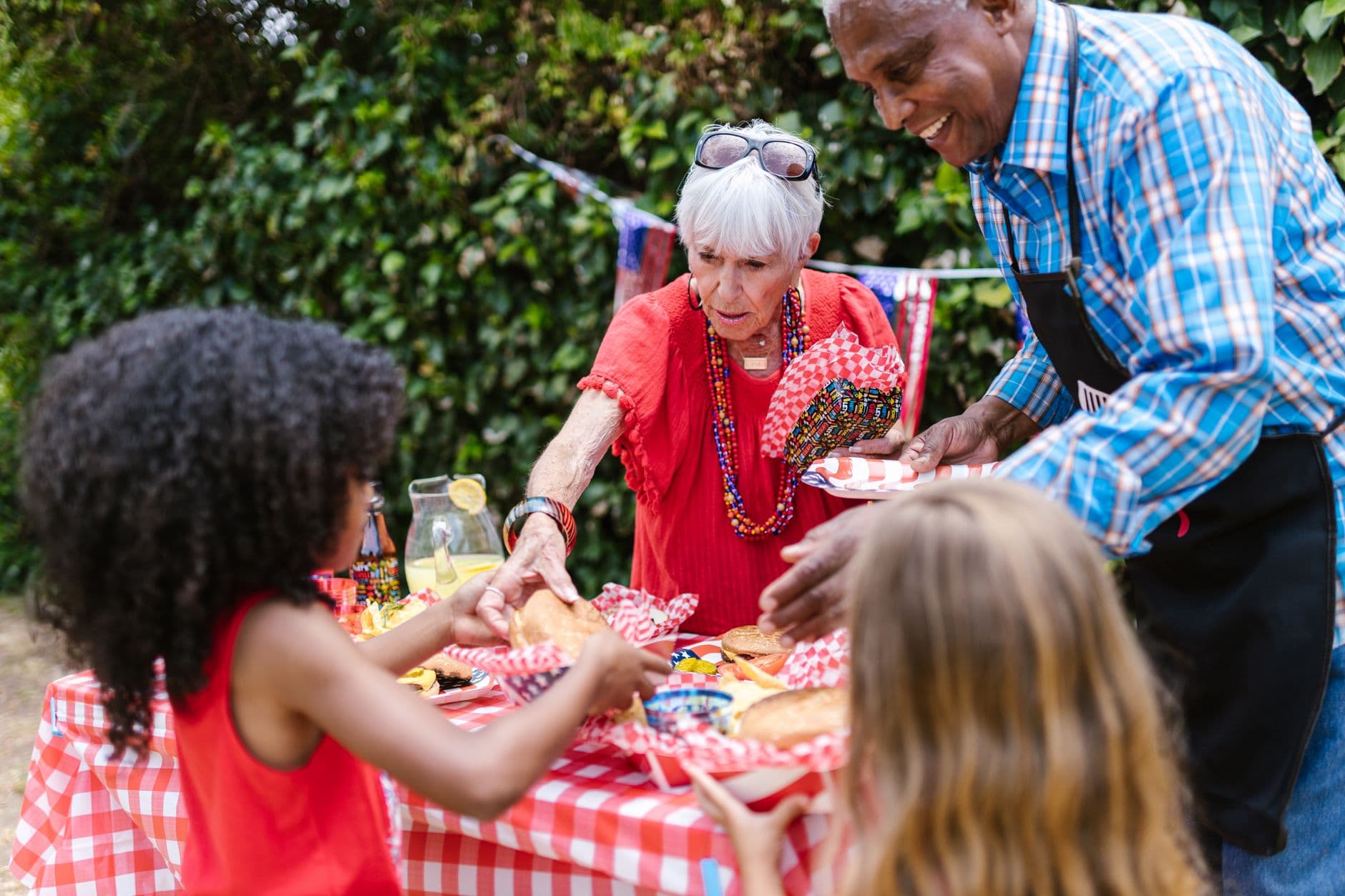
Picture this: a Saturday afternoon in June, the street is blocked off, someone's kid is running through a sprinkler, the couple from number 14 brought their famous potato salad, and the retired teacher three doors down is telling stories nobody wants to end. Forty people, maybe fifty, all within 200 meters of their own front doors. Phones come out. Photos get taken. And by Monday morning, every single one of those photos lives on a different phone with no way to reach the others.
That's the block party photo problem. It's not that people don't take photos. It's that nobody has each other's number. You can't create a WhatsApp group for 40 people you half-know. You definitely can't ask everyone to download an app on the spot. And the idea of passing around a clipboard with email addresses feels like 2004.
As FlashParty noted in their 2025 analysis, the core problem after any gathering is that "the best moments are scattered across dozens of phones." At a block party, this is amplified because the people holding those phones are neighbors, not close friends. There's no pre-existing group chat to fall back on. The photos just... disappear.
Why Block Parties Are the Hardest Events to Share Photos From
Weddings have a photographer. Corporate events have an organizer who collects everything afterward. Birthday parties happen among friends who already share a group chat. But a neighborhood block party is a fundamentally different animal. The attendees range from toddlers to retirees. Some are tech-fluent, others aren't. And the social bonds are loose enough that asking "can I add you to a group?" feels like an overreach.
That creates a specific challenge: you need a photo sharing method that requires zero prior relationship, zero app installs, and zero technical skill. Something a 72-year-old neighbor and a 15-year-old can both use in under 30 seconds. If you've organized other outdoor gatherings and run into similar problems, our guide on open-air event photography covers the broader logistics. And if your block party doubles as a way for neighbors to actually meet each other, the ideas in our event photo sharing use-case guide apply directly.
The answer, increasingly, is a QR code taped to the drinks table.
One QR Code, Zero App Downloads
The concept is simple. You create a shared photo gallery online, generate a QR code, and print it. Guests scan with their phone camera, and they're uploading. No account, no app, no sign-up form. The gallery fills up in real time, and everyone who scanned the code can see what everyone else uploaded.
This is exactly how QR code photo sharing works with Photogala. You set up the gallery in about two minutes, customize it with your block party name and date, and print the QR code. Tape it to the food table, the welcome sign, the cooler. Anywhere people naturally stop and look. You can even design your own codes with Photogala's free QR code generator tool before you print.
QR Code Generator
Create custom QR codes for your event — link guests directly to your photo gallery.
The key insight: at a block party, you want multiple QR code placements. Not one. Three or four, minimum. One near the entrance, one on the drinks station, one by the desserts. People won't walk across the street to scan a code. But if it's right where they're standing while waiting for a burger to grill, they'll do it without thinking. We wrote a whole piece on how to collect photos from event guests automatically that covers placement strategy in detail.
Print QR codes on paper plates or napkins. Sounds silly, but think about it: every neighbor picks up a plate, sees the code, scans while waiting for food. Putting the code where people already have their phones idle (waiting in line, sitting down to eat) tends to get way more scans than a single poster on the fence that people walk past without stopping.

1.Scan and upload. No app, no account needed.
What about the neighbors who've never scanned a QR code before? It happens less than you'd think in 2026, but it does happen. Our guide on getting non-tech-savvy guests to share photos has some practical tips. The short version: pair them with a teenager. Takes ten seconds.
Photo Challenges Turn Acquaintances Into Friends
Here's where it gets interesting. A shared photo gallery solves the collection problem. But a block party isn't just about collecting photos. It's about getting neighbors to interact. And that's where photo challenges change the dynamic completely.
Imagine setting up five or six challenges before the party starts: "Take a photo with someone you've never spoken to before." "Capture the most creative plate of food." "Find the oldest item on the street and photograph it." "Group selfie with at least three households." Each challenge gives neighbors a reason to approach someone they'd normally just wave at.
Photogala lets you add example preview photos to each challenge, showing guests exactly what kind of shot you're looking for. This matters at block parties because the participants aren't wedding guests who all know the drill. They need a visual nudge. A challenge like "recreate this pose" with a funny reference photo gets people laughing and moving before they've even introduced themselves.
At a typical 30-50 person block party, five or six challenges can generate 60-100 photos over a few hours. Not huge numbers, but the quality of interaction each photo represents is what matters. Every challenge photo is a conversation that happened between neighbors. If you want more inspiration for challenge ideas at outdoor events, check out our summer BBQ photo sharing guide.
実際の画面
ゲストの写真をすべて1つのアルバムに。アプリは不要です。
The Photo Wall: A Screen That Pulls a Crowd
If you can get a TV or monitor outside (extension cord, covered patio, garage with the door open), a live photo wall turns your block party from nice to memorable. Photos appear on screen within seconds of being uploaded. Neighbors see their own photos cycle past and immediately pull out their phones to add more.
The psychology is straightforward. People contribute more when they see their contribution displayed publicly. A study from Azavista's event engagement research found that engaged attendees feel like "active participants, not just passive viewers." A photo wall does exactly that. It turns passive phone-scrolling into active contribution.
Photos appear on screen in real time.
One honest caveat: outdoor screens are hard. Sunlight washes out most displays. If your block party is in direct afternoon sun, the photo wall works better after 5 PM when the light softens. Or position the screen under a canopy or inside an open garage. The feature itself is brilliant; the logistics need a bit of thought.
What About Privacy?
Block parties involve kids. They involve people who didn't explicitly opt into being photographed. Photo sharing etiquette matters here more than at most events.
A few practical rules worth announcing at the start: no photos of other people's children without asking, no uploading anything embarrassing, and a reminder that everything in the gallery is visible to all neighbors. Photogala includes content moderation tools on the Premium plan that let you pre-approve photos before they appear in the gallery or on the photo wall. For a block party, this is worth considering. Assign moderation to the organizer, and nothing goes live without a quick review.
This is one area where a dedicated gallery beats a group chat by a mile. In a WhatsApp group, once a photo is sent, it's sent. In a moderated gallery, you can catch and remove anything inappropriate before 40 neighbors see it. We covered this difference in depth in our article on why event galleries beat group chats.
After the Party: The Album That Keeps Giving
The block party ends. Chairs get folded. The street reopens. But the gallery stays up. With Photogala, the active period starts after the first 10 photos are uploaded, not from the day you bought the plan, so you have months of access.
This is where the real community value appears. Neighbors who couldn't attend can browse the gallery later. The organizer can download everything as a ZIP and share it however they like. And next year, when someone proposes "we should do this again," there's a visual record of why the answer is yes. If your block party is really about building long-term connections, the approach we describe in our guest photos use-case guide works just as well for neighbors as it does for wedding guests.
For tips on making sure late arrivals and absent neighbors still contribute their photos, our guide on getting guests to upload after the event is worth a look. The QR code still works after the party. Print it on a follow-up flyer and slip it in mailboxes.
Setting It Up in 10 Minutes
Block Party Gallery: Quick Setup
Create the gallery
Sign up free, name your event (e.g. "Maple Street Summer Party 2026"), and pick a cover image.
Print QR codes
Download the QR code and print 4-5 copies. Tape them to the food table, entrance sign, drink station, and dessert spread.
Add photo challenges
Set up 5-6 fun challenges to break the ice between neighbors. Include example photos for each one.
Set up the photo wall (optional)
Connect a TV or monitor in a shaded spot. Open the photo wall view and let it run.
The whole thing takes about 10 minutes if you've already thought about your challenges. The Free Demo plan lets you try it with up to 50 photos and 3 challenges, no credit card needed. For a bigger block party where you expect more uploads, the Plus plan at €39 gives you unlimited photos, unlimited challenges, and a photo wall. That's less than the cost of the folding tables you rented. Check current pricing for details.
And unlike cloud album solutions that require everyone to have the same account, a QR gallery works for everyone regardless of what phone they use or what apps they have installed. Android, iPhone, even an old tablet. If it has a camera and a browser, it works.
The Neighborhood Memory Problem, Solved
Block parties are supposed to turn strangers into neighbors and neighbors into friends, as Paperless Post put it. Photos accelerate that. Seeing yourself in a shared album with your neighbors creates a sense of belonging that a wave from the driveway never will.
The barrier was always logistics. Nobody wants to manage a group chat with 40 near-strangers. Nobody wants to ask neighbors for their email. A QR code on the potato salad table skips all of that. Scan, upload, done. By the time the sun sets, you have a complete visual record of a street that, for one afternoon, felt like a real community.
これらすべてが、ご自身のイベントで使えます。
作成は5分で完了。決める前に、すべてを設定して確認できます。
料金 €39 ~(1回払い)1回払い — サブスクリプションなし
- アプリ不要
- 5分で準備完了
- 30日間返金保証
執筆者

I believe event photos should be more than static galleries. They should be live, playful, and unforgettable.
関連記事

Bridal Shower Photo Sharing: Collect Every Sweet Moment in One Gallery
Bridal shower photos end up scattered across 15 phones. Here's how to get them all into one gallery before the mimosas wear off.

Maternity Photo Sharing: How to Keep Every Announcement, Bump Shot, and Memory in One Place
Pregnancy announcements land on 4 different apps. Maternity photos get lost in group chats. Here's how to keep every photo in one shared gallery your whole family can access.

Sales Kickoff Photo Sharing: How to Turn a Mandatory Meeting Into a Team Memory
Sales kickoffs are expensive. The photos from them usually disappear into 14 different camera rolls. Here's how to fix that.