Email and SMS vs a Shared Gallery: The Best Way to Send Event Photos

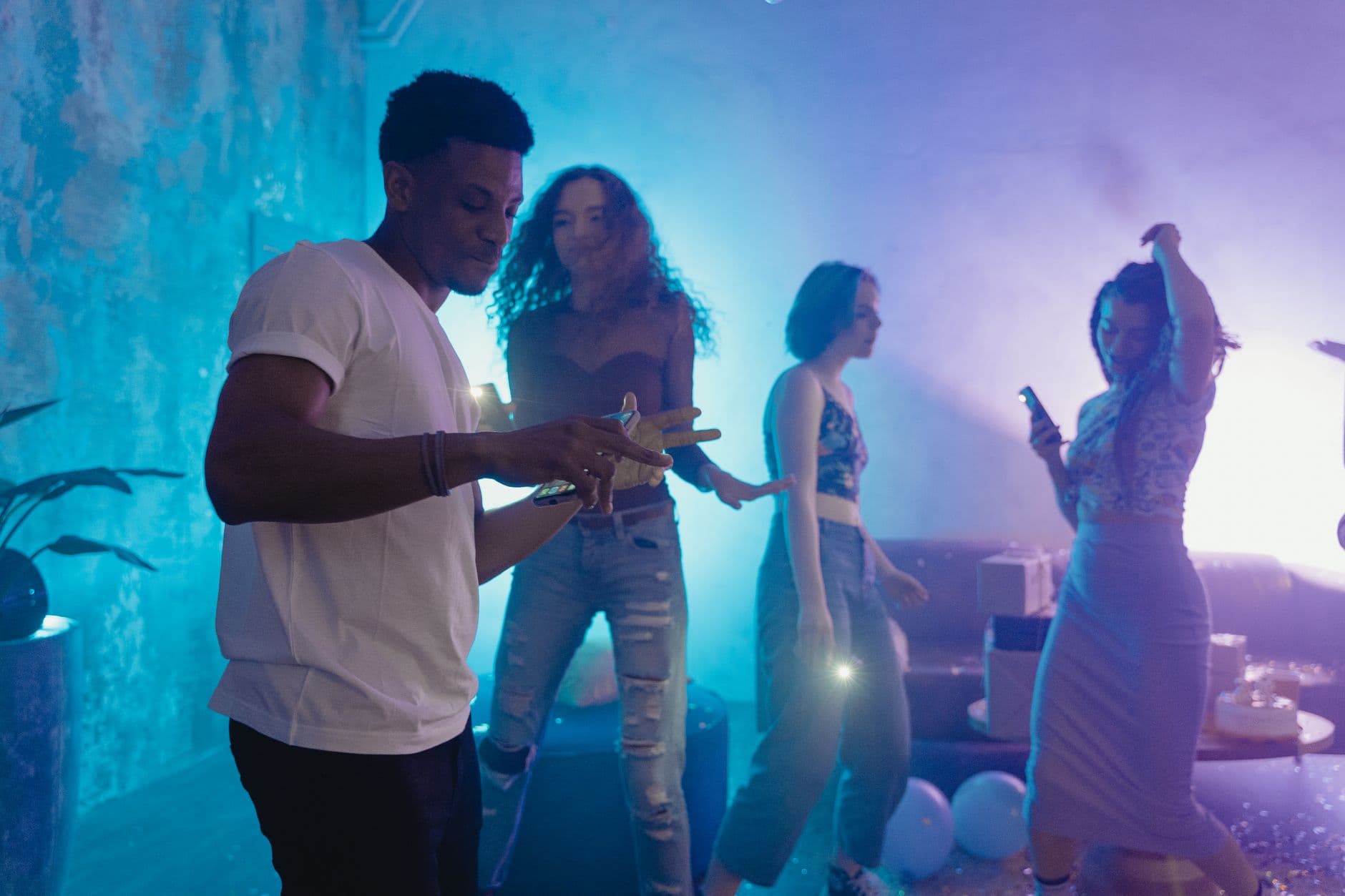
The wedding ended at 1 AM. By 1:15 AM, the maid of honor had already texted four blurry reception photos to a group chat of 23 people. The groom's cousin replied with a shaky video of the first dance, compressed so hard you could count the pixels. By Monday morning, those photos had been forwarded, re-saved, screenshotted, and re-sent so many times that the original quality was a distant memory.
Sound familiar? This is how most event photos still get shared in 2026. Not through any deliberate choice, but through habit. Someone texts a photo. Someone else emails a batch. A WhatsApp group gets created, buzzes for two days, then goes silent forever. The result: dozens of photos scattered across threads, with no single place where all of them live. And the quality? Destroyed.
There's a better approach, and it doesn't require a single app download. But before we get there, it's worth understanding exactly what happens to your photos when you hit "send" on a text message or email. The numbers are worse than you think.
What Happens When You Text a Photo
Here's a concrete test from Moore Reflections: a 2.5 MB photo taken on an iPhone was sent via text message. It arrived at 356 KB. That's a 7x reduction in file size, and you can see the difference immediately. Fine detail in hair, fabric, background lighting: gone. The photo looks adequate on a phone screen at arm's length, but try zooming in or printing it and it falls apart.
This isn't a bug. It's how SMS and MMS work. Carriers compress images aggressively to keep messages small and deliverable. Your phone doesn't warn you about this. It just quietly destroys the photo quality before sending. And if someone screenshots that compressed image and re-sends it? The quality drops again.
For a casual lunch snap, this doesn't matter. For a wedding first dance photo, or a group shot at your team's annual offsite, or your grandmother's 80th birthday toast? It matters a lot. Those moments don't come back, and neither does the resolution.
The screenshot problem: When someone receives a texted photo and screenshots it instead of saving the original, the quality drops a second time. Two rounds of compression can make a photo nearly unusable for printing or any screen larger than a phone.
Email Is Better, But Not By Much
Email at least preserves quality. That same 2.5 MB photo arrives as a 2.5 MB file when sent through Outlook or iPhone Mail. No compression. So what's the problem?
Scale. According to an analysis of event photo delivery methods, email with attachments works for under 20 people. Beyond that, it becomes a logistics headache. Most email providers cap attachments at 10-25 MB per message. That's maybe 4-8 high-resolution photos per email. If you took 80 photos at a corporate event and want to share them with 50 colleagues, you're looking at 10+ emails to each person, manually managed.
Nobody does that. What actually happens is someone sends the "best 5" and the other 75 photos stay buried in a camera roll forever. Research on wedding photo sharing based on over 25,000 weddings found that guests' candid photos are the thing couples most wish they had more of. The photos exist. They just never leave the guests' phones.
And email has another problem nobody talks about: reply-all storms. One person replies to the email thread with their own photos, someone else replies to that, and within an hour your inbox has 47 messages with overlapping photos, no organization, and no way to find anything. If you've dealt with this after a corporate event or large party, you know the frustration. Our guide on why event photo galleries beat group chats covers the chaos in detail.
The Real Cost of "I'll Send You the Photos"
Picture a 150-guest wedding. The photographer delivers 250 polished, edited photos about two weeks later. Beautiful work. But across all 150 guests, there were probably another 400-700 candid photos taken throughout the day. The getting-ready chaos, the kids running between tables, the impromptu dance-off at midnight, the quiet moment between the grandparents that nobody else noticed.
Those photos are the ones people actually want to see. And almost none of them get shared.
Not because people don't want to share. Because sharing is friction. Opening the camera roll, selecting photos, figuring out who to send them to, dealing with file size limits, waiting for uploads. Every step is a reason to say "I'll do it later" and never do it. This is exactly why we wrote about how to collect photos from event guests automatically: the default behavior after any event is inaction.
What a Shared Gallery Actually Solves
A shared gallery flips the model. Instead of 150 people individually deciding who to send photos to and how, there's one central place. Everyone uploads to it. Everyone can see everything. No file size limits, no compression, no reply-all chaos.
The best shared galleries work through a QR code. Guests scan it with their phone camera, the gallery opens in the browser, and they upload photos. No app to download, no account to create, no email address to type in. The entire interaction takes about 30 seconds, including selecting photos.
This is how platforms like Photogala work. You create an event gallery, get a QR code, and share it however makes sense: printed on table cards at a wedding, projected on a screen at a conference, texted in a group chat before a birthday party. Guests scan, upload, done. The photos appear instantly in the shared gallery at original quality.
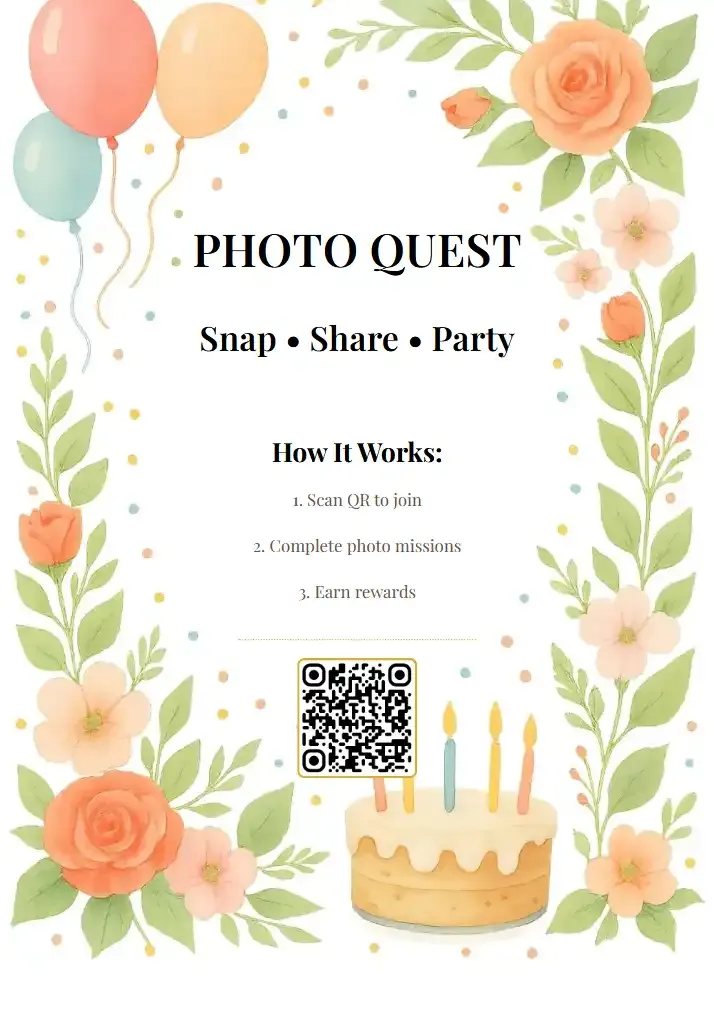
1.Guests scan the QR code with their phone camera
QR Code Generator
Create custom QR codes for your event — link guests directly to your photo gallery.
The difference from email or SMS is immediate. Nobody has to decide who to send photos to. Nobody deals with attachment limits. And the photos stay at full resolution because they're uploaded directly, not squeezed through a carrier's compression pipeline. If you're curious about the technical side, our article on sending 1,000+ event photos without zip files breaks down how this works at scale.
See it in action
Every guest photo in one album – no app.
But Wait, What About iCloud or Google Photos?
Fair question. Apple's Shared Albums and Google Photos shared libraries are free and already on your phone. For a small group of friends who all use the same ecosystem, they work fine.
The problem shows up at events. Not everyone has an iPhone. Not everyone has a Google account. And even among those who do, creating a shared album requires sending invitations, waiting for people to accept, and hoping they remember to open the right app and add their photos. At a wedding with 120 guests, maybe 30 will actually follow through. The other 90 mean to, forget, and you never see their photos.
A QR code gallery sidesteps all of this. No ecosystem lock-in, no account creation, no invitation to accept. Works on any phone with a camera. The friction difference between "scan this code" and "open Google Photos, tap Library, tap Shared, find the album, tap Add Photos, select, upload" is enormous. Our comparison of wedding hashtags vs QR code galleries covers why low-friction methods consistently collect more photos.
The Comparison at a Glance
Email & SMS vs. Shared Photo Gallery
| Feature | SMS / Text | Shared Gallery (QR) | |
|---|---|---|---|
| Photo quality | 7x compression | original preserved | original quality |
| Video support | heavily compressed | size limits | full quality |
| Works for 100+ guests | |||
| Requires app download | |||
| Requires account/login | |||
| All photos in one place | |||
| Guests can browse all photos | |||
| File size limits | carrier limits | 10-25 MB cap | |
| Bulk download (ZIP) | |||
| Works across iPhone & Android | |||
| Moderation / approval | |||
| Live photo wall display |
Features You Didn't Know You Needed
Once photos are in a shared gallery instead of scattered across text threads, some interesting things become possible. Things that email and SMS simply can't do.
Start with the live photo wall. Connect a TV or projector at the venue and as guests upload photos, they appear on screen in real time. A 55-inch display near the bar cycling through the latest guest photos while the party is still going? It becomes a conversation starter, and it motivates more uploads because people want to see their photo up on the big screen.
Then there are photo challenges. Instead of hoping guests take interesting photos, you give them creative prompts: "Find the oldest person on the dance floor." "Catch the flower girl mid-run." Challenges can even include example preview photos showing guests what to aim for, which opens up formats like photo roulette (mimic the example photo) or meme recreation. We saw a corporate team use these at an offsite and the leaderboard competition got genuinely intense by hour two.
Corporate organizers especially appreciate content moderation. At a company event, you probably don't want every upload going live without review. A shared gallery lets you set up an approval queue so a moderator checks photos before they appear publicly. Try doing that with email.
And on Photogala's Deluxe plan, there's AI face recognition. Guests upload a selfie and instantly find every photo they appear in. No scrolling through hundreds of images. It's the feature that makes the gallery personally useful for each guest, not just a big pile of everyone's photos. If you're planning a larger event, our article on how to share wedding photos the day after while they're still fresh explains why making photos findable fast matters so much.
1.Guest photos appear on the big screen as they're uploaded
The Honest Trade-offs
A shared gallery isn't free like texting. Photogala's paid plans start at €39 (one-time, not a subscription), and the free demo plan lets you try it with up to 50 photos. For a casual dinner with 8 friends, texting photos is probably fine. The quality loss doesn't matter for everyday snapshots, and the group is small enough that email works too.
The breakpoint is around 20-30 people. Below that, informal methods hold up. Above that, they start to collapse under their own weight: photos scattered across multiple threads, no single collection, quality degrading with every forward and screenshot. For any event where the photos actually matter to you, where you'd regret losing them or getting only blurry versions, a shared gallery pays for itself immediately.
And if you're planning a wedding, the math is pretty stark. Industry surveys put the average US wedding around $35,000-$38,000, and the average German wedding runs about €15,000. Spending €39-139 to ensure you actually get all the guest photos at full quality is maybe the highest-value line item on the entire budget.
Quick setup tip: Create your gallery the night before the event and test the QR code yourself. Print a few copies for tables or tape one near the entrance. Photogala's free QR code generator can help you make extras. The earlier guests start scanning, the more photos you'll collect. Check out our upload reminders guide for ways to nudge guests who forget.
Set Up a Shared Gallery in 3 Minutes
Create your event
Sign up at Photogala (free demo available, no credit card). Name your event and pick a style.
Share the QR code
Print it on table cards, add it to your invitation, or text the link. Guests scan to open the gallery instantly.
Watch the photos come in
Uploads appear in real time at original quality. Optionally display them on a live photo wall at the venue.
The question isn't really whether a shared gallery is better than texting or emailing event photos. That comparison was settled the moment carriers decided to compress every image you send. The real question is whether the photos from your event matter enough to collect them properly. For most events over 20 people, the answer is obvious.
All of this comes with your own event.
Setting it up takes five minutes. You can build and view everything before you decide.
Starting from €39 one-timeOne-time payment — No subscription
- No App Required
- Setup in 5 Minutes
- 30-Day Money Back
“Excellent service and great pictures! Photogala fully met our expectations at the event. The value for money is unbeatable. Absolutely recommended! The seating plan saved us a lot of hassle!”
Written by

I believe event photos should be more than static galleries. They should be live, playful, and unforgettable.
Categories
Related Posts
Photogala vs Joy and Minted: Which Wedding Gallery Actually Gets Used?
Joy and Minted build beautiful wedding websites. But their photo galleries sit empty after the big day. Here's why a dedicated photo sharing platform changes that.

Photogala vs Flickr: Why the OG Photo Platform Falls Apart at Events
Flickr changed how we share photos online. But collecting 200 guests' uploads at a wedding? That's a different problem entirely.

Photogala vs Shutterfly: Which One Actually Works for Event Photo Sharing?
Shutterfly is built for printing. Photogala is built for events. Here's why that distinction matters more than you think.