How to Send 1,000+ Event Photos Without Zip Files or Limits

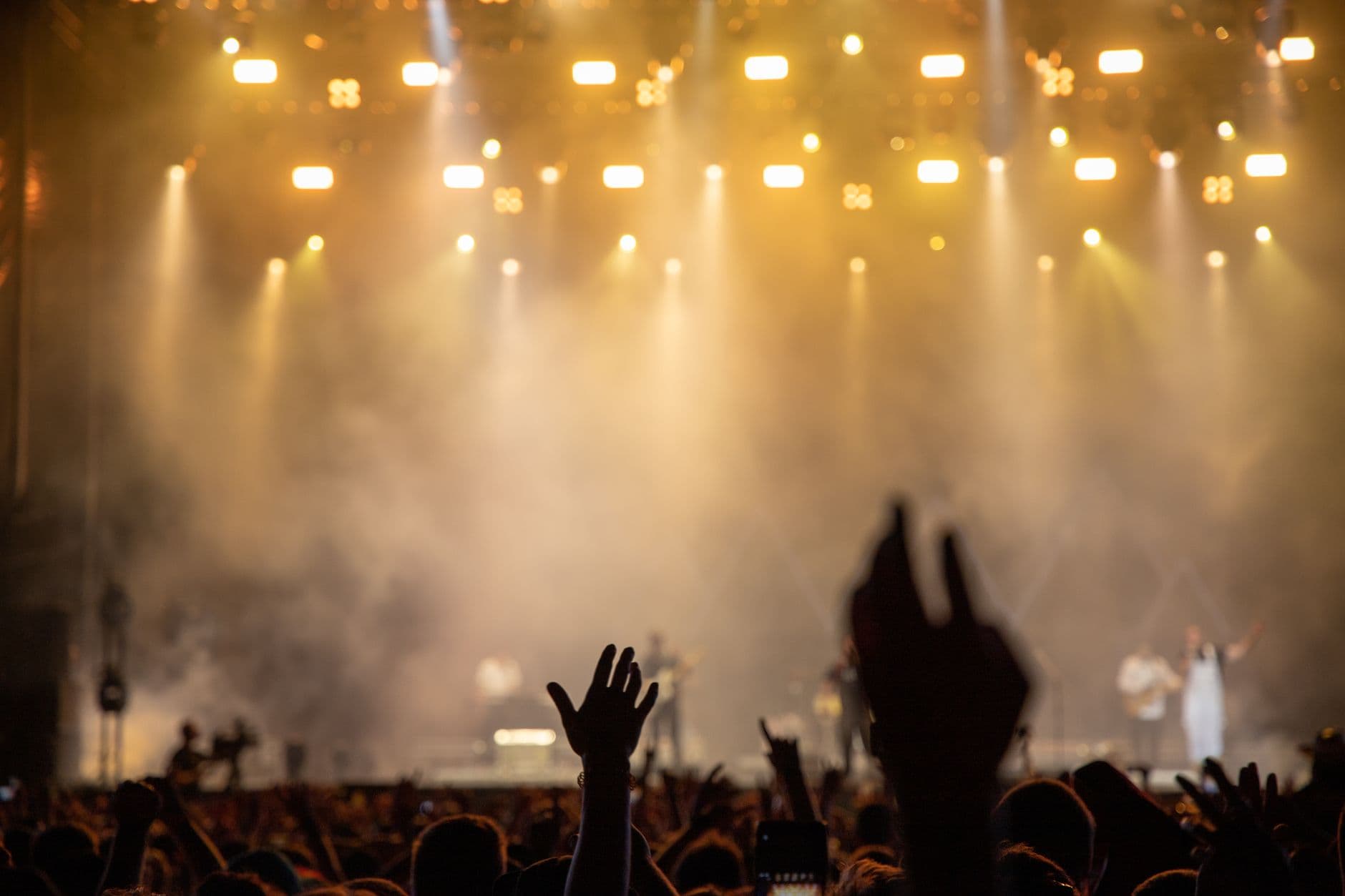
Here's a scenario that plays out after almost every wedding: the reception ends at midnight, 200 guests have taken somewhere around 1,100 photos between them, and the couple's grand plan to collect them all is a WhatsApp group titled "Send us your pics!!" with three exclamation marks — as if enthusiasm alone could solve a logistics problem.
By Wednesday, 14 people have sent photos. Mostly screenshots of photos, not the originals. Two guests emailed ZIP files that bounced because Gmail caps attachments at 25 MB. One uncle uploaded 340 photos to Google Drive, shared the link, then accidentally revoked access when he "cleaned up" his storage. The rest? They meant to send their photos. They really did.
This isn't unusual. It's the default outcome. And it happens at corporate events, graduation parties, and family reunions just as often as at weddings. The tools most people reach for first were never built for sharing hundreds of photos across dozens of people with different phones, different apps, and wildly different levels of tech confidence.
Why Every "Obvious" Solution Breaks at Scale
Sending five photos after dinner is easy. Sending 1,000 photos from an event with 80 contributors is a completely different problem. Most sharing methods work fine for small batches and fall apart the moment you need volume, quality, and cross-platform compatibility at the same time.
Email: the 25 MB ceiling
A single high-resolution iPhone photo is 3-7 MB. A 4K video clip from a 30-second toast? Easily 150 MB. Gmail and Yahoo cap attachments at 25 MB. Outlook stops at 20 MB. That means you can attach roughly four photos per email before you hit the wall. Sending 1,000 photos by email would require 250+ individual messages. Nobody is doing that. If you've tried workarounds for sharing large batches of photos, you know how quickly it gets painful.
WhatsApp and Messenger: compression kills quality
WhatsApp compresses every image you send. That crisp 12-megapixel shot becomes a blurry 1-megapixel approximation. It's fine for a quick preview. It's terrible for printing, for albums, for anything you actually want to keep. Messenger does the same thing. And both have per-message limits that make bulk sharing tedious.
There's also the group chat problem. Once 40 people start dumping photos into a single thread, the notifications become unbearable. Half the group mutes it within an hour. The photos are technically "shared" but functionally buried. We've compared this approach in detail against dedicated photo sharing apps, and the gap is stark.
Cloud storage: close, but not designed for this
Google Drive, Dropbox, iCloud. They're great for backing up your own files. They're awkward for collecting photos from other people. Someone needs to own the folder. Everyone needs the right app or account. Permissions get confusing fast. These services are designed for collaboration on documents and project files, not for 80 guests uploading photos to a single destination without accounts.
iCloud shared albums have a 5,000 photo limit and only work well when everyone has an Apple device. Google Photos shared albums require a Google account. Dropbox needs a login. Every requirement you add is another guest who won't bother.
ZIP files add another layer of friction. Many smartphone users don't know how to open them. On iPhone, downloading and extracting a ZIP with 500 photos can eat through storage and patience equally fast. If your sharing method requires a tutorial, it's already failed.
What Actually Works for 1,000+ Photos
The solution that works at scale has three properties: no app install, no account creation, and no file size limits. That combination eliminates 90% of the friction that kills photo sharing at events.
A QR code upload gallery hits all three. Guests scan a code with their phone camera, a browser page opens, they pick their photos, and they upload. No download, no sign-up, no wondering if it's iPhone-compatible or Android-only. This is the same approach covered in our guide on collecting photos from event guests automatically, and it works whether you have 20 guests or 500.
Photogala uses this model. You create a gallery, get a QR code (or use the free QR code generator to customize it), and share it however you want: printed on table cards, projected on a screen, texted in a group chat, added to an invitation. Every paid plan includes unlimited photos and up to 25 videos in original quality, starting at €39. The free demo plan lets you test the whole flow with up to 50 photos before committing.
QR Code Generator
Create custom QR codes for your event — link guests directly to your photo gallery.

1.Scan, open, upload. No app required.
See it in action
Every guest photo in one album – no app.
The Part Nobody Talks About: Getting People to Actually Share
Having a frictionless upload system solves the technical problem. But there's a human problem too. Most guests take photos, enjoy the event, go home, and forget. By Monday, sharing photos feels like a chore. The window of enthusiasm closes fast.
This is where two things help: immediacy and motivation.
Immediacy means making the upload happen during the event, not after. A QR code on the dinner table gets scanned between courses. A live photo wall projecting guest photos on a screen gives people a reason to upload right now, because they want to see their own shot up there. That instant feedback loop is more effective than you'd expect. For large venues like conference halls or stadiums, the same principle applies at bigger scale, as we've explored in our piece on photo sharing for large venues.
Motivation means giving guests a nudge beyond "please share your photos." Photogala has a full gamification system: photo challenges ("capture the first dance," "find the oldest guest"), a leaderboard showing who's uploaded the most, and even redeemable rewards. Picture a company holiday party where the marketing team is competing against finance to top the leaderboard. Suddenly uploading photos isn't a favor. It's a game.
You can also set challenges with example preview photos, so guests see exactly what kind of shot you're looking for. Photo roulette, meme recreations, silly pose challenges. These photo challenge ideas turn passive guests into active contributors. At a typical 150-person corporate event, expect 200-400 photos with basic QR sharing, and double that when challenges are running.
How the Workflow Looks in Practice
From Setup to 1,000 Photos
Create a gallery (2 minutes)
Pick your event type, add a name and cover photo. Choose branding colors if you want. You get a unique QR code and shareable link instantly.
Distribute the QR code
Print it on table cards, add it to invitations, project it on a screen, or drop it in a group chat. Multiple touchpoints = more uploads.
Watch photos roll in
Guests scan, pick photos from their camera roll, and upload. Photos appear in the shared gallery in real time. No waiting, no approvals needed (unless you enable moderation).
Download everything afterward
Bulk download the entire gallery as a ZIP file, or let guests download individual photos. Original quality preserved.
One honest caveat: Photogala is browser-based, not a native app. That's a deliberate trade-off. No app install means zero friction for guests, but it also means you don't get push notifications to remind people to upload later. The upload needs to happen while the event is happening or shortly after, when people still care. For hybrid events with remote attendees, this works just as well since the gallery link works from anywhere.
Beyond Weddings: Corporate Events and the "Who Owns These Photos" Problem
At corporate events, photo sharing has an extra wrinkle: content control. When 60 employees upload photos from a team-building day, someone in marketing or HR usually wants to review them before they end up in an internal newsletter or social media feed.
Photogala's moderation dashboard handles this. You assign moderator roles, enable pre-approval, and every photo passes through a review queue before it's visible. There's also an AI-powered NSFW filter on the Deluxe plan that automatically flags problematic content. For the detailed workflow on getting these photos to the right people afterward, our guide on sharing corporate event photos with staff and press covers the distribution side.
1.Review and approve every upload before it goes live
Consider how many photos go to waste: billions of event photos sit trapped in individual camera rolls, never shared, never seen by the people who'd actually want them. The problem isn't capturing moments anymore. It's getting them from point A (someone's camera roll) to point B (a shared destination everyone can access) without losing quality, losing patience, or losing photos entirely.
Choosing the Right Plan for Your Event Size
For a small birthday party or team dinner with under 50 photos, the free demo plan works. No credit card, no commitment. For anything bigger, the paid plans start at €39 (one-time, not a subscription) and include unlimited photos and up to 25 videos. The main difference between tiers is uploader slots (75, 250, or 500) and features like social engagement, face recognition, and gallery customization.
A smart detail: the active period doesn't start when you buy. It starts when the first 10 photos are uploaded. So you can set everything up weeks in advance without burning your time window.
For events where guests use a mix of iPhones and Android devices (which is every event), cross-platform compatibility matters more than most people realize. Browser-based tools sidestep the whole issue. If it has a camera and a browser, it works.
Planning a graduation party? Photo sharing works especially well at milestones where multiple generations attend. Grandparents, parents, and friends all have different comfort levels with tech, but everyone knows how to point a phone camera at a QR code. Check our graduation photo sharing guide for specific tips.
What About AirDrop?
AirDrop gets suggested constantly, and it does work well for small groups of iPhone users standing near each other. For 1,000+ photos across mixed devices at an event? Not even close. It requires Bluetooth proximity, only works Apple-to-Apple, and has no central collection point. We did a full breakdown of AirDrop alternatives for events if you're curious about the specifics. The short version: AirDrop is great for sending three photos to the person sitting next to you. It's terrible for consolidating photos from an entire event.
The couple from the opening scenario? Imagine they'd put a QR code on every table instead of creating a WhatsApp group. Guests would have scanned between courses, uploaded while waiting for dessert, maybe even competed on a leaderboard. By midnight, the gallery would have had 800+ photos, all in original quality, all in one place. No ZIP files. No bounced emails. No uncle accidentally deleting the Google Drive folder.
That's the difference between asking people to share and making it effortless for them to share.
All of this comes with your own event.
Setting it up takes five minutes. You can build and view everything before you decide.
Starting from €39 one-timeOne-time payment — No subscription
- No App Required
- Setup in 5 Minutes
- 30-Day Money Back
“Excellent service and great pictures! Photogala fully met our expectations at the event. The value for money is unbeatable. Absolutely recommended! The seating plan saved us a lot of hassle!”
Written by

I believe event photos should be more than static galleries. They should be live, playful, and unforgettable.
Categories
Related Posts

How to Watermark and Protect Photos in a Shared Event Gallery
Event photos get screenshotted, reshared, and misused more often than you think. Here's how to protect your gallery without ruining the experience.
How to Set Upload Reminders and Deadlines for Event Guests
Most event photos die on guests' camera rolls. Here's how upload windows, gentle nudges, and smart deadlines rescue them.
How to Run a Best-Photo Contest at Your Event
Photo contests turn passive guests into active participants. Here's how to set one up that people actually care about.