How to Share Corporate Event Photos With Staff and Press


Here's a scenario that plays out at companies all the time: a 150-person company summit wraps up, and the professional photographer delivers 847 high-resolution images. Three months later, 12 of those photos have been used. Twelve. The rest sit in a shared drive folder that most employees don't know exists, and the press contacts who attended never received a single usable image.
This happens constantly. Corporate events generate hundreds (sometimes thousands) of photos, and the vast majority of them vanish into digital storage. The problem isn't the photography. It's the distribution. Staff and press need photos delivered in fundamentally different ways, and most companies treat them identically: here's a link, good luck finding what you need.
This guide covers a practical system for both audiences. One gallery for the team, one package for the media. No photo dump, no forgotten folders.
Two Audiences, Two Completely Different Needs
The first mistake is lumping staff and press together. Your marketing coordinator browsing for a LinkedIn post and a journalist on deadline have almost nothing in common when it comes to photo needs.
Staff want to find themselves, share moments with colleagues, relive the event. They browse casually, often on their phones, usually within hours of the event ending. They care about fun shots, candid moments, group photos. Resolution matters less than accessibility. A shared photo gallery they can open on their phone during the after-party is ten times more valuable than a Dropbox link that arrives next Tuesday.
Press contacts want polished, high-resolution images they can publish immediately. They need specific shots: keynote speakers, product reveals, branded backdrops. They want alt text, captions, speaker names. They want a download link, not a browse-and-scroll gallery. And they want it fast, ideally same-day.
Trying to serve both from one generic folder means neither audience gets what they need. The staff can't find themselves in 800 photos. The journalist gives up after scrolling through 40 team selfies looking for the CEO's keynote shot.
The Staff Side: Real-Time Sharing That Actually Works
The traditional approach goes something like this: photographer shoots the event, spends two days culling and editing, uploads a folder to Google Drive or SharePoint, someone from comms sends an email with the link, half the company ignores the email, the other half opens it on their phone and gets a clunky mobile experience. According to research on corporate event photo workflows, the photos that actually get reused are the ones integrated into a forward-looking content plan, not dumped into an archive.
The gap between the event and the photo delivery kills engagement. People are excited during the event. By Thursday, they've moved on.
A better approach: let staff contribute and browse photos in real time. Set up a QR code gallery before the event. Print QR codes on table tents, lanyards, or the event program. Attendees scan, open a browser (no app install, no login), and start uploading from their phones. The professional photographer's shots go into the same gallery. By the time dinner wraps up, you have a living collection that people are already browsing and sharing.
This is what our guide on sharing corporate event photos calls the friction problem. Every extra step between "I want to share this photo" and actually sharing it costs you a chunk of your participants. A QR code reduces the process to: scan, tap, upload. That's it.
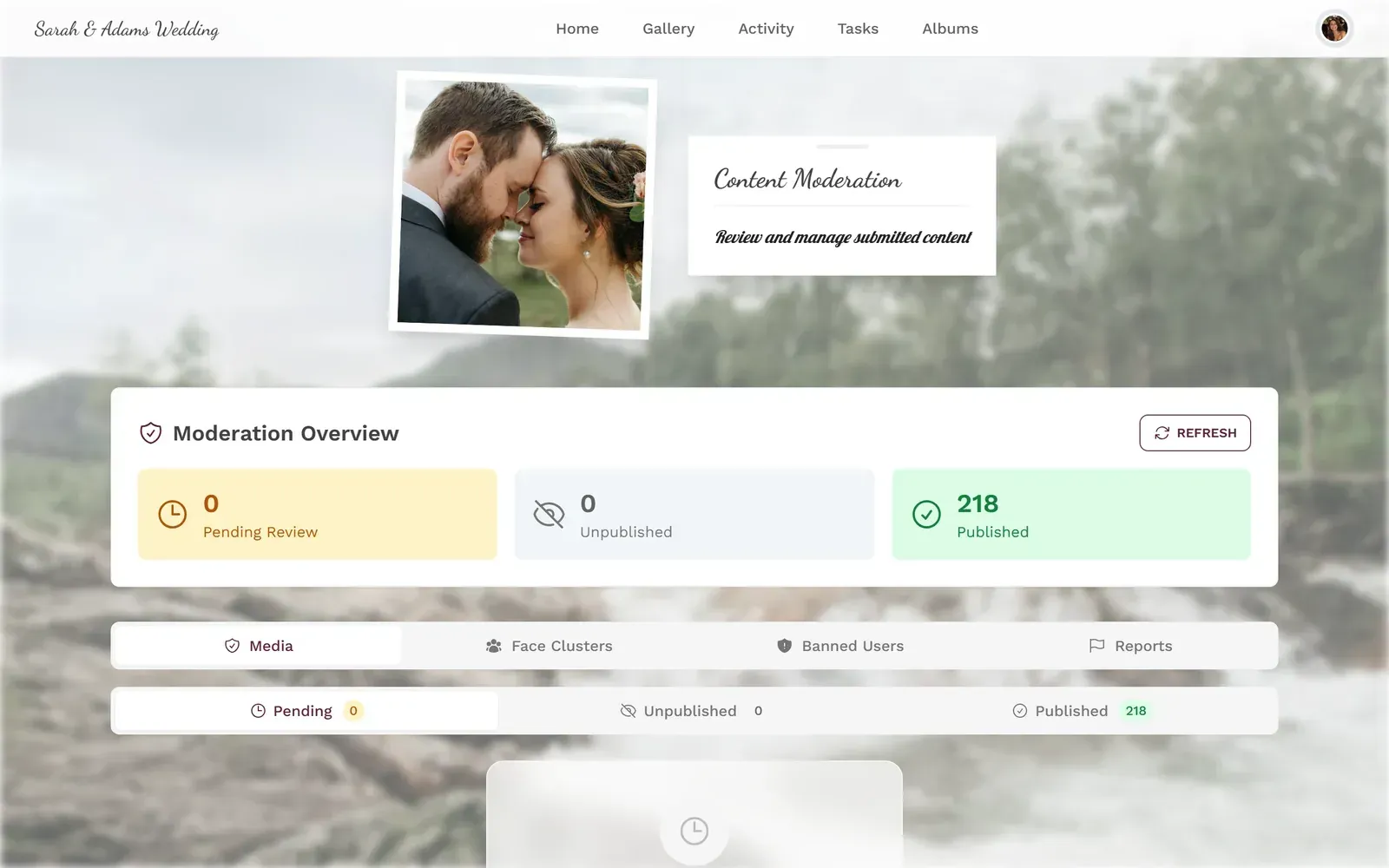
1.Scan a QR code and upload directly from the phone browser
Timing matters. Send the QR code link in the calendar invite before the event, not just at the venue. In our experience, early awareness tends to double participation or more compared to on-site-only discovery. If you're running a multi-language event, make sure the gallery supports your team's languages.
What About Content You Don't Want Shared?
This is where most companies hesitate. "But what if someone uploads something inappropriate?" Fair concern. A content moderation system solves this cleanly. Set up pre-approval so every upload gets reviewed before it appears in the gallery. Assign a team member as moderator. One tap to approve, one tap to reject. If you want an extra safety net, AI content filtering can automatically flag NSFW content before a human even sees it.
For GDPR compliance, which is non-negotiable for European corporate events, include a Photography Notice in your event registration. Event photo privacy isn't just about legal checkboxes. It's about making attendees feel comfortable sharing. A corporate event photography guide recommends including a clear photography policy tick-box in registration terms, establishing consent under GDPR's Legitimate Interest basis.
See it in action
Every guest photo in one album – no app.
The Press Side: Media Kits, Not Photo Dumps
Journalists don't want to browse your gallery. They want 8-15 curated, high-resolution shots with captions, delivered in a format they can use immediately. The goal is making their job easy, because a journalist who can grab a usable photo in 30 seconds is a journalist who actually uses your photo.
According to Prezly's press kit research, a press kit is "an essential tool for any brand aiming to secure media coverage." It eliminates the email back-and-forth of "can you send me a higher resolution version?" or "do you have a photo of the keynote speaker?" Build it once, share the link, done.
What Goes in a Post-Event Press Kit
Think of it as a one-stop-shop for a journalist writing on deadline. Every piece they might need should be in there, organized so they can grab what they want and move on:
- 8-15 curated high-resolution images (not 800 raw files)
- Photo captions with speaker names, titles, and context
- Company logos in multiple formats (PNG, SVG, dark/light)
- A one-paragraph event summary with key announcements
- Spokesperson quotes ready to publish
- Contact info for the comms team
The keyword here is curated. Picking the 12 strongest images takes real editorial judgment. You want the hero shot of the keynote, the crowd reaction, the product reveal moment, the team photo, and a few candid networking shots that look natural. Skip the blurry phone photos and the 47 nearly identical podium shots.
For the internal team, those 47 podium shots are fine in the browse-able gallery. For press, they're noise. This is why one distribution method can't serve both audiences.
Building a System That Handles Both
Here's the practical workflow, start to finish:
Corporate Event Photo Distribution in 5 Steps
Before the event
Create a shared photo gallery with QR code access. Add your company branding. Include the QR code on printed materials and in the calendar invite. You can use our free guest list manager to track RSVPs alongside this.
During the event
Staff and photographer upload to the same gallery in real time. A moderator reviews uploads as they come in. Photos appear on a live photo wall if you're running one.
Same evening
Export the best 10-15 professional shots. Build the press kit with captions and logos. Share the press kit link with media contacts.
Next morning
Send the full gallery link to all staff via email and Slack. Encourage sharing on social media. Highlight the best candid shots.
Following week
Download the full archive as a ZIP for your marketing team. Schedule social media posts for the next 4-6 weeks using the best images.
The professional photographer's images and the staff's phone photos live in the same gallery, but the press only gets the curated selection. Staff browse everything. Two audiences, one source of truth.
If your company runs large venue events like conferences or trade shows, the same system scales. The QR code works in a 50-person meeting room or a 2,000-seat auditorium. For conferences specifically, our guide on getting event photos to attendees covers the unique challenges of multi-track, multi-day events. Planning the logistics? Our free seating planner and event timeline builder work for corporate events too.
The Photo Wall Advantage
Picture this: a 55-inch screen near the registration desk showing a live feed of photos being uploaded by attendees. Someone snaps a group photo at the coffee station, and it appears on the screen 15 seconds later. Suddenly everyone wants to get their photo up there.
A live photo wall does two things at once. It creates energy at the event (people cluster around the screen, point, laugh). And it generates content. The social proof of seeing photos on a big screen motivates people to upload who otherwise wouldn't bother.
Photos appear on screen in real time as attendees upload them
For corporate events with a press component, this is a double win. Journalists see the energy. They photograph the photo wall itself (meta, but it happens). And they walk away knowing this company understands how to create shareable moments, not just stage them.
If you're also running team building activities, combine the photo wall with photo challenges. Set up tasks like "Take a photo with someone from a different department" or "Capture the best handshake of the day." It sounds silly. It works. People who wouldn't normally take event photos suddenly have a reason to.
Branding: Your Photos, Your Identity
Every photo that leaves your event is a brand touchpoint. The gallery itself should reflect your company's visual identity, not look like a generic stock template. Custom branding lets you add your logo, match your brand colors, and choose a gallery layout that fits the event's tone. For formal conferences, a clean Modern layout works. For a team offsite, the Polaroid layout feels more casual.
This matters more than most companies realize. When a journalist screenshots the gallery for their article, or an employee shares the link on LinkedIn, the gallery is your brand in that moment. Our guide on custom headers and gallery branding goes deeper on this.
Downloads and Archiving: The Boring Part That Matters
After the buzz fades, you need clean files. The marketing team wants high-resolution originals for the annual report. HR wants photos for the internal newsletter. The design team wants candid shots for the careers page.
A bulk download and archive system lets your team pull everything as a ZIP. Original quality, no compression. For companies that share high-resolution photos with clients or partners, this is the difference between "can you resend that in higher quality?" emails and having everything ready to go.
One honest trade-off: browser-based galleries are fantastic for convenience and zero-friction sharing, but they're not a DAM (Digital Asset Management) system. If you have a dedicated DAM like Bynder or Brandfolder, the event gallery feeds into it as a source. It doesn't replace it. For the 95% of companies that don't have a DAM, the gallery's archive function covers the gap well.
What About Photos That Shouldn't Be Public?
Corporate events often include confidential content. Unreleased product shots. Whiteboard brainstorming sessions. The CEO's karaoke performance at the after-party. Not everything should be in a press kit, and not everything should be in the staff gallery either.
Moderation is the answer here, not restricting uploads. Let people take photos freely. Use the approval queue to review what goes public. This way you capture everything (the candid moments are often the best marketing material later) without accidentally leaking a product roadmap slide.
For events with external attendees, check our guide on photo sharing etiquette. There are real social norms around corporate event photography that hosts often overlook.
GDPR reminder: If your event is in the EU, you need a legal basis for processing attendee photos. Include a Photography Notice in your registration terms. Attendees who opt out should be respected. A moderation layer makes this manageable without killing the vibe.
Making Your Event Photos Work for Months
The real ROI of corporate event photography isn't the event recap email. It's what happens over the next six months. Schedule social media posts. Use candid shots in recruitment campaigns. Include event moments in investor presentations. Drop a "one year ago today" post that reminds everyone of the energy.
The companies that get the most value from event photos are the ones that treat them as an ongoing content library, not a one-time deliverable. Having everything organized in a searchable, brandable gallery makes it easy for the marketing team to pull the right image six months from now without digging through nested SharePoint folders.
The 847 photos from that company summit didn't need to sit in a forgotten folder. They needed two things: a real-time gallery that staff could browse on their phones during the after-party, and a curated press kit that landed in journalists' inboxes before they left the venue. Same photos, different packaging. That's the whole trick.
All of this comes with your own event.
Setting it up takes five minutes. You can build and view everything before you decide.
Starting from €39 one-timeOne-time payment — No subscription
- No App Required
- Setup in 5 Minutes
- 30-Day Money Back
“I use PhotoGala Deluxe and I'm absolutely thrilled. It was the perfect solution for documenting a sports event. Uploading and downloading via the link is a breeze for every participant. What won me over most were the photo wall and the slideshow – both are quick to set up and look really professional. Big praise also to Peter from the PhotoGala team: he's very easy to reach by email, replies quickly and even took my suggestions on board and added new features that made my slideshow even better. You rarely get support this dedicated. A clear 5-star recommendation!”
Written by

I believe event photos should be more than static galleries. They should be live, playful, and unforgettable.
Categories
Related Posts

Sales Kickoff Photo Sharing: How to Turn a Mandatory Meeting Into a Team Memory
Sales kickoffs are expensive. The photos from them usually disappear into 14 different camera rolls. Here's how to fix that.
Customer Appreciation Event Photos: The Album Nobody Plans (But Everyone Wants)
Your best clients showed up, mingled, laughed. Then what? Here's how to turn a customer appreciation event into a shared photo gallery that keeps the relationship warm.
Store Grand Opening Photos: How One QR Code Captures the Ribbon Cutting and Everything After
The ribbon cutting lasts 3 seconds. The photos from your grand opening should last forever. Here's how to collect every guest photo with a single QR code.