How to Share Wedding Photos the Day After (While It's Still Fresh)

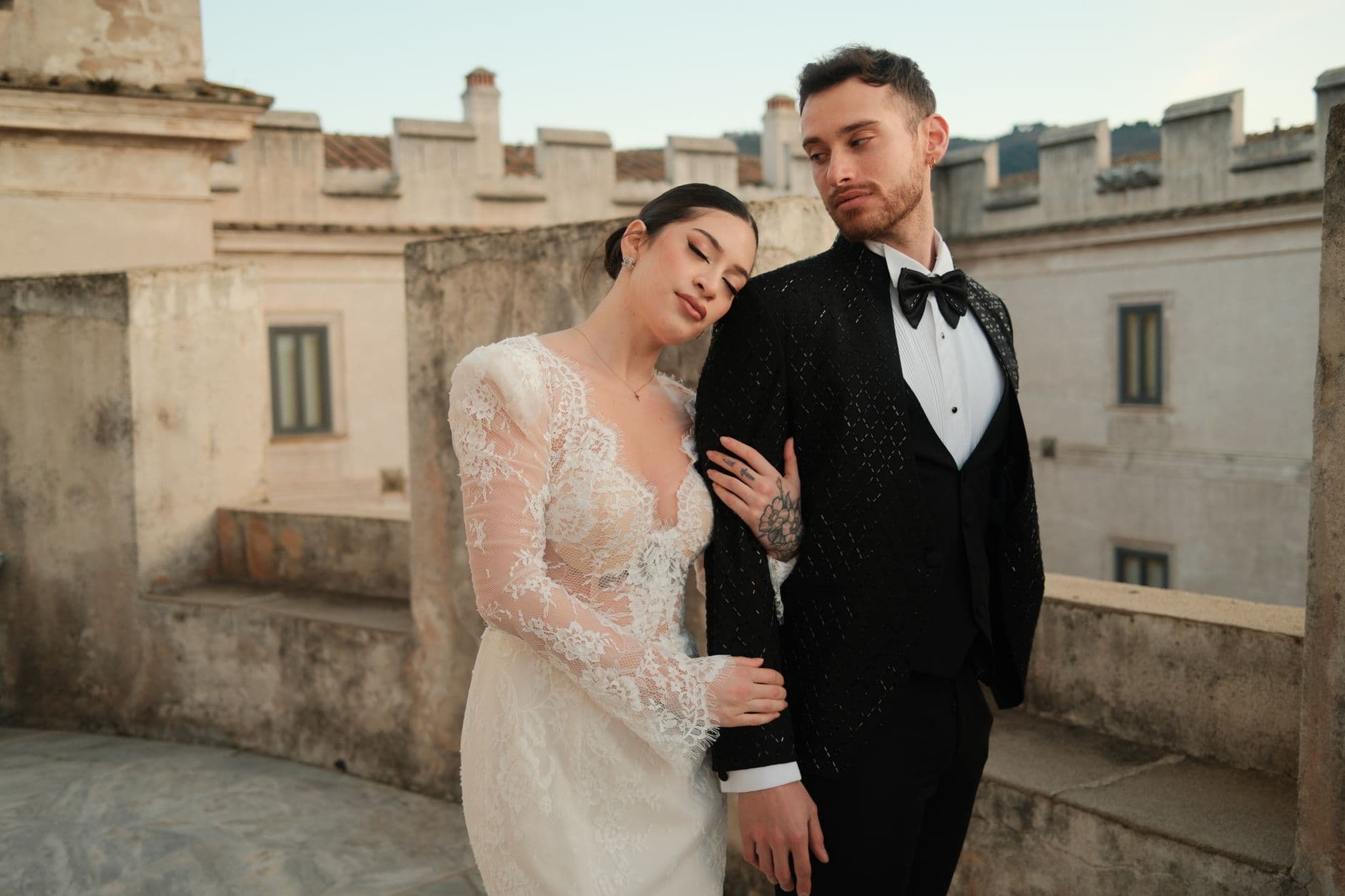
Picture this: Sunday morning, the day after the wedding. You're sitting at a long brunch table with your closest friends and family. Everyone's scrolling through their phones, laughing at blurry dance floor shots and surprisingly beautiful candid moments. "Oh my god, look at this one of your mom!" someone shouts across the table. The energy is infectious. Everyone wants to share.
By Wednesday, that energy is gone. The photos are still on those phones, but the urgency has evaporated. People are back at work, back in their routines, and "I'll send them later" has quietly become "never."
This is the single biggest mistake couples make with wedding photos. Not the photographer choice, not the lighting, not the shot list. It's waiting too long to collect what guests captured. A Mixbook survey found that 50% of Americans do nothing with the photos on their phones. Your wedding photos are sitting in that graveyard right now.
The 24-Hour Golden Window
There's a reason the morning after matters more than any other moment. Guests are still together (or at least nearby). They're still emotionally connected to the event. Their camera rolls are freshly filled. And most importantly, they haven't started their Monday yet.
Think about your own behavior after someone else's wedding. You took 40 photos. You meant to share them. But on Monday you had 87 unread emails, and by Friday you couldn't even remember which WhatsApp group the couple mentioned. Sound familiar?
The fix isn't complicated. You just need a system that makes sharing easier than not sharing. And you need to activate it while everyone still cares. If you're planning a weekend wedding with multiple events, this becomes even more critical because photos are spread across two or three days.
Why WhatsApp Groups and iCloud Albums Fall Apart
Most couples default to one of two approaches: a WhatsApp group or a shared iCloud/Google Photos album. Both seem logical. Both have a fatal flaw.
WhatsApp compresses every image to about 30% of its original quality. That gorgeous golden-hour shot your cousin took? It's now a blurry 200KB file that looks fine on a phone screen and terrible printed. Plus, scrolling through 600 messages of "great wedding!!" and confetti emojis to find the actual photos is nobody's idea of fun. We compared these approaches in detail in our piece on wedding hashtags vs. QR code galleries.
Shared albums are better on quality, but worse on participation. Google Photos requires a Google account to add photos, which alienates a significant portion of iPhone users. iCloud Shared Albums only work smoothly when everyone's on Apple. Your uncle with the Android phone? He's out. Your tech-averse aunt? She gave up after the third "sign in to continue" prompt.
The real problem isn't the tool. It's the friction. Every extra step between "I want to share this photo" and the photo actually being shared loses you 20-30% of potential contributors. Three steps and you've lost most of your guests.
The friction test: Count the steps between a guest deciding to share and the photo being in the album. If it's more than two actions (scan, upload), you'll lose the majority of contributions. A QR code gallery gets this down to literally scan-and-upload.
A Better Approach: Set It Up Before, Collect It After
The couples who end up with hundreds of guest photos don't do anything heroic. They just prepare one thing before the wedding and do one thing after.
Before: Set up a shared gallery with a QR code. Print that QR code on table cards, on a sign near the photo booth (or where the photo booth would have been), and on the bar menu if you're feeling creative. Photogala's free QR code generator makes designing those print-ready codes easy. Guests scan with their phone camera. No app download. No account creation. They pick a name and start uploading. That's the entire guest experience.
QR Code Generator
Create custom QR codes for your event — link guests directly to your photo gallery.
After: The morning of the day-after brunch (or the morning after, if there's no brunch), send a single message to your wedding group chat. Not "please share your photos." Instead, something like: "We just looked through the gallery and we're laughing so hard. 340 photos already. If you haven't uploaded yours yet, here's the link again." Social proof plus a direct link. That combo works.

1.Guests upload directly from their phone browser. No app needed.
If you want to go further, keep a screen running at the brunch showing the live photo wall. Nothing motivates uploads like seeing your photo pop up on a TV while everyone's eating eggs benedict.
See it in action
Every guest photo in one album – no app.
The Morning-After Message That Actually Works
Timing matters more than wording. Send the reminder between 9 and 11 AM the day after. Not at midnight when you're exhausted. Not three days later when the moment has passed.
Here's what works better than a generic "share your photos" request:
- Lead with a number. "We already have 280 photos in the gallery!" creates FOMO. People want to add to something that's already alive.
- Mention a specific photo. "Someone got a shot of Grandpa doing the Macarena and we can't stop watching it." Specificity makes it real.
- Re-share the link or QR code. Don't make people scroll up to find it. Put it right there in the message.
- Set a soft deadline. "We're ordering a photo book next weekend, so upload yours before then!" gives people a reason to act now.
For guests who weren't at the brunch, this message is even more important. They're the ones most likely to forget. Our guide on getting guests to upload after the event has more follow-up strategies if the first nudge doesn't land.
What About the Professional Photos?
Your photographer will deliver 300-500 edited shots in two to six weeks. Those photos are gorgeous. They're also not the ones people will text each other at 2 AM.
Guest photos serve a completely different purpose. They're raw, unposed, and full of moments the photographer missed because they were shooting the cake cutting. The cousin's table cracking up during the speeches. The kids dancing in a circle. The grandparents holding hands during the first dance, shot from behind, slightly blurry, and somehow more moving than any professional portrait.
The two sets complement each other perfectly. We wrote about how DIY guest photography completes the professional story if you want the full argument. The short version: don't treat guest photos as a backup plan. They're a different genre entirely.
One practical note: professional photographers sometimes strip EXIF data and GPS coordinates before delivering files, especially for privacy reasons. Guest photos usually keep all that metadata, which means you can see exactly when and where each moment happened. That timeline alone is worth collecting.
Make It Stupidly Easy (The Three-Step Rule)
Every extra barrier between a guest and your gallery costs you photos. Requiring an app download? You'll lose half your guests before they start. Requiring an account? Another third gone. Asking them to email files? That's a task, not a share.
How guest sharing should work
Scan the QR code
Phone camera opens the gallery instantly. Works on every smartphone made in the last 8 years.
Pick a name
Type their first name so you know who uploaded what. No login, no password, no email required.
Upload photos
Select photos from camera roll. Original quality, no compression. Done in under 30 seconds.
That's it. Three actions from "I should share this" to "it's in the gallery." Photogala's QR code upload is built around exactly this flow. No app. No account. Just scan, name, upload.
Imagine a 150-guest wedding where even a third of guests upload 5-8 photos each. That's 250 to 400 photos collected with zero effort from the couple. The math works because the friction is low enough that casual guests participate, not just the photography enthusiasts.
Don't Forget the Quiet Contributors
Here's something most guides skip. Your most prolific uploaders aren't who you'd expect. The twenty-somethings take plenty of photos, sure. But the ones who upload the most meaningful shots? Often it's the older relatives. They took fewer photos, but each one was intentional: the groom adjusting his tie, the bride's mother tearing up during the vows, the flower girl asleep under a table at midnight.
These are your most valuable guest photographers, and they need the simplest possible experience. If your aunt can scan a QR code on her phone (and yes, every modern phone camera does this natively), she can contribute. But she won't navigate a five-step sign-up flow. She just won't.
There's another group worth thinking about: guests who couldn't attend. Maybe it was a destination wedding or elopement and some family stayed home. Sharing the gallery link with them afterward lets them see every moment and even add their congratulations. It's a small gesture that means a lot.
The Etiquette Nobody Talks About
One thing worth mentioning, since it comes up surprisingly often: not every photo should be in the shared gallery. The blurry ones, the unflattering angles, the accidental screenshots of someone's home screen. A little etiquette around what to share goes a long way.
If you're worried about inappropriate uploads (it happens, especially after an open bar), Photogala has a moderation system where you can designate a bridesmaid or groomsman to review photos before they appear in the gallery. One tap to approve, one tap to reject. It's the kind of safety net you hope you don't need but are glad to have.
There's also an AI-powered NSFW filter that catches the obvious problems automatically. Between that and a human moderator, your gallery stays exactly as PG (or PG-13) as you want it.
Turning Day-After Photos Into Something Permanent
Collecting photos is step one. Doing something with them is step two, and it's where most people stall out.
The best time to organize is within the first week, while you still remember who's in each photo and what was happening. Download the full gallery as a ZIP file in original quality. From there, you've got options: a printed photo book, a digital slideshow for the anniversary, framed prints for parents and grandparents.
Some couples create the gallery during the engagement period and keep it running through the wedding all the way to the honeymoon. If that sounds like your style, our guide on building one gallery from engagement party to wedding day walks through the setup.
Honest trade-off: Photogala is browser-based, not a native app. That's intentional (no downloads = more participation), but it also means guests won't get push notification reminders to upload. Your morning-after message is the nudge. Plan for it.
A Quick Timeline for the Day After
If you take one thing from this article, let it be this schedule:
- Morning (9-10 AM): Send the reminder message with the gallery link and a specific photo highlight.
- Brunch (if applicable): Put a printed QR code on the brunch table. Run the photo wall on a screen if you have one. Mention it casually: "Have you seen the gallery yet?"
- Afternoon: Post the gallery link on your social media (if you want). Tag a few guests who took great shots.
- Evening: Send a final gentle nudge to close family who haven't uploaded yet. Personal message, not a group blast.
- The following week: Download the full gallery. Start picking favorites for your photo book.
That's the entire playbook. No complicated workflow, no chasing people for months. Just one focused day of collection while the excitement is still real.
If you're still deciding between the various free wedding photo sharing options, the honest answer is that any system beats no system. A Google Photos shared album is better than nothing. A QR code gallery for weddings is better than a Google Photos album because it removes the sign-in barrier. And collecting photos the day after is better than collecting them never.
All of this comes with your own event.
Setting it up takes five minutes. You can build and view everything before you decide.
Starting from €39 one-timeOne-time payment — No subscription
- No App Required
- Setup in 5 Minutes
- 30-Day Money Back
“Excellent service and great pictures! Photogala fully met our expectations at the event. The value for money is unbeatable. Absolutely recommended! The seating plan saved us a lot of hassle!”
Written by

I believe event photos should be more than static galleries. They should be live, playful, and unforgettable.
Categories
Related Posts

Bridal Shower Photo Sharing: Collect Every Sweet Moment in One Gallery
Bridal shower photos end up scattered across 15 phones. Here's how to get them all into one gallery before the mimosas wear off.

Company Retreat Photo Sharing: How to Actually Keep the Memories
Most offsite photos die on individual phones. Here's how to collect, share, and actually use every photo from your next company retreat.
Neighborhood Block Party Photo Sharing: How to Turn 40 Strangers Into One Shared Album
Block parties create great photos — and zero way to share them. Here's how a QR code gallery turns your street into a connected community.