Hackathon Photo Sharing: How to Capture 48 Hours of Chaos, Code, and Breakthroughs

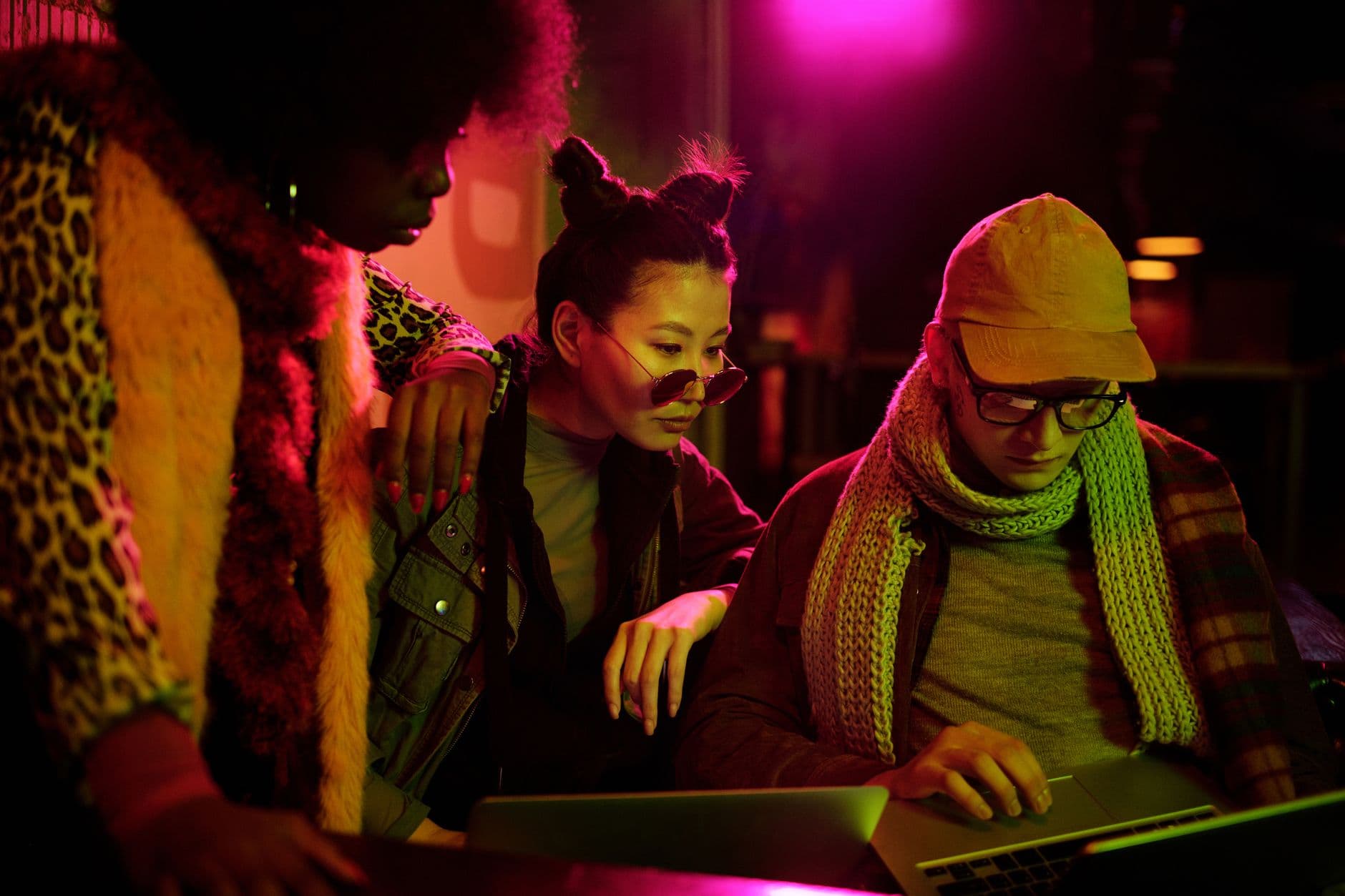
Three AM. Empty Red Bull cans stacked into a pyramid. A whiteboard covered in arrows that made sense six hours ago. One team member asleep under a table, another debugging with one eye closed. Somewhere in the room, someone just got their API call to return a 200 for the first time, and the fist pump that follows is the kind of moment you never get back.
Hackathons are compressed chaos. Forty-eight hours of building, breaking, pivoting, and occasionally sleeping produce some of the most genuine, raw moments in any corporate or tech event. The problem? Almost none of it gets documented. Everyone is heads-down coding, and the handful of photos that do exist live on seven different phones, never to be shared.
That's a waste. Not just sentimentally, but practically. A well-run hackathon is a business program that generates prototypes, developer adoption, and community momentum. Photos are how you prove that momentum happened. They're your recruitment content, your sponsor deliverables, your internal culture proof. Without them, a corporate event that cost tens of thousands to organize leaves behind almost no visual record.
This post is about fixing that gap: how to set up photo sharing at a hackathon so documentation happens naturally, without pulling anyone away from their code.
Why Hackathon Photos Disappear (And Why That Matters)
The core tension at a hackathon is simple: everyone is busy. A photo scavenger hunt at a team-building event works because engagement IS the activity. At a hackathon, photography is a distraction from the actual goal. Nobody wants to stop debugging to pose for a group shot.
So what typically happens? An organizer walks around with a DSLR for the first two hours, gets bored, and the camera stays in a bag for the remaining 46 hours. Participants snap a few phone photos for their Instagram stories. The company gets maybe 15 usable images out of an event that cost tens of thousands to organize.
Those 15 photos show smiling people at the kickoff and demo day. They miss the middle: the real building. The 2 AM debugging sessions. The pivot that happened over cold pizza. The sticky-note wall that tells the story of a team's thinking process. That middle section is what makes hackathon content actually interesting, and it's exactly what gets lost.
If you've organized conferences with multiple tracks, you know the challenge of capturing parallel activities. Hackathons have the same problem, amplified. Eight teams working simultaneously, each with their own arc of struggle and breakthrough.
The QR Code Gallery Setup
The fix is embarrassingly simple. Instead of assigning one person to photograph everything, give every participant a way to contribute to a shared gallery from their phone. A QR code on each team's table that opens a browser-based upload page. No app install, no sign-up, no friction.
Picture this: a team of five developers at a hackathon. Between them, they'll naturally take 20-40 photos over 48 hours. Whiteboard sketches, screen grabs of working prototypes, the celebratory moment when something finally compiles. With a QR code taped to their monitor, uploading takes five seconds. The photo hits a shared gallery that everyone can see.
The setup takes about ten minutes before the event. Create a gallery, customize it with your hackathon branding, print QR codes, and place one per team area. You can also put a large QR code at the entrance and on the event slide deck so people scan it during the opening ceremony.
Hackathon Gallery Setup in 4 Steps
Create the gallery
Name it after the hackathon. Upload your event logo and set brand colors to match. Takes 2 minutes.
Print QR codes
One per team table, one at the entrance, one on the projector screen during kickoff. Laminate them so they survive coffee spills.
Set up the photo wall
Connect a TV or monitor in the common area. Photos appear in real-time as people upload.
Add challenges (optional)
Create photo tasks like 'Capture your MVP moment' or 'Show your team's whiteboard'. More on this below.
Veja na prática
Todas as fotos dos convidados em um só álbum – sem app.
The Live Photo Wall: Your Hackathon's Ambient Energy
Here's where it gets interesting. A live photo wall on a screen in the common area does something subtle but powerful. It creates ambient social proof that other teams are building, progressing, having breakthroughs.
Imagine a screen near the snack table cycling through uploaded photos. A team walks up for coffee and sees another team's prototype on screen. That combination of competition and camaraderie is exactly the energy organizers spend thousands trying to manufacture. The photo wall generates it passively.
At a 100-person hackathon with 15 teams, a common-area photo wall also helps the organizers and judges get a feel for progress without hovering over each team. It's the same principle that works at corporate awards ceremonies and trade shows: make the crowd's content visible to the crowd.
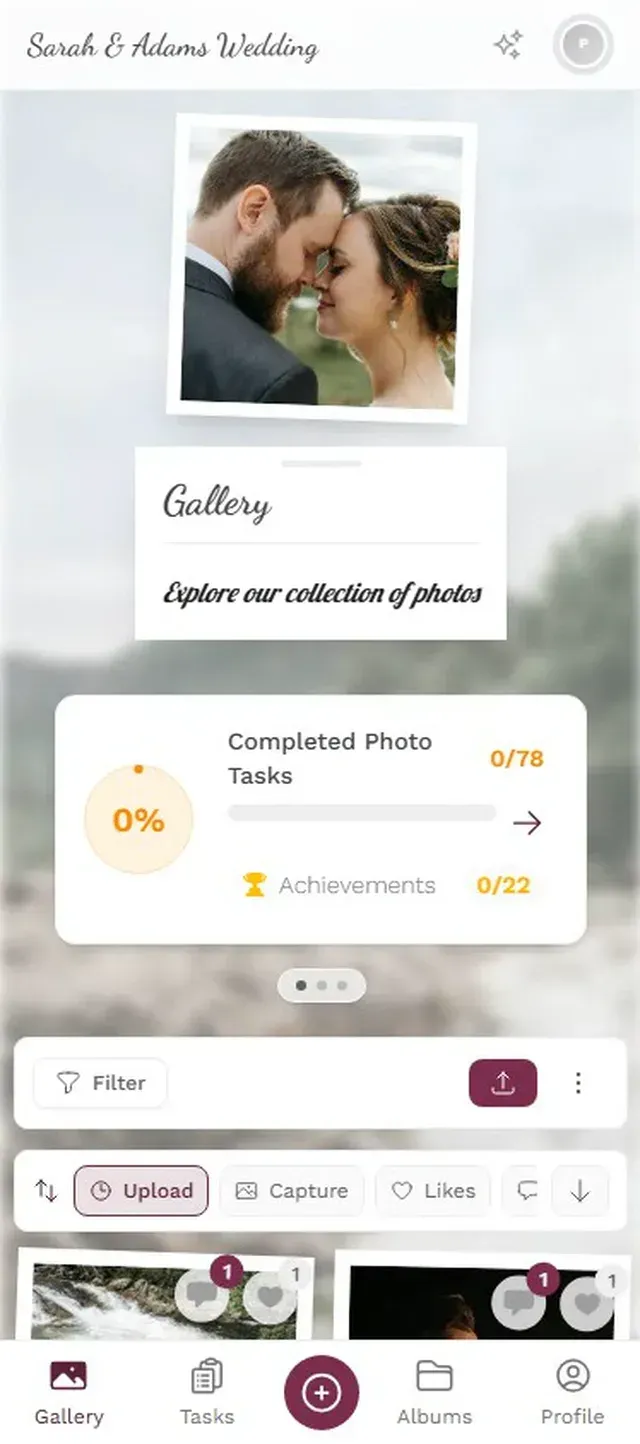
1.A live wall near the snack area keeps energy up between coding sprints
Photo Challenges That Actually Work at Hackathons
Generic photo challenges flop at hackathons. "Take a photo with your team" gets ignored by people deep in a coding sprint. The challenges that work are the ones tied to the building process itself.
You can configure photo challenges that double as progress documentation. Think of them less as entertainment and more as structured milestones with a camera attached. And because Photogala challenges can include example preview photos, you can show participants exactly what kind of shot you're looking for.
Here are challenge ideas calibrated for hackathons:
- "Whiteboard Moment": Capture your team's planning board at its most chaotic. Example photo shows a messy but real whiteboard.
- "First Working Prototype": Screenshot or photo of the first thing that actually runs. Timestamp becomes part of the hackathon story.
- "The Pivot": Document the moment your team changed direction. Bonus points for the facial expressions.
- "Fuel Check": What's keeping your team alive? Coffee cups, energy drinks, snack wrappers tell a story.
- "3 AM Club": Proof you were still coding at 3 AM. The bags under the eyes are part of the charm.
- "Demo Ready": The final product, right before the pitch. This becomes your portfolio shot.
The leaderboard and points system adds a layer of friendly competition. Teams already competing on code quality will naturally compete on photo challenges too. At a hackathon with 80-120 participants, expect 150-300 photos over 48 hours with challenges active. Without them, you'll get maybe 40-60.
Timing matters. Drop the "3 AM Club" challenge at 2:30 AM, not at kickoff. Schedule challenges to match the hackathon rhythm: planning photos in the first 4 hours, building photos in the middle, demo prep in the final stretch. You can pre-schedule them in the challenge settings.
Moderation: Because Hackathons Get Weird at 4 AM
Real talk: hackathons involve sleep deprivation, energy drinks, and sometimes alcohol. The photos will include some that probably shouldn't appear on a live wall in front of sponsors.
Set up pre-approval moderation so every photo gets reviewed before it hits the public gallery and the live wall. Assign two moderators (not the same person, because someone needs to sleep). With the AI NSFW filter running in the background, most inappropriate content gets flagged automatically. The human moderators handle the edge cases.
This isn't about censorship. It's about making sure your sponsor recap deck doesn't include a photo of someone's unfortunate 4 AM facial expression that they'd rather forget.
1.Review uploads before they go live. Two moderators, one asleep, one awake.
After the Hackathon: Where Photos Become Assets
The demo presentations end. Winners get announced. Everyone goes home to sleep for 18 hours. Then what?
A shared gallery with 200+ photos from 15 teams is genuinely valuable content. Here's what organizers typically do with it:
Sponsor reports. Every hackathon sponsor wants proof of engagement. A gallery link with real photos of participants using their API, wearing their swag, or building on their platform is worth more than a slide deck with attendance numbers. This is the same principle behind capturing trade show buzz.
Recruitment content. Engineering teams posting hackathon photos on LinkedIn get significantly more engagement than stock photos. The raw, authentic shots of real people building real things tell candidates "this is what working here actually looks like."
Team memories. This sounds soft, but it matters. A hackathon team that has a shared gallery of their 48-hour journey bonds differently than one that disperses with nothing. When you send participants the gallery link the next week, they relive the experience and share it.
With bulk download, organizers can grab the entire gallery as a ZIP for archiving. And if you're running a company retreat or offsite with a hackathon component, the gallery serves double duty.
One honest limitation: Photogala is browser-based, not a native app. For most hackathon participants (developers who live in browsers anyway), this is actually an advantage. But if your venue has spotty WiFi, uploads might be slow. Test the connection before the event, and consider a dedicated WiFi network for the upload gallery.
Hackathon Photo Sharing vs. the Usual Alternatives
Most hackathon organizers default to one of three approaches for photos. Each has obvious drawbacks.
The "someone from marketing" approach. One person with a camera. They capture the beginning and end, miss the middle, and the photos live on a company drive nobody checks. As Brand Studio's conference photography guide notes, a single photographer is great for polished shots but terrible for candid moments spread across a 48-hour timeline.
The shared Google Photos album. Free, but half the participants don't have Google accounts (international hackathons especially). Album links get lost in Slack. No live wall option. No challenges. No moderation. If someone uploads something inappropriate, it's visible to everyone instantly with no review step.
The Slack channel. "Post your photos in #hackathon-photos." Photos get buried between messages, can't be browsed visually, and disappear into Slack's message history. Good luck finding that whiteboard shot from hour 14 three weeks later.
Hackathon Photo Documentation: Your Options
| Feature | QR Code Gallery | Dedicated Photographer | Shared Cloud Album | Slack Channel |
|---|---|---|---|---|
| No app install needed | ||||
| Everyone contributes | ||||
| Live photo wall | ||||
| Photo challenges | ||||
| Content moderation | ||||
| Browsable gallery | after processing | |||
| Works without WiFi | ||||
| Post-event bulk download | ||||
| Cost for 100 people | From €39 | €500-2,000+ | Free | Free |
None of these are terrible. A dedicated photographer still makes sense for polished keynote and demo-day shots. But for capturing the messy, authentic middle of a hackathon, crowd-sourced photos via QR codes fill a gap that no single photographer can cover. You can run both simultaneously.
Making It Work: Practical Tips From Real Hackathon Setups
A few things that matter more than you'd think when setting up photo collection at events:
Place QR codes where people already pause. Next to the coffee machine, on the bathroom door, near the snack table. Not on the coding desks where they'll be covered by laptops within ten minutes. The best placement overlaps with natural break moments when people are already reaching for their phones.
Mention it once during kickoff, then shut up about it. A 30-second explanation during the opening ceremony is enough. Show the QR code on the projector slide, explain there's a shared gallery and optional photo challenges, and move on. Developers don't need hand-holding. Over-promoting it makes it feel corporate and kills participation.
The gallery stays open after the event. This is something organizers forget. With Photogala's active period starting only after the first 10 uploads (not from purchase date), the gallery remains accessible for months. People will upload photos they find on their phones days or even weeks later. Getting guests to upload after the event is easier when the gallery is still alive.
Use albums per team. Create one album per team so photos are organized by group, not just dumped chronologically. Judges browsing the gallery can see each team's journey from whiteboard to demo. Smart albums can auto-sort by uploader, so each team's contributions stay together.
Hackathons produce something rare in corporate events: genuine, unscripted moments of creative intensity. The 48-hour compressed timeline creates a story arc that most company events can't match. A shared photo gallery captures that arc, from the optimistic kickoff whiteboard to the bleary-eyed 3 AM debug session to the triumphant demo.
The Red Bull pyramid at table seven deserves to be remembered. Set up the gallery before the opening ceremony, drop the QR codes, and let the participants handle the rest. They're builders. Give them a tool, and they'll use it.
Tudo isso vem com o seu próprio evento.
Criar leva cinco minutos. Você pode configurar e ver tudo antes de decidir.
A partir de € 39 pagamento únicoPagamento único — sem assinatura
- Sem precisar de app
- Pronto em 5 minutos
- 30 dias de garantia de reembolso
“Uso o PhotoGala Deluxe e estou absolutamente encantada. Para documentar um evento esportivo, foi a solução perfeita. Enviar e baixar fotos pelo link é facílimo para todos os participantes. O que mais me convenceu foram o mural de fotos e a apresentação de slides: os dois são rápidos de configurar e ficam realmente profissionais. Um grande elogio também ao Peter, da equipe PhotoGala: ele é muito fácil de contatar por e-mail, responde rápido e até acolheu as minhas sugestões, integrando novos recursos que deixaram a minha apresentação ainda melhor. É raro encontrar um suporte tão dedicado. Recomendo sem hesitar, 5 estrelas!”
Escrito por

I believe event photos should be more than static galleries. They should be live, playful, and unforgettable.
Categorias
Artigos relacionados

Bridal Shower Photo Sharing: Collect Every Sweet Moment in One Gallery
Bridal shower photos end up scattered across 15 phones. Here's how to get them all into one gallery before the mimosas wear off.

Maternity Photo Sharing: How to Keep Every Announcement, Bump Shot, and Memory in One Place
Pregnancy announcements land on 4 different apps. Maternity photos get lost in group chats. Here's how to keep every photo in one shared gallery your whole family can access.

Sales Kickoff Photo Sharing: How to Turn a Mandatory Meeting Into a Team Memory
Sales kickoffs are expensive. The photos from them usually disappear into 14 different camera rolls. Here's how to fix that.