How to Print Photos From a Shared Event Gallery

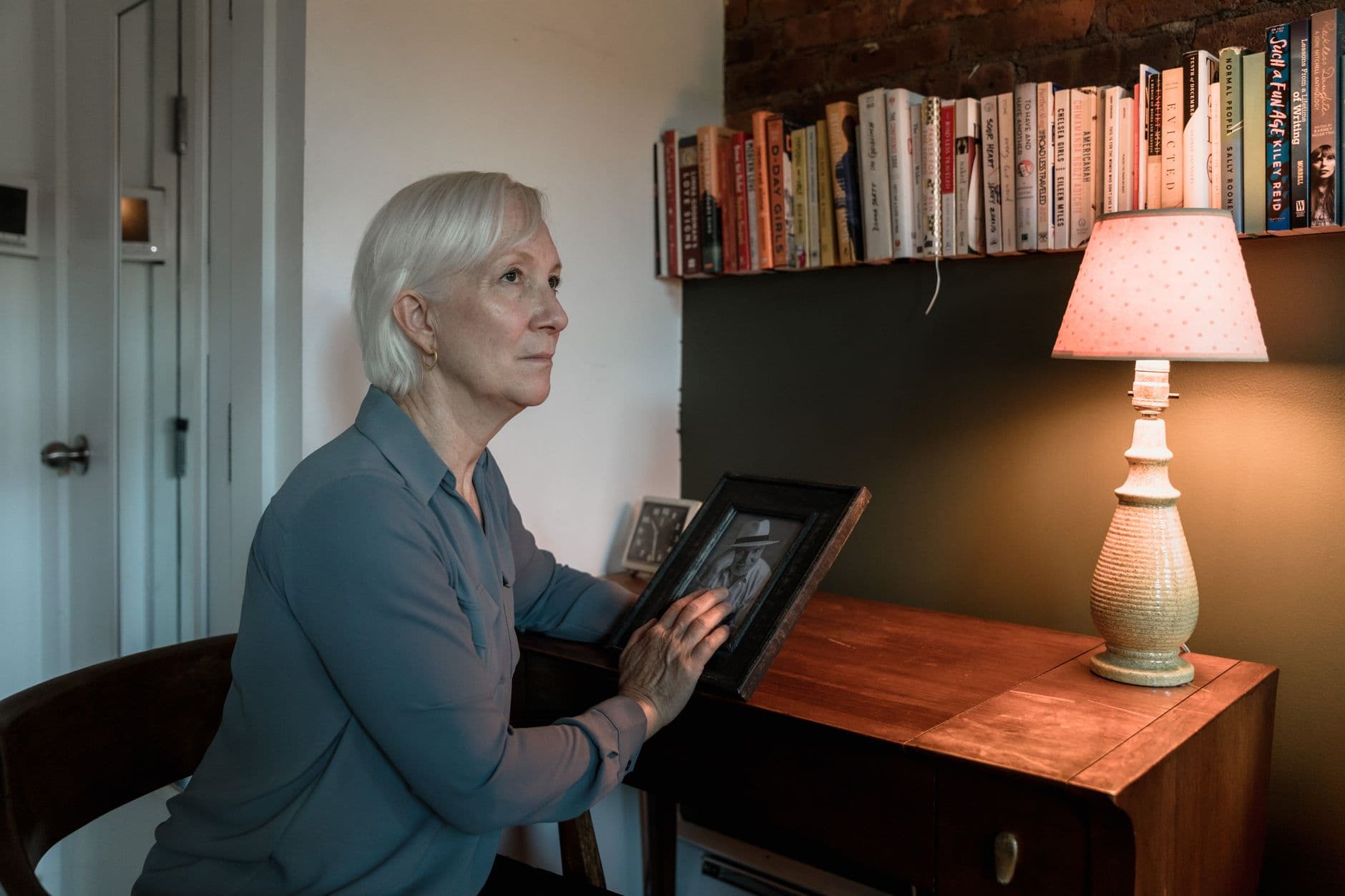
Picture this: your wedding was three weeks ago. The photographer's gallery arrived, all 300 shots, beautifully edited. But the folder you keep going back to is the ZIP file with 847 guest photos. The blurry dance floor shots. Your uncle trying to take a selfie with the flower girl. Your college roommate catching the exact moment you saw each other across the venue.
Those photos are sitting in a folder on your laptop right now. And if you're like most people, that's where they'll stay.
A PartyCam study found that curating just 30 to 50 photos and printing them within 60 days of an event creates something unexpectedly lasting: a simple linen photo box that people actually pull out during anniversaries and visits. Cost? Around $30 to $50. The digital archive with 800 photos? It fades into a cloud backup nobody opens.
This guide walks you through how to get from "shared event gallery" to "something physical on your shelf." No complicated workflows, no expensive equipment. Just a clear path from digital chaos to printed keepsakes.
Step Zero: Make Sure You Have the Originals
Before you think about printing, you need high-resolution files. This is where most people hit a wall. If your event photos live in a WhatsApp group, they've been compressed to roughly 30% of their original quality. Same story with most social media sharing.
A dedicated event photo gallery sidesteps this entirely. When guests upload through a QR code scanner, the files stay at original resolution. No compression, no quality loss. That matters when you're printing anything larger than a 4x6. If you're planning a wedding, this is worth setting up well before the big day.
If you used Photogala for your event, the archive and download feature lets you grab everything as a bulk ZIP in original quality. One download, all photos, full resolution. If you're still figuring out how to collect photos from guests in the first place, our guide on how to collect photos from event guests automatically covers that.
Print resolution rule of thumb: You need at least 300 DPI (dots per inch) for sharp prints. A 12-megapixel phone photo (4032×3024 pixels) prints cleanly up to 13×10 inches. Anything from a modern smartphone will work for standard photo prints. Problems start when you try to blow up a compressed WhatsApp image to poster size.
Curating: The Hardest Part Nobody Talks About
You downloaded 600 photos. Now what? Printing all of them would cost a fortune and result in a box nobody wants to sort through. The real work is picking the right 30 to 80.
Here's a framework that works:
- The must-haves (10-15 photos): Key moments. The first dance, the cake cutting, the group shot, the toast. These are your anchors.
- The candids (10-20 photos): Unposed, real moments. Laughter, hugs, kids being kids. These are what make guest photos special. The photographer probably missed half of these.
- The surprises (5-10 photos): The weird ones. Someone's accidental selfie. A blurry action shot of the dance floor. The dog photobombing the ceremony. These are the ones that make people smile years later.
- The detail shots (5-10 photos): Table settings, the venue, decorations, the invitation card. Context photos that set the scene.
If you ran photo challenges at your event, those submissions are goldmines for curation. Guests were already prompted to capture specific moments: "best dressed guest," "the most creative dance move," "something beautiful you noticed." Those responses tend to be more intentional than random camera roll dumps.
For large galleries, Photogala's face recognition feature can help too. Filter by person to find every photo of the guest of honor, or pull together a set featuring specific family members. Faster than scrolling through hundreds of thumbnails manually.
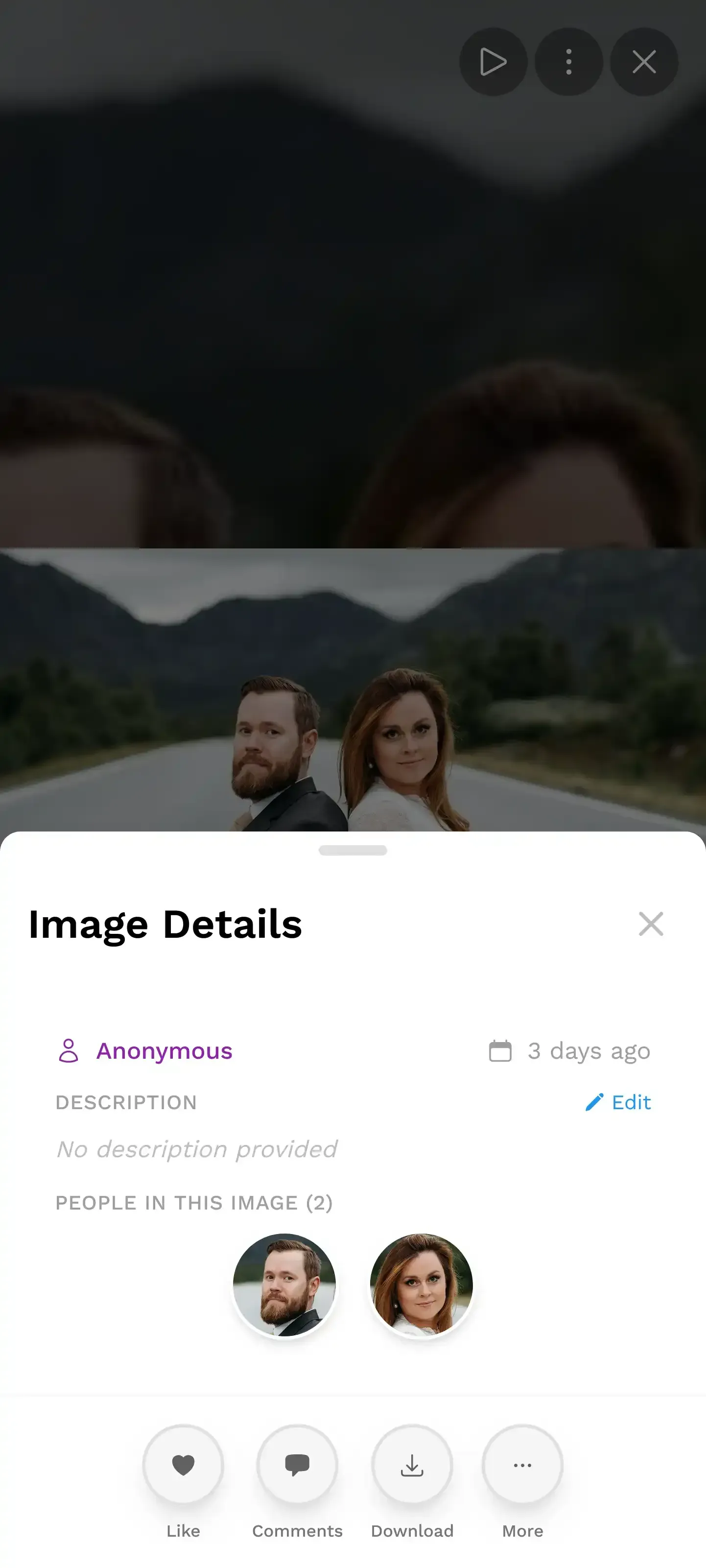
1.Browse and select photos directly on your phone
See it in action
Place cards, seating chart, QR signs – from one plan.
Your Printing Options (Ranked by Effort)
Not every photo deserves the same treatment. Here's how to match format to purpose.
Standard Prints: The Quick Win
4x6 prints are cheap, fast, and satisfying in a way that digital albums never manage. Online print services like Mpix, Shutterfly, and Walmart Photo make it easy: upload your files, pick a finish, and have prints shipped or ready for same-day local pickup. Quality varies by service, so it's worth ordering a small test batch first.
The play here is simple: pick your top 30 to 50 photos, order 4x6 matte prints (matte hides fingerprints and minor quality issues better than glossy), and put them in a linen photo box. Total cost: under $50. Total time: 20 minutes to order, pick up the next day. That box becomes something guests flip through when they visit. It's analog, it's tangible, and it has a warmth that a shared Google Photos album will never match.
Photo Books: The Gift That Keeps Giving
Photo books have gotten noticeably better in the last few years. Blurb offers hardcover options from 20 to 440 pages with premium paper stocks, and services like Vistaprint have smart assistants that auto-layout your photos for you.
The sweet spot for an event photo book: 40 to 60 pages, hardcover, 8x10 inches. Big enough to feel substantial, small enough that you'll actually finish making it. Budget around $40 to $80 depending on the service and paper quality.
A layout approach that tends to work well: dedicate the first few pages to the professional photographer's shots, then let the rest be guest photos. The contrast between polished and candid is what makes it interesting. If you created a digital memory book from your event, you already have a layout blueprint to work from.
Timing matters. Order your photo book within 60 days of the event. After that, the emotional momentum fades and the project joins the graveyard of "I'll get to it eventually" tasks. Set a calendar reminder the week after your event.
Wall Art: Go Big on One or Two
Don't try to print 20 canvas prints. Pick one or two standout photos and go large. A single 16x20 or 20x30 canvas of a genuinely great candid moment is worth more than a wall of mediocre prints.
The best candidates for wall art are usually not the "perfect" shots. They're the ones with energy, movement, genuine emotion. A blurry photo of everyone on the dance floor at midnight can be more powerful at large scale than a technically perfect posed group shot.
The Download-to-Print Workflow
Here's the actual step-by-step, assuming your photos are in a shared gallery.
From Gallery to Prints in 4 Steps
Download in bulk
Use bulk ZIP download to get all photos at original resolution. Photogala keeps originals uncompressed, so every file is print-ready.
Sort into folders
Create three folders on your computer: Print, Maybe, Skip. Be ruthless. Most photos go in Skip. That's fine.
Quick edits (optional)
Brighten dark photos, crop awkward framing. Most phone photos need zero editing for standard prints. Don't over-filter.
Order prints
Upload your Print folder to your preferred service. Matte 4x6 for the box, a photo book for the coffee table, one canvas for the wall.
The whole process takes about an hour if you're decisive. The hardest part is step two. Every photo feels important right after an event. Give yourself a week of distance, then sort. You'll be more ruthless and your final selection will be stronger.
If you're still collecting late uploads from guests, check out our tips on getting guests to upload photos after the event ends. You don't want to order prints and then realize the best shots came in a week later.
What About the Live Photo Wall Shots?
If you ran a live photo wall at your event, those moments are already in your gallery. The photo wall displays photos in real time as guests upload them, which means the gallery captures not just the photos but the sequence. You can see the energy building through the evening.
For printing purposes, the photo wall screenshots make great collage prints. Think: a single large print showing a grid of 20 to 30 thumbnails from the night. It captures the vibe of the whole evening in one frame. Our guide on turning guest photos into a live collage covers the setup side, but the same collage works beautifully as a print.
Photo wall moments make great collage prints
Printing Tips That Actually Matter
- Matte over glossy for mixed quality. Guest phone photos vary wildly in quality. Matte paper is more forgiving with noise, slight blur, and uneven lighting. Save glossy for the photographer's hero shots.
- Don't upscale. If a photo is small or heavily cropped, print it small. A sharp 4x6 beats a blurry 8x10 every time.
- Print the imperfect ones. The slightly out-of-focus shot of grandma laughing? Print it. In ten years it won't matter that it's not sharp. It'll matter that it exists.
- Order extras for family. A set of 20 prints for each set of parents costs under $10. It's one of the easiest, most appreciated gifts after an event.
For hosts who also captured video content, a wedding photo slideshow is another great way to use the same gallery content in a different format. Print handles the physical side; a slideshow handles the digital replay.
A Note on Archiving Before You Print
Printing is great. But before you delete anything or let your gallery expire, make sure you have a proper backup. Our guide on archiving and backing up event photos for the long term covers this in detail. The short version: download everything, store it in two places (local hard drive plus a cloud backup), and keep the originals forever. Prints fade. Files don't.
Photogala galleries stay active for 6 to 12 months depending on your plan, and the active period starts after the first 10 photos are uploaded, not from purchase. That's plenty of time to download, curate, and order prints without rushing. But don't wait until month 11. Set that reminder.
If you haven't set up a gallery yet and want to start collecting photos for free, Photogala's free plan lets you try it with up to 50 photos, no credit card required. Enough to test the workflow before committing to a paid plan for your actual event.
The best event photos aren't the ones that look perfect. They're the ones that feel true. A linen box of 40 matte prints on a bookshelf will outlast any cloud album. And ten years from now, when someone pulls it out at a family dinner, those slightly crooked, slightly blurry, completely honest guest photos will be the ones that make everyone laugh.
Start by collecting photos from your guests at the event itself. The printing part is easy once you have the right photos in one place.
All of this comes with your own event.
Setting it up takes five minutes. You can build and view everything before you decide.
Starting from €39 one-timeOne-time payment — No subscription
- No App Required
- Setup in 5 Minutes
- 30-Day Money Back
“I use PhotoGala Deluxe and I'm absolutely thrilled. It was the perfect solution for documenting a sports event. Uploading and downloading via the link is a breeze for every participant. What won me over most were the photo wall and the slideshow – both are quick to set up and look really professional. Big praise also to Peter from the PhotoGala team: he's very easy to reach by email, replies quickly and even took my suggestions on board and added new features that made my slideshow even better. You rarely get support this dedicated. A clear 5-star recommendation!”
Written by

I believe event photos should be more than static galleries. They should be live, playful, and unforgettable.
Categories
Related Posts
How to Reuse One Photo Gallery for a Recurring or Annual Event
Stop rebuilding from scratch every year. Here's how to carry one gallery across annual reunions, corporate retreats, and recurring celebrations.
How to Watermark and Protect Photos in a Shared Event Gallery
Event photos get screenshotted, reshared, and misused more often than you think. Here's how to protect your gallery without ruining the experience.
How to Set Upload Reminders and Deadlines for Event Guests
Most event photos die on guests' camera rolls. Here's how upload windows, gentle nudges, and smart deadlines rescue them.