Slideshow vs Collage: How to Set Up Your Event Photo Wall

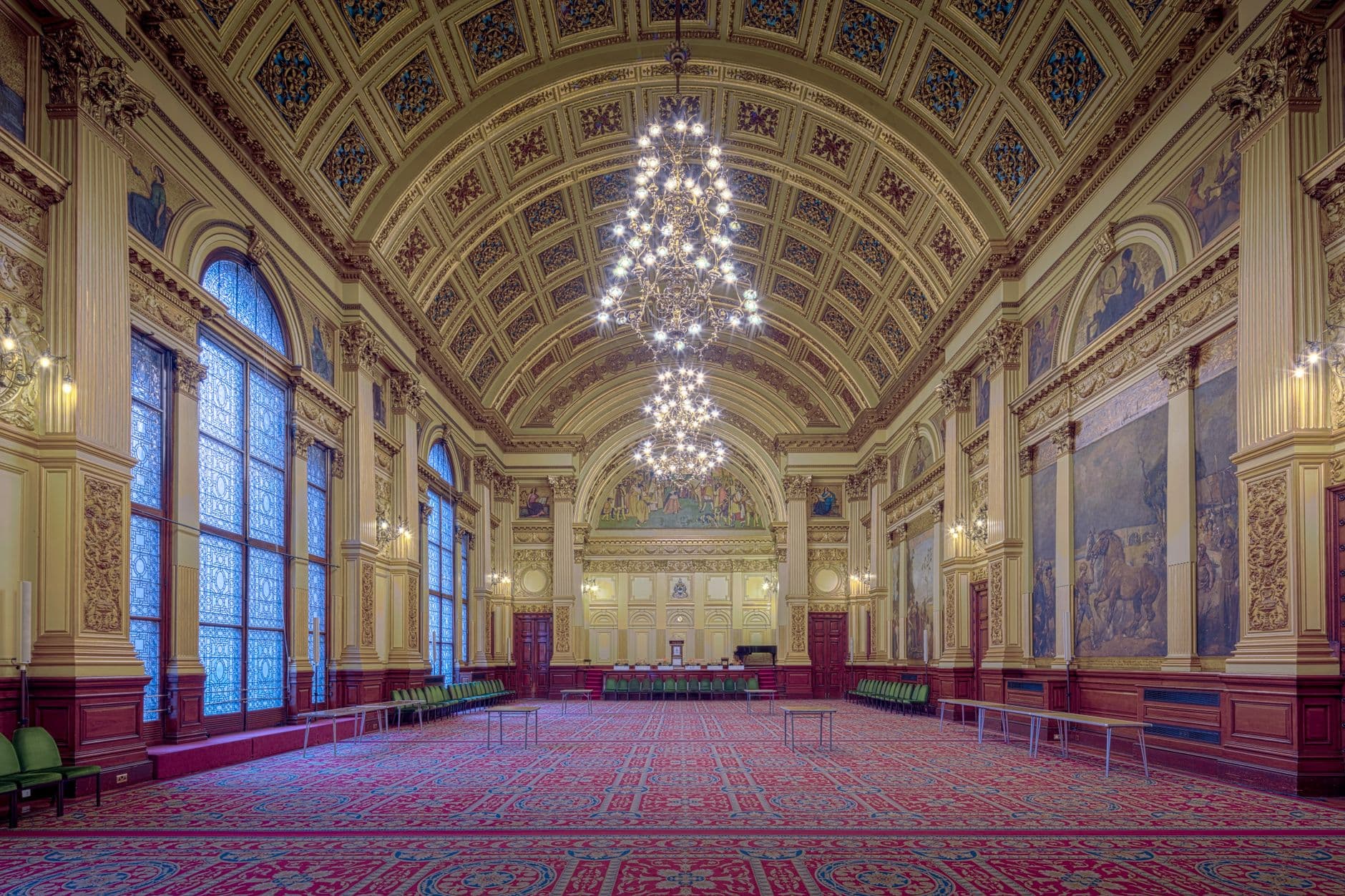
Picture this: a 55-inch screen next to the bar at a wedding reception. Photos are popping up as guests take them. Someone spots themselves mid-laugh during the toast and nudges the person next to them. Within twenty minutes, half the room is glancing at the screen between conversations.
That's a photo wall doing its job. But here's the decision most people skip over too quickly: should those photos cycle one at a time in a slideshow, or fill the screen all at once in a collage?
The answer changes the entire energy of the room. And getting it wrong means a gorgeous screen sitting there, half-ignored, while guests check their phones instead.
Two Modes, Two Completely Different Effects
A live photo wall can run in one of two display modes. Both show guest photos in real time on a TV or projector. Both pull from the same gallery. But the experience they create couldn't be more different.
Slideshow mode displays one photo at a time, full-screen, with smooth transitions. Each image gets its own moment. Think cinema. The audience watches together, reacts together. When a great candid appears, the whole room sees it at the same time. As one event design guide puts it, slideshows reduce "gallery fatigue" by curating the experience into digestible, focused moments rather than overwhelming viewers with everything at once.
Collage mode fills the screen with multiple photos simultaneously, arranged in a grid or mosaic pattern. New uploads push in from the edges. It's busier, more dynamic, more like a living scrapbook. Guests can walk up to the screen and spot their photo tucked between someone else's. The effect is communal rather than performative.
Neither is universally better. The right choice depends on your event type, your venue layout, and honestly, the vibe you're going for.
When Slideshow Mode Wins
Slideshows shine when you want focused attention. A single photo, filling the entire screen, carries emotional weight that a grid of thumbnails can't match. That candid of the bride wiping a tear during the best man's speech? Full-screen, it stops the room. Shrunk to a tile in a collage, it's just another rectangle.
Weddings lean heavily toward slideshow mode for exactly this reason. The ceremony, the toasts, the first dance: these are cinematic moments, and they deserve cinematic framing. If you're planning a wedding photo wall, slideshow is usually the default you want.
Slideshow also works better in larger venues where the screen is viewed from a distance. A collage of 12 photos on a 55-inch TV looks great from 3 meters. From 10 meters, it's a blur of color. A single full-screen image reads clearly from across the room.
Best placement for slideshow mode: behind the DJ booth, next to the dance floor, or near the bar. Anywhere guests naturally look up and linger. Avoid placing it behind the head table where only half the room can see it.
One more thing: if you're running photo challenges with example preview photos (think meme recreations, movie scene poses, or a photo roulette challenge), slideshow mode turns every submission into a punchline. The crowd sees the challenge result full-screen and the reaction is instant.
When Collage Mode Wins
Collage mode is for energy. It's for events where participation matters more than any single photo. Corporate team events, birthday parties, festivals, reunions: anywhere the goal is "get everyone involved" rather than "showcase beautiful moments."
The reason is psychological. A collage communicates volume. When guests see 12, 16, or 20 photos on screen simultaneously, it signals that lots of people are participating. That creates social proof. Nobody wants to be the only person uploading. But if the screen is already packed with photos, the barrier drops. Modern events have shifted from passive attendance to active participation, and a collage wall reinforces that shift visually.
Collage also works brilliantly for events with a leaderboard or gamification setup. When guests are competing to upload the most creative photos, seeing a wall filling up with submissions fuels the competition. It turns the screen into a scoreboard of participation.
For corporate events specifically, collage mode sidesteps an awkward problem: no one wants their solo selfie displayed full-screen at a work event. In a collage, every photo is one of many. Less spotlight, more collective energy.
See it in action
Photos land live on the big screen.
Collage Styles: Not All Grids Are Equal
If you go with collage mode, the next question is which layout style fits your event. Photogala offers five collage styles, and they create noticeably different aesthetics. If you've read the guide on choosing gallery layouts, the same principle applies here: the frame changes the feeling.
Uniform arranges photos in a clean, evenly-spaced grid. Think Instagram profile page. It's orderly and works well for corporate events or minimalist wedding themes. Polaroid adds white frames and a slight tilt to each photo, giving the display a vintage, scrapbook feel. Vintage pushes that further with warm tones and textured borders. Featured highlights the newest upload at a larger size while surrounding it with smaller tiles. And Justified packs photos edge-to-edge like a masonry wall, filling every pixel of the screen.
For a deeper dive into the visual differences, the article on mosaic and justified layouts breaks it down with screenshots.
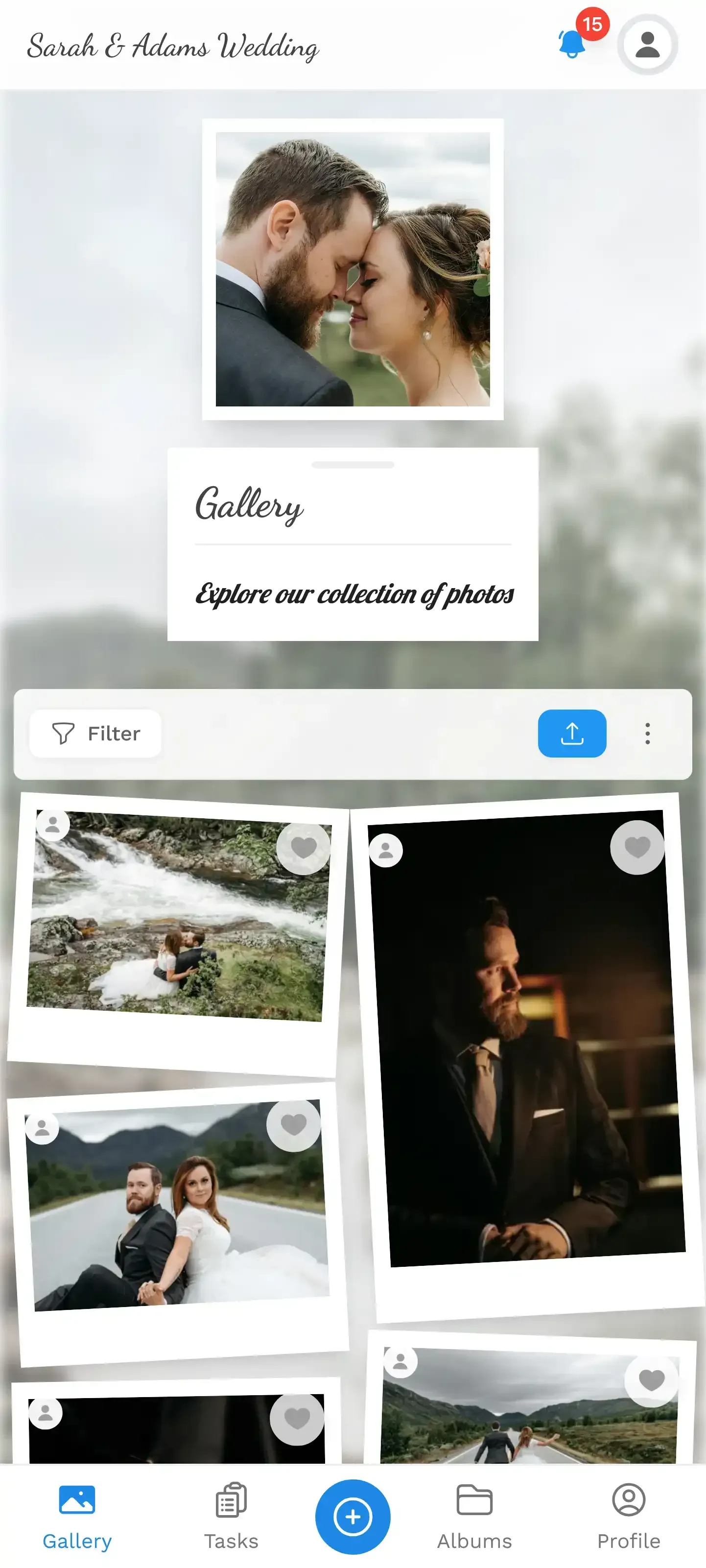
1.The photo wall in action: photos appear live as guests upload them
Live Overlays: The Detail Most People Miss
Here's a feature that's easy to overlook: the photo wall doesn't just show pictures. It can display live overlays on top of the photos. Likes popping up in real time. Achievement unlocks. Milestone notifications ("100th photo uploaded!"). These micro-animations turn a passive display into something guests actively watch for.
Imagine a 150-guest wedding where someone unlocks the "First to Upload 10 Photos" achievement. The notification flashes on the big screen. Three other guests see it and immediately start uploading faster. That kind of feedback loop is exactly how the gamification system drives engagement at real events.
Overlays work in both slideshow and collage modes. But they're especially effective in collage, where there's visual space for notifications to appear without covering the main content.
Setting It Up: 15 Minutes, No Tech Degree
The actual setup is the easy part. The hard part was deciding between slideshow and collage, and you've already done that.
Photo Wall Setup in 4 Steps
Create your gallery
Sign up, name your event, pick your branding colors. Takes about 2 minutes. You can start free with the demo plan.
Enable the photo wall
In gallery settings, turn on the photo wall and choose slideshow or collage mode. Pick your collage style if relevant.
Connect your screen
Open the photo wall URL on your TV, laptop, or projector. It works in any browser. Chrome on a smart TV, a laptop connected via HDMI, or AirPlay to an Apple TV all work.
Share the QR code
Print the QR code on table cards, display it at the entrance, or share the link. Guests scan and upload from their phones. No app install.
That's it. The photo wall is live. Photos appear on screen within seconds of upload. If you've enabled content moderation, each photo goes through an approval queue first, so nothing unexpected makes it to the big screen.
One practical note: the QR code upload flow is browser-based. No app download, no account creation for guests. That matters because every extra step loses people. A QR code on a table tent that opens directly to the upload screen is about as frictionless as it gets. For creative QR placement ideas, there's a whole guide on QR codes at restaurant and bar events that applies to any venue.
Placement Makes or Breaks It
Here's the honest truth about photo walls: a badly placed screen gets ignored no matter how beautiful the display is. Digital screens at events function as communication tools, and like any communication tool, they need to be where the audience actually is.
The best spots share two traits: high foot traffic and natural pause points. The bar, the dessert table, the lounge area, the hallway between the ceremony and reception rooms. The worst spot? A side room. Or behind a pillar. Or facing a wall of windows where glare washes out the screen.
For weddings, near the bar is almost always the right answer. Guests congregate there. They're relaxed, drink in hand, looking around. A photo wall in their line of sight becomes part of the atmosphere. For ideas on how to make the display itself part of your decor, check out the guide on photo display ideas for milestone celebrations.
For corporate events, put it in the main networking space, not the presentation room. People glance at screens during small talk, not during keynotes.
Screen size rule of thumb: For groups under 50, a 43-inch TV works fine. For 50-150 guests, go 55 inches. For 150+, consider a projector or multiple screens. Brightness matters too: if your venue has lots of natural light, a projector will struggle. A TV with 400+ nits handles daylight much better.
Can You Switch Mid-Event?
Yes. And honestly, this is the setup I'd recommend for longer events like all-day weddings or multi-day festivals.
Run slideshow during the emotional moments: ceremony, speeches, first dance. Switch to collage during the party: dinner, dancing, late-night mingling. You can change the display mode in the gallery settings without restarting the photo wall. The transition is instant.
For multi-day events like festivals, collage mode is better for daytime (lots of casual uploads from many people) while slideshow works for evening recap moments. The article on setting up photo sharing for multi-day festivals covers this in more detail.
The Honest Trade-Off
The photo wall requires a screen. That sounds obvious, but it means you need either a TV you own (or rent), a projector, or a venue that provides one. Photogala handles the software side, but it can't conjure hardware. For smaller events on a tight budget, sometimes a shared gallery on everyone's phones, without a big screen, is good enough.
The photo wall feature is included from the Plus plan (€39, one-time), which also covers unlimited photos and up to 25 videos. So the cost is the screen rental, not the software. If you're already spending thousands on a venue, adding a screen is a rounding error. For a casual backyard birthday, it might not be worth it.
That said, even without a dedicated screen, you can match your gallery's look to your event colors and customize the branding so the shared gallery on phones still feels cohesive and on-theme.
Quick Decision Framework
Slideshow vs Collage: When to Use Each
| Factor | Slideshow | Collage |
|---|---|---|
| Best event type | Weddings, galas, intimate dinners | Corporate events, parties, festivals |
| Emotional impact per photo | High (full-screen focus) | Lower (one of many) |
| Participation motivation | Moderate | High (social proof effect) |
| Viewing distance | Works from far away | Best within 5 meters |
| With gamification/challenges | Great for dramatic reveals | Great for volume competitions |
| With moderation | ||
| Guest count sweet spot | 50-200 | 30-500+ |
| Can switch mid-event |
The best photo walls don't just display photos. They change how guests behave at your event. People upload more when they see their photos on a big screen. They interact more when they're part of a visual story unfolding in real time. Whether you go with slideshow or collage, the screen becomes the social anchor of the room.
And that moment when someone spots their candid photo on a 55-inch screen and grabs the person next to them to look? That's worth the 15 minutes of setup.
All of this comes with your own event.
Setting it up takes five minutes. You can build and view everything before you decide.
Starting from €39 one-timeOne-time payment — No subscription
- No App Required
- Setup in 5 Minutes
- 30-Day Money Back
“We were really thrilled, and everything went so much more smoothly, from the seating plan all the way to the photo games! Simply great! Highly recommended!”
Written by

I believe event photos should be more than static galleries. They should be live, playful, and unforgettable.
Categories
Related Posts

Company Retreat Photo Sharing: How to Actually Keep the Memories
Most offsite photos die on individual phones. Here's how to collect, share, and actually use every photo from your next company retreat.

Neighborhood Block Party Photo Sharing: How to Turn 40 Strangers Into One Shared Album
Block parties create great photos — and zero way to share them. Here's how a QR code gallery turns your street into a connected community.

Why Upload Limits Ruin Event Galleries (and What Unlimited Actually Changes)
Upload caps at events create anxiety, reduce participation, and leave gaps in your photo collection. Here's what happens when you remove the ceiling.